• ペンタブレット
  • 液晶ペンタブレット
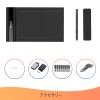
  • 付属品
x
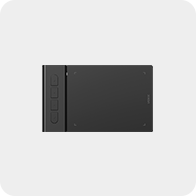
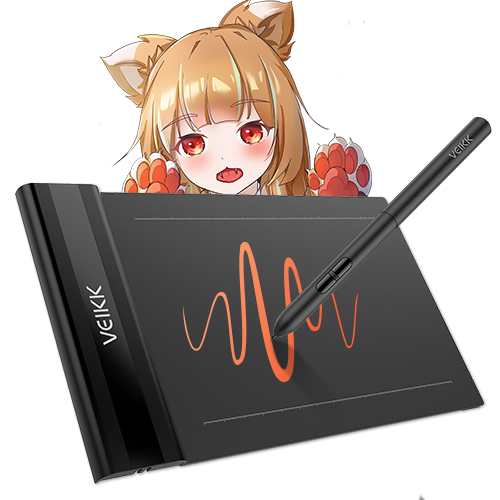
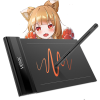
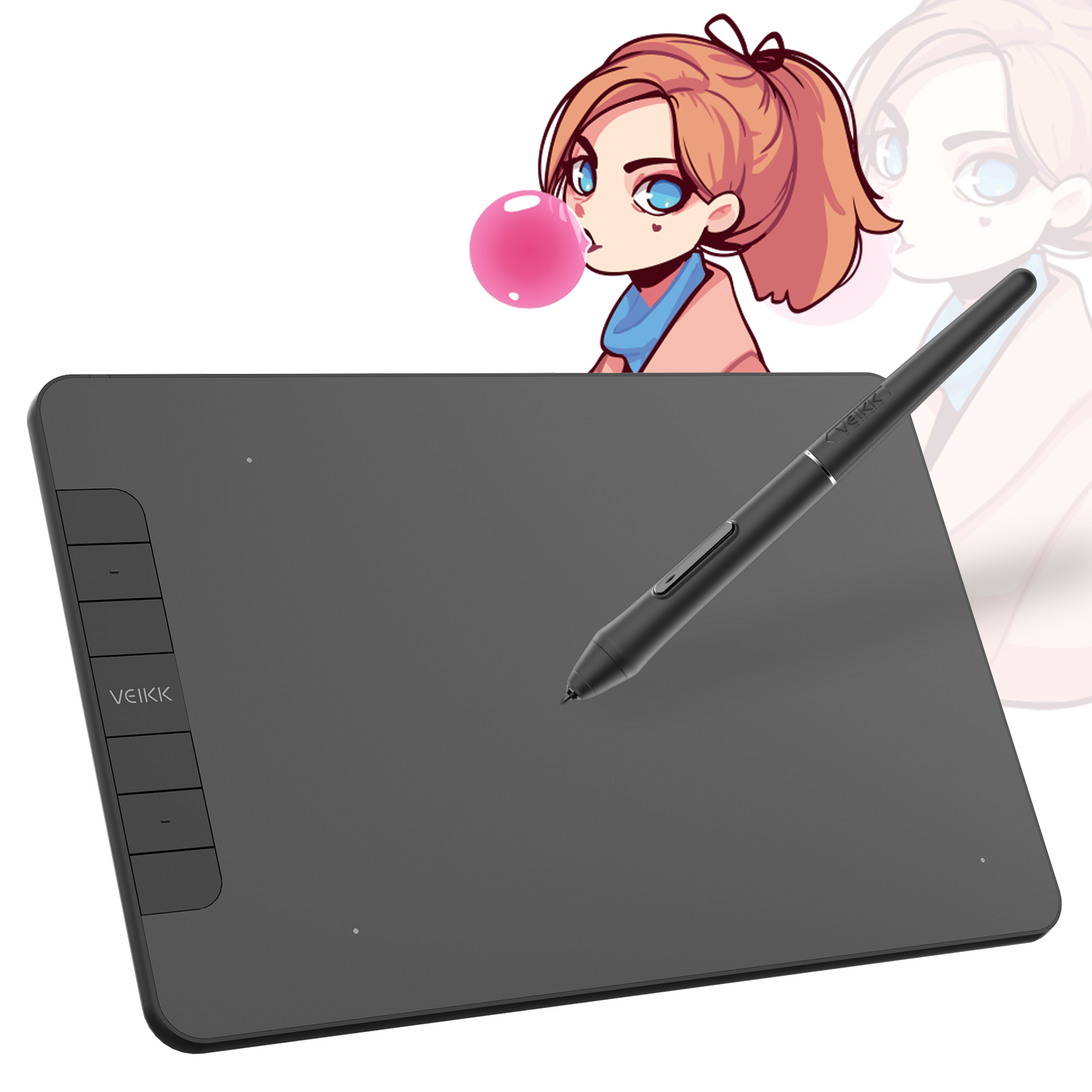
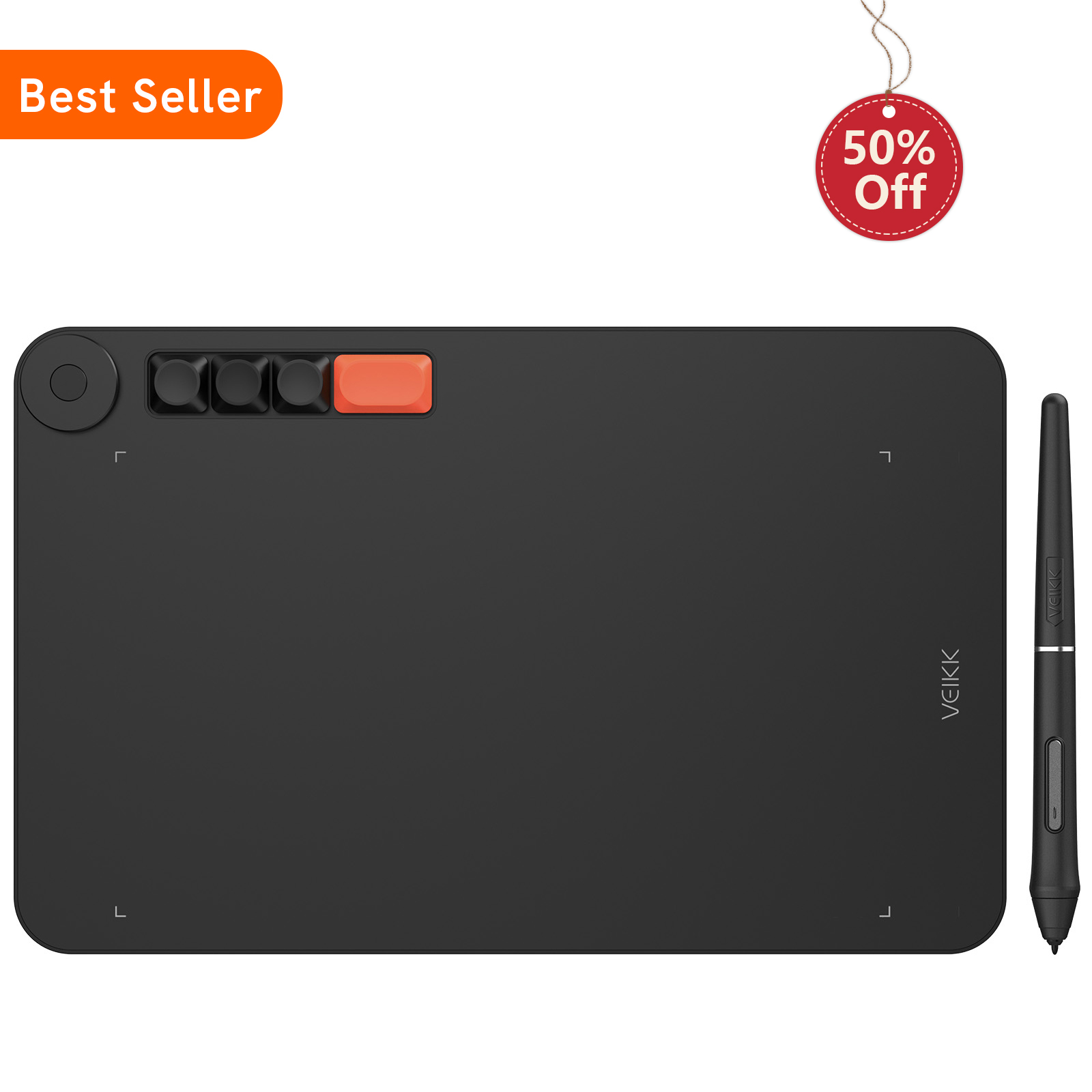
Creator Pop S640

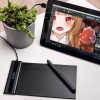
16384 レベルの筆圧感知と最大 290 PPS のポーリングレートを備えたこのタブレットは、日々の簡単なスケッチ、描画、写真編集、リモート会議でのメモ作成、osu!ゲームなど に最適なドローイングタブレットです。

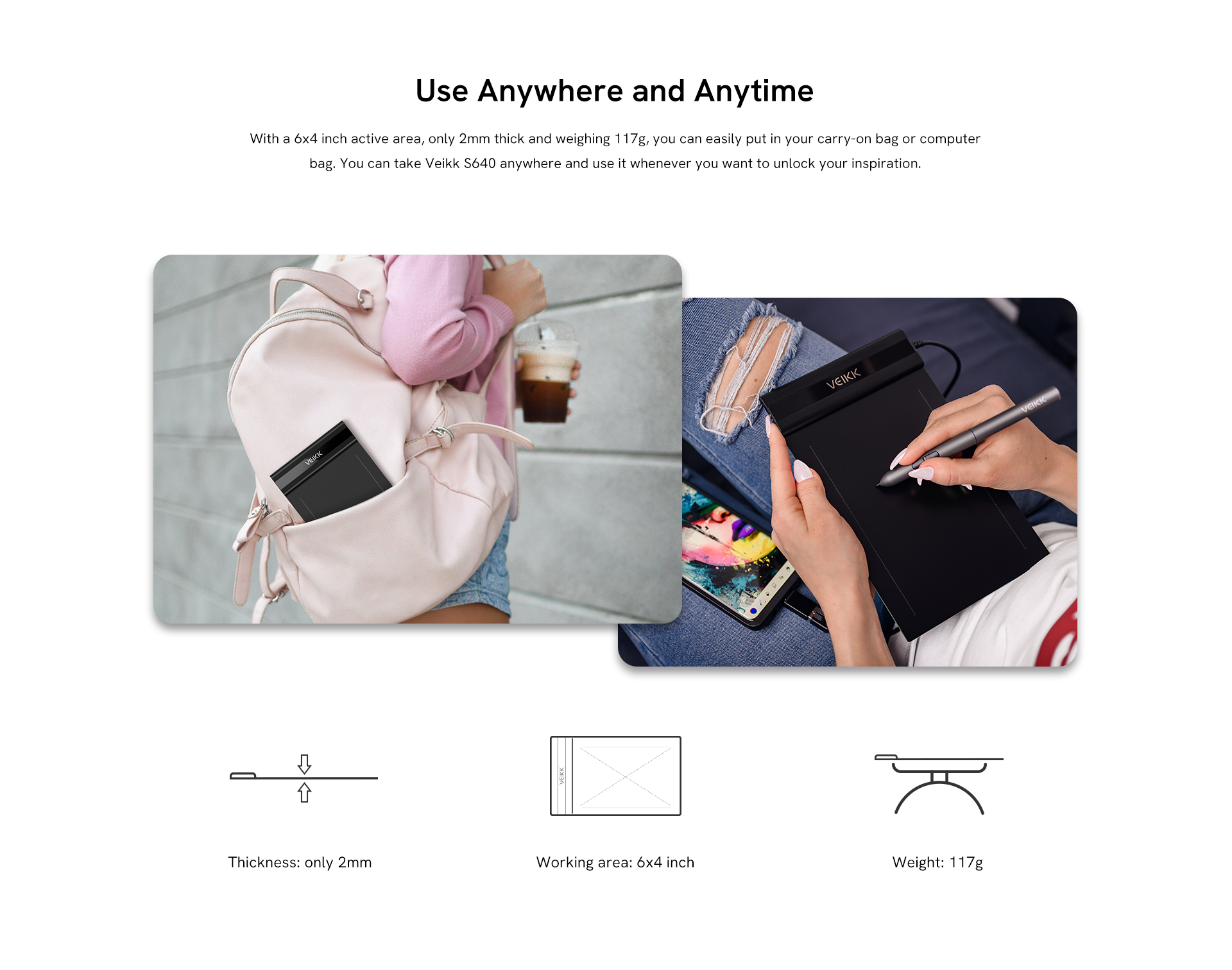
超スリムなデザインで持ち運びが便利: 6x4 インチの作業領域で、厚さ2mm、重さ 117g とスリムで軽量な設計のため、ノートパソコンケースやブリーフケースに簡単に収まり、外出先での持ち運びに便利です。描画、ペイント、スケッチ、書類へのサイン、アートワークの編集、インク、彫刻に最適です。いつでもどこでも創造性を発揮できます。

osu !用の設計: Veikk S640 デジタルグラフィックタブレットは、osu!ゲームプレイ の代替候補に最適なマウスです。右利きと左利きの両方に適しています。16384 レベルの筆圧感度、290 PPS のポーリングレート、5080LPI の解像度で、バッテリー不要のペンのため、バッテリーの充電や交換は必要ありません。一流のデバイスで、何にも邪魔されることなくosu! をプレイできます。

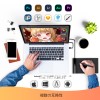
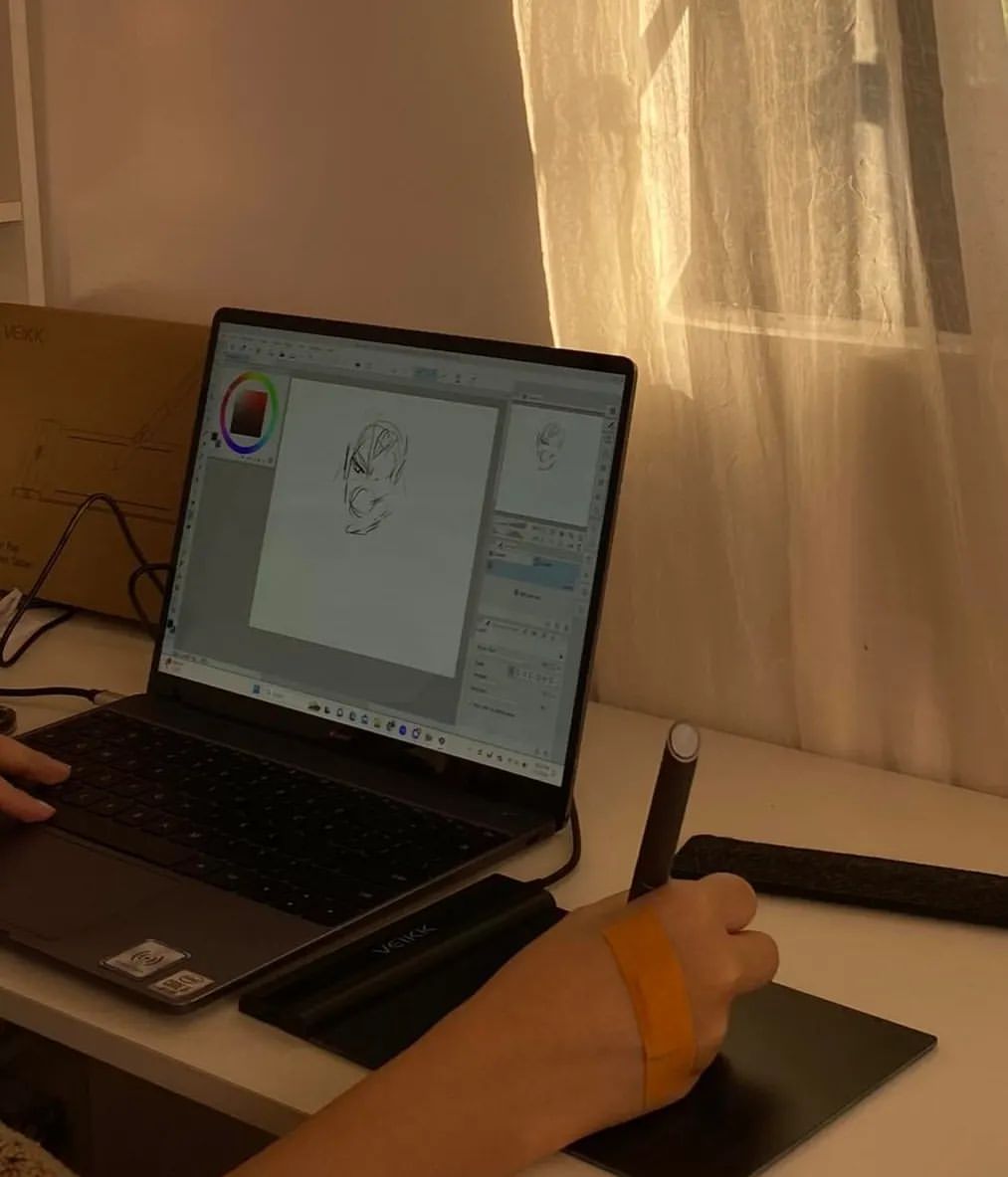
さまざまな分野で魅力を発揮: Veikk S640 アートタブレットは、Microsoft Office Word、Excel、PowerPoint、One Note などのオフィス ソフトウェアと互換性があります。デジタル描画、ペイント、スケッチ、NFT アート、電子サイン、Eラーニング、リモートワーク、写真編集などをサポートします。

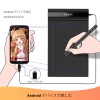
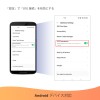
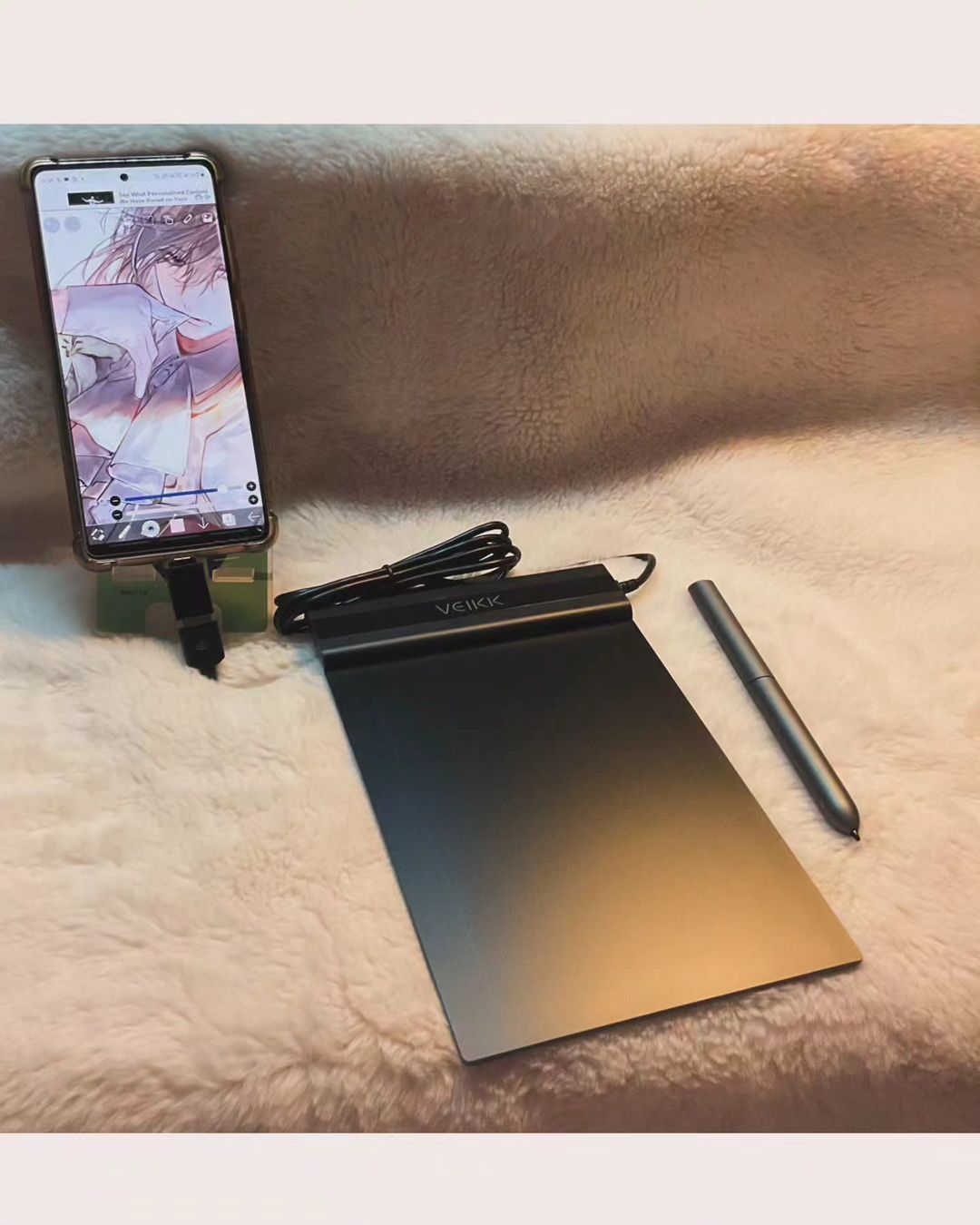
お気に入りのプラットフォームを選択: Veikk S640 ペンタブレットは、付属の OTG コネクタを介してWindows 7 以降、Mac OS 10.12 以降、Linux および Android 6.0 以降のデバイス (まず、AndroidのFAQを確認して、電話がサポートされているか確認してください) と互換性を持ちます。好きな働き方を選択し、ソーシャルメディアで自分を表現し、いつでもどこでも創造性を解き放つことができます。

幅広い用途: このスリムなドローイングタブレットは、Photoshop、SAI、Illustrator、Corel Painter、Clip Studio、SketchBook、MediBang、Zbrush、Krita、Gimp などのほとんどのソフトウェアに対応しています。24 か月の保証と生涯技術サポートを提供します。

さらに表示
(4.79) 製品体験を共有する
¥4,870
バンドル 1
1 ピース
1 ピース
パッケージ価格:¥5,878
買う
購入

Google Pay

あなたのビジネスのためにまとめて購入しますか?

お問い合わせ

配送と発送

標準

2-7 営業日、ほとんどの国で送料無料、一部の国では配送料がかかる場合があります。注文ページで確認してください


返品・交換

購入から 30 日以内は無料


保証

12ヶ月

仕様と詳細+

寸法: 218 x 130 x 9mm

モデル: S640

作業エリア: 6"x 4"

レポートレート: 290 PPS

解像度: 5080 LPI

ペン: P05

筆圧レベル: 16384

伝送距離: 10mm

傾き検知機能: 60°

互換性: Windows 11/10/8/7, Mac OS 10.12 (またはそれ以降), Linux(Ubuntu/elementary OS/Pop!OS/ezgo/debian/mint/mageia/centOS/Arch), Android 6.0 (またはそれ以降)

保証情報: 12ヶ月

箱の中に+

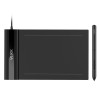
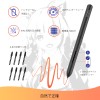
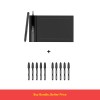
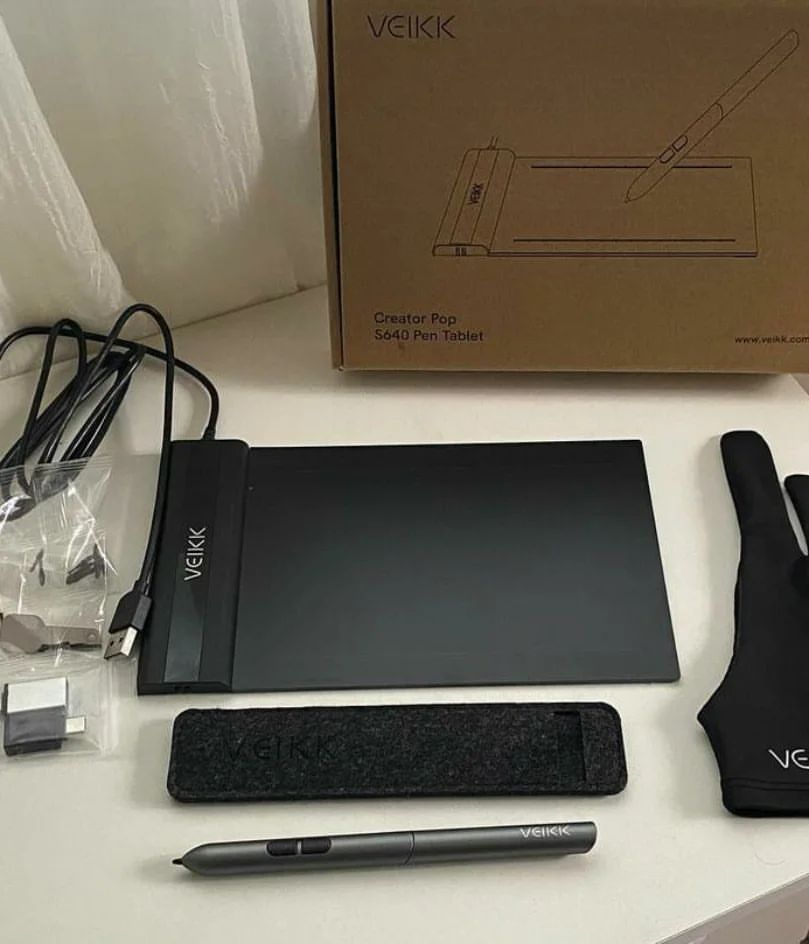
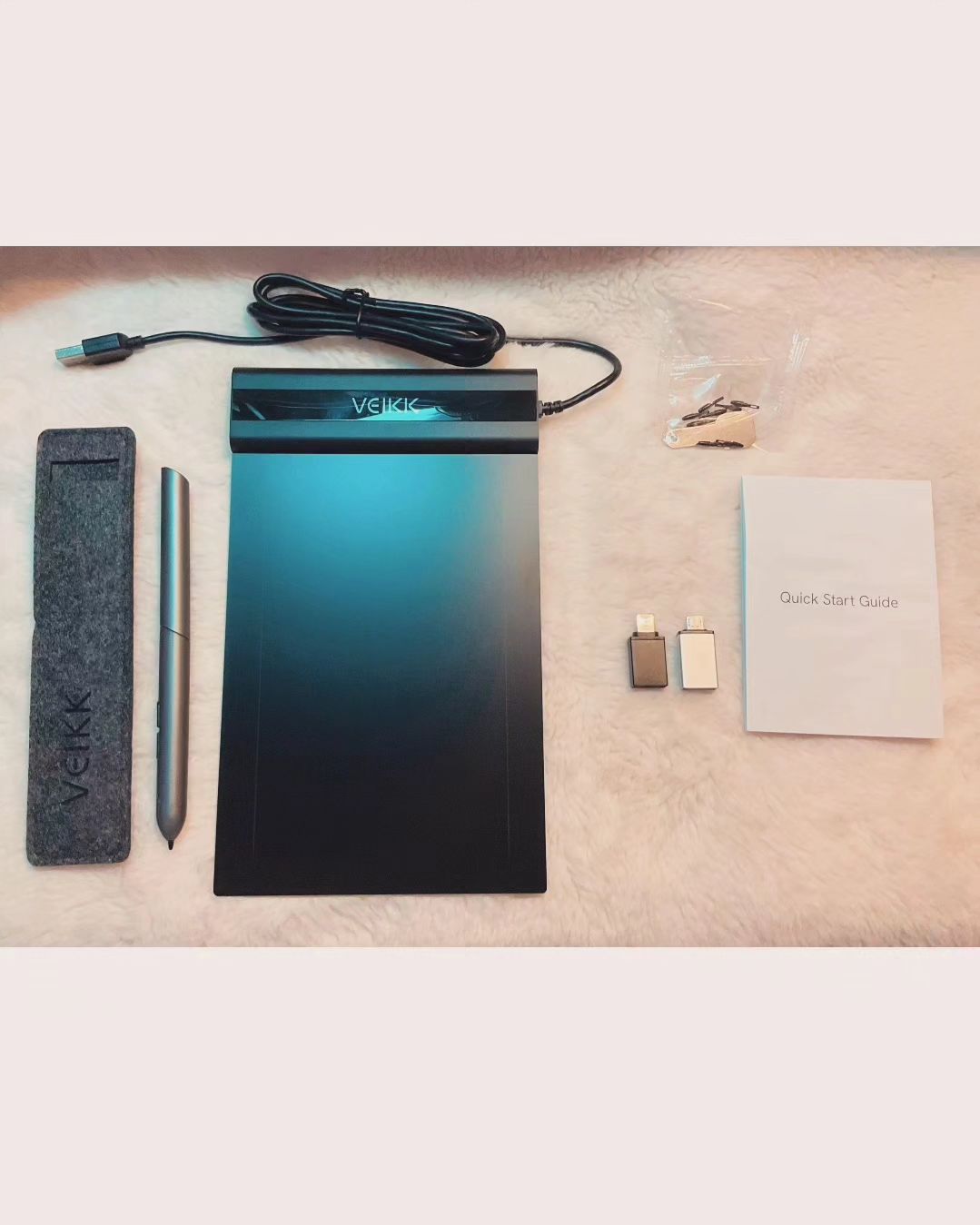
1 x S640 ペンタブレット

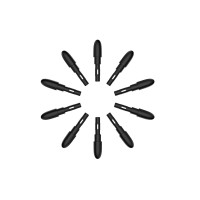
8 x ペン先

1 x P05 バッテリーフリーペン

1 x ペン先抽出器

1 x クイックスタートガイド

2 x OTGコネクタ

Creator Pop S640
スリムなだけじゃない、誰にも止められない
クリエイティブな旅の始まりをシンプルに
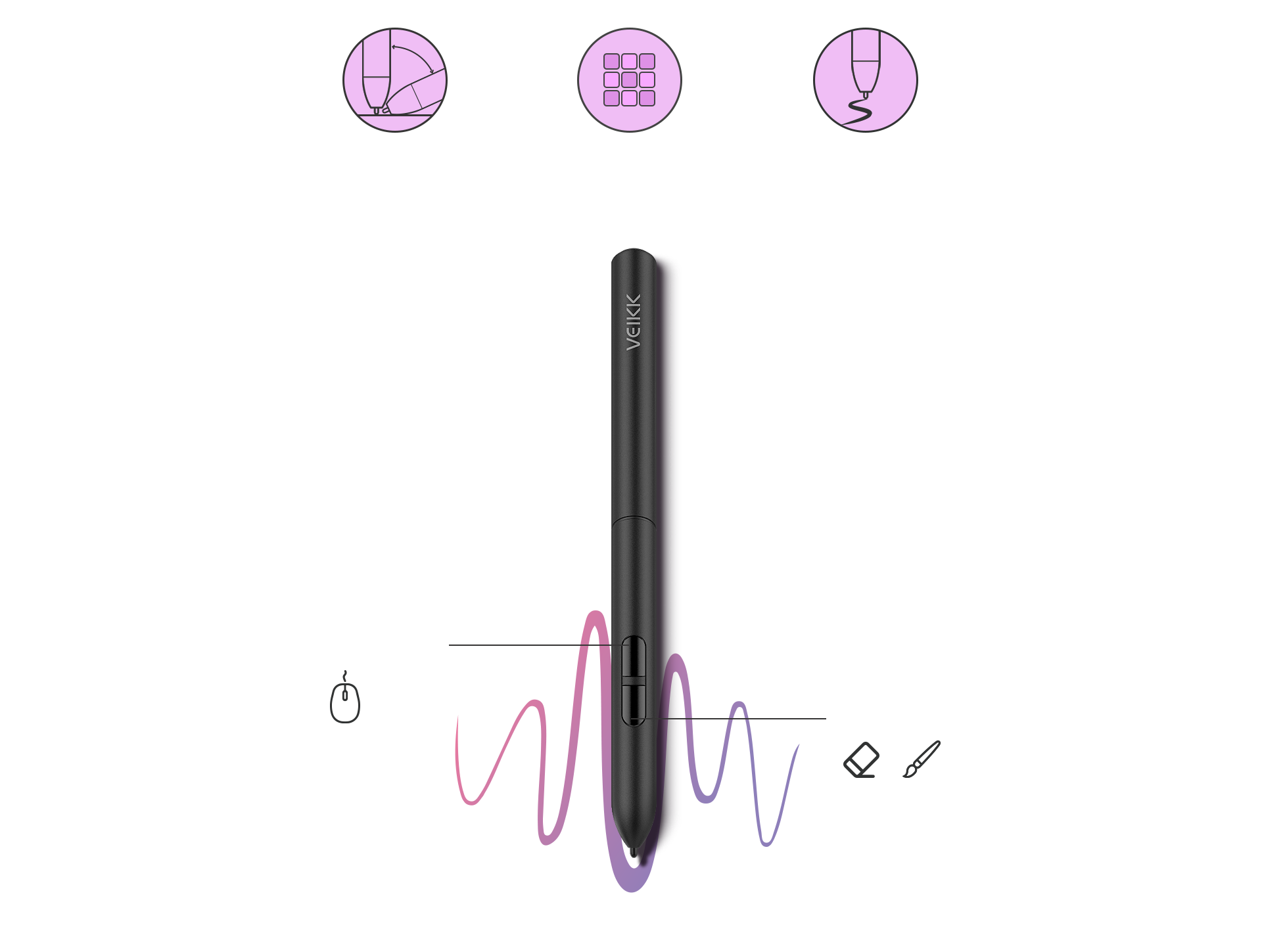
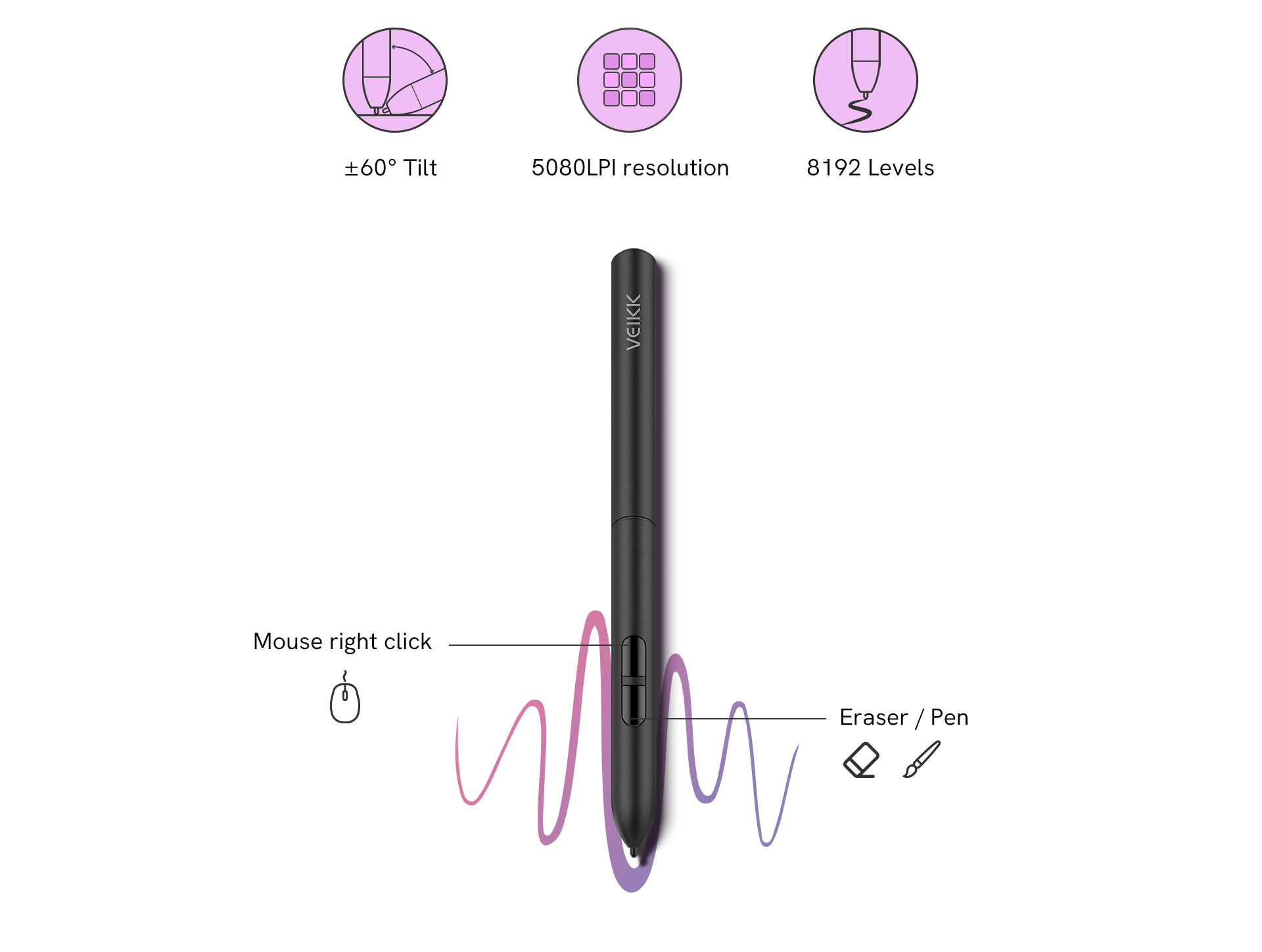
Veikk S640には、8192レベルの筆圧感知機能と60°の傾斜機能を備わり、細い線から太い線への移行が、あなたのコントロールでスムーズかつ正確に。ペンの感度と筆圧設定は、マウスやトラックパッドの代わりにスタイラスを使用する動きの自由度と相まって、より正確な変更を可能にします。写真編集、スケッチ、シェーディング、そしてスタイライズされた絵画の作成に適しています。
±60° 傾斜
5080LPI に決心させる
8192 水平
右クリック
消しゴム/ペン
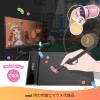
osu! ゲーム体験の向上
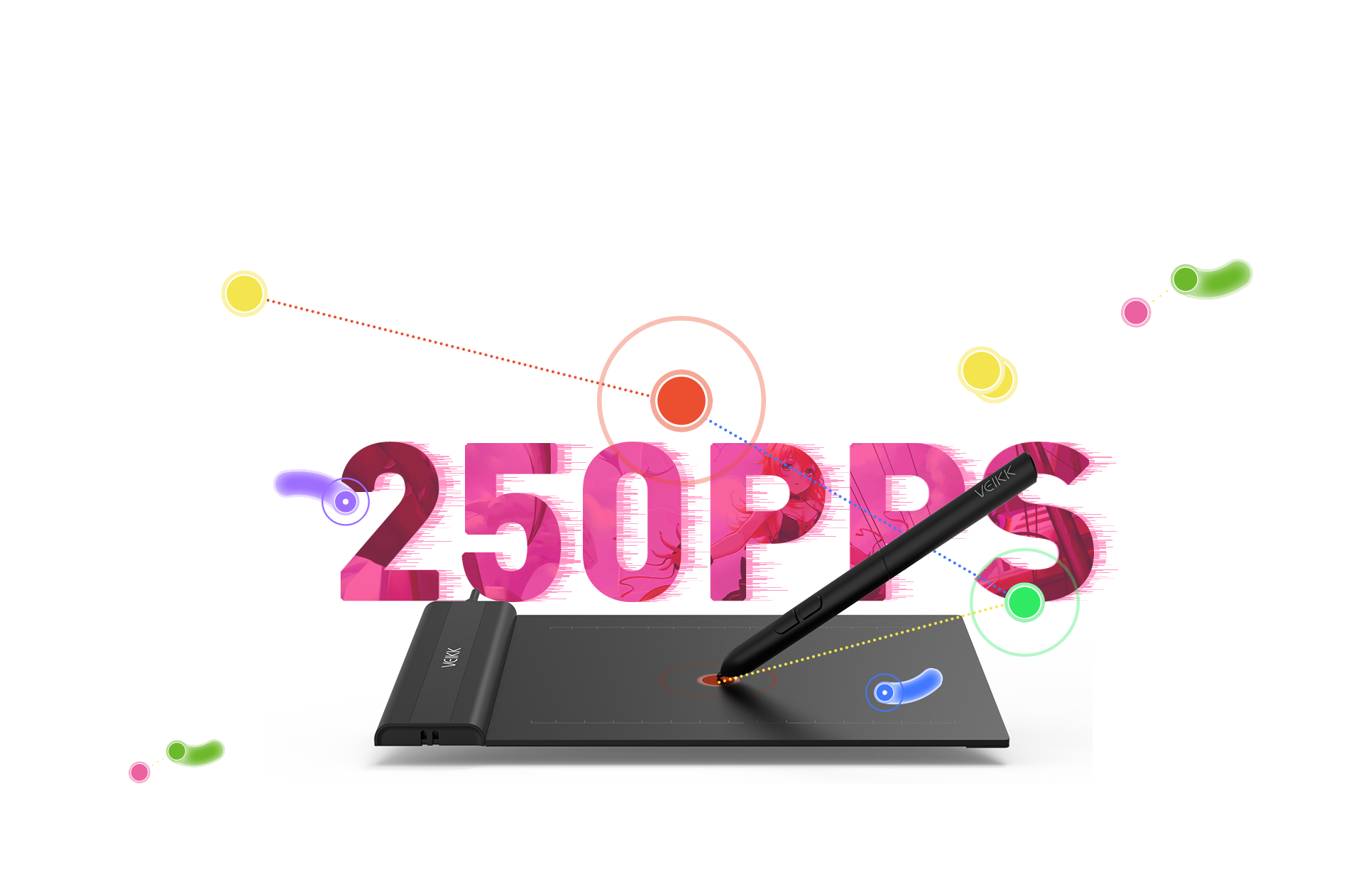
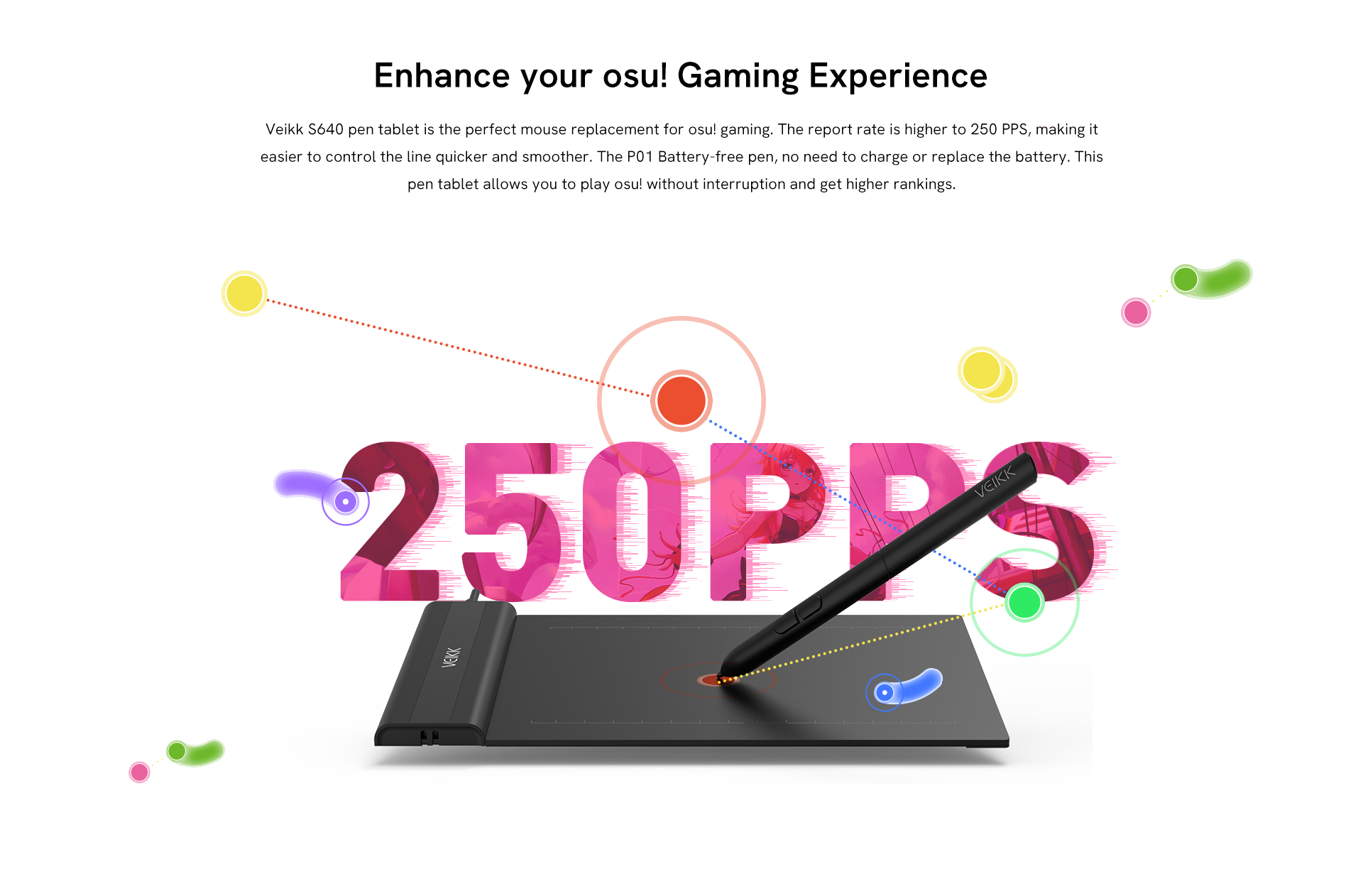
Veikk S640ペンタブレットは、osu!ゲーミングに最適なマウス代替品です。ポーリングレートが250PPSと高く、より早くスムーズにラインをコントロールできるようになっています。電池不要のペン「P01」は充電や電池交換が必要ありません。このペンタブレットを使えば、osu!を中断することなくプレイでき、より高いランキングを目指すことができます。
いつでもどこでも
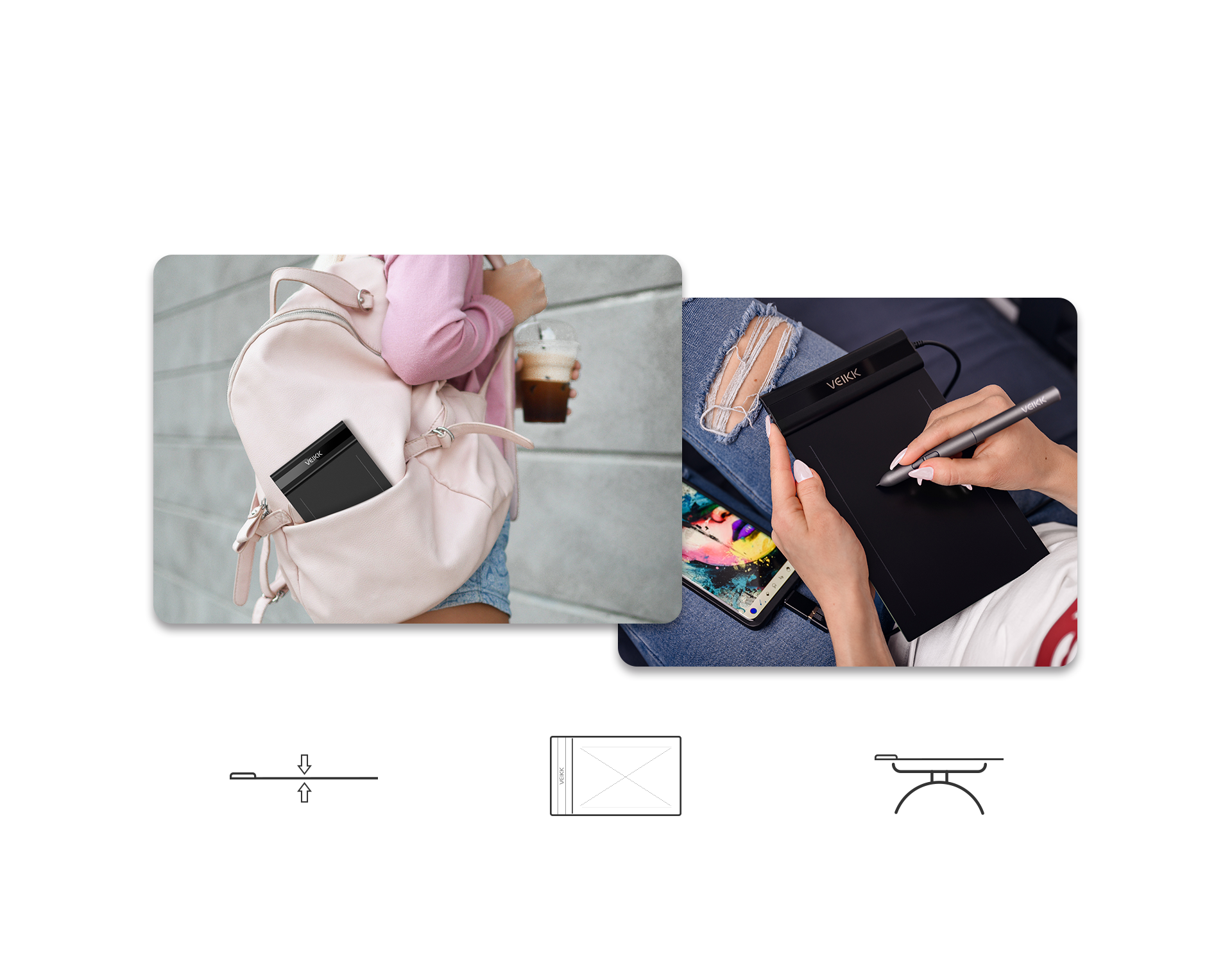
6x4 インチの作業領域で、厚さ2mm、重さ 117g とスリムで軽量な設計のため、ノートパソコンケースやブリーフケースに簡単に収まります。いつでもどこでもVeikk S640をを持ち運び、好きな時に使ってインスピレーションを爆発させましょう。
厚さ:わずか2 mm
作業面積:6 x 4インチ
重量:117 g
まざまなフィールドで魅力たっぷり
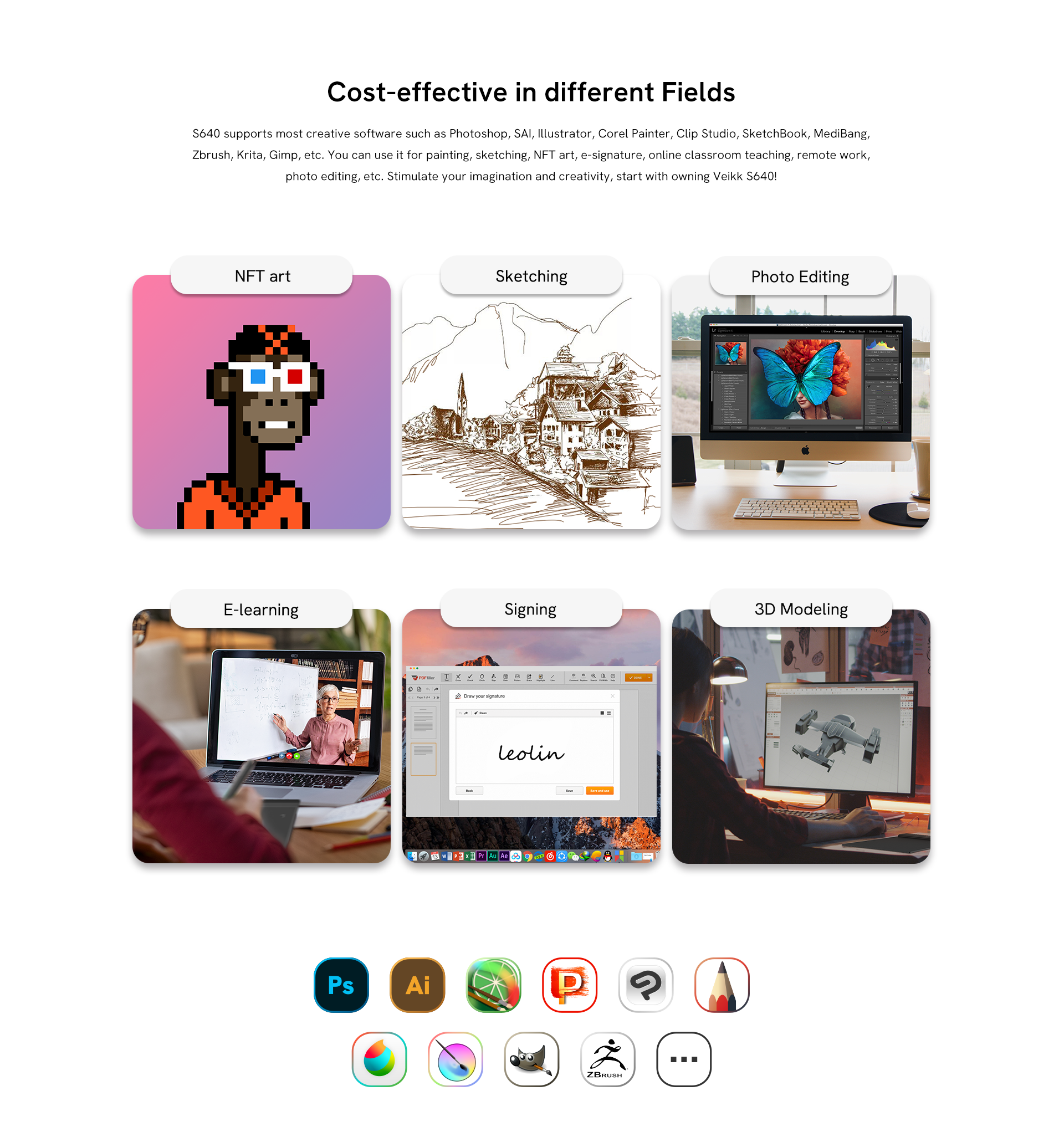
Windows 7以上、macOS 10.12以上、OTGコネクタを通じてAndroid 6.0以上、Linuxに対応しています。S640は、Photoshop、SAI、Illustrator、Corel Painter、Clip Studio、SketchBook、MediBang、Zbrush、Krita、Gimpなど、主要なデジタルソフトウェアに対応しています。絵画、スケッチ、電子サイン、オンライン授業、リモートワーク、写真編集などに活用できます。Veikk S640であなたの創造力を広げてみませんか!
NFTタイプ
スケッチ描画
写真の編集
eラーニング
サインオフ
3 Dモデリング
より多くの可能性を追求する幅広い互換性
Windows 7 以上、macOS 10.12以上、OTGコネクタ経由でAndroid 6.0以上(まず、AndroidFAQを確認して、電話がサポートされているか確認してください)、Linuxに対応しているVeikk S640は、自宅でも外出先でもあなたのクリエイティビティのよきパートナーとなる、完成度の高いデジタルタブレットであるといえるでしょう! またSNSで思う存分自分を表現することもできちゃいます。
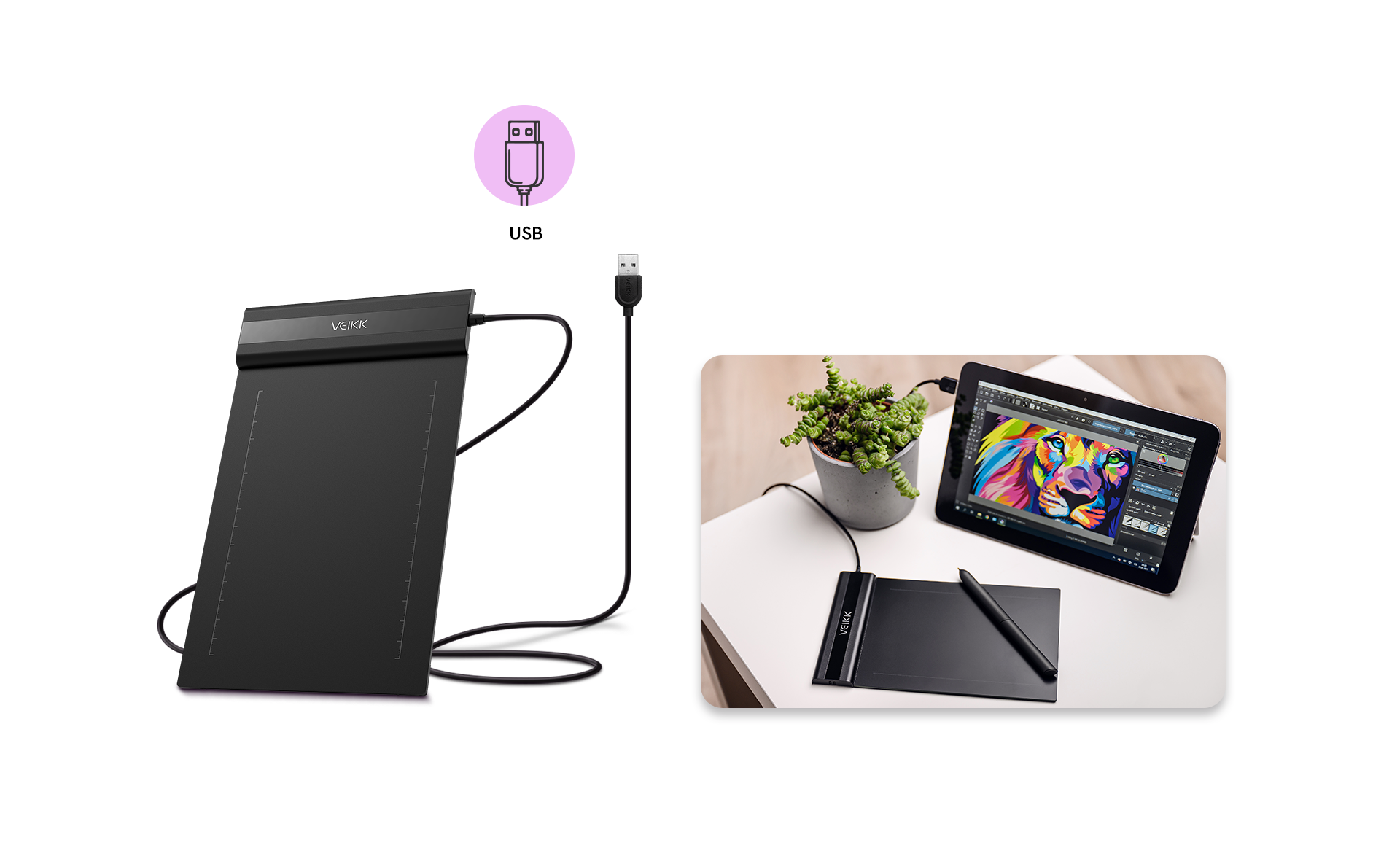
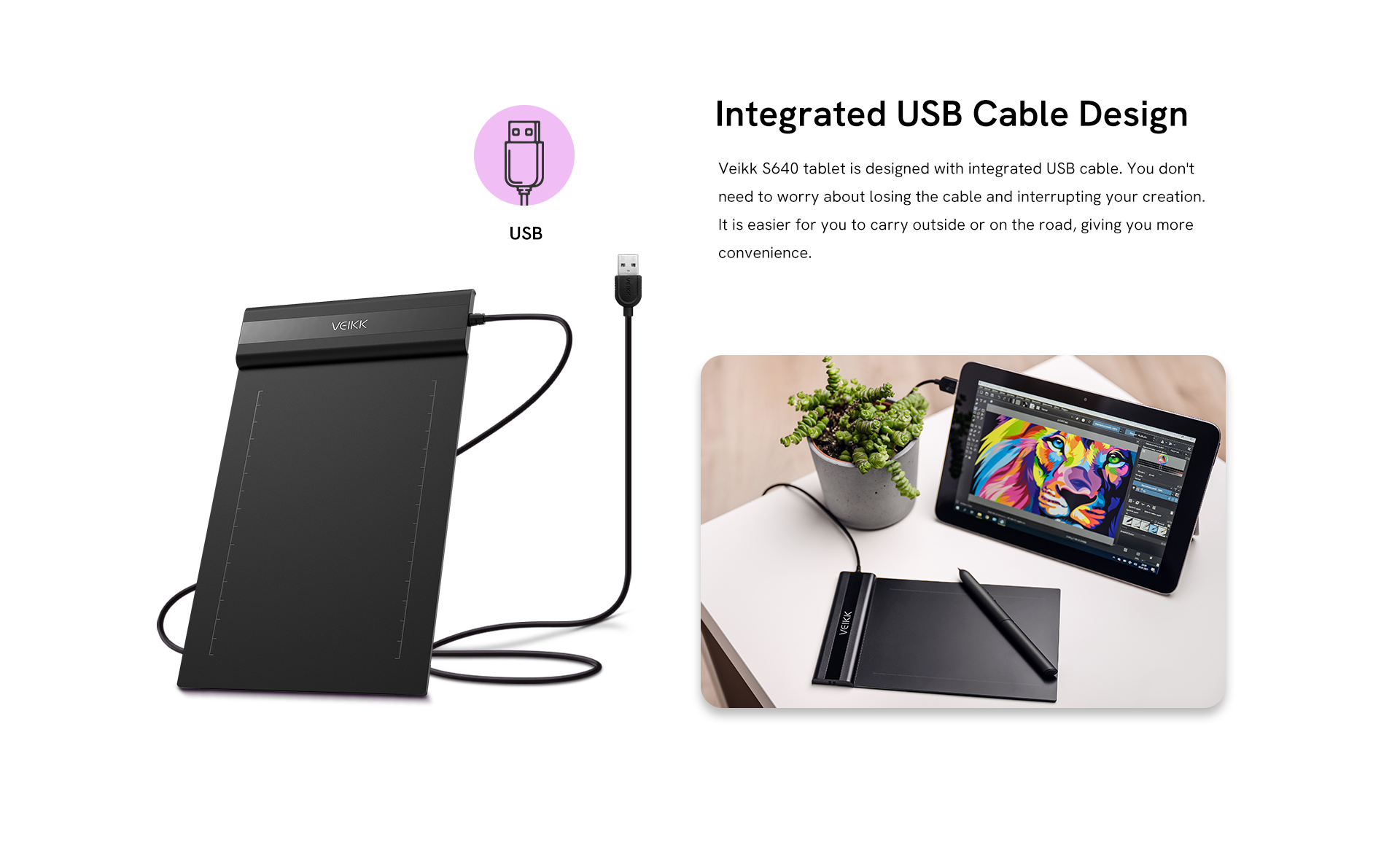
USBケーブル一体型デザイン
VEIKK S640タブレットは、USBケーブルが一体化したデザインです。ケーブルを紛失して制作が中断にる心配がなく、屋外や外出先への持ち運びも簡単で、より便利に使用できるようになっています。
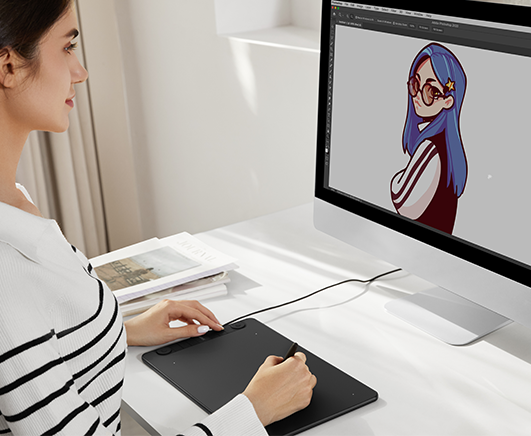
ペンタブレットを使ってみましょう
おすすめの商品

Creator Pop VK430

Creator VK640

Voila L

カスタマーレビュー
4.79 から星 5 まで

4.79 評価 | 72 レビュー

1.Priya Nair on 2024-03-18
Support team replied faster than I expected when I had questions about driver installation. That made the experience much better.
2.Stephanie G. on 2024-03-04
Quality of work: good,xcellent system performance!
3.Emily Carter on 2024-01-18
"I recently bought this tablet to replace a Wacom tablet I had been borrowing for school, and honestly, I’ve really enjoyed using it. Here’s my experience: PHYSICAL: This tablet is definitely on the smaller side, and it’s also very thin, so at first it feels a little more delicate compared to a similar-sized Wacom tablet. That said, the pen actually feels much sturdier. The barrel is comfortable to hold, and both the pen body and nib feel solid enough that you can press naturally without worrying about breaking anything. SETUP: Setup was much easier than I expected. After downloading the driver and finishing the basic installation, I pretty much just plugged it in and it worked. No extra complicated steps, which was a huge plus. If you use programs like Clip Studio Paint, you may want to adjust the pen pressure settings a little to match your own drawing style, but that’s pretty normal with any tablet. USAGE: The actual drawing experience was really smooth and easy to get used to. The tablet surface has a smooth, almost glass-like texture, so if you’re used to the more paper-like feel of a Wacom tablet, it might take a little adjustment. The pen tracks accurately, doesn’t skip around much, and overall feels very responsive. I’d say it’s easily comparable to a Wacom Intuos, which costs a lot more. The biggest difference is that this VEIKK tablet doesn’t have shortcut buttons on the tablet itself, but personally, I never used those much anyway, so it wasn’t an issue for me. There are a couple small things to mention: the pen can be a little picky with double-clicking and works best when held almost straight up, and sometimes the driver software pops up randomly, but it’s not a big problem since you can just close it quickly. Mac users may also need a few extra setup steps, but VEIKK’s website explains that pretty clearly. Overall, the experience has been really smooth and comfortable. It was easy to adjust to, works reliably, and feels like a great value compared to more expensive brands. "
4.qozdk-Artist on 2024-01-15
It was very easy to use, I just installed the driver and already started sketching a lot with this. The tablet is only $28.99 so if you're on a budget and you're looking for a good tablet to start digital art, this is a good choice. You can also change the shortcut buttons on the pen and calibrate the pen pressure to your liking. I'm also really glad the tablet had everything I needed: - tablet (Dimension: 218 x 130 x 9 mm and Working Area: 6x 4 inch) - pen and pen case - artist glove - a lot of nib replacements!! - USB to type C connector - USB to Micro SD connector Which btw, was very useful to me because my laptop can only connect Type C and I didn't have to look for a connector in order for me to use it.
5.wolf_james_cameron-Artist on 2024-01-14
If you only have a smartphone at home but still want to create artwork, I highly recommend using this graphics tablet!