x
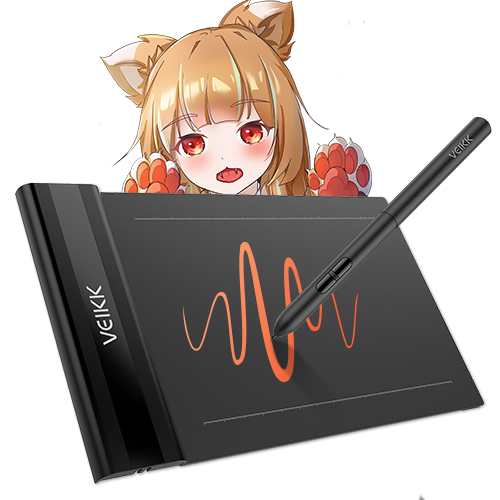
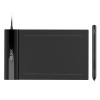
Creator Pop S640

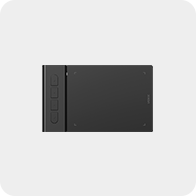
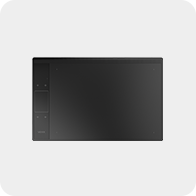
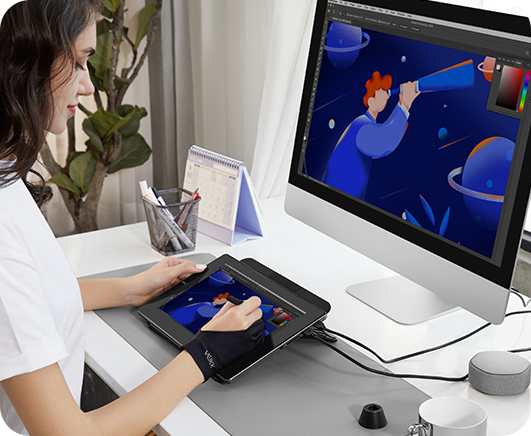
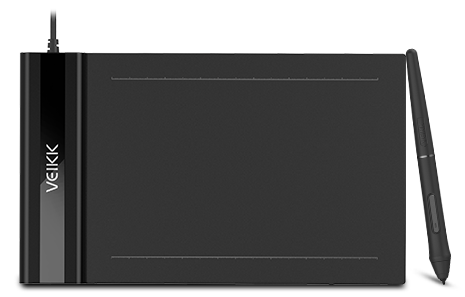
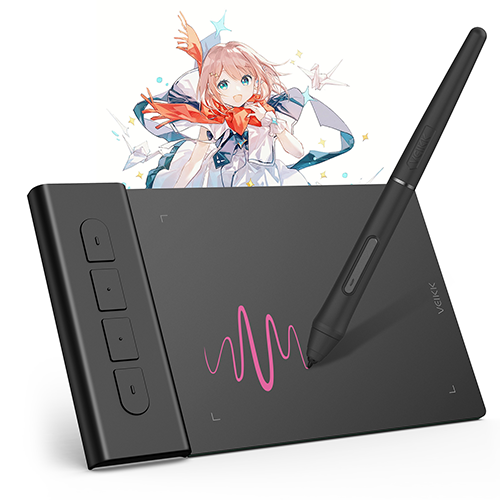
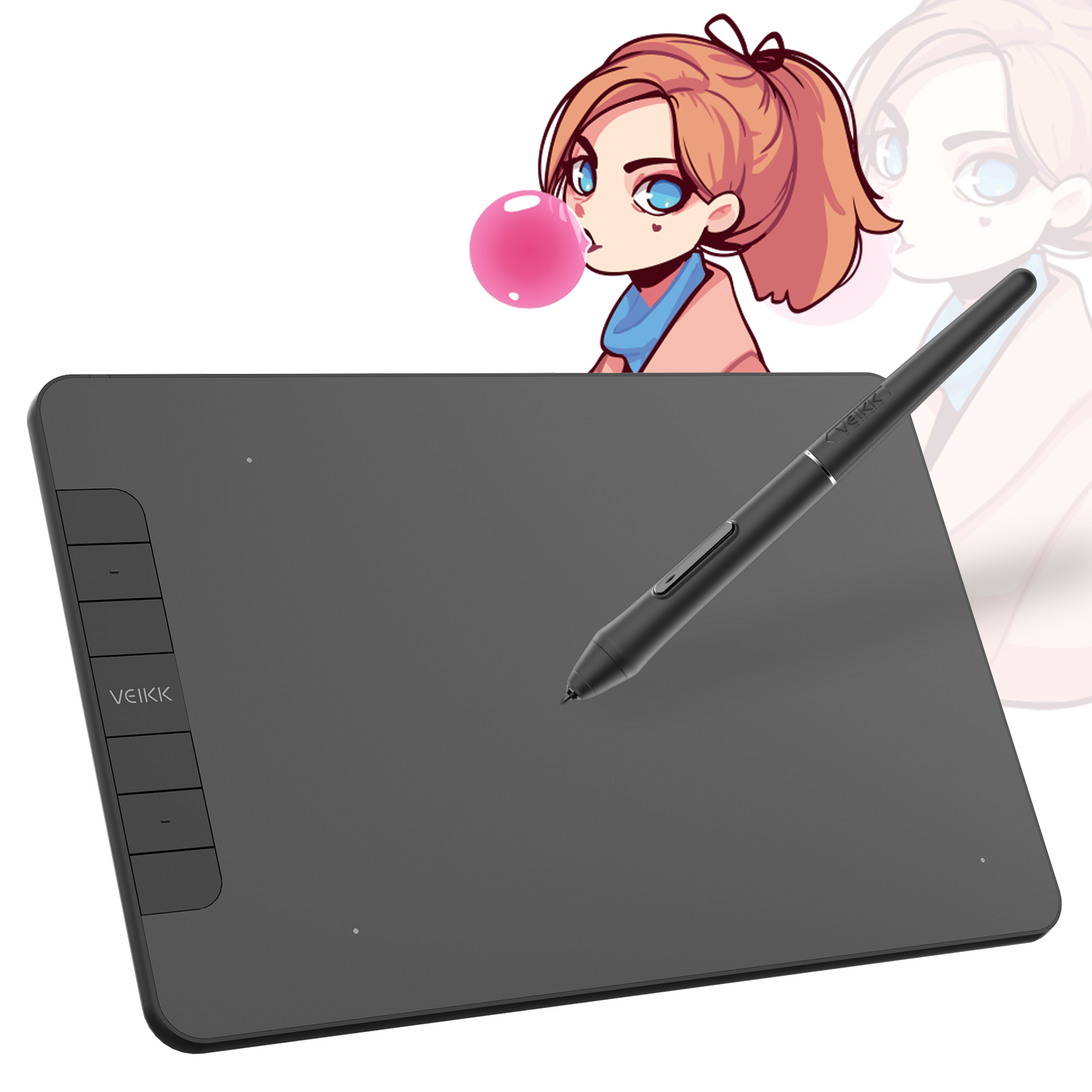
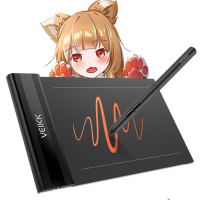
With 16384 levels of pressure sensitivity and up to 290 PPS reporting rate, it is the perfect drawing tablet for simple daily sketching, drawing, photo editing, taking note on remote meeting and osu!, valorant gaming.

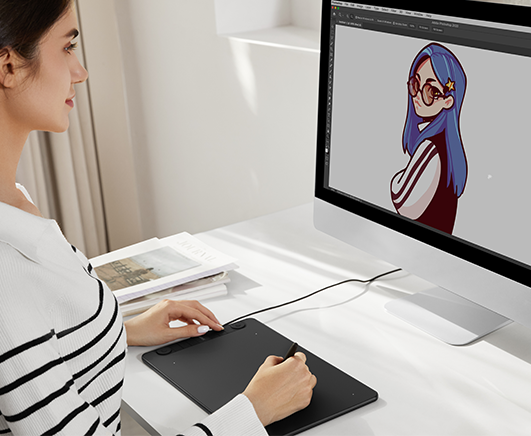
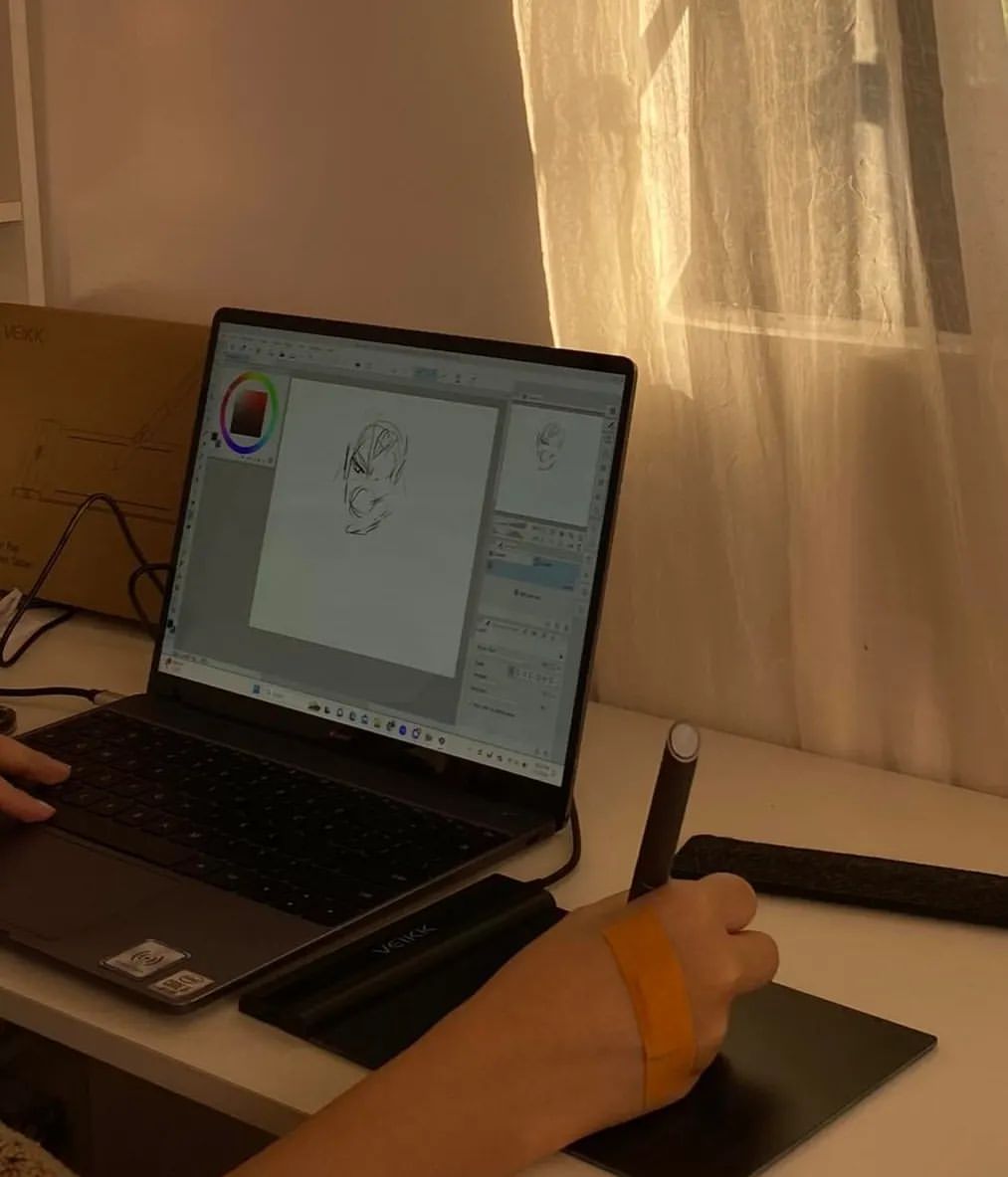
Ultra-Slim Design, Easy Carry: 6x4 inch active area, 2mm thickness and 117g weight make it sleek and lightweight to easily fit into a laptop case or in a briefcase, convenient to carry with you on the go. Perfect for drawing, painting, sketching, document signing, artwork editing, inking, and sculpturing. You can free up your creativity almost anywhere.

Designed for osu!: VEIKK S640 digital graphics tablet is a perfect mouse replacement for osu! gameplay, suitable for both left and right-hander. With 16384 level pressure sensitivity, 290 PPS Report Rate, 5080LPI Resolution, the Battery-free pen, no need to charge or replace the battery. These top-notch equipment allows you to play osu! continuously without interruption! 

Exude Charm in Different Fields: VEIKK S640 art tablet is well compatible with office software like Microsoft Office Word, Excel, PowerPoint, and One Note. It supports digital drawing, painting, sketching, NFT art, e-signature, e-learning, remote work, photo editing and more.

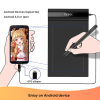
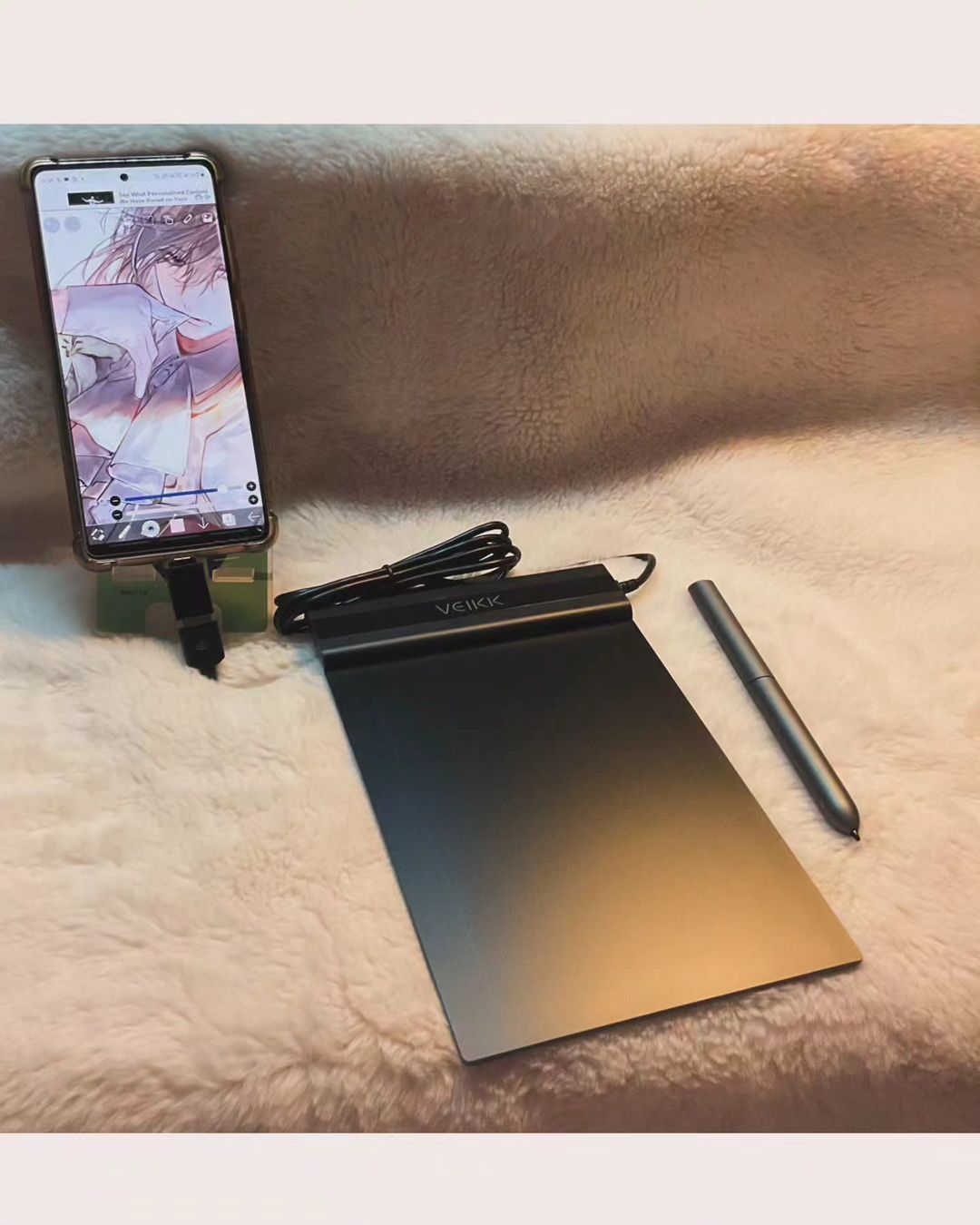
Choose Your Favorite Platform: VEIKK S640 pen tablet is compatible with Windows 7 or later, macOS 10.12 or later, Linux and Android 6.0 or later phone (Check Android FAQs first to see if your phone supported) via the OTG connector provided, you can choose the way you prefer to work, and express yourself on social media, unleash your creativity wherever and whenever you want.

Widely Application: This slim drawing tablet supports most software such as Photoshop, SAI, Illustrator, Corel Painter, Clip Studio, SketchBook, MediBang, Zbrush, Krita, Gimp, etc. We provide 24 months warranty and lifetime technical support.

Learn More
(4.79) Share your product experience
USD$28.99
Bundle 1
Bundle price:USD$34.99
Buy
Buy

Google Pay

Buying in bulk for your business?

Contact us

Shipping and Delivery

Standard Shipping
5-20 business days

Expedited Shipping

3-7 business days

Returns/exchanges
Free within 30 days of your purchase

Warranty
12 months

Specs & Details+

Dimension: 218 x 130 x 9mm

Model: S640

Working Area: 6"x 4"

Report rate: 290 PPS

Resolution: 5080 LPI

Pen: P05

Pressure Sensitivity: 16384

Reading Height: 10mm

Tilt: 60°

Compatibility: Windows 11/10/8/7, Mac OS 10.12 (or later), Linux(Ubuntu/elementary OS/Pop!OS/ezgo/debian/mint/mageia/centOS/Arch), Android 6.0 (or later)

Warranty: 12-month

In the Box+

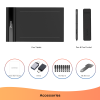
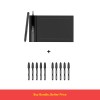
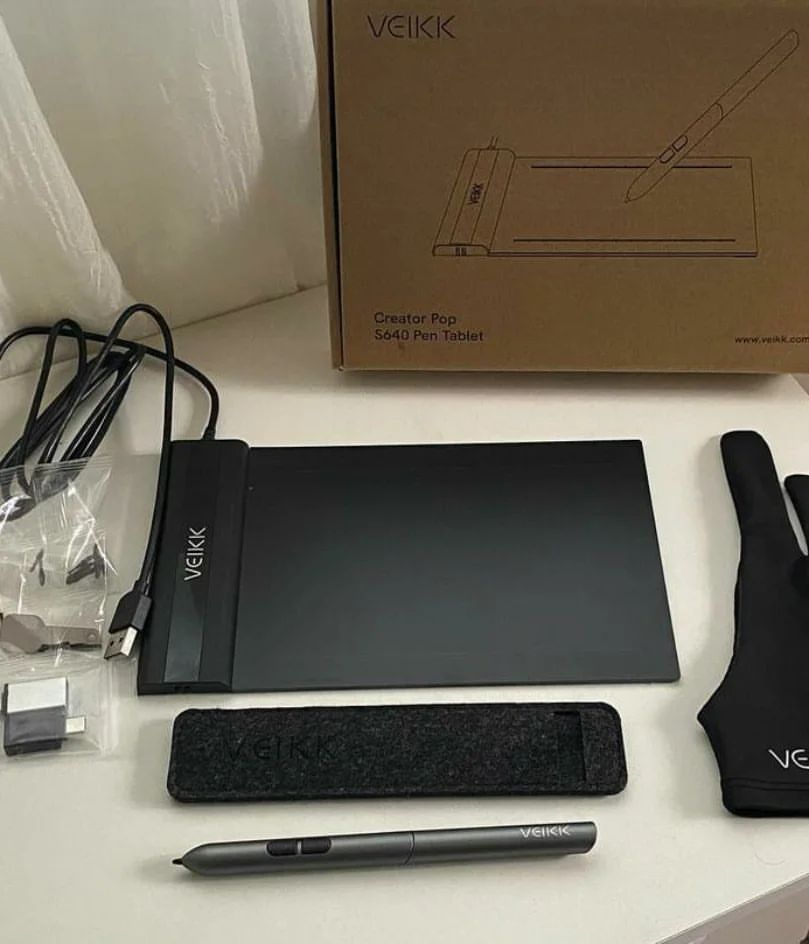
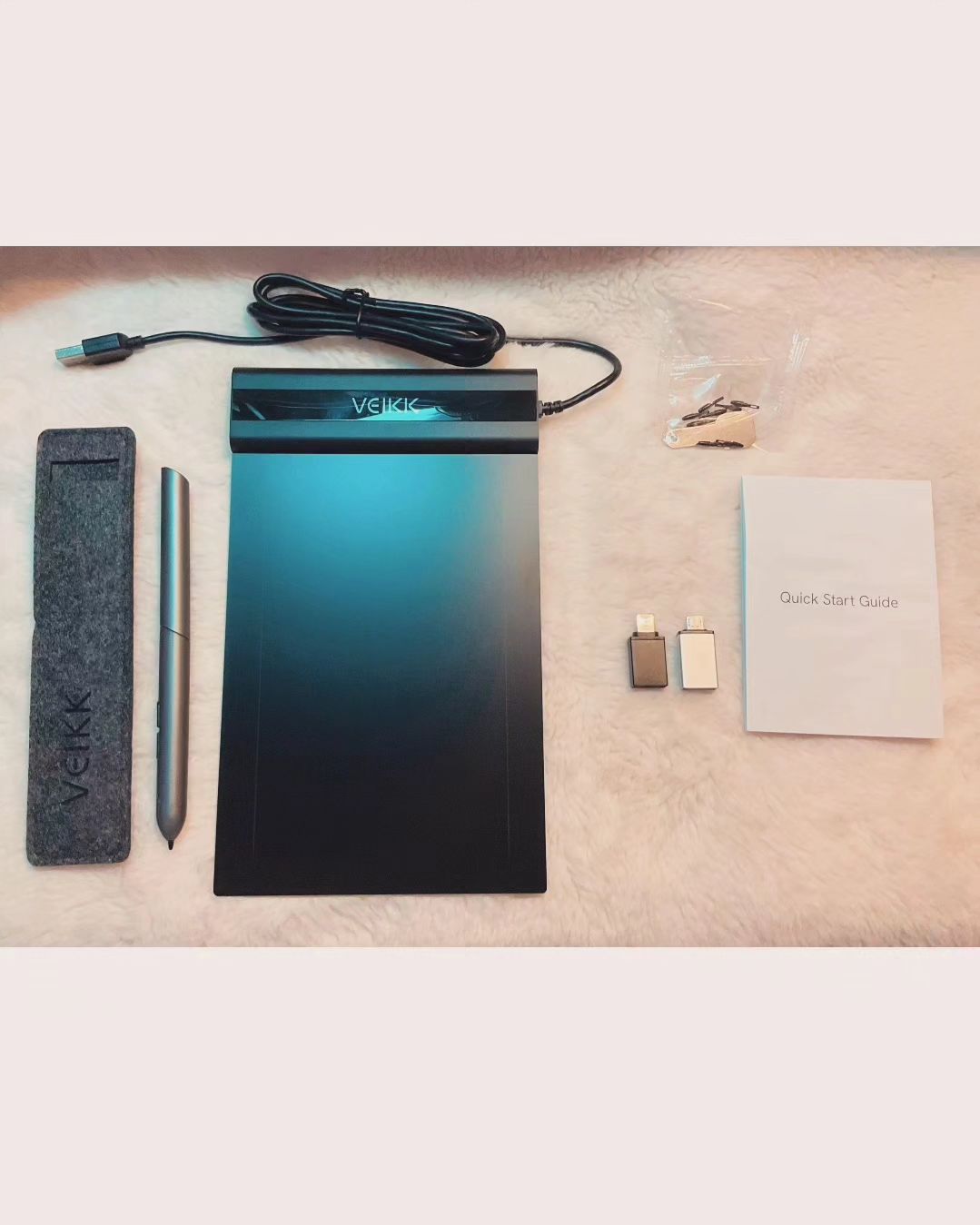
1 x S640 Pen Tablet

8 x Pen Nibs

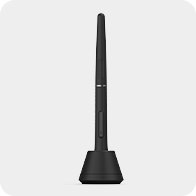
1 x P05 Battery-free Pen

1 x Nib Extractor

1 x Quick Start Guide

2 x OTG Connector

Creator Pop S640
More than Slim, Unstoppable
Make it simple to start your creativity
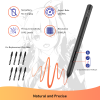
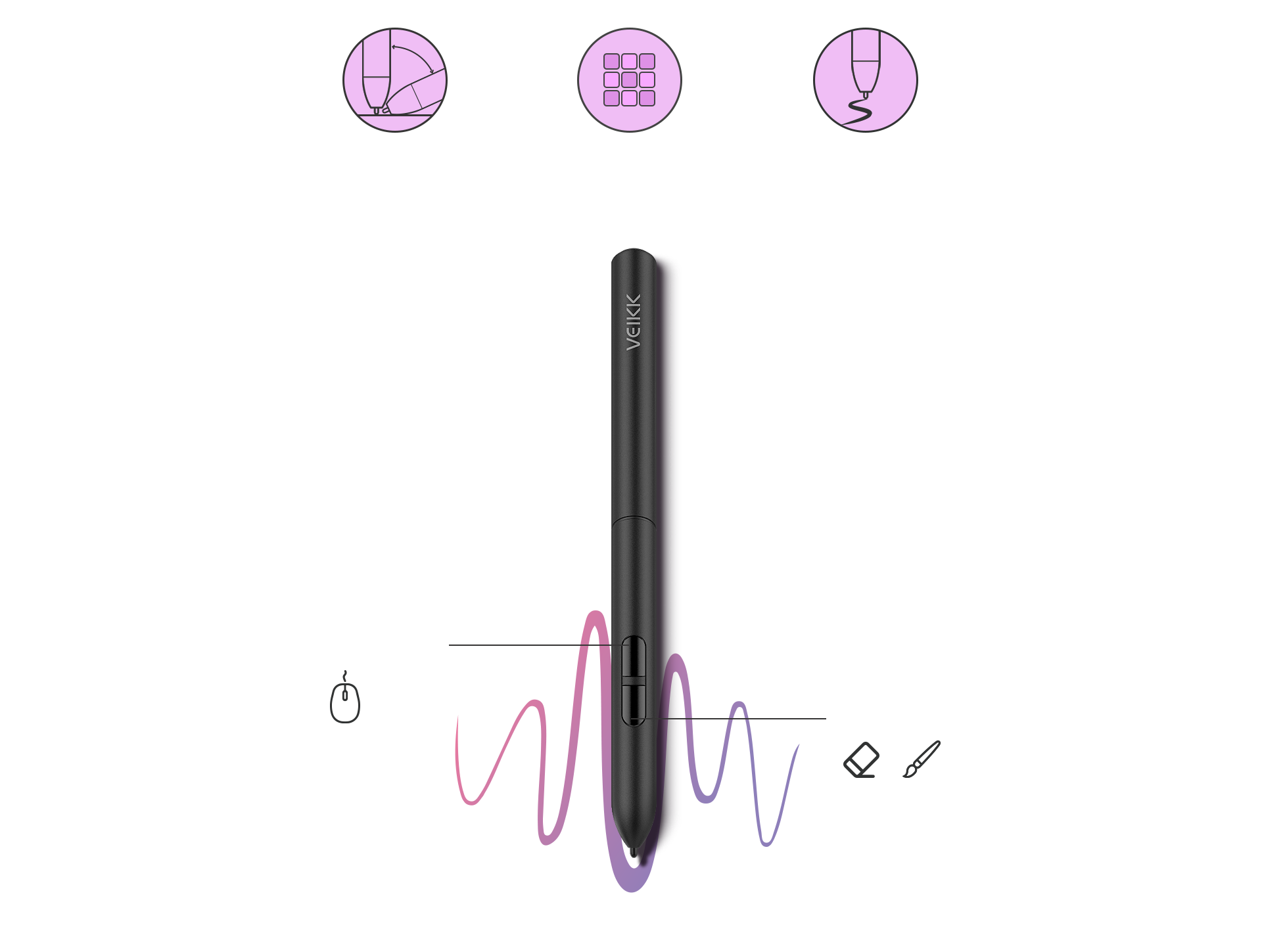
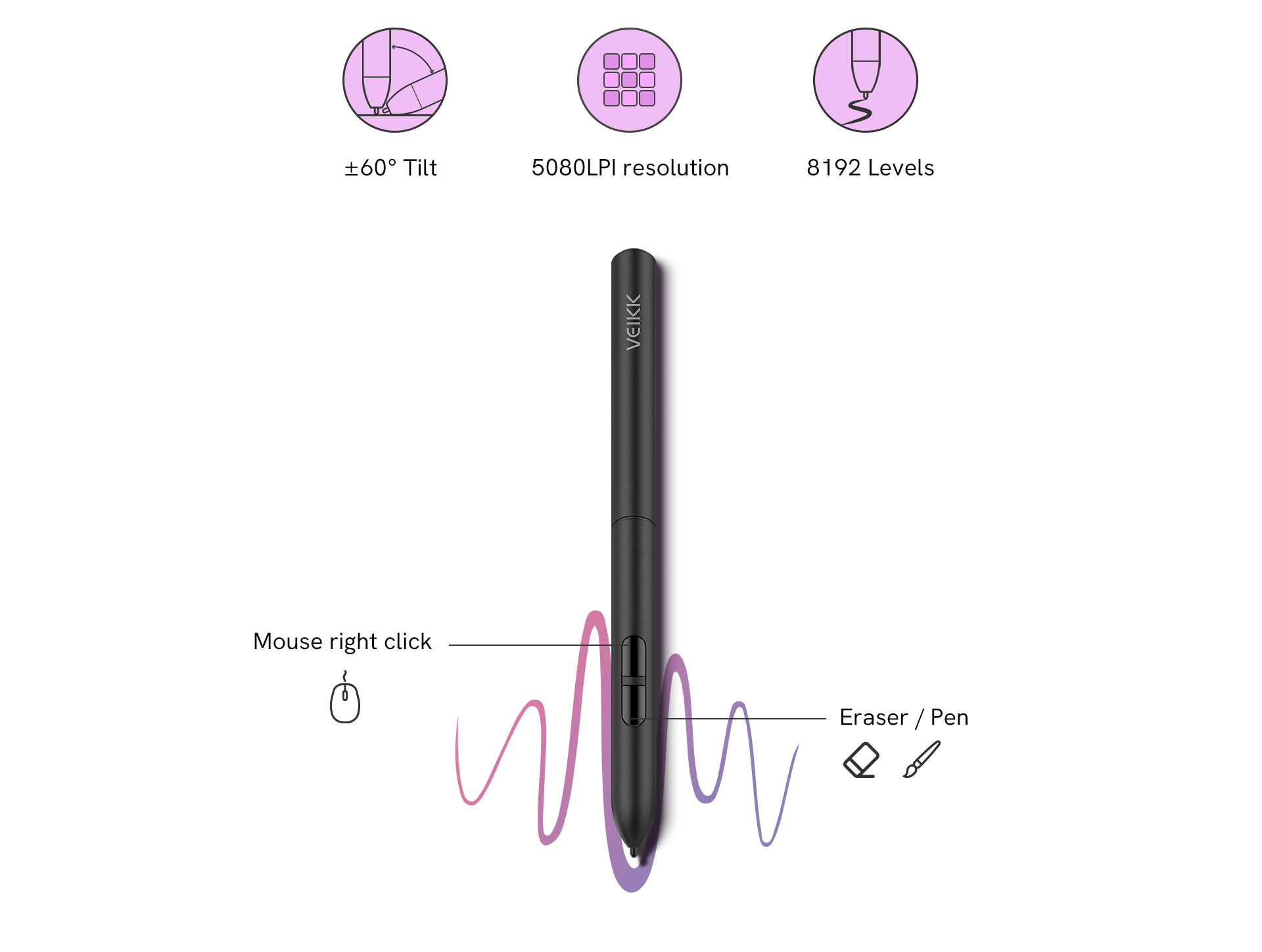
Veikk S640 features a 8192 levels of pressure sensitivity and 60° tilt function, which makes the lines transition from thin to thick will be fluid and precisely under your control. The sensitivity and pressure settings on the pen, paired with the freedom of movement using a stylus instead of a mouse or trackpad, allow for much more precise changes. It is suitable for photo editing, sketching, shading as well as creating stylized paintings.
±60° Tilt
5080LPI resolution
8192 Levels
Mouse right click
Eraser / Pen
More than Slim, Unstoppable
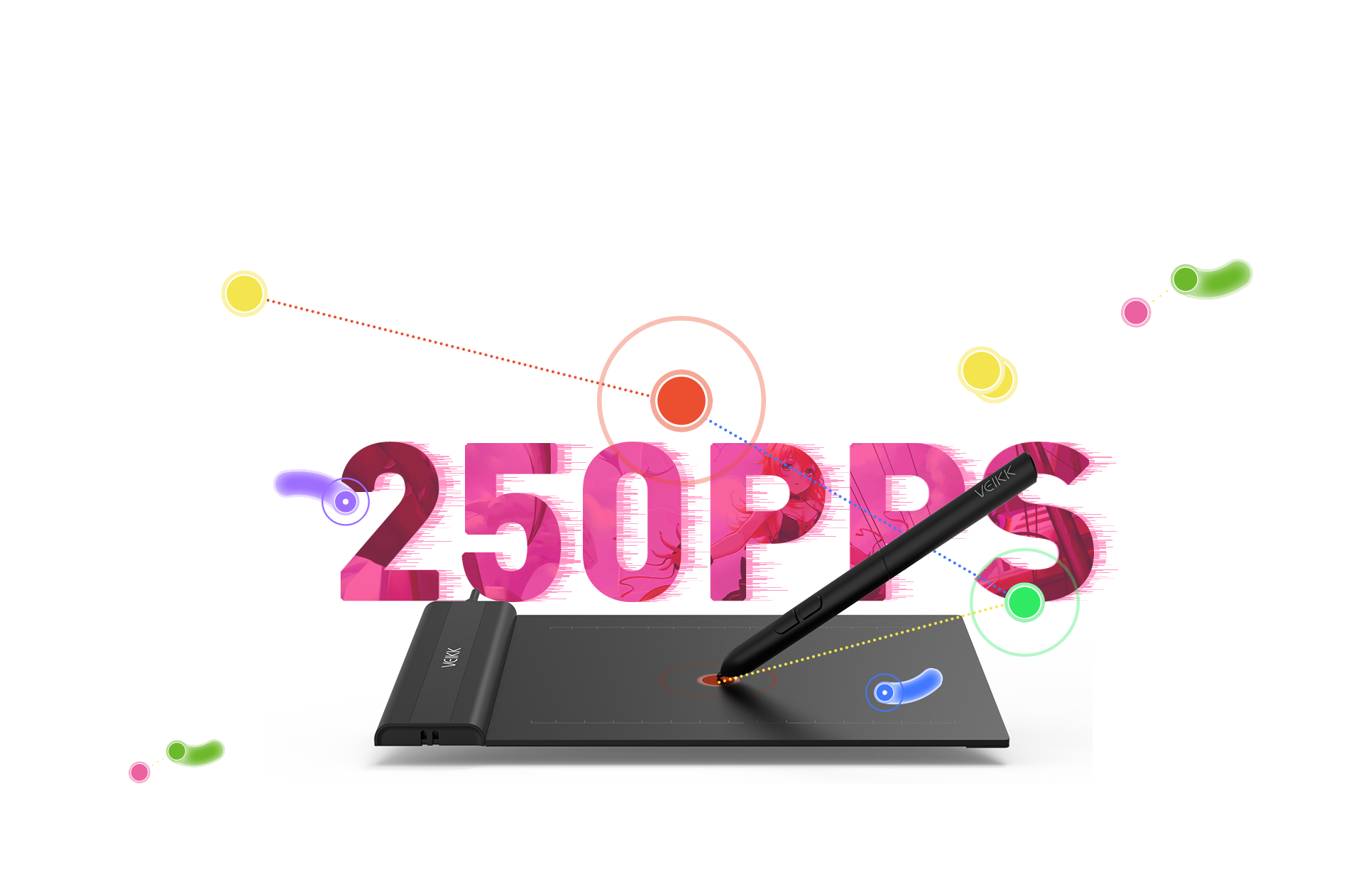
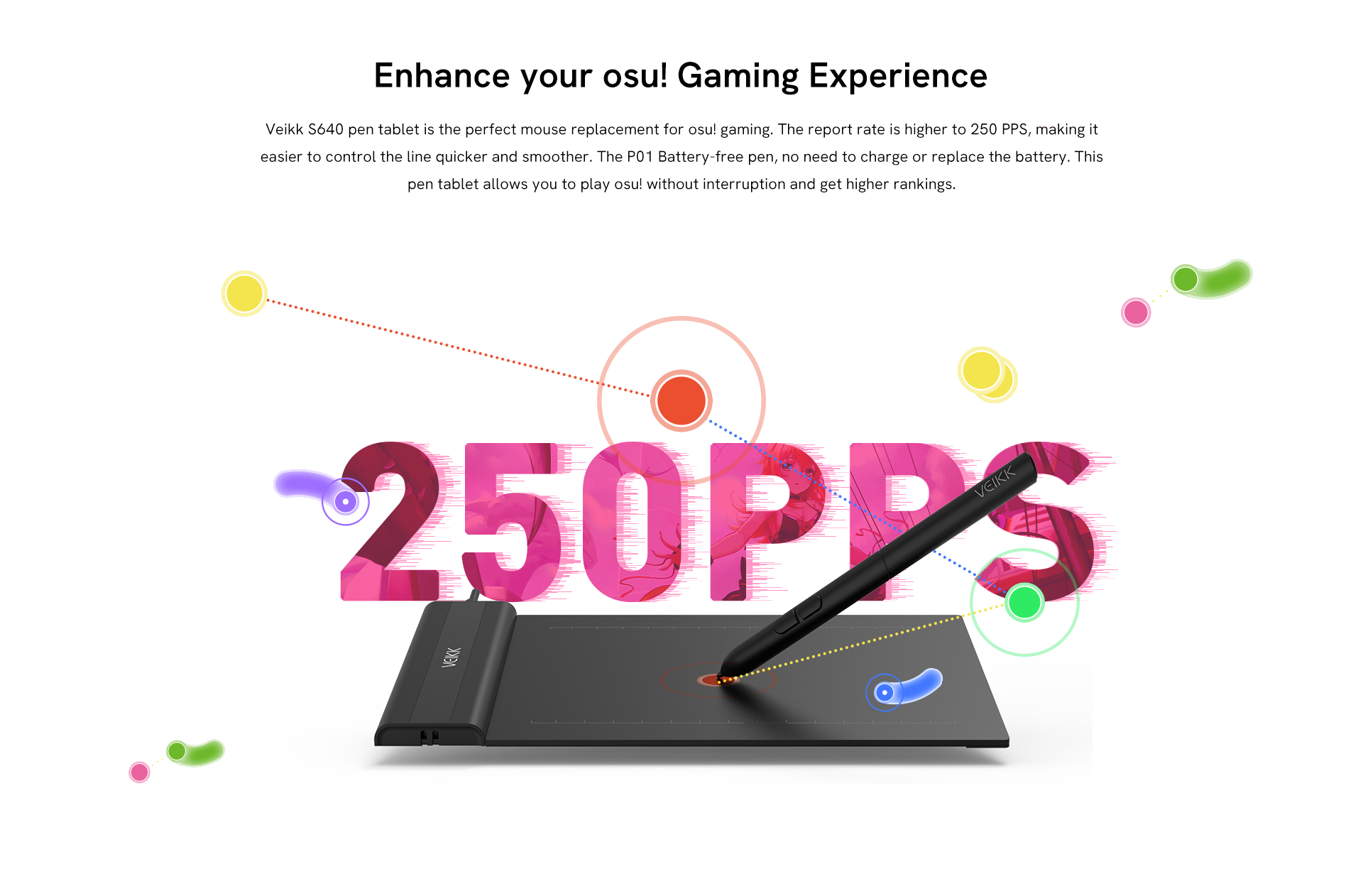
Veikk S640 pen tablet is the perfect mouse replacement for osu! gaming. The report rate is higher to 250 PPS, making it easier to control the line quicker and smoother. The P01 Battery-free pen, no need to charge or replace the battery. This pen tablet allows you to play osu! without interruption and get higher rankings.
Use Anywhere and Anytime
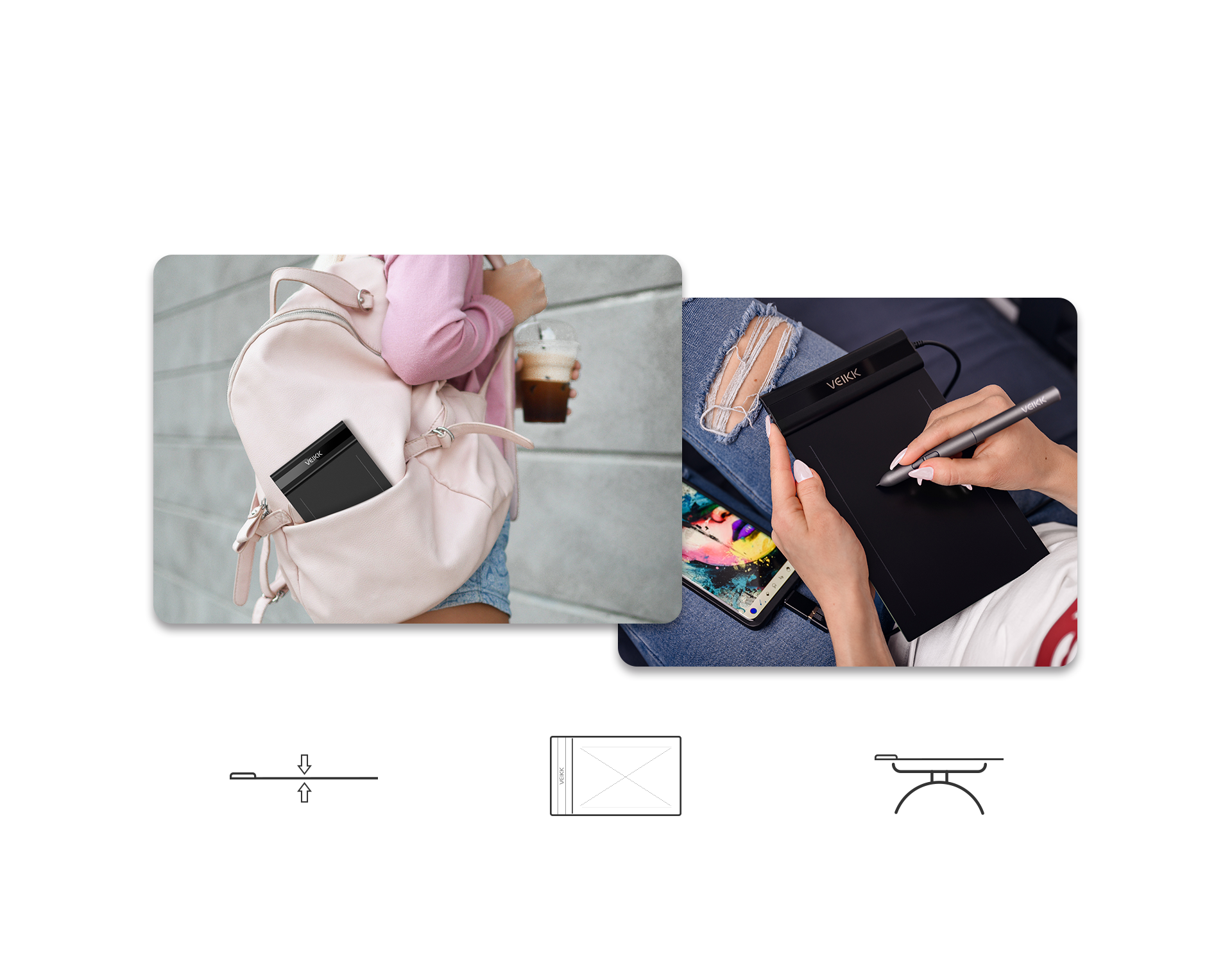
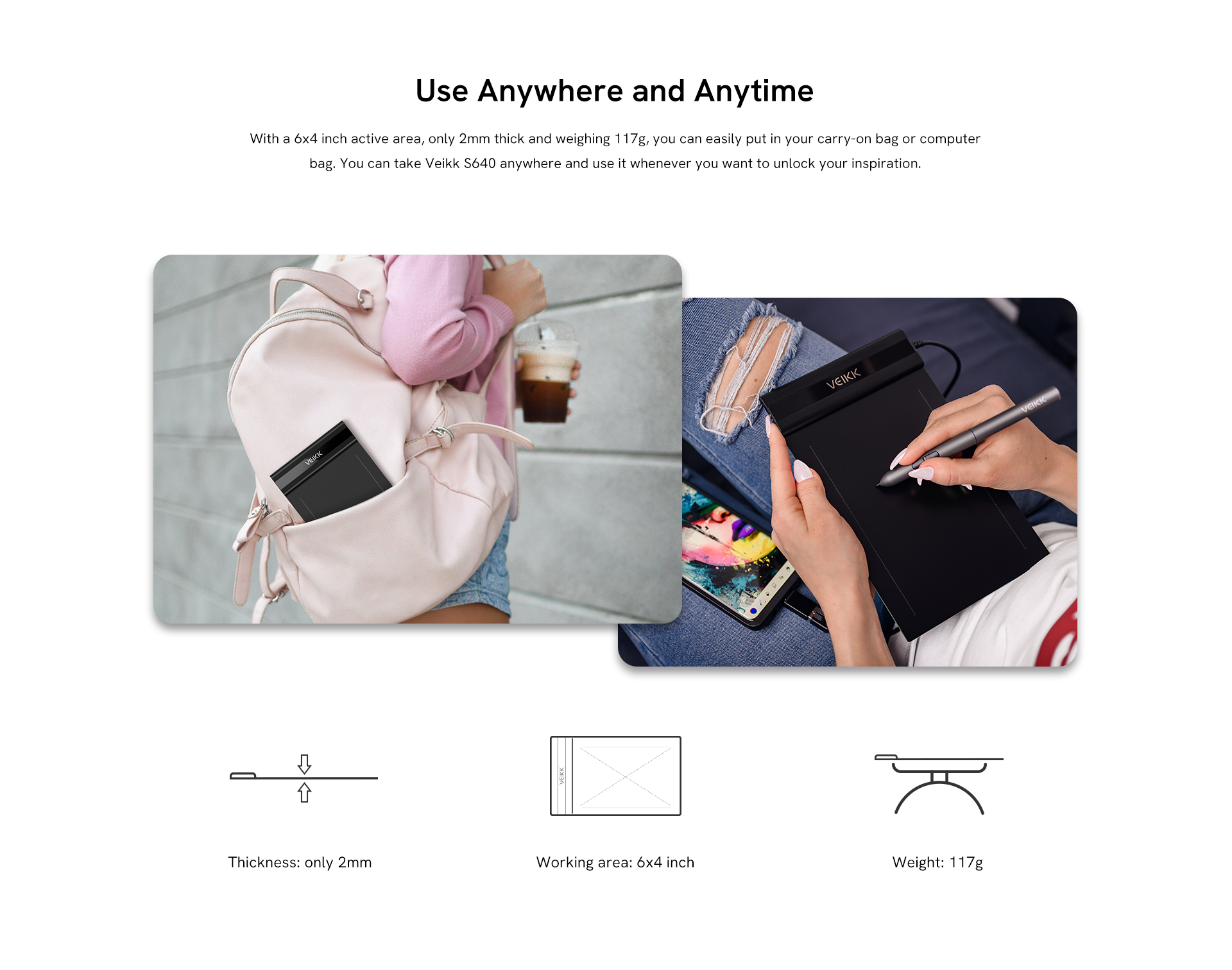
With a 6x4 inch active area, only 2mm thick and weighing 117g, you can easily put in your carry-on bag or computer bag. You can take Veikk S640 anywhere and use it whenever you want to unlock your inspiration.
Thickness: only 2mm
Working area: 6x4 inch
Weight: 117g
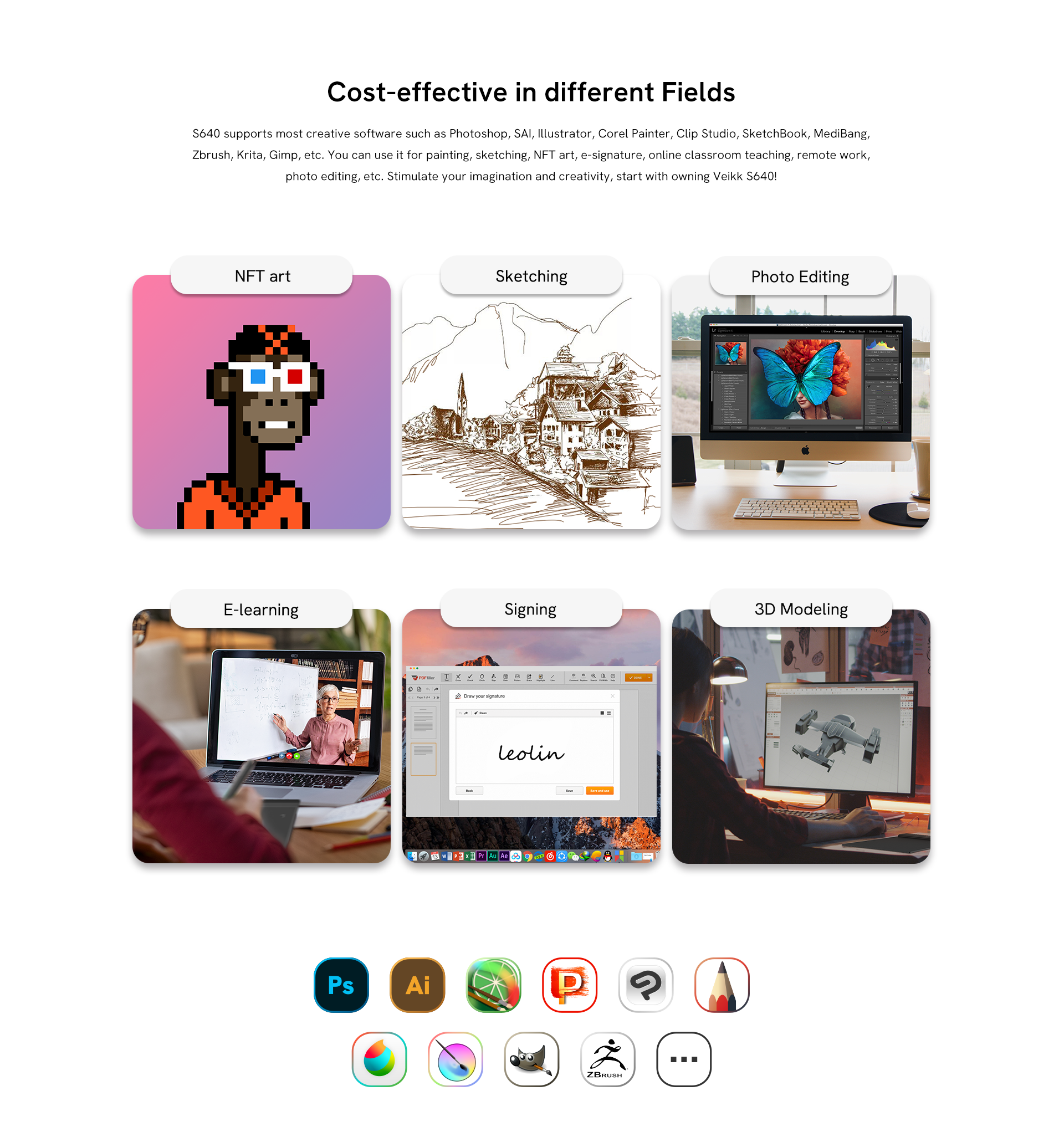
Cost-effective in different Fields
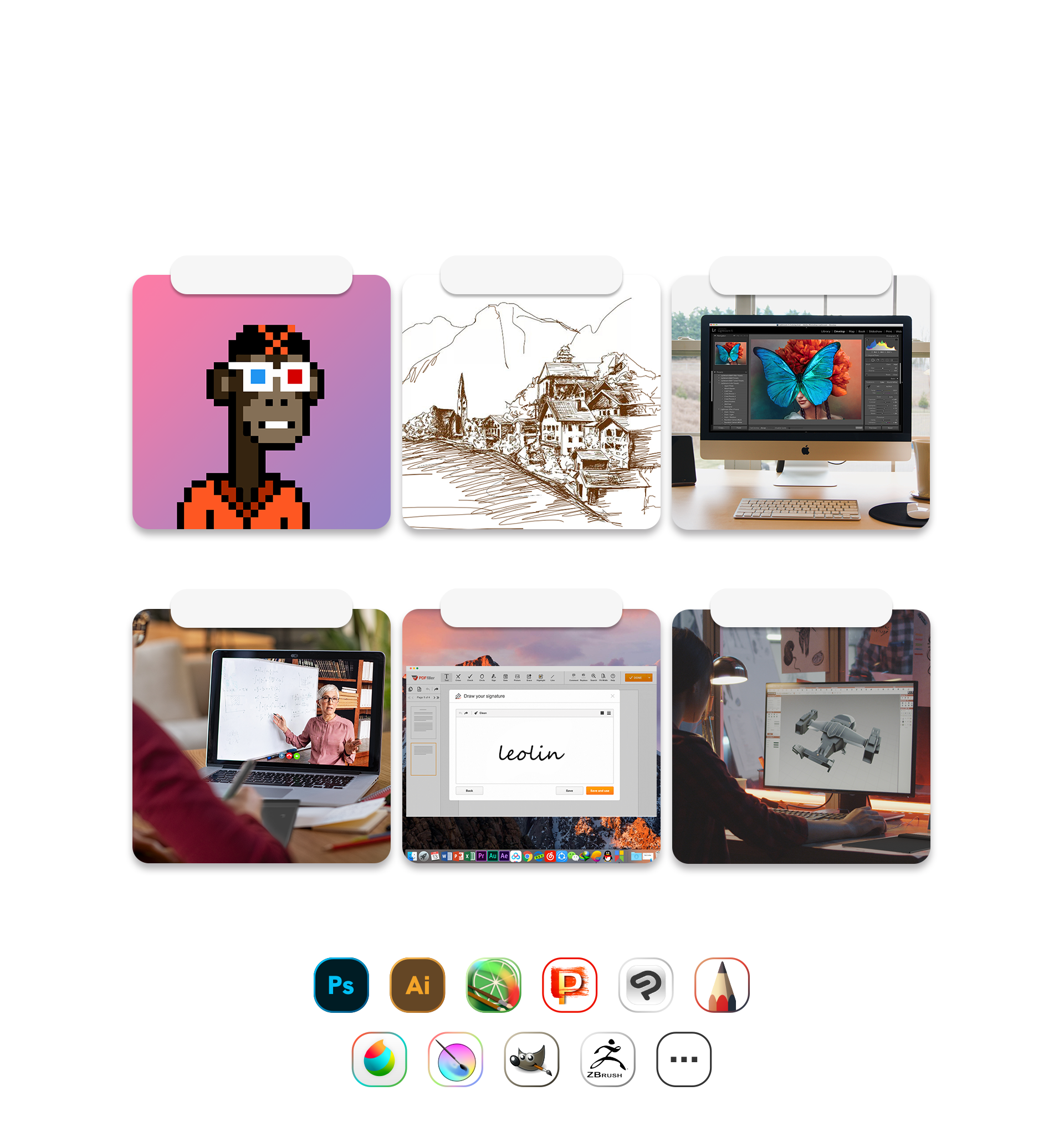
Compatible with Windows 7 or later, macOS 10.12 or later, Android 6.0 or later, and Linux OS. The S640 supports popular creative software, including Photoshop, SAI, Illustrator, Corel Painter, Clip Studio, SketchBook, MediBang, Zbrush, Krita, Gimp, and more. Perfect for painting, sketching, NFT art, e-signatures, online teaching, remote work, and photo editing. Unleash your imagination and creativity—start with the Veikk S640!
NFT art
Sketching
Photo Editing
E-learning
Signing
3D Modeling
Broad Compatibility to Explore More Possibilities
Compatible with Windows 7 or later, Mac OS 10.12 or later, Chrome OS 88 or later, Android 6.0 or later, and Linux OS. The Veikk S640 is a pretty much perfect digital tablet that will be a great partner for your creativity whether you're at home or on the go! Reveal your thoughts and express your ideas on social media.
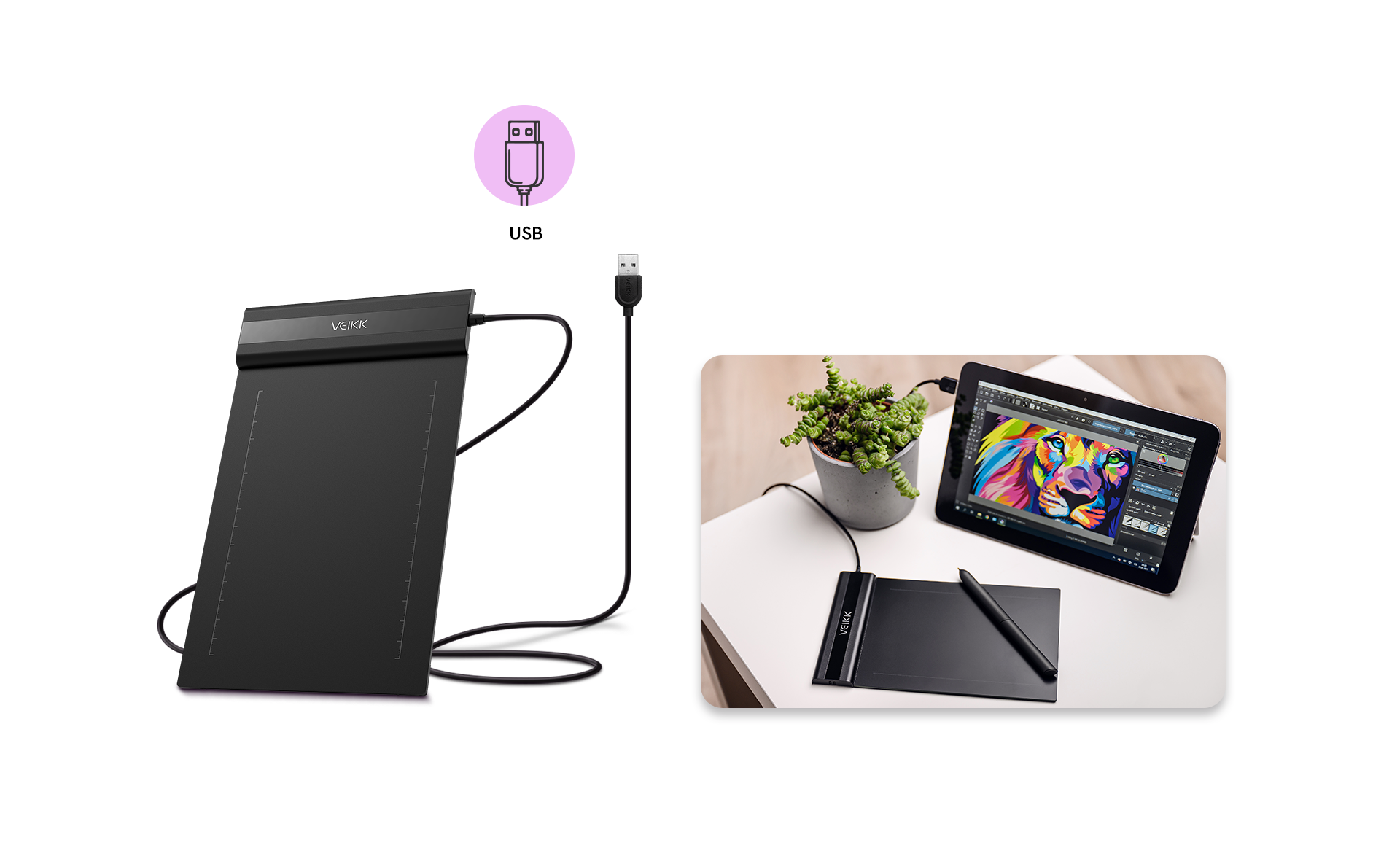
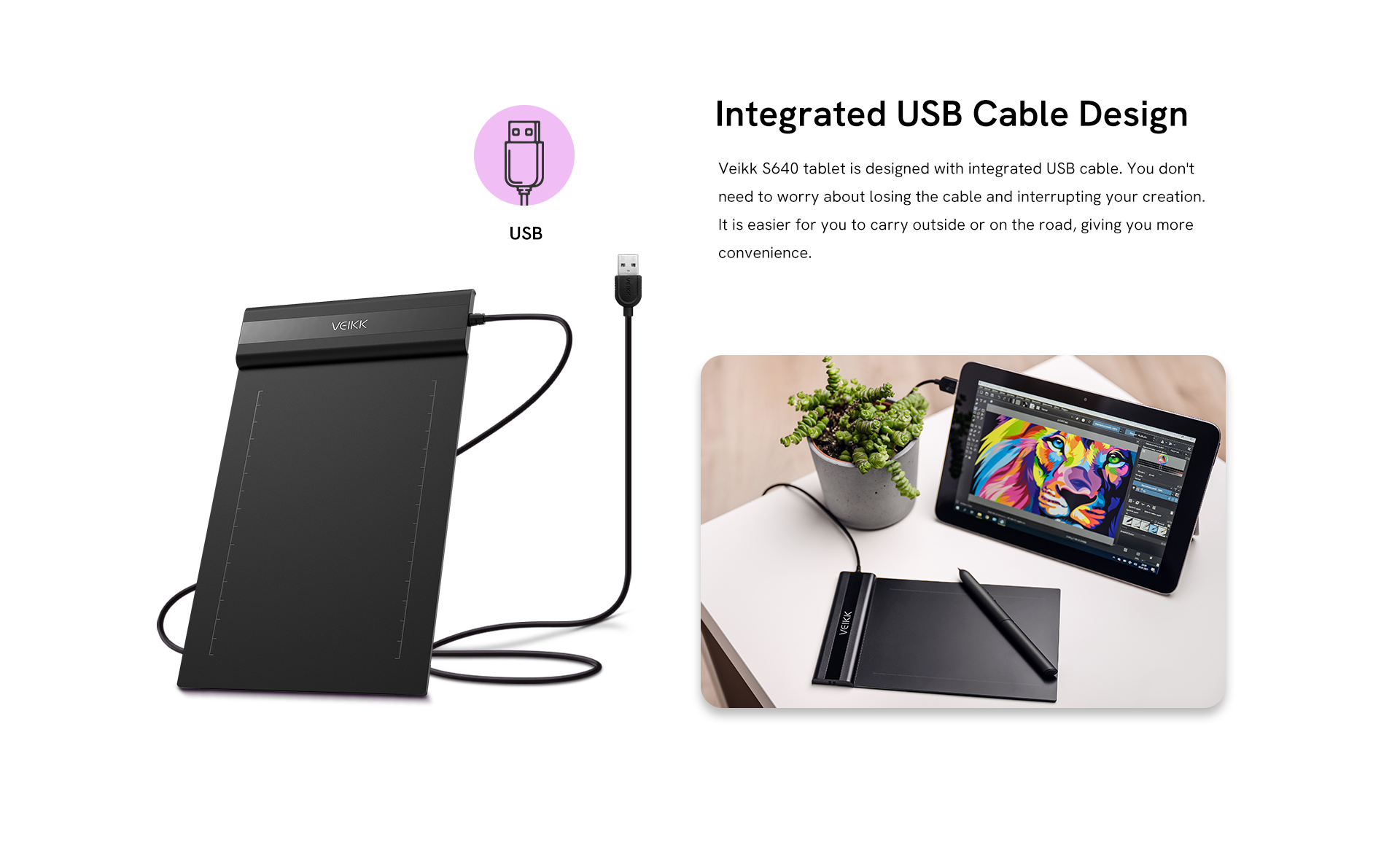
Integrated USB Cable Design
Veikk S640 tablet is designed with integrated USB cable. You don't need to worry about losing the cable and interrupting your creation. It is easier for you to carry outside or on the road, giving you more convenience.
Getting Started with Your Pen tablet
Recommended products for you

Creator Pop VK430

Creator VK640

Voila L

Customer reviews
4.79 out of 5 stars

4.79 ratings | 72 reviews

1.Priya Nair on 2024-03-18
Support team replied faster than I expected when I had questions about driver installation. That made the experience much better.
2.Stephanie G. on 2024-03-04
Quality of work: good,xcellent system performance!
3.Emily Carter on 2024-01-18
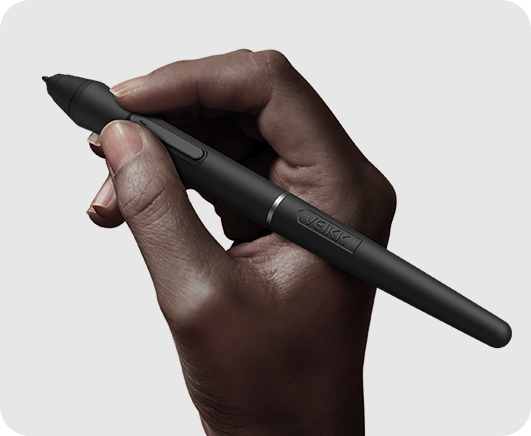
"I recently bought this tablet to replace a Wacom tablet I had been borrowing for school, and honestly, I’ve really enjoyed using it. Here’s my experience: PHYSICAL: This tablet is definitely on the smaller side, and it’s also very thin, so at first it feels a little more delicate compared to a similar-sized Wacom tablet. That said, the pen actually feels much sturdier. The barrel is comfortable to hold, and both the pen body and nib feel solid enough that you can press naturally without worrying about breaking anything. SETUP: Setup was much easier than I expected. After downloading the driver and finishing the basic installation, I pretty much just plugged it in and it worked. No extra complicated steps, which was a huge plus. If you use programs like Clip Studio Paint, you may want to adjust the pen pressure settings a little to match your own drawing style, but that’s pretty normal with any tablet. USAGE: The actual drawing experience was really smooth and easy to get used to. The tablet surface has a smooth, almost glass-like texture, so if you’re used to the more paper-like feel of a Wacom tablet, it might take a little adjustment. The pen tracks accurately, doesn’t skip around much, and overall feels very responsive. I’d say it’s easily comparable to a Wacom Intuos, which costs a lot more. The biggest difference is that this VEIKK tablet doesn’t have shortcut buttons on the tablet itself, but personally, I never used those much anyway, so it wasn’t an issue for me. There are a couple small things to mention: the pen can be a little picky with double-clicking and works best when held almost straight up, and sometimes the driver software pops up randomly, but it’s not a big problem since you can just close it quickly. Mac users may also need a few extra setup steps, but VEIKK’s website explains that pretty clearly. Overall, the experience has been really smooth and comfortable. It was easy to adjust to, works reliably, and feels like a great value compared to more expensive brands. "
4.qozdk-Artist on 2024-01-15
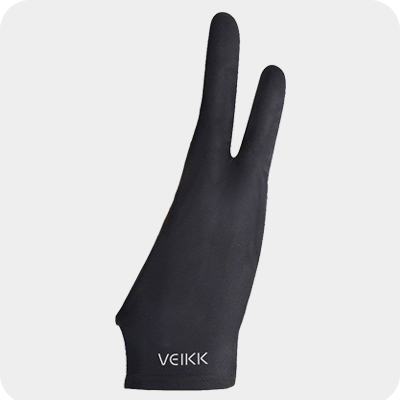
It was very easy to use, I just installed the driver and already started sketching a lot with this. The tablet is only $28.99 so if you're on a budget and you're looking for a good tablet to start digital art, this is a good choice. You can also change the shortcut buttons on the pen and calibrate the pen pressure to your liking. I'm also really glad the tablet had everything I needed: - tablet (Dimension: 218 x 130 x 9 mm and Working Area: 6x 4 inch) - pen and pen case - artist glove - a lot of nib replacements!! - USB to type C connector - USB to Micro SD connector Which btw, was very useful to me because my laptop can only connect Type C and I didn't have to look for a connector in order for me to use it.
5.wolf_james_cameron-Artist on 2024-01-14
If you only have a smartphone at home but still want to create artwork, I highly recommend using this graphics tablet!