x
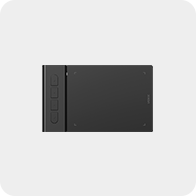
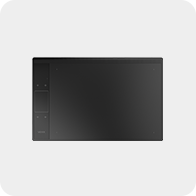
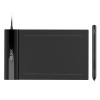
Creator Pop S640

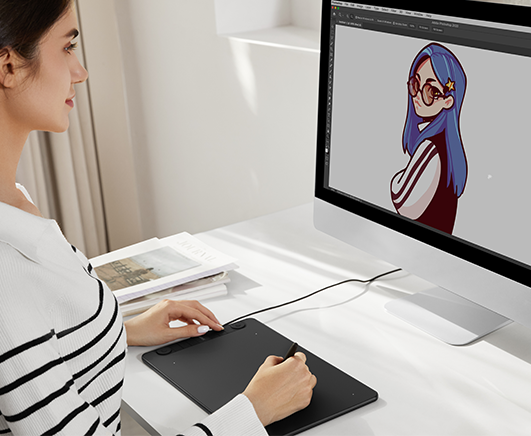
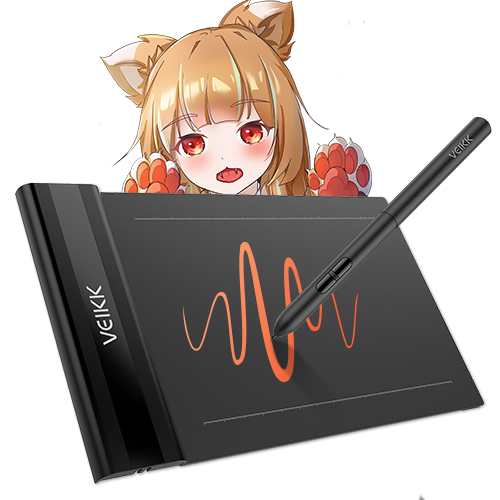
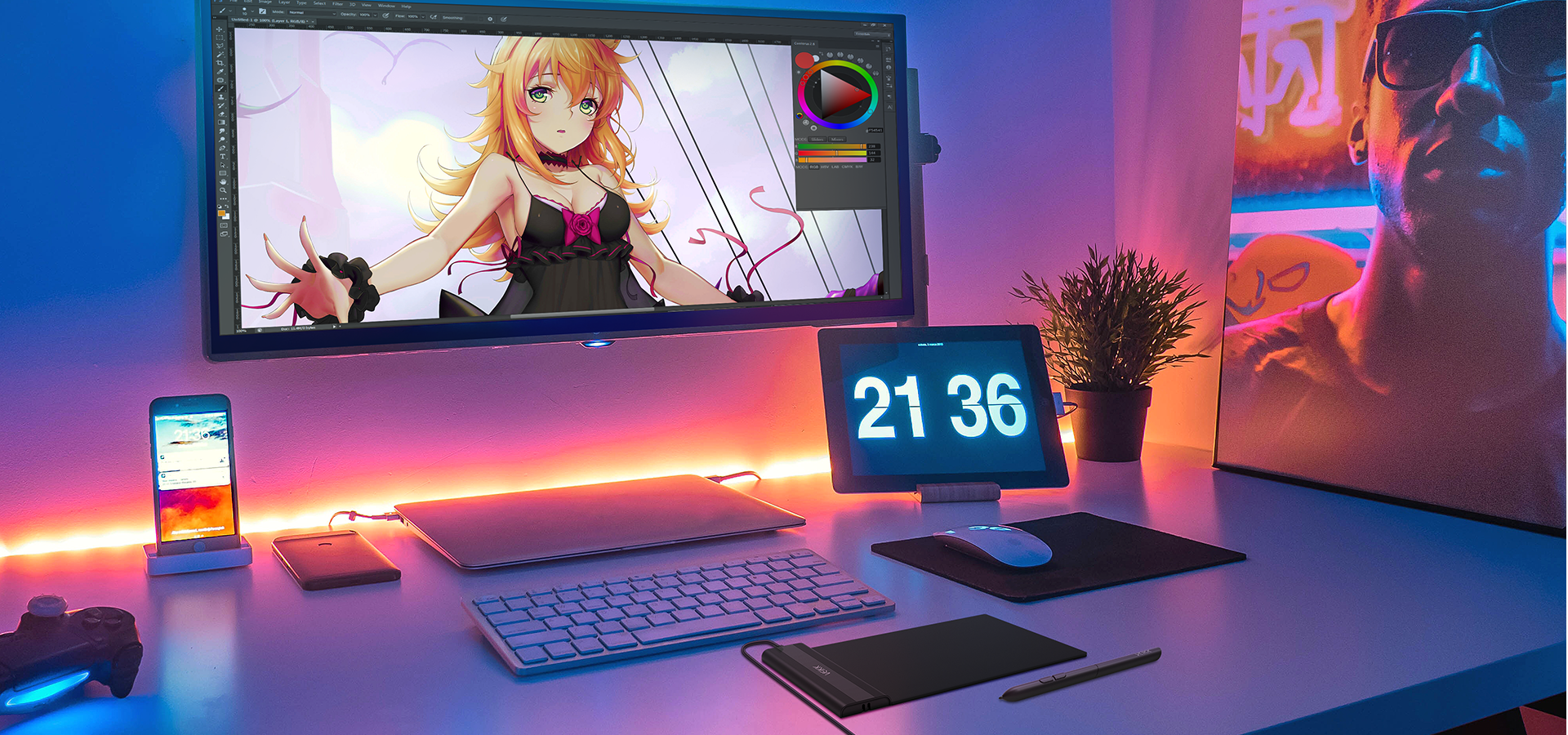
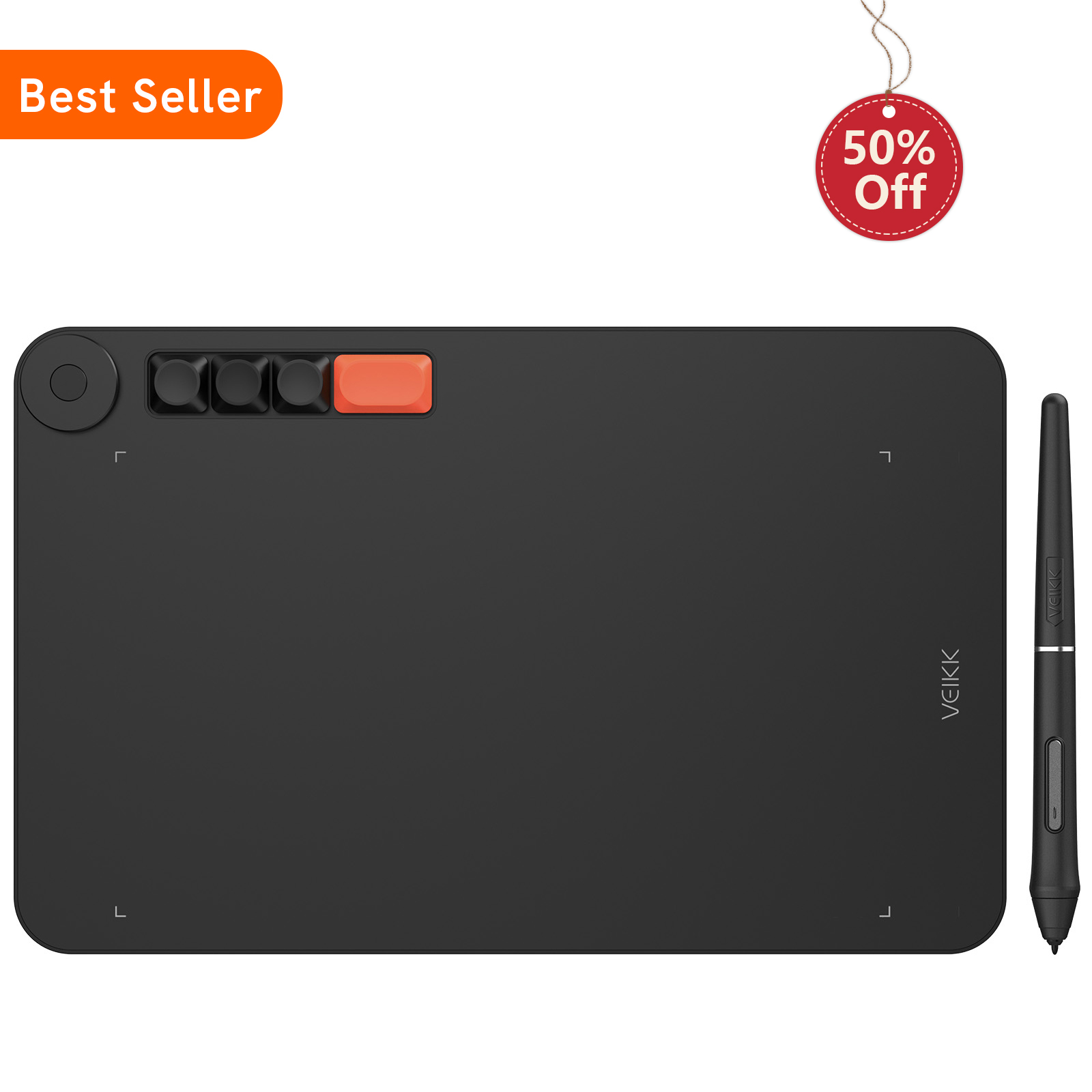
With 16384 levels of pressure sensitivity and up to 290 PPS reporting rate, it is the perfect drawing tablet for simple daily sketching, drawing, photo editing, taking note on remote meeting and osu!, valorant gaming.

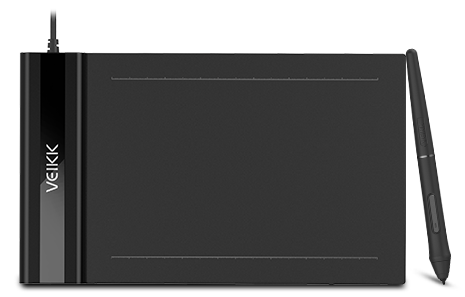
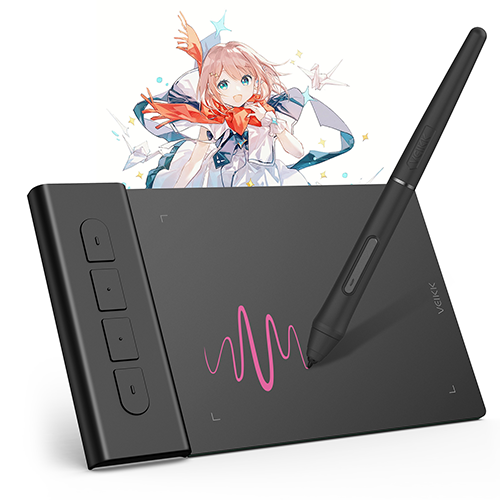
Ultra-Slim Design, Easy Carry: 6x4 inch active area, 2mm thickness and 117g weight make it sleek and lightweight to easily fit into a laptop case or in a briefcase, convenient to carry with you on the go. Perfect for drawing, painting, sketching, document signing, artwork editing, inking, and sculpturing. You can free up your creativity almost anywhere.

Designed for osu!: VEIKK S640 digital graphics tablet is a perfect mouse replacement for osu! gameplay, suitable for both left and right-hander. With 16384 level pressure sensitivity, 290 PPS Report Rate, 5080LPI Resolution, the Battery-free pen, no need to charge or replace the battery. These top-notch equipment allows you to play osu! continuously without interruption! 

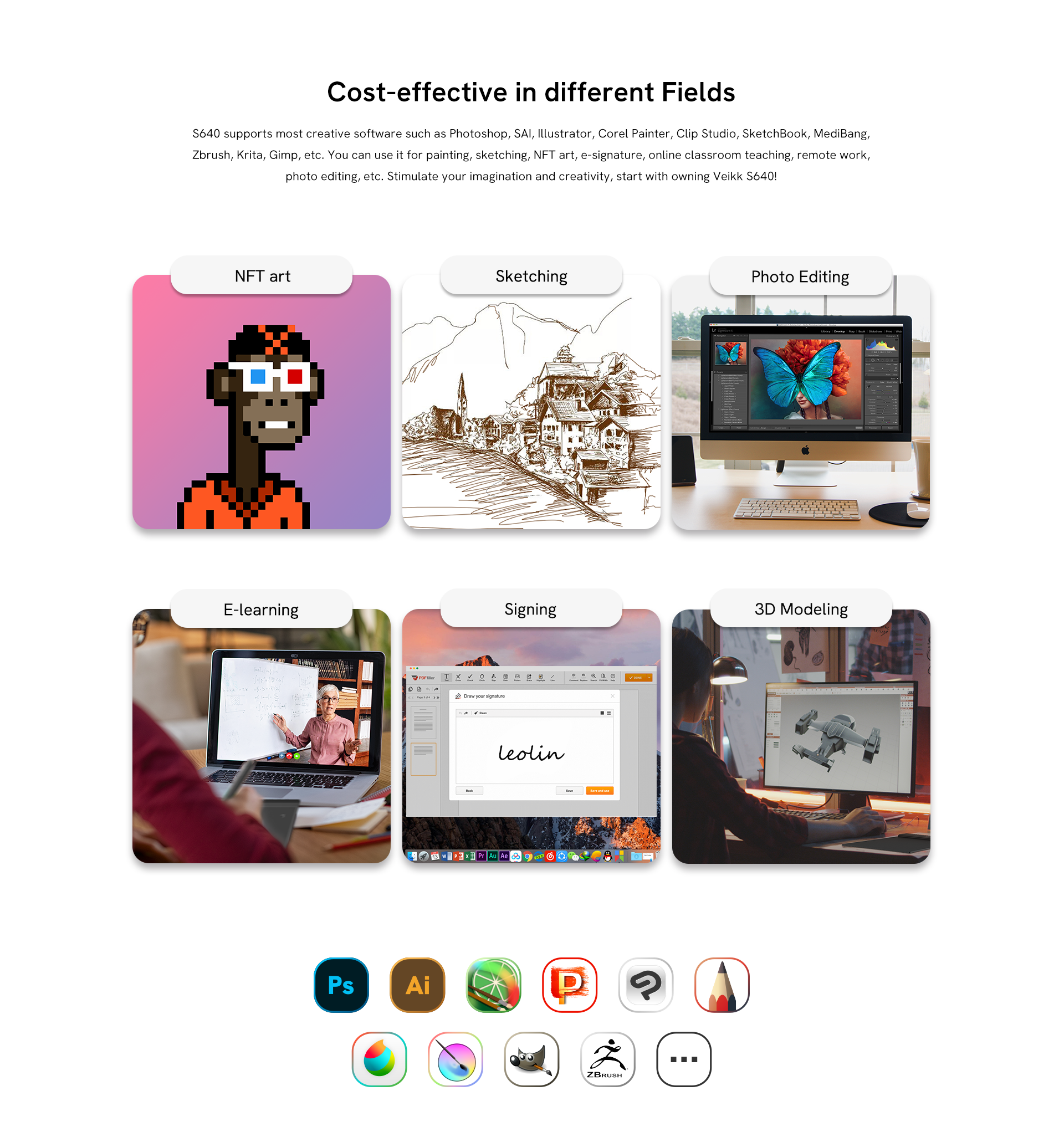
Exude Charm in Different Fields: VEIKK S640 art tablet is well compatible with office software like Microsoft Office Word, Excel, PowerPoint, and One Note. It supports digital drawing, painting, sketching, NFT art, e-signature, e-learning, remote work, photo editing and more.

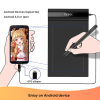
Choose Your Favorite Platform: VEIKK S640 pen tablet is compatible with Windows 7 or later, macOS 10.12 or later, Linux and Android 6.0 or later phone (Check Android FAQs first to see if your phone supported) via the OTG connector provided, you can choose the way you prefer to work, and express yourself on social media, unleash your creativity wherever and whenever you want.

Widely Application: This slim drawing tablet supports most software such as Photoshop, SAI, Illustrator, Corel Painter, Clip Studio, SketchBook, MediBang, Zbrush, Krita, Gimp, etc. We provide 24 months warranty and lifetime technical support.

Learn More
(4.65) Share your product experience
USD$28.99
Bundle 1
Bundle price:USD$34.99
Buy
Buy

Google Pay

Buying in bulk for your business?

Contact us

Shipping and Delivery

Standard Shipping
5-20 business days

Expedited Shipping

3-7 business days

Returns/exchanges
Free within 30 days of your purchase

Warranty
12 months

Specs & Details+

Dimension: 218 x 130 x 9mm

Model: S640

Working Area: 6"x 4"

Report rate: 290 PPS

Resolution: 5080 LPI

Pen: P05

Pressure Sensitivity: 16384

Reading Height: 10mm

Tilt: 60°

Compatibility: Windows 11/10/8/7, Mac OS 10.12 (or later), Linux(Ubuntu/elementary OS/Pop!OS/ezgo/debian/mint/mageia/centOS/Arch), Android 6.0 (or later)

Warranty: 12-month

In the Box+

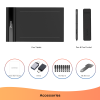
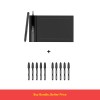
1 x S640 Pen Tablet

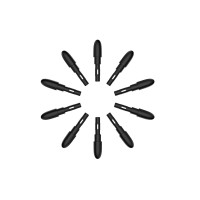
8 x Pen Nibs

1 x P05 Battery-free Pen

1 x Nib Extractor

1 x Quick Start Guide

2 x OTG Connector

Creator Pop S640
More than Slim, Unstoppable
Make it simple to start your creativity
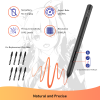
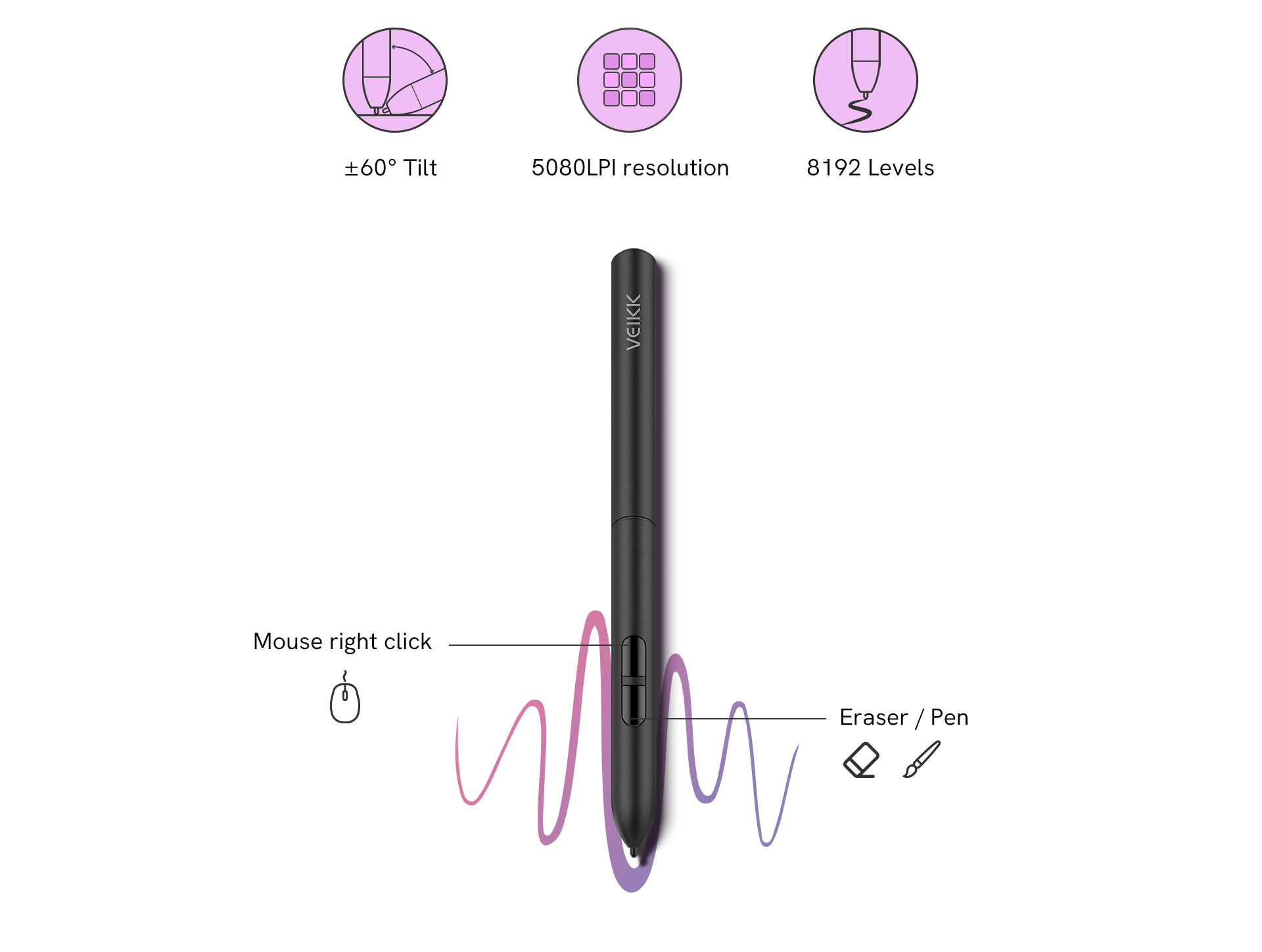
Veikk S640 features a 8192 levels of pressure sensitivity and 60° tilt function, which makes the lines transition from thin to thick will be fluid and precisely under your control. The sensitivity and pressure settings on the pen, paired with the freedom of movement using a stylus instead of a mouse or trackpad, allow for much more precise changes. It is suitable for photo editing, sketching, shading as well as creating stylized paintings.
±60° Tilt
5080LPI resolution
8192 Levels
Mouse right click
Eraser / Pen
More than Slim, Unstoppable
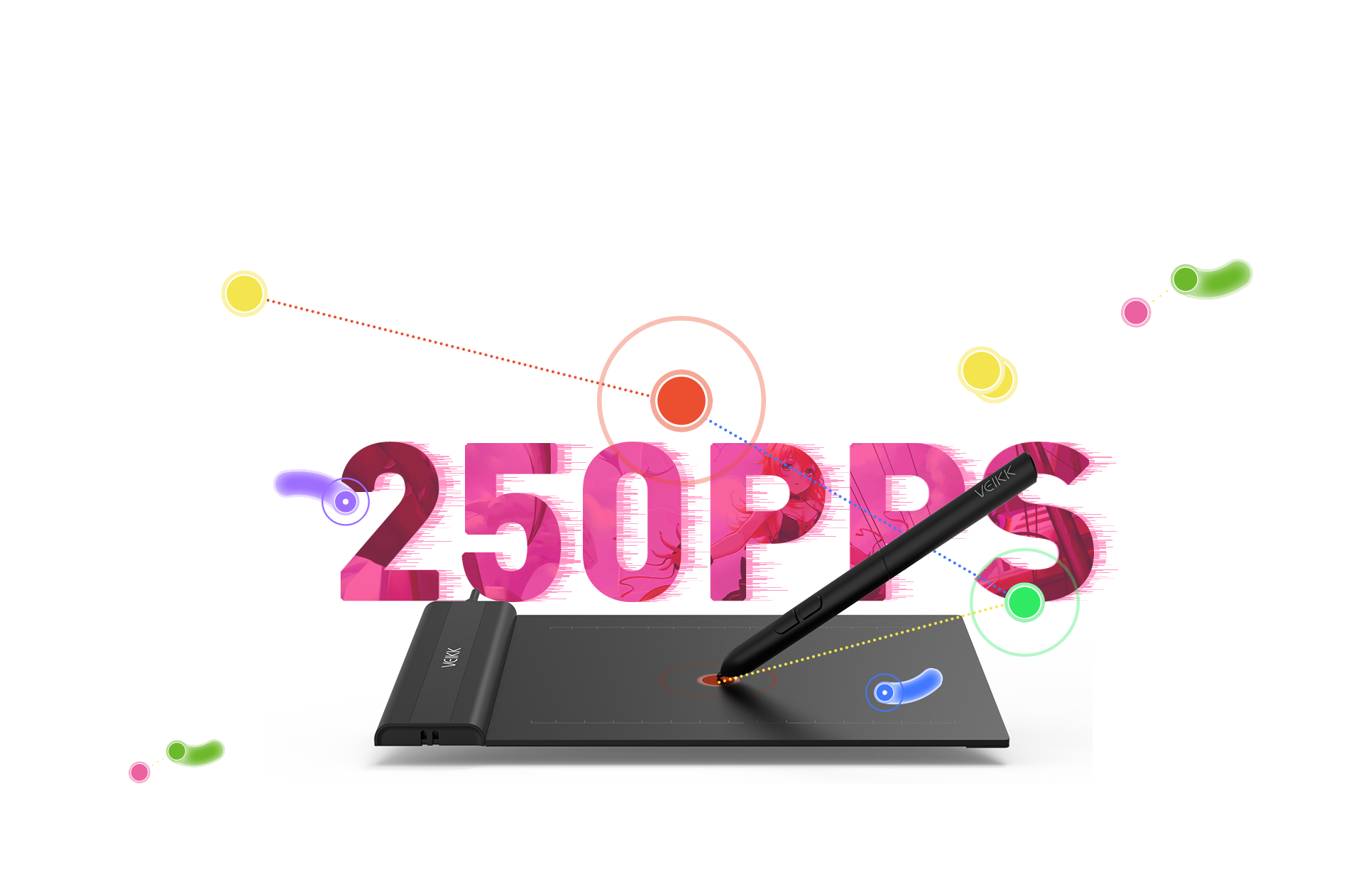
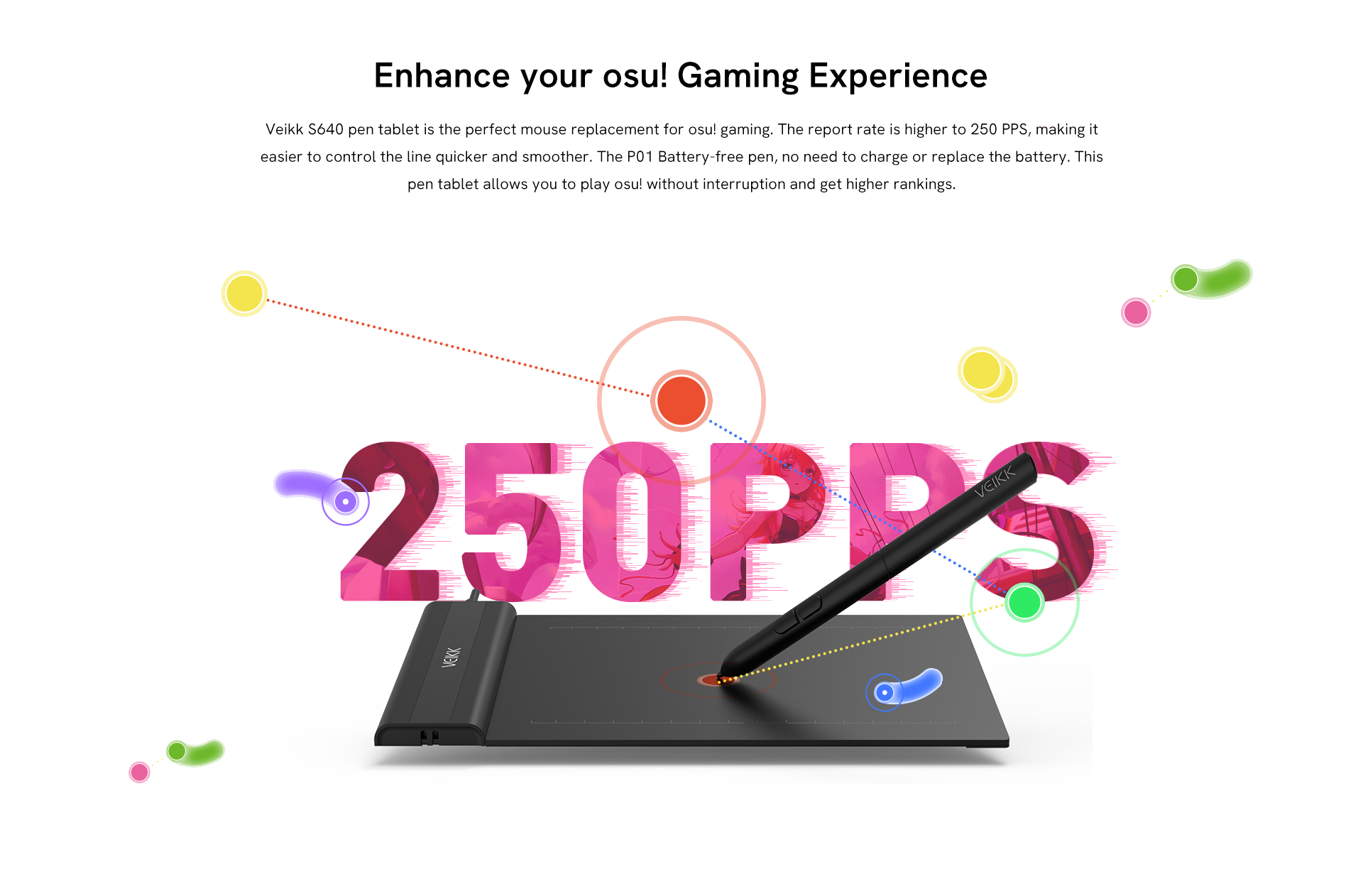
Veikk S640 pen tablet is the perfect mouse replacement for osu! gaming. The report rate is higher to 250 PPS, making it easier to control the line quicker and smoother. The P01 Battery-free pen, no need to charge or replace the battery. This pen tablet allows you to play osu! without interruption and get higher rankings.
Use Anywhere and Anytime
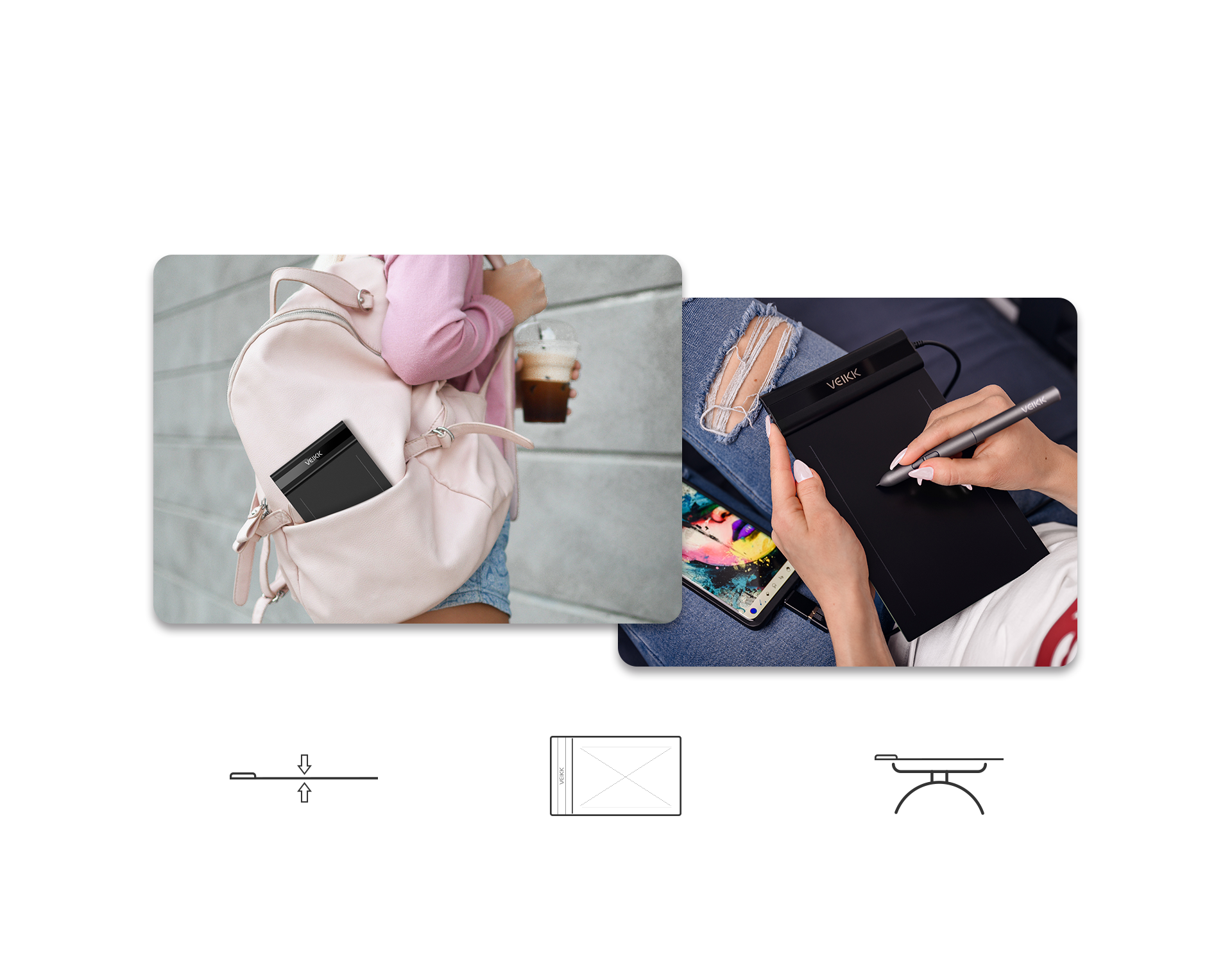
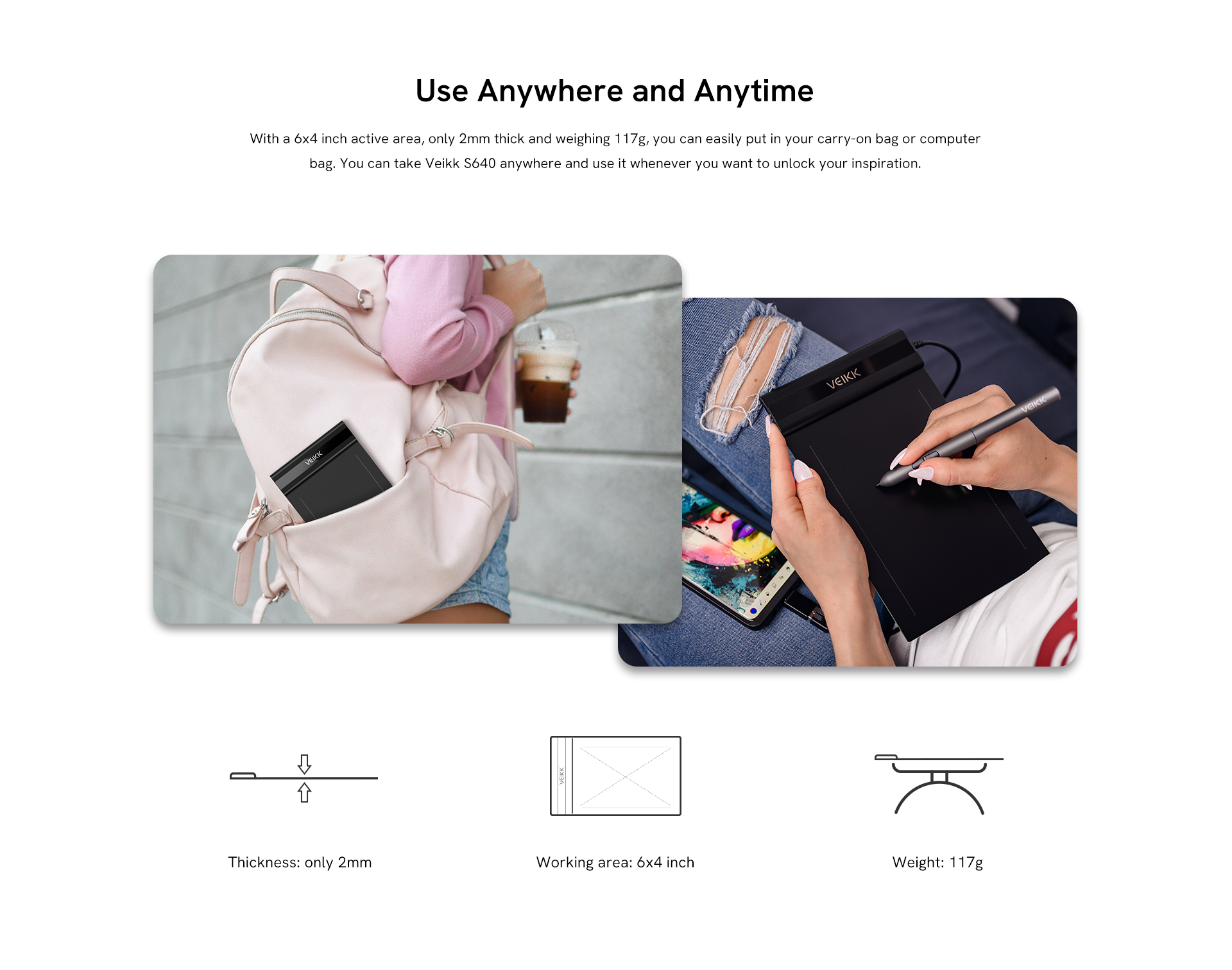
With a 6x4 inch active area, only 2mm thick and weighing 117g, you can easily put in your carry-on bag or computer bag. You can take Veikk S640 anywhere and use it whenever you want to unlock your inspiration.
Thickness: only 2mm
Working area: 6x4 inch
Weight: 117g
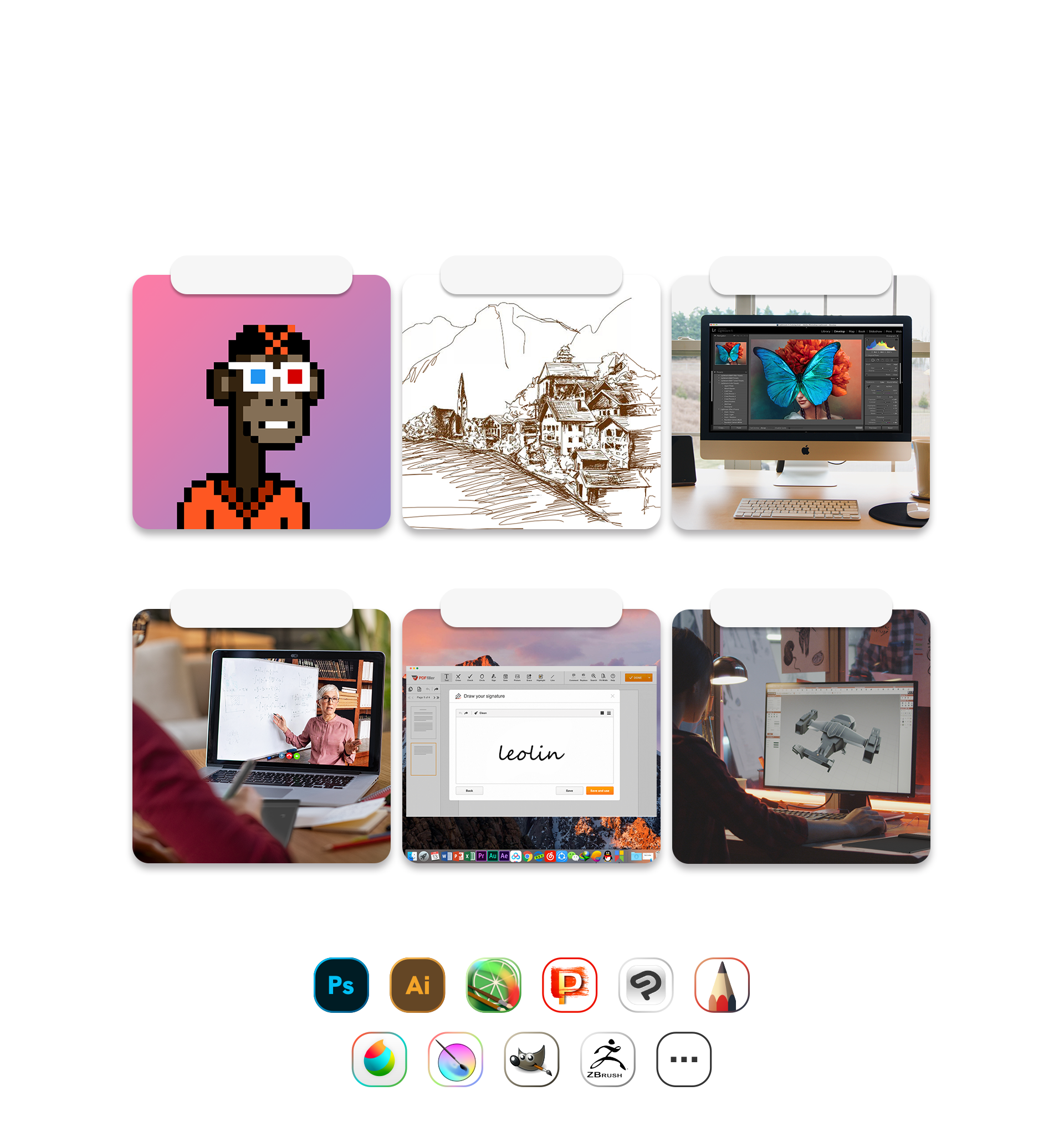
Cost-effective in different Fields
Compatible with Windows 7 or later, macOS 10.12 or later, Android 6.0 or later, and Linux OS. The S640 supports popular creative software, including Photoshop, SAI, Illustrator, Corel Painter, Clip Studio, SketchBook, MediBang, Zbrush, Krita, Gimp, and more. Perfect for painting, sketching, NFT art, e-signatures, online teaching, remote work, and photo editing. Unleash your imagination and creativity—start with the Veikk S640!
NFT art
Sketching
Photo Editing
E-learning
Signing
3D Modeling
Broad Compatibility to Explore More Possibilities
Compatible with Windows 7 or later, Mac OS 10.12 or later, Chrome OS 88 or later, Android 6.0 or later, and Linux OS. The Veikk S640 is a pretty much perfect digital tablet that will be a great partner for your creativity whether you're at home or on the go! Reveal your thoughts and express your ideas on social media.
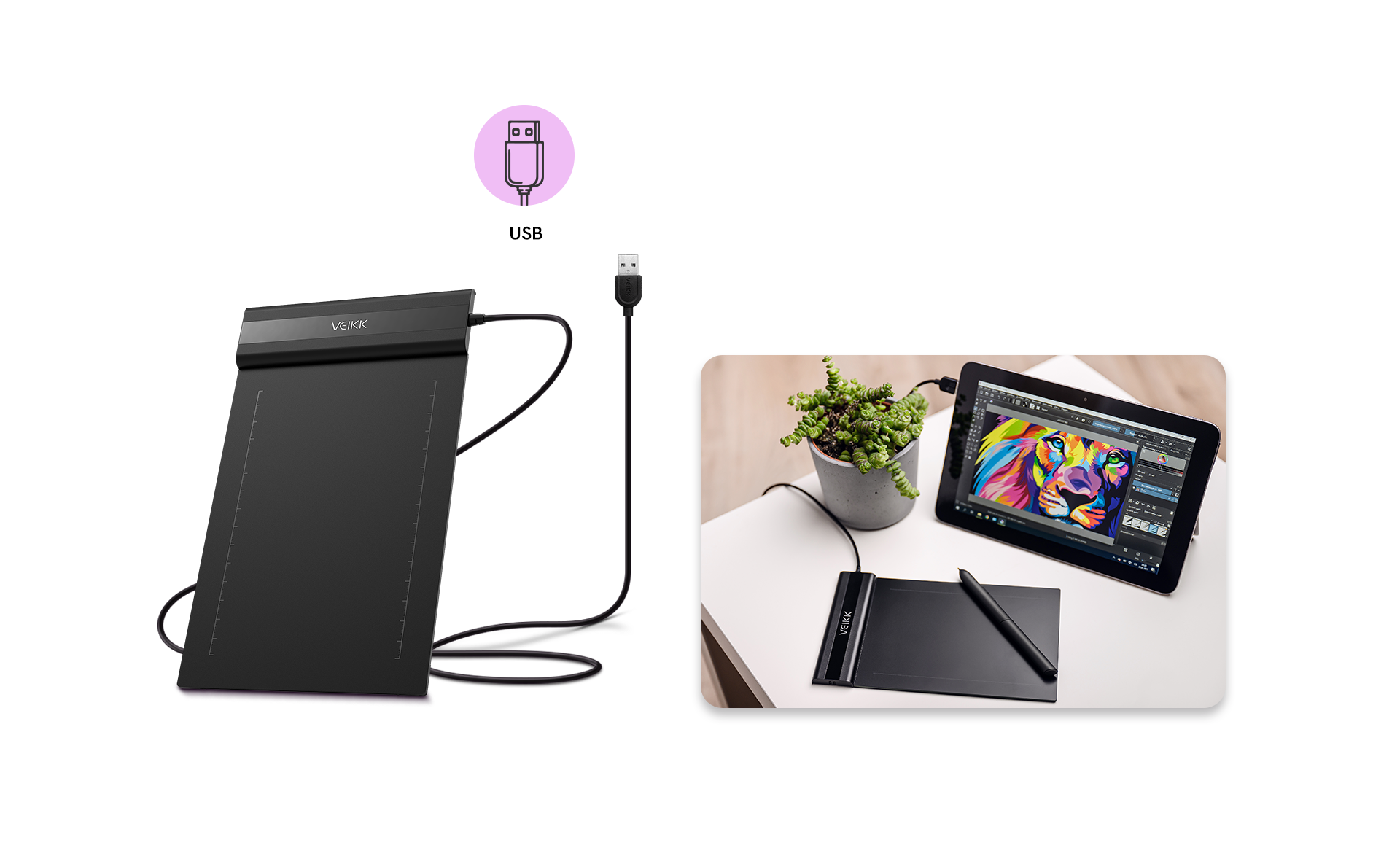
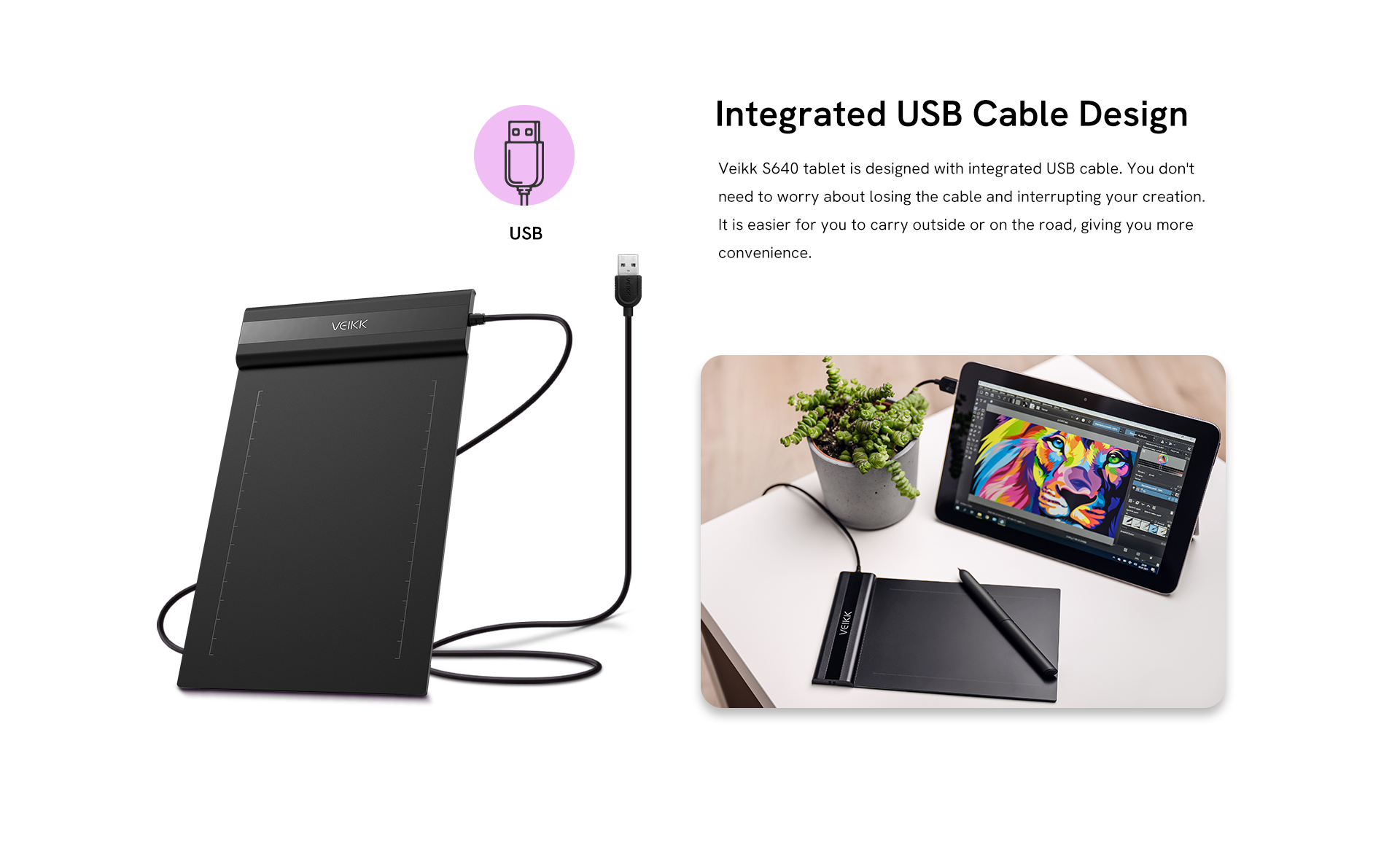
Integrated USB Cable Design
Veikk S640 tablet is designed with integrated USB cable. You don't need to worry about losing the cable and interrupting your creation. It is easier for you to carry outside or on the road, giving you more convenience.
Getting Started with Your Pen tablet
Recommended products for you

Creator Pop VK430

Creator VK640

Voila L

Customer reviews
4.65 out of 5 stars

4.65 ratings | 29 reviews

1.Daniel Thompson on 2025-07-19
When I first opened the box, I was really impressed with how well everything was packed and protected. Inside, it came with the tablet, the battery-free pen, a pen sleeve, 10 extra nibs, and a nib remover, which was a really nice bonus. For setup, it’s recommended to remove old tablet drivers from your computer first. After installing the VEIKK driver, I opened the program I usually use—Paint Tool SAI version 1.2.5. Honestly, SAI itself can be a little difficult with a lot of tablets, so after adjusting some settings (which was definitely more of a SAI issue than a tablet issue), I got everything working smoothly. I had already been planning to switch to Paint Tool SAI Ver.2 since it has a lot more features, so I decided to test the new tablet there as well—and wow, the difference was amazing. Drawing on the VEIKK tablet felt incredibly smooth, almost like drawing on glass. It was super responsive, and it honestly made my old tablet feel rough and scratchy in comparison. The 8192 levels of pressure sensitivity are excellent too. Line control feels really natural, and getting super thin, detailed lines is much easier, which I really liked. I also saw that this tablet is often recommended for playing the game osu!, so I gave that a try as well. It reads input really well, and for anyone who plays osu!, I think you’d be really happy with how responsive it feels. Overall, I was genuinely impressed. For drawing, digital art, and even gaming like osu!, the S640 performs way better than I expected for the price.
2.Ali da on 2025-06-25
Pros: --Super slim but still feels strong and sturdy --No pen charging needed at all --Comes with extra pen nibs and a nice felt pen case --Works even without installing drivers for basic use --Pretty much plug-and-play --Supports pen hovering Cons: --The pen nib can feel a little squeaky sometimes --The pen buttons can be a bit sensitive and inconsistent Honestly, I’d still give this tablet 5 stars because the overall design is just really impressive. It has a clean, minimalist look that feels premium and well thought out. Even small details like the L-shaped rubber feet on the corners make it feel stable and nicely designed. The tablet itself is incredibly thin and super lightweight, but it doesn’t feel cheap at all—it still feels solid and durable. It has that nice balance of being portable while still feeling like a quality product. If you travel a lot or like to work in different places, it’s really convenient to carry around. One thing I didn’t realize I’d appreciate so much is not having to charge anything. Neither the tablet nor the pen needs batteries, which is honestly a huge plus. No worrying about charging cables, dead batteries, or interruptions while working—it just makes everything much easier. Overall, it’s simple, reliable, and looks great. For the price, it feels like a really well-made tablet and definitely worth it.
3.Kenji Watanabe on 2025-02-22
Delivery was faster than expected. I started using it the same evening. For daily office work and signatures, it’s been surprisingly convenient.
4.Rick on 2025-02-13
For a budget tablet, I’m honestly really impressed with how well this one performs. It’s compact, nicely designed, and super easy to set up. The overall design is very simple and minimalist, which actually makes it much easier to use. I think for beginners or hobby artists, this would be a really solid choice. With a lot of other tablets I’ve used before, setting up drivers was always frustrating. This one was completely different. I plugged it in, downloaded the driver, and was literally drawing within 10 minutes of opening the box. That honestly surprised me. The pen pressure worked well, there was no noticeable lag, and it performed just as smoothly as some of the bigger and more expensive tablets I’ve owned before. I mainly use Clip Studio Paint, and this tablet worked perfectly with it. No setup issues at all—it was basically ready to use right away. That’s probably my favorite part: how simple and hassle-free it is. I can just open my laptop and start drawing without wasting time fixing settings or dealing with driver problems like I’ve had with other brands. Overall, it’s a great little tablet for the price—easy to use, reliable, and perfect for everyday drawing.
5.Harry on 2025-01-13
The tablet feels sturdier than expected while still being impressively thin. The package includes useful accessories like USB adapters (Micro-USB and USB-C), extra nibs, a pen holder pouch, and a clear instruction manual. Driver installation was straightforward, with separate download options for Mac and Windows. The instructions were easy to follow, making the setup process smooth even for less technical users.