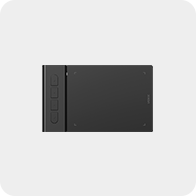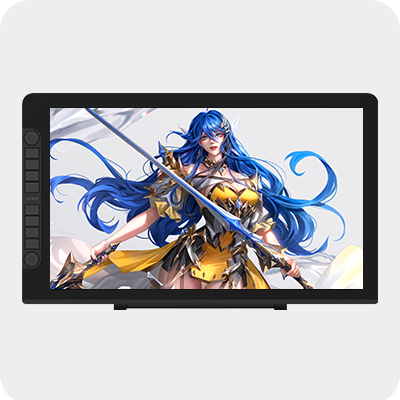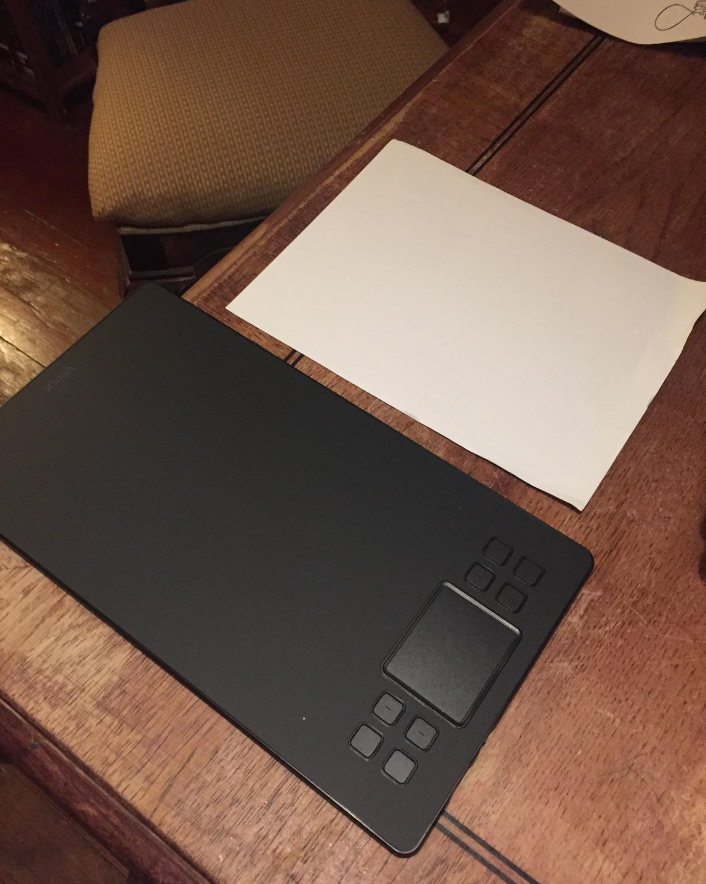
Creator A50

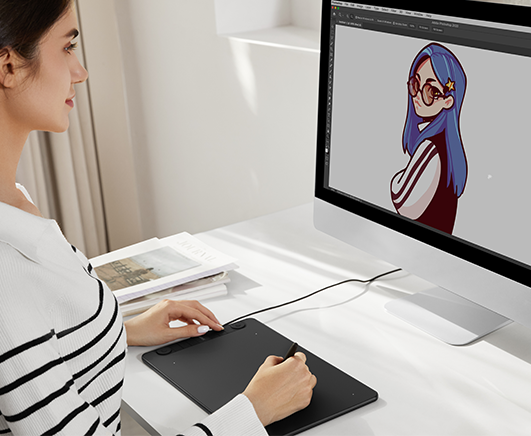
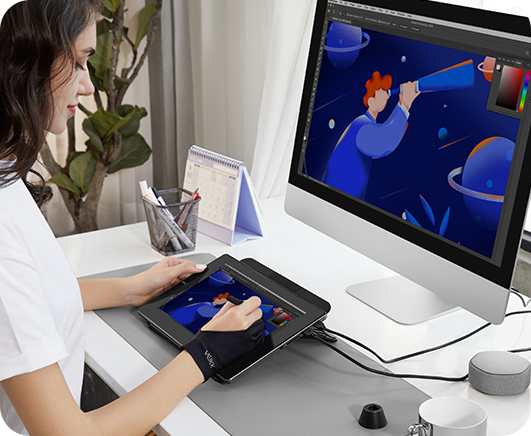
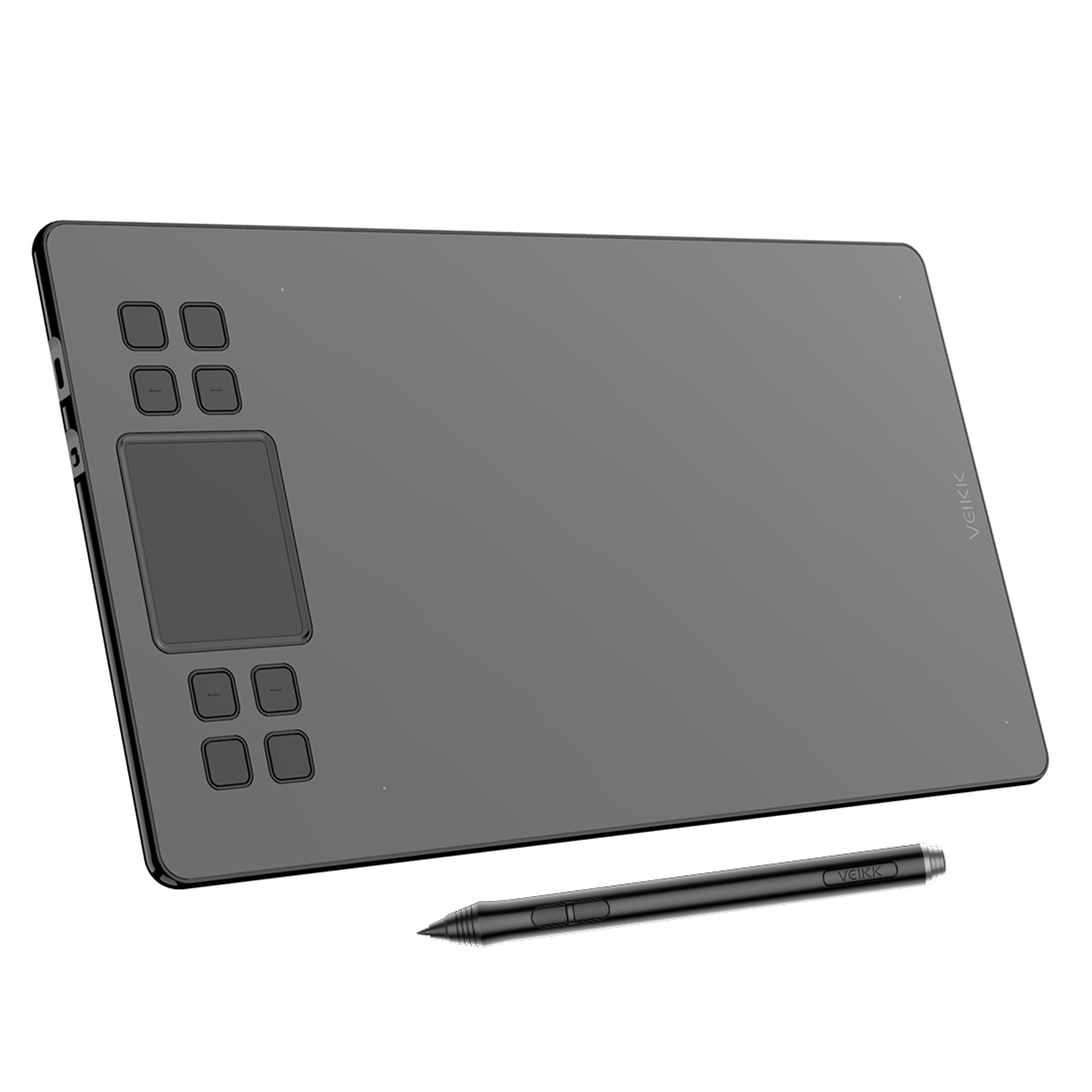
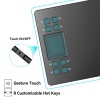
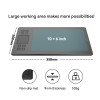
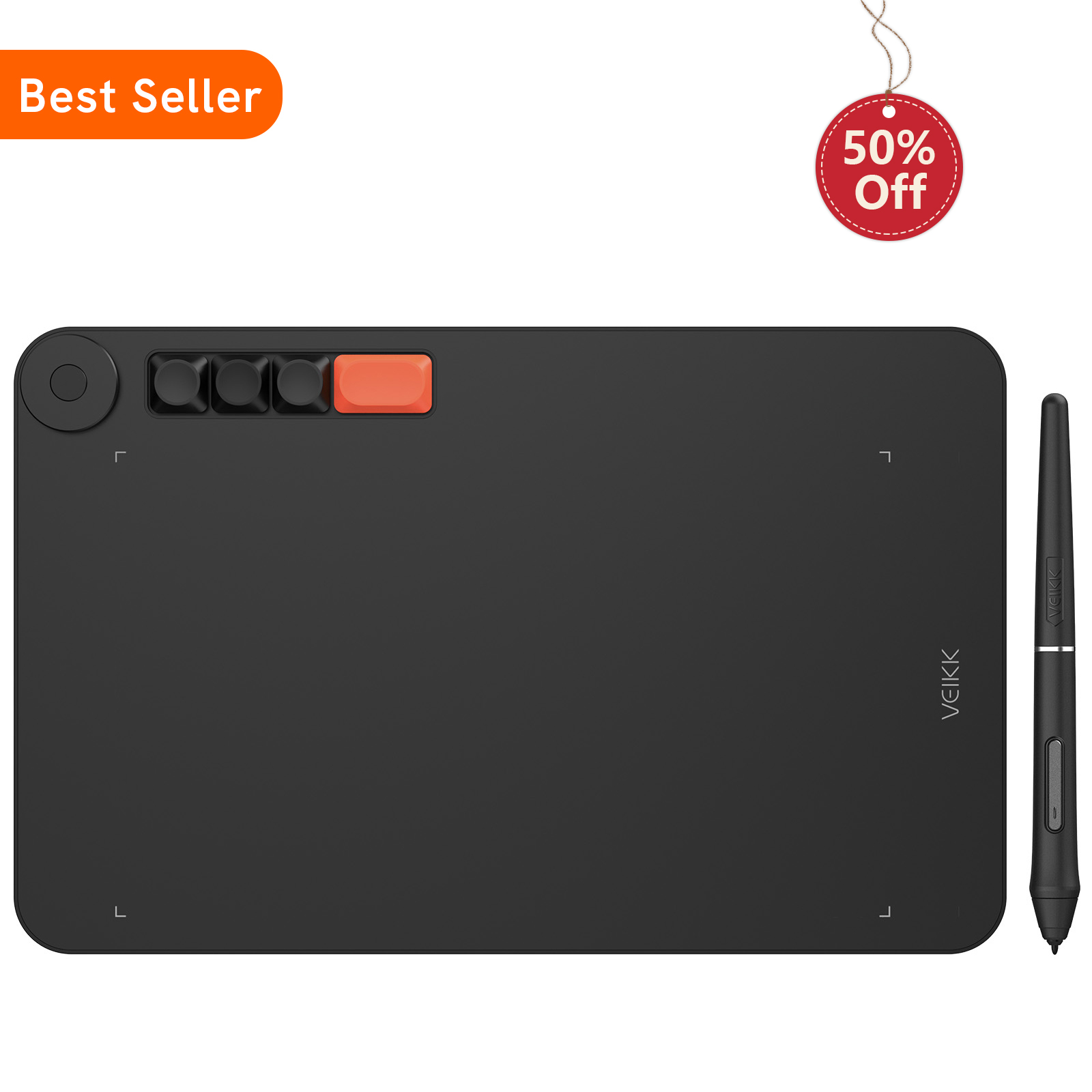
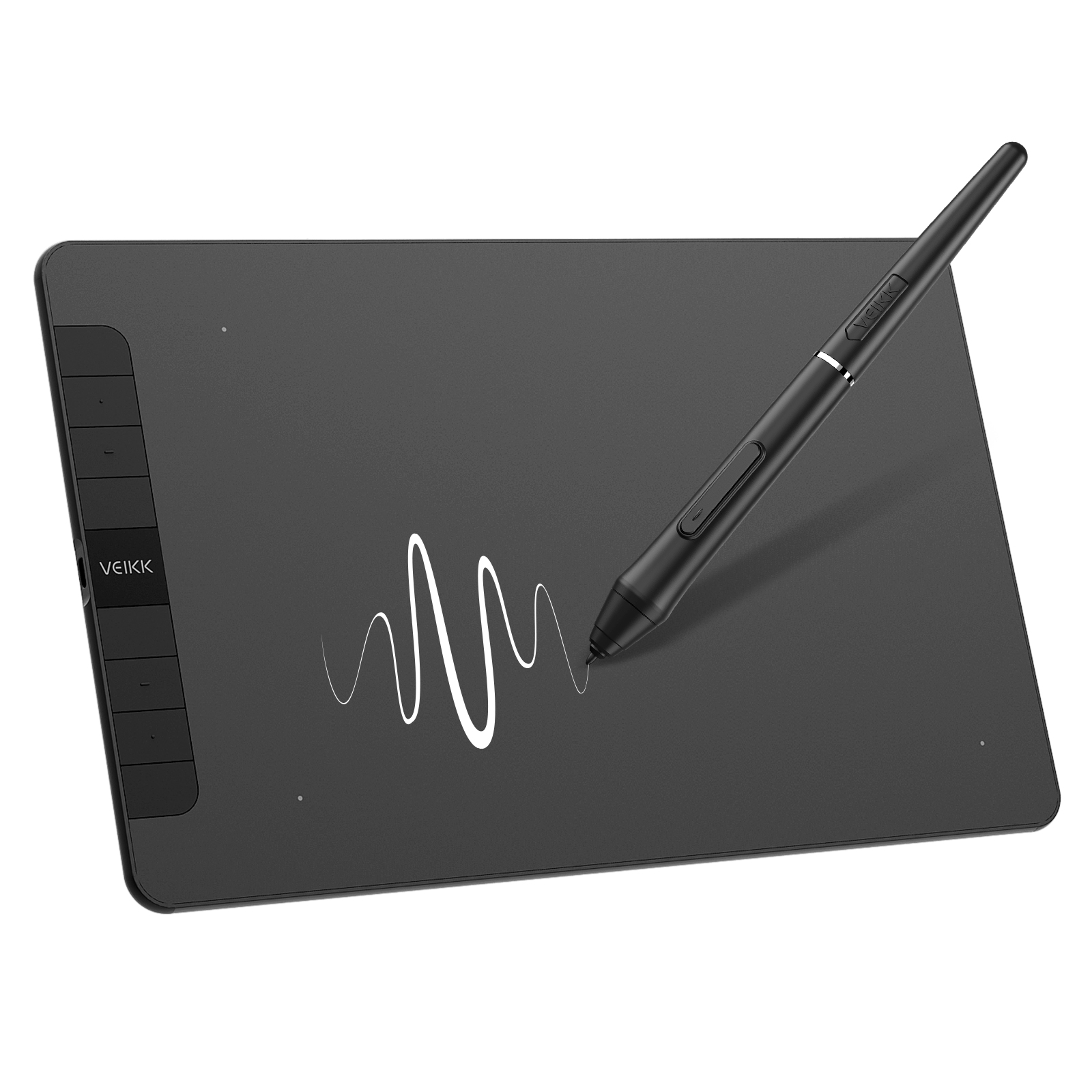
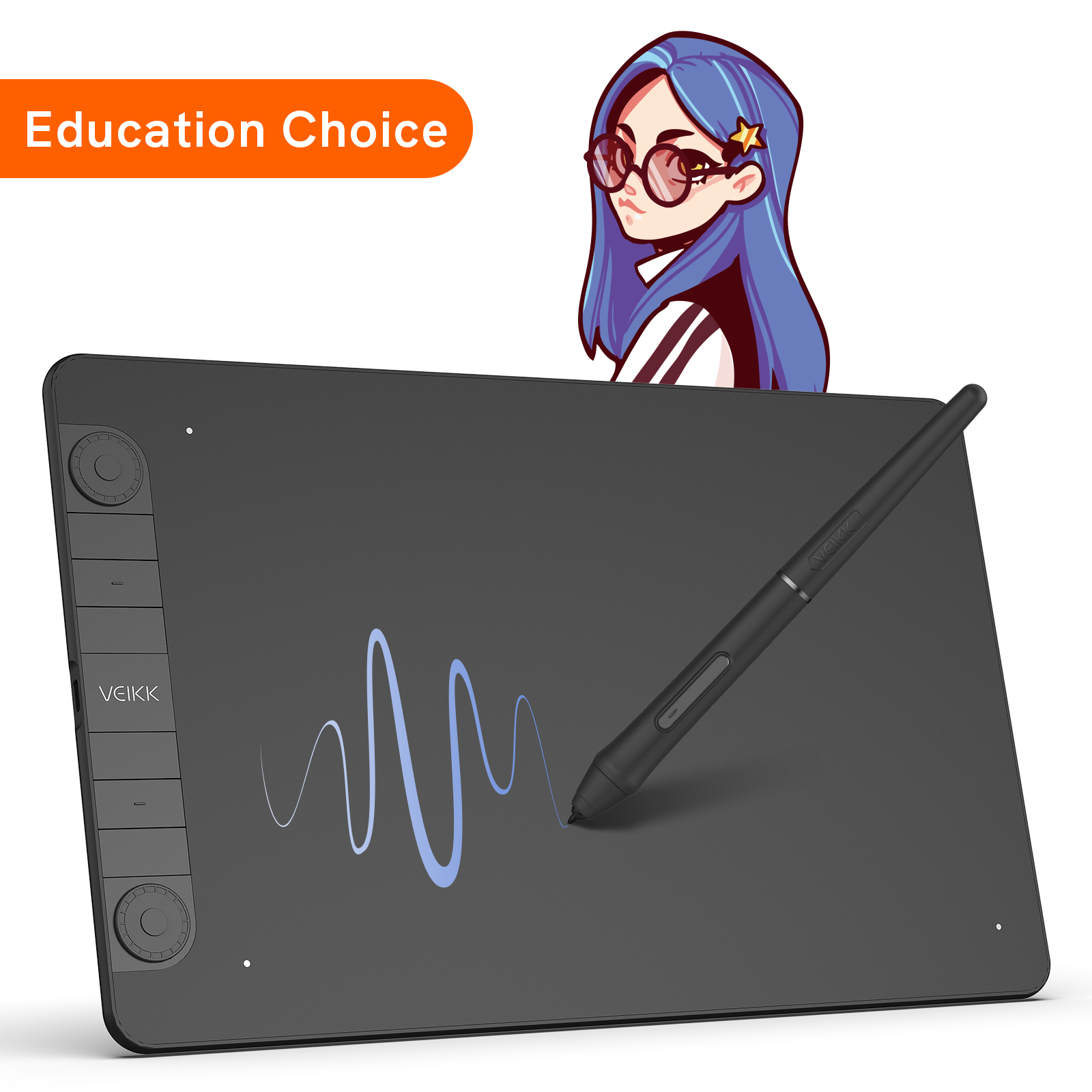
Anda bisa lebih produktif dengan touchpad dan 8 tombol pintas yang dapat disesuaikan. 16384 tingkat sensitivitas tekanan dan laju pelaporan 290 PPS memungkinkan Anda untuk berkreasi secara bebas di ruang kerja berukuran 10x6 inci.

Pelajari Lebih Lanjut
(4.82) Bagikan Pengalaman Produk Anda
Rp1,069,632
Beli

Google Pay

Membeli dalam Jumlah Besar untuk Bisnis Anda?

Hubungi Kami

Pengiriman dan Pengantaran

Standar
2-10 hari kerja, Pengiriman gratis untuk pesanan di atas $24 di sebagian besar negara, beberapa negara mungkin dikenakan biaya pengiriman, silakan periksa di halaman pemesanan

Pengembalian/pertukaran
Gratis dalam 30 hari setelah pembelian Anda

Garansi
12 bulan

Spesifikasi & Detail+

Dimensi: 358 x 200 x 9mm

Model: A50

Sudut Pandang: 10" x 6"

Tingkat laporan: 290 PPS

Resolusi: 5080 LPI

Pulpen: P05

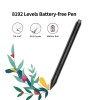
Sensitivitas Tekanan: 16384

Tinggi Membaca: 10mm

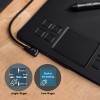
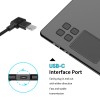
Pelabuhan: USB-C

Kemiringan: 60°

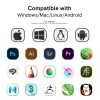
Kesesuaian: Windows 11/10/8/7, Mac OS 10.12 (atau lebih baru), Linux (Ubuntu/elementary OS/Pop!OS/ezgo/debian/mint/mageia/centOS/Arch), Android 6.0 (atau lebih baru)

Garansi: 12 bulan

Tombol Pintasan: 8

Dalam Kotak+

1 x Tablet Pena A50
1 x Kabel USB-C
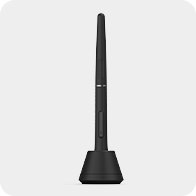
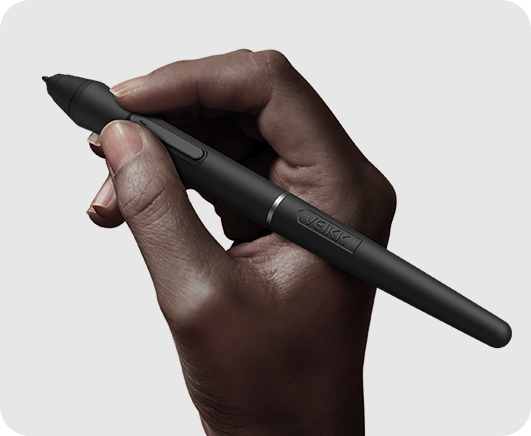
1 x Pena P05 Tanpa Baterai
1 x Kotak Pena
8 x Ujung Pena (Pen Nibs)
1 x Ekstraktor Ujung Pena (Nib Extractor)
1 x Panduan Memulai Cepat
2 x Konektor OTG
Dukungan +

Driver

Manual

Dukungan Layanan

Produk yang Disarankan untuk Anda

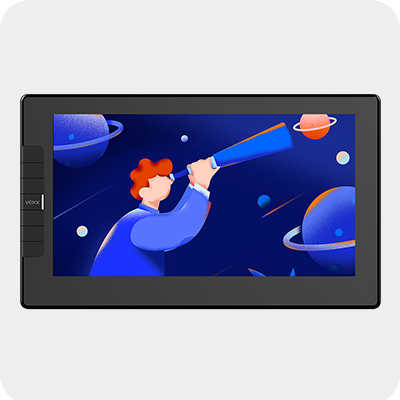
Creator VK1060

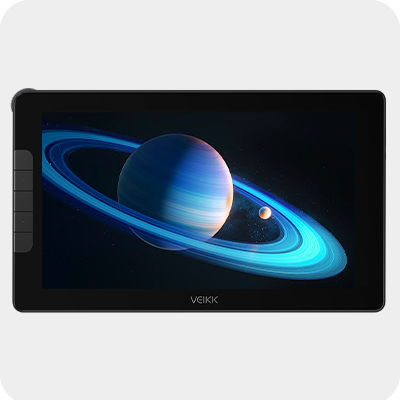
Creator VK1060Pro

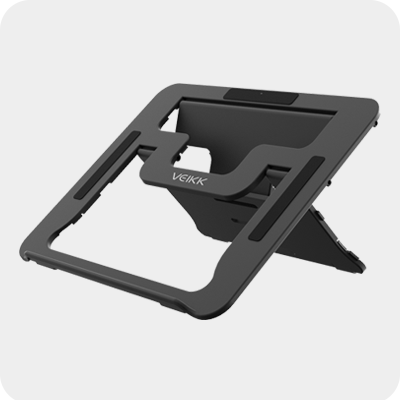
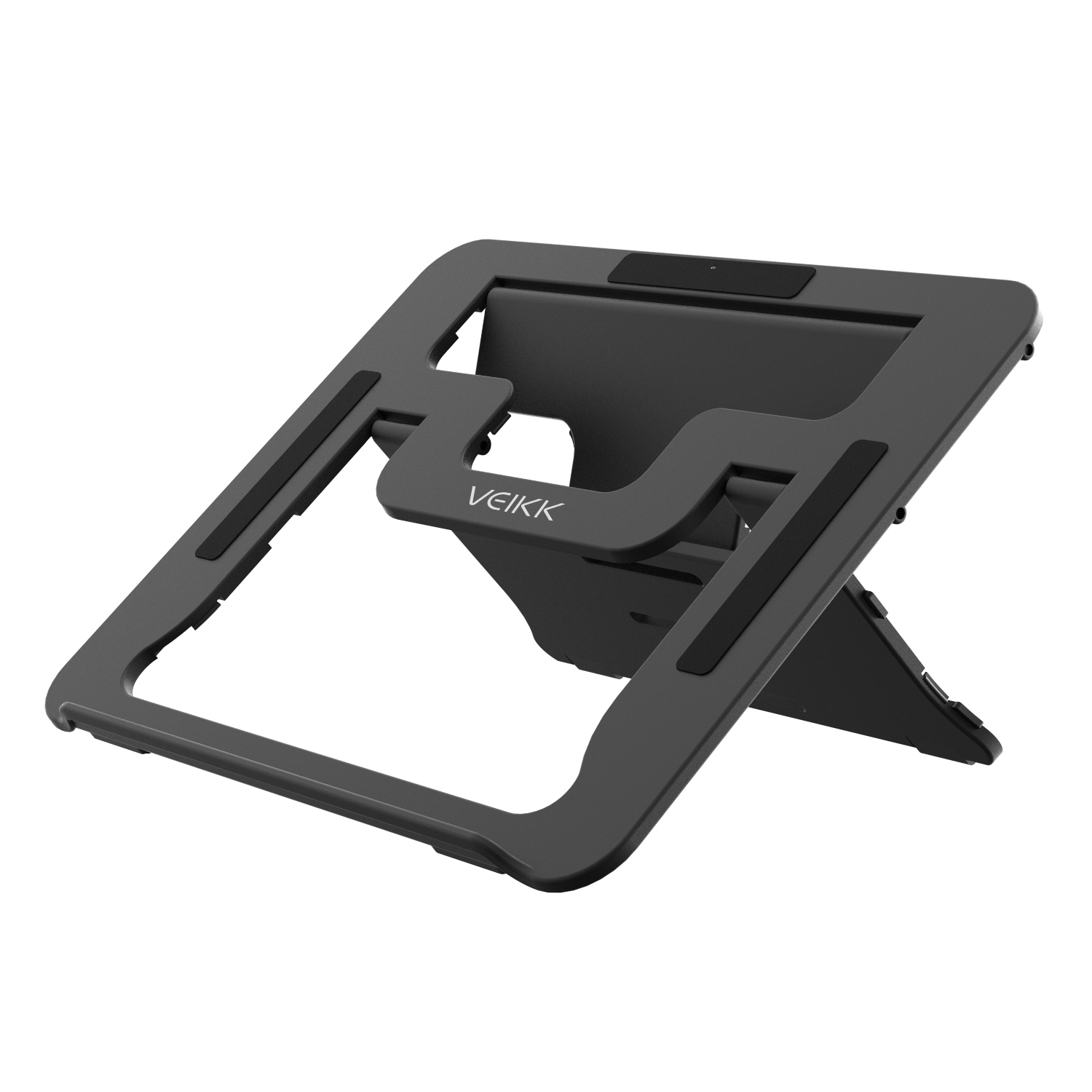
Dudukan tablet

Voila L

Ulasan Pelanggan
4.82 dari 5 bintang

4.82 penilaian | 28 ulasan

1.Dane on 2023-06-04
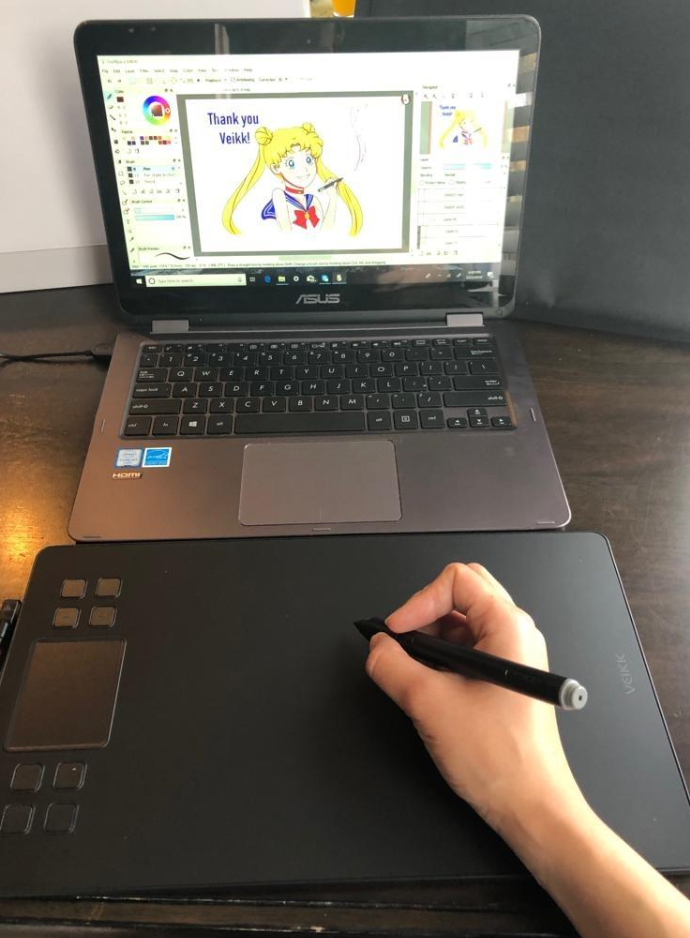
I've been really enjoying this little tablet! Im not a good artist by any means, but I am having fun practicing and improving with the a50. It's taking some getting used to, drawing on the tablet while looking at my computer screen, but I think that'll just come with time.
2.Evian on 2023-05-17
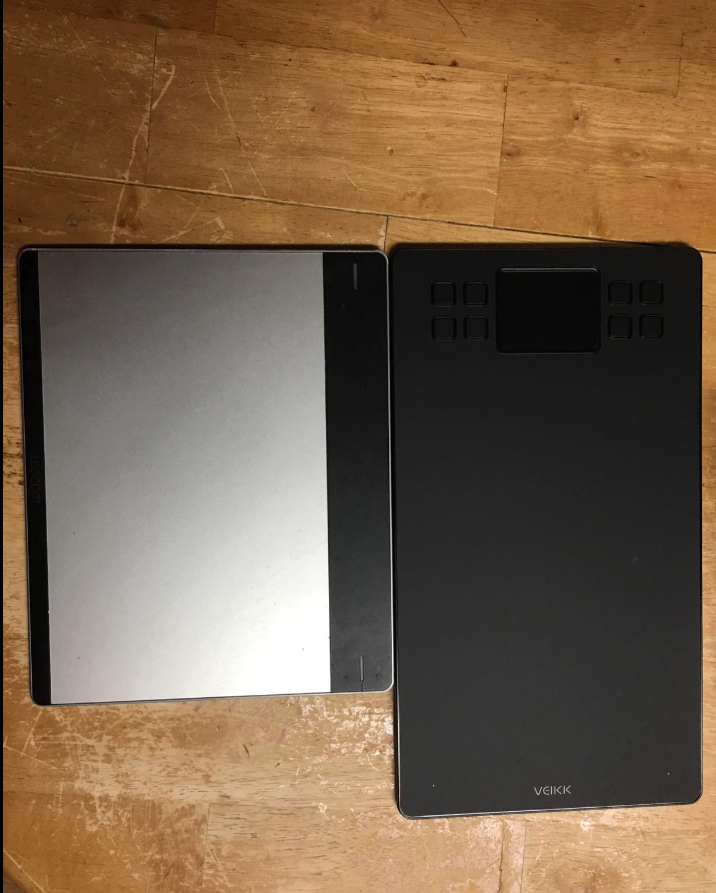
The first thing about this tablet that really made me have a wow moment was the quick arrival. It came within three days rather than just two. Though once it arrived, I swore I never been so slow and gentle opening it. It had a really beautiful casing and the way everything was laid out inside. It was actually the first time I had seen a tablet come in a protective sheer wrapping rather than just lay bare within the box. It really shows the company takes great care of their products, to ensure they are safely handled and brought to the Client in excellent condition. I also enjoyed the fact the pen came with its own separate carrying case to store it in if you was ever done using it. Was proven to be very useful to me. I prefer Veikk's tablet over my Wacom tablet, there was only a few cons vs the pros. I am excited to use it more often and perhaps get to buy another of their products down the line.
3.AA on 2023-04-24
The durability of the top of the tablet surprised me how strong it is! At first I had to adjust and press harder to get the line I wanted and I was concerned I'd scratch the screen. (I have another tablet from another company that got scratched easily so it made me start to draw softly). But this tablet held up very very well and the screen still looked brand new. I was impressed.One thing I had difficulty with yet loved, is the Pen/Eraser button on the pen. I loved it because my other tablet only has an eraser button, so Veikk's pen made it super convenient to switch. But the difficulty was there were multiple times it wouldn't respond and I'd have to press it a couple of times to get it to change. I got used to it though and was still able to do what I wanted I enjoyed the setup for the shortcut keys. It was clear and showed all the different options you can put. In my other tablet with another brand, it's not clear so I still have yet to figure out which buttons I'll use
4.jasper on 2023-03-14
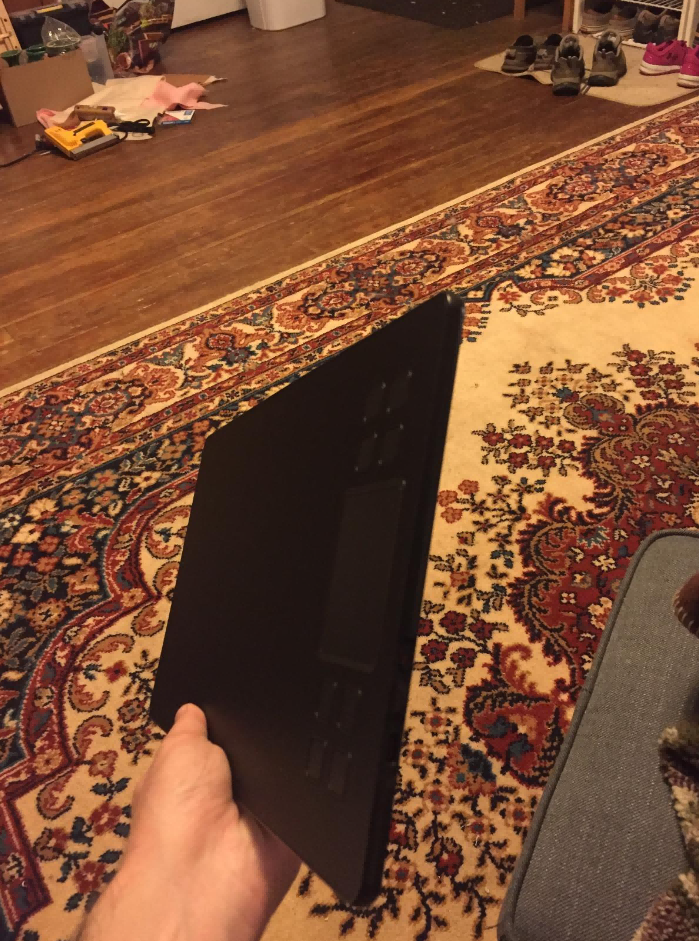
Got this tablet since my last two broke on me and I wanted something a bit higher end. I will update this review if the tablet or pen break on me, however the build quality is a lot nicer than the previous $30 tablets I used. The pen comes with 8 replacement pen tips and a tool to remove the pen tips, too. The pen is about the size of a marker and the tablet is also very large. The usable portion of the tablet is about the size of letter paper. I keep it on my desk and use it as a mouse pad when I’m not using the pen. Drawing with it is very accurate with both the position and pressure of the pen. The software is one of two gripes I have with this product. When I play OSU I like to confine the usable area of the tablet to a corner. The software doesn’t allow you to keep the aspect ratio of the usable area constant, so you have to just try and keep the aspect ratio constant when resizing it. Another small annoyance with the tablet is the trackpad. The buttons are nice and can be remapped easily using the driver software, but I don’t see a reason for there to be a touchpad. The touchpad only has 5 functions and I accidentally trigger it a lot by brushing my hand against it. It would be much simpler to just have some buttons in place of the trackpad.
5.robert on 2023-02-20
14yr old really likes it and uses it every chance she gets. Got used to the "draw here view there" easily.