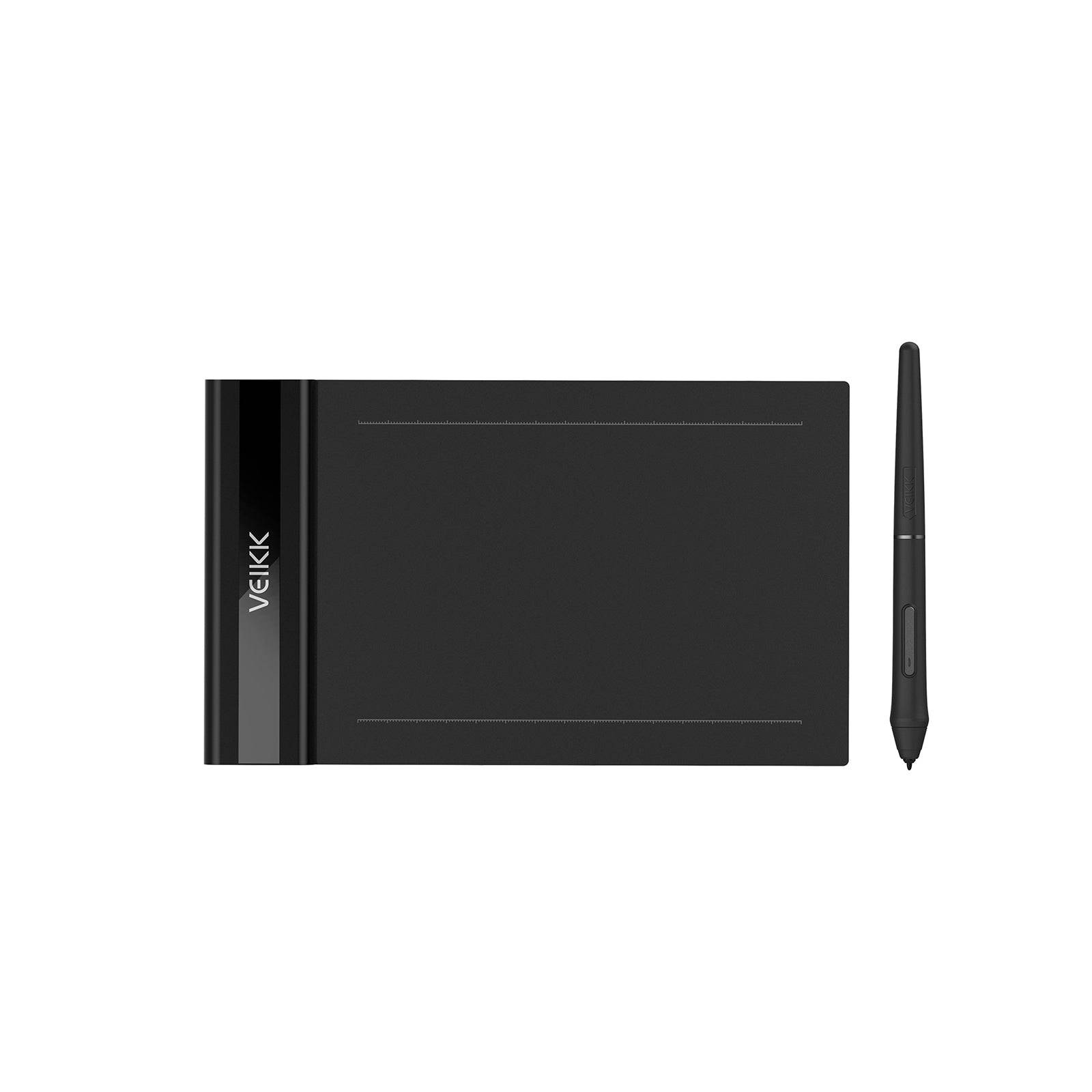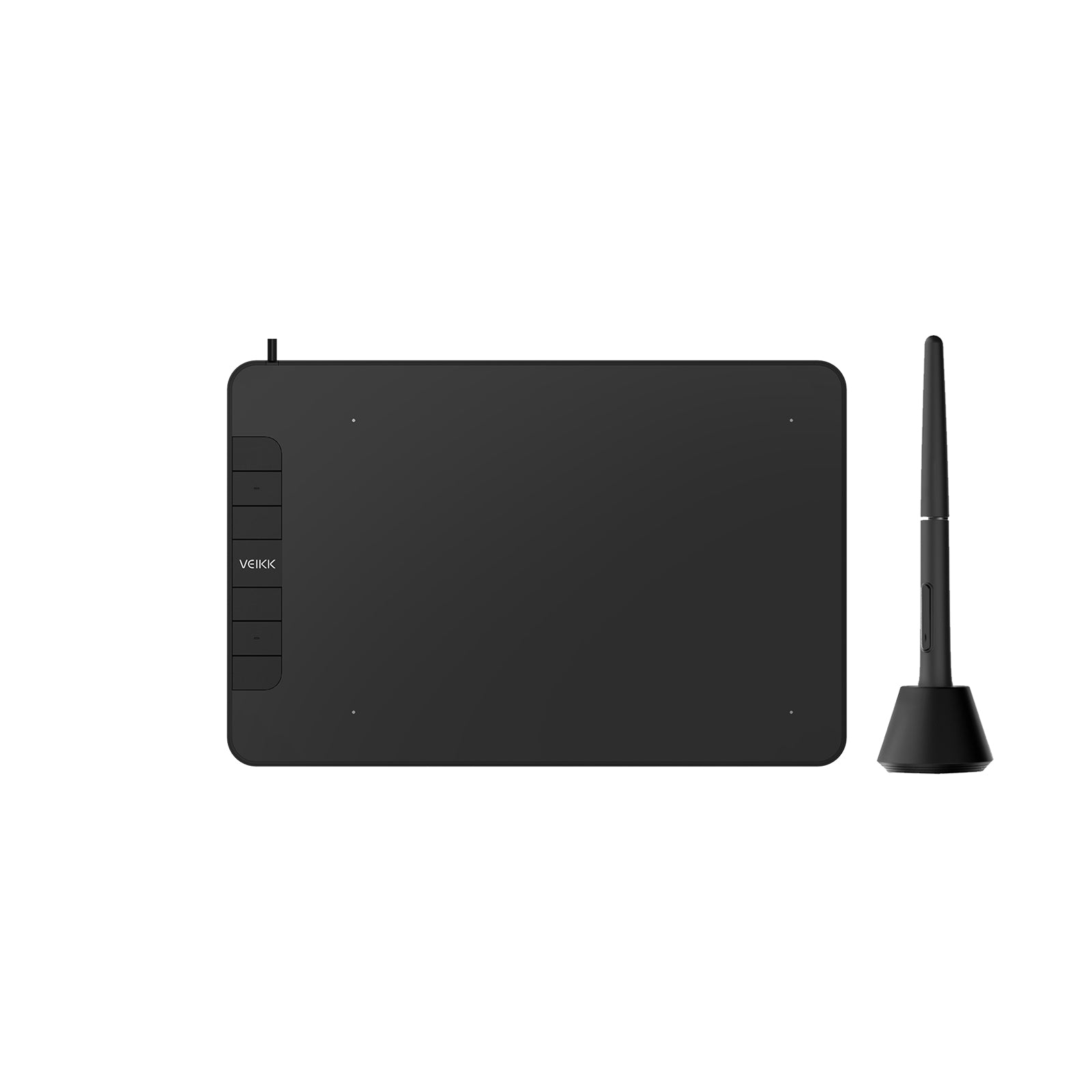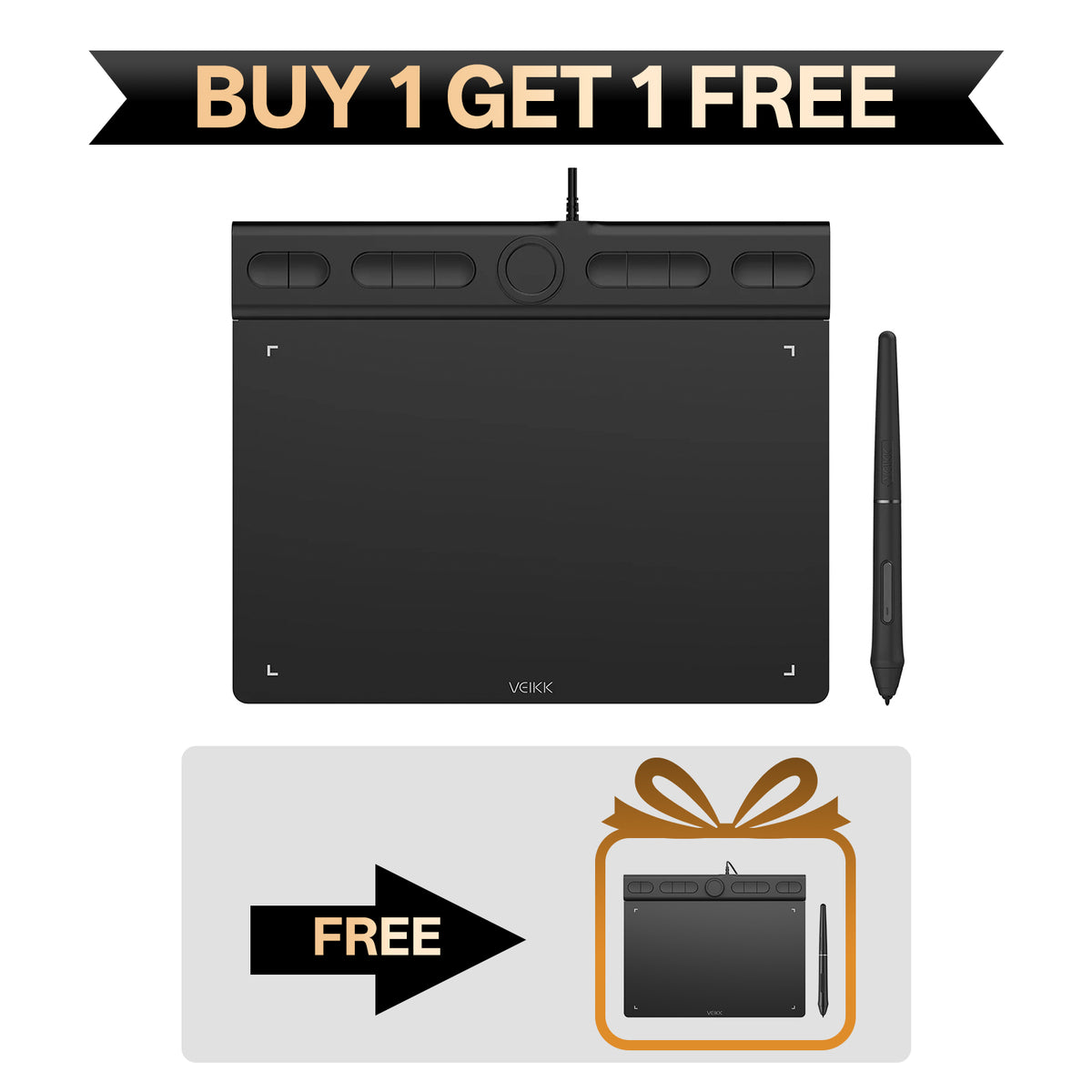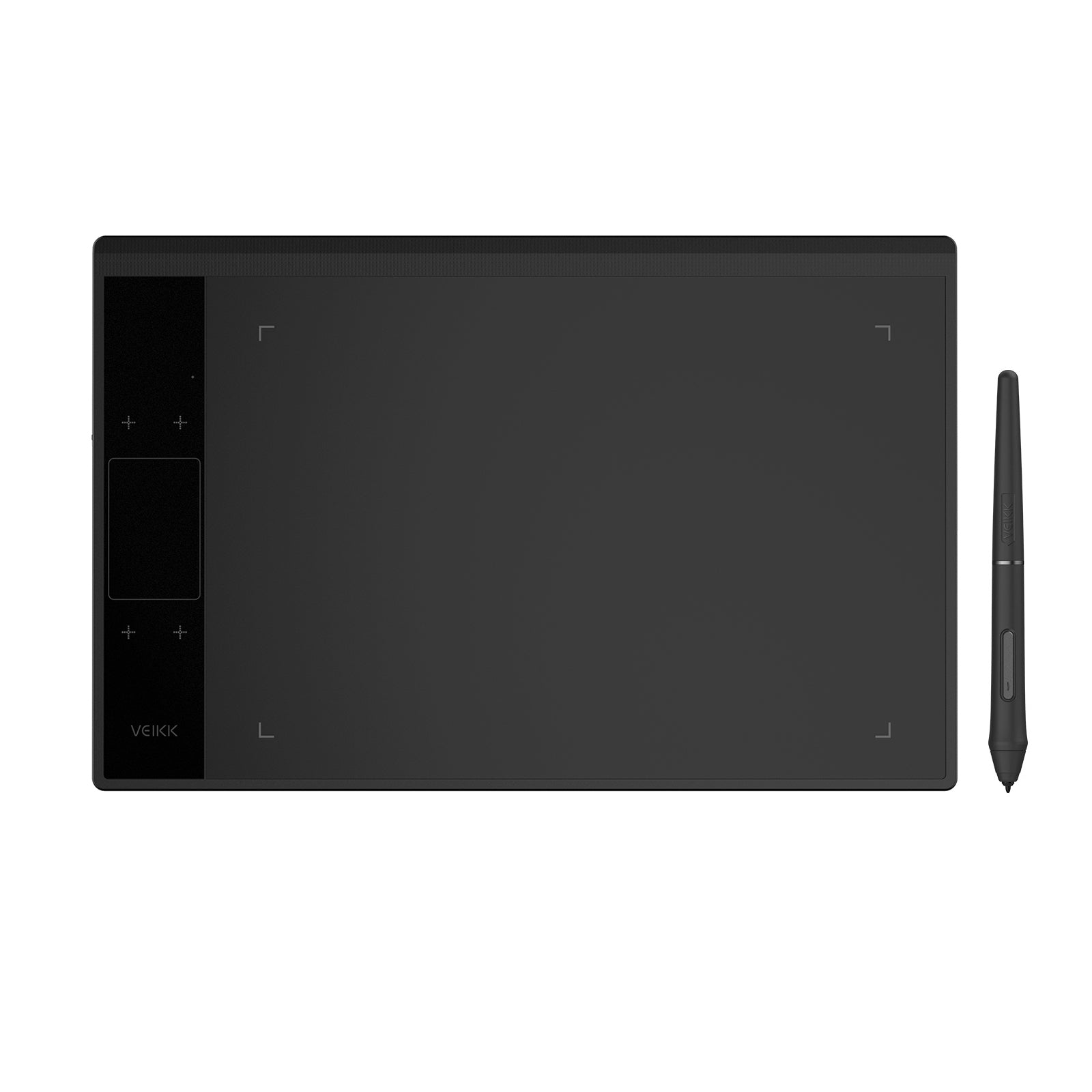
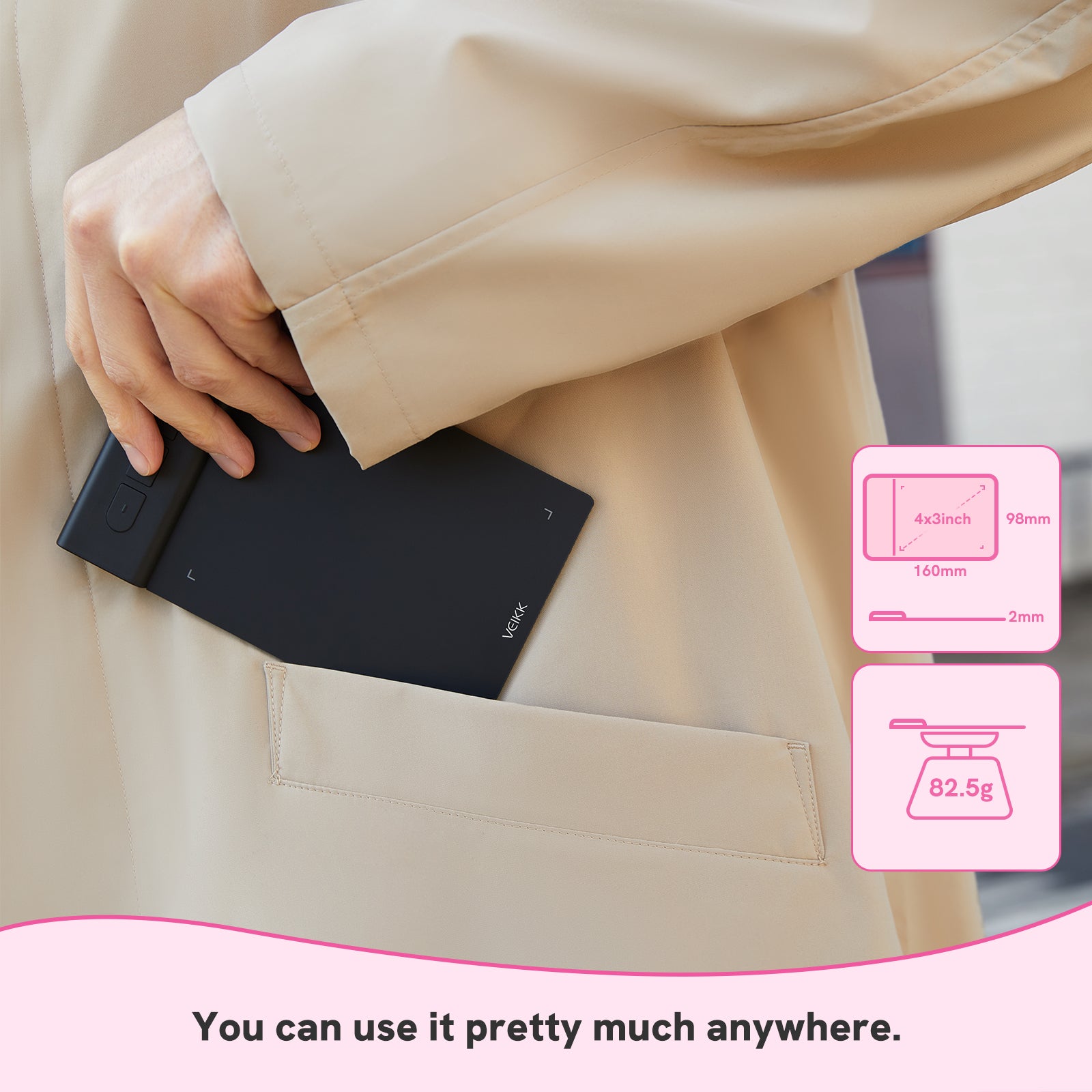

Guárdalo en el bolsillo o donde sea.

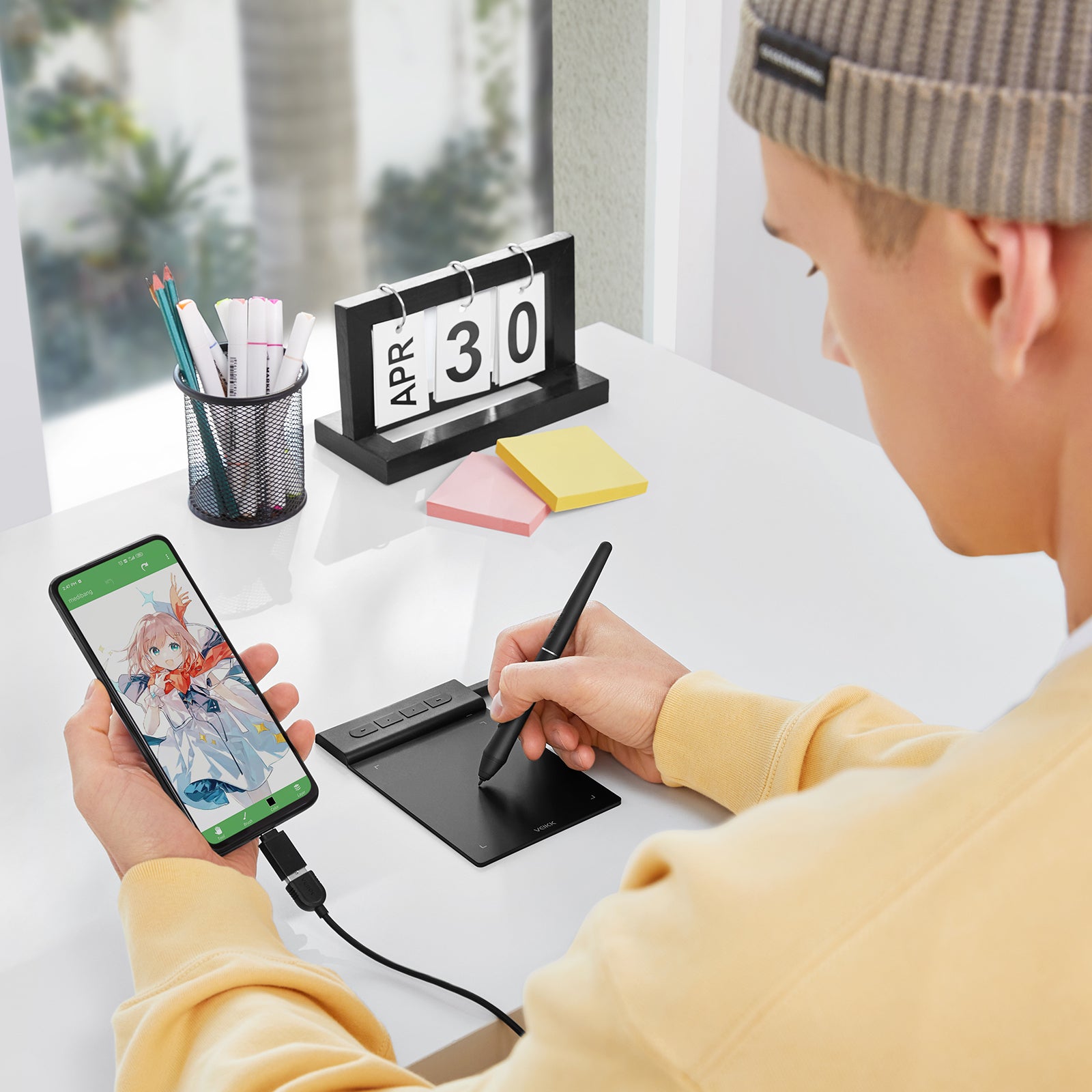
Con un grosor de tan solo 2 mm, un peso de 82.5 g y una superficie activa de 4 x 3 pulgadas, el Creator Pop VK430 libera espacio en tu escritorio y cabe fácilmente en una funda para portátil o en tu mochila, lo que facilita su transporte. Puedes usarlo prácticamente en cualquier lugar.

Crea cómodamente en tu espacio de trabajo digital.

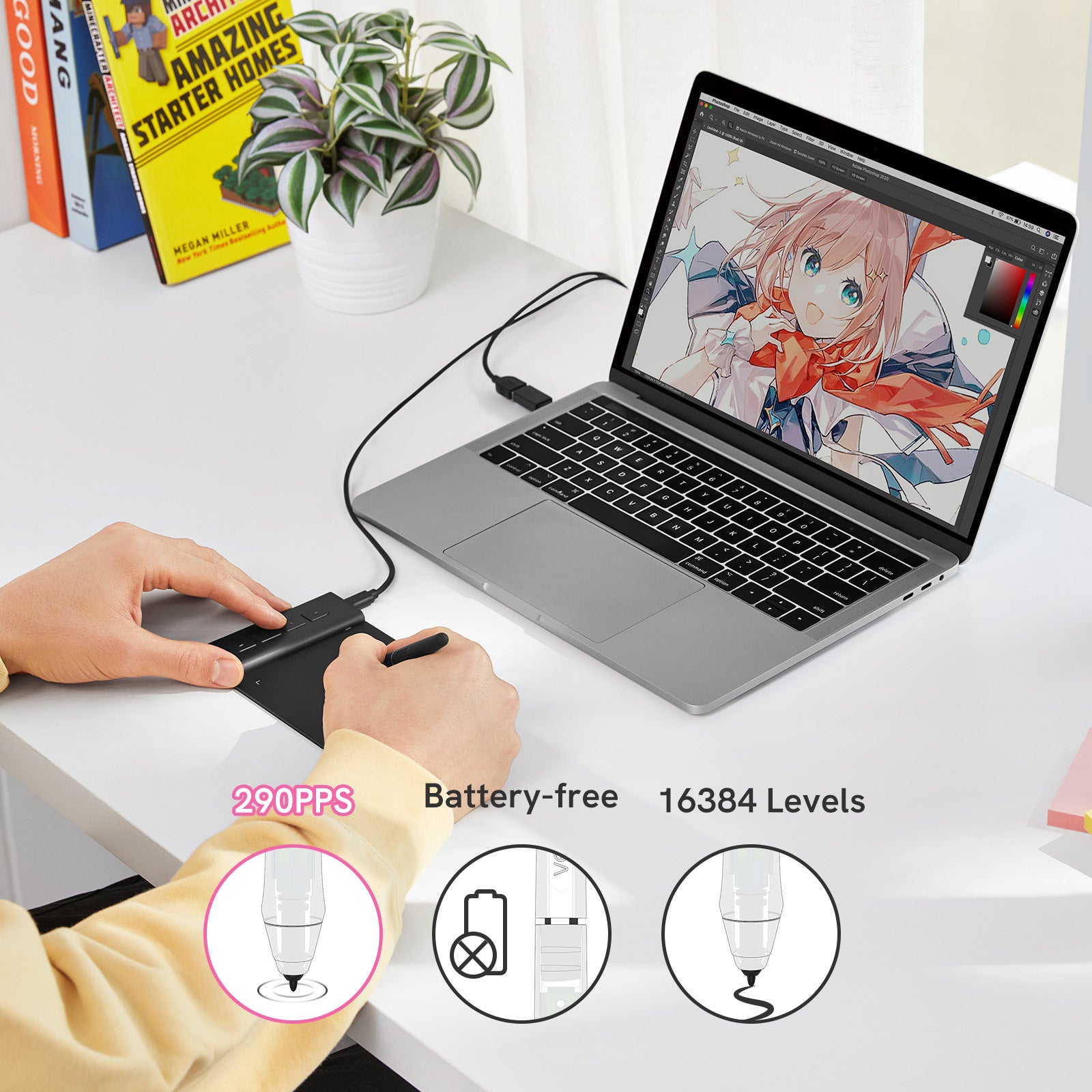
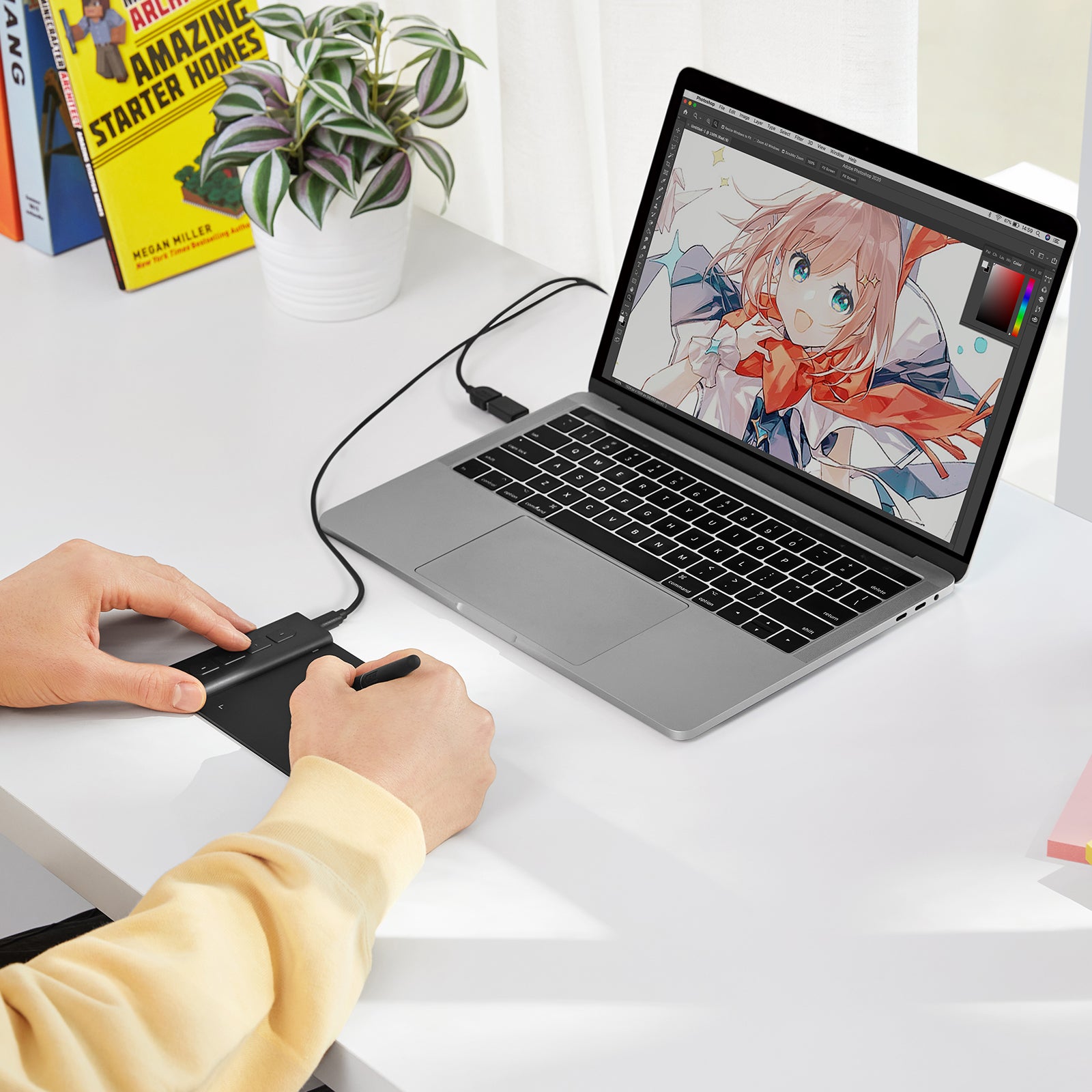
La VK430 te ofrece una experiencia de dibujo sencilla y divertida para tu día a día creativo. Conéctala a tu ordenador, coge el lápiz y transforma tus ideas en obras de arte digitales con facilidad.

Haz realidad tus ideas con un rendimiento de pluma preciso.
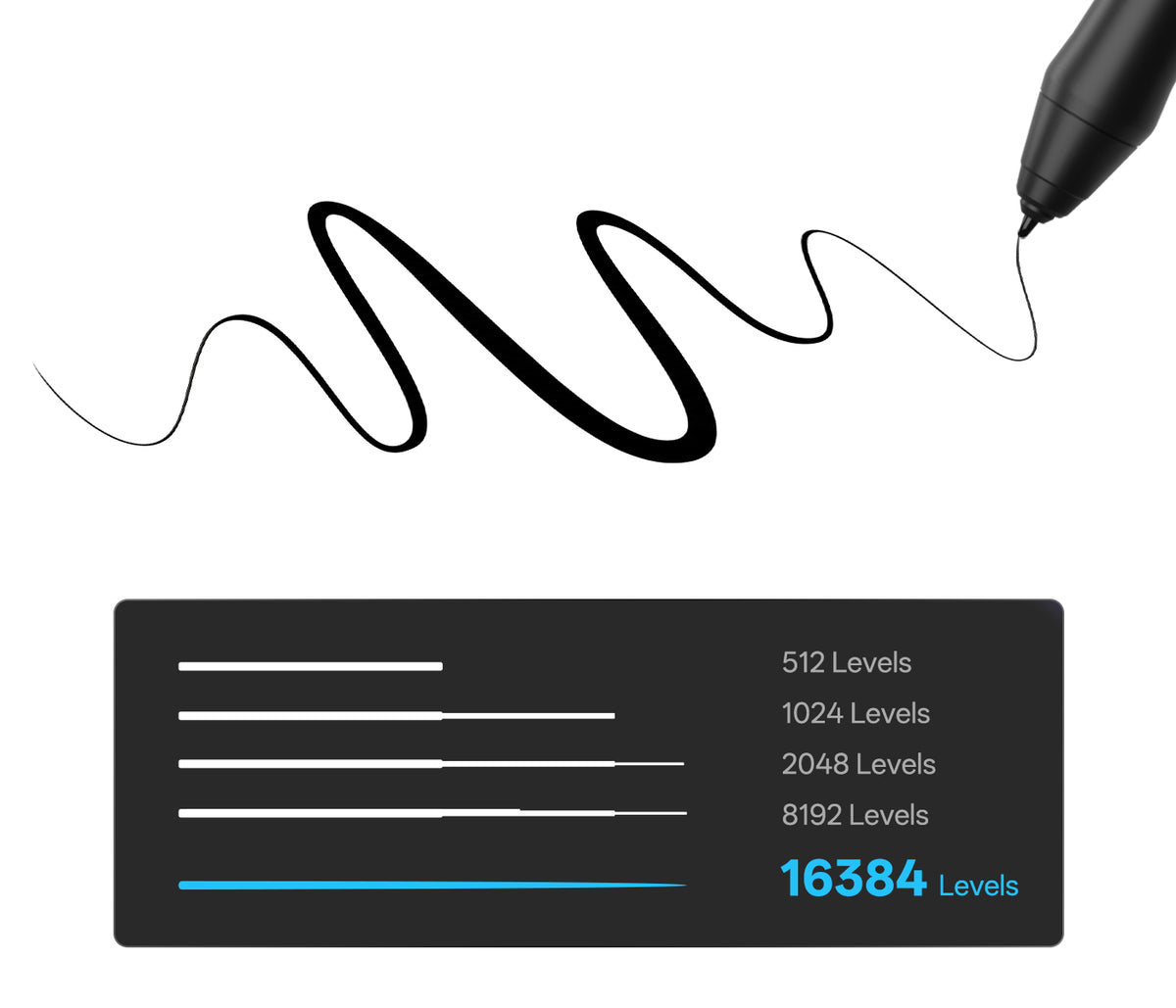
16384 Niveles de Sensibilidad a la Presión

Captura cada sutil cambio de presión, desde los detalles más finos hasta los trazos expresivos, con un control de línea suave y preciso.
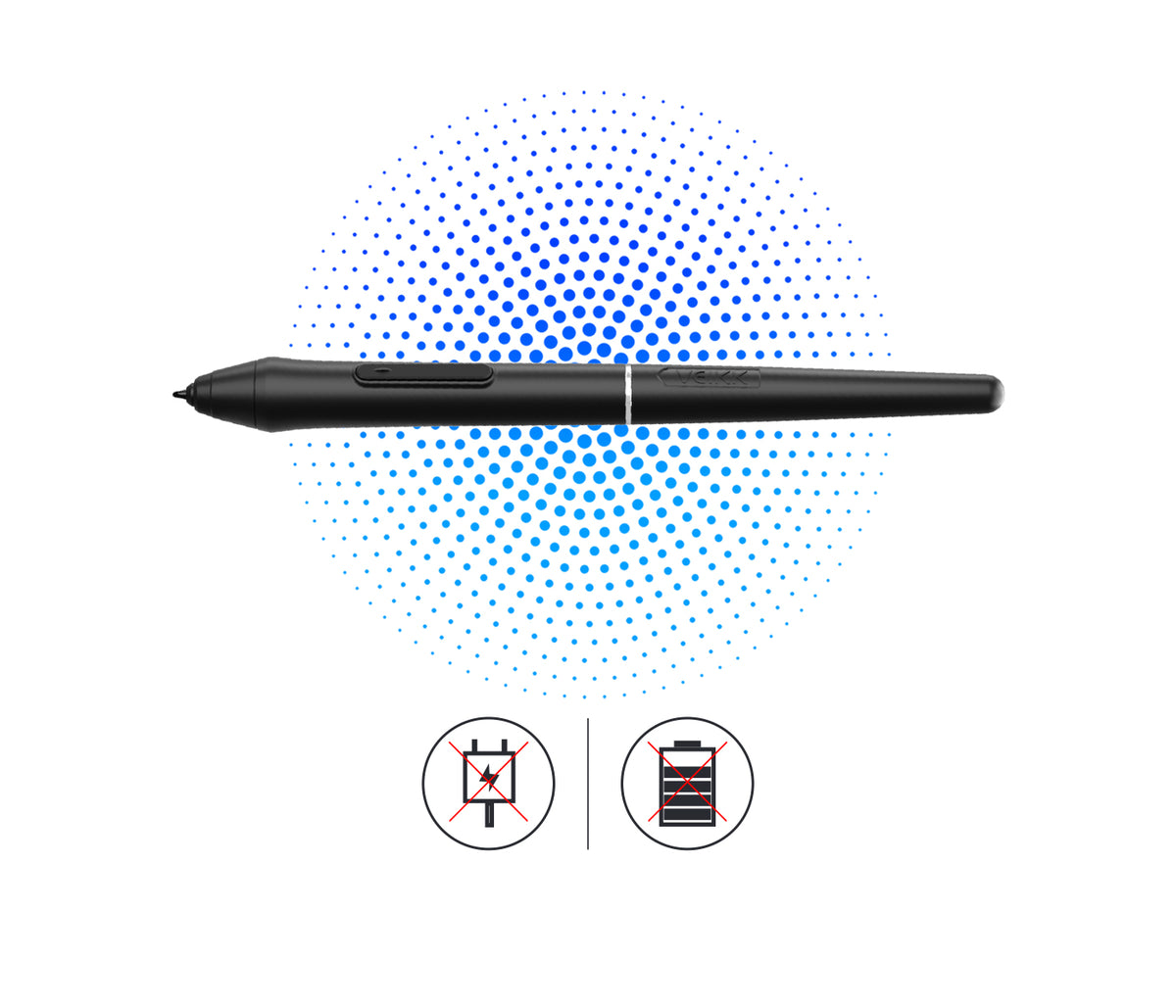
Lápiz óptico sin batería P05

Disfruta de una creatividad ininterrumpida con un lápiz óptico que no necesita cargarse y siempre está listo cuando lo necesitas.
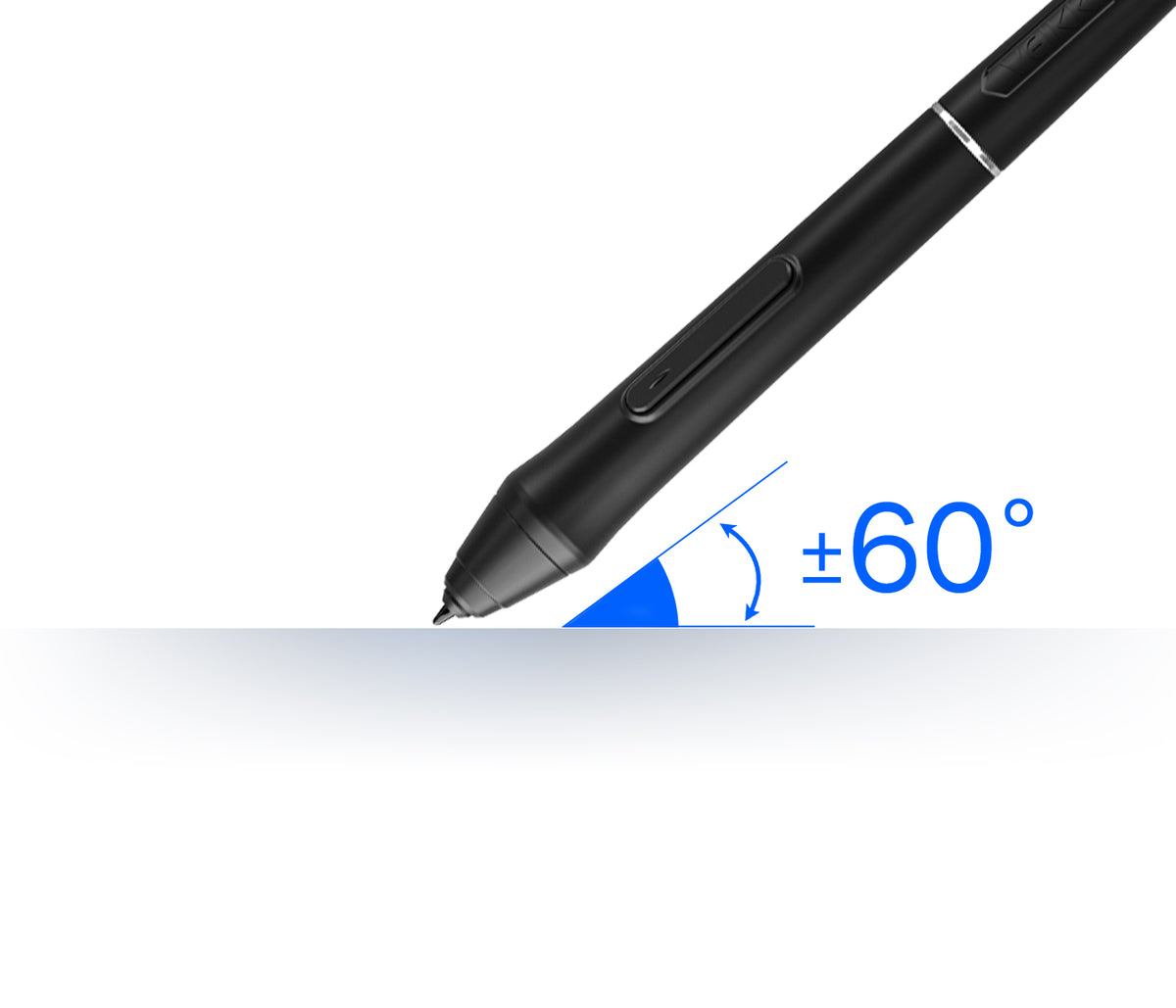
Soporte de inclinación de ±60°

Añade variaciones naturales a tus trazos con el reconocimiento de inclinación para conseguir sombreados y efectos de pincel realistas.

Trabaja más rápido. Crea a tu manera.

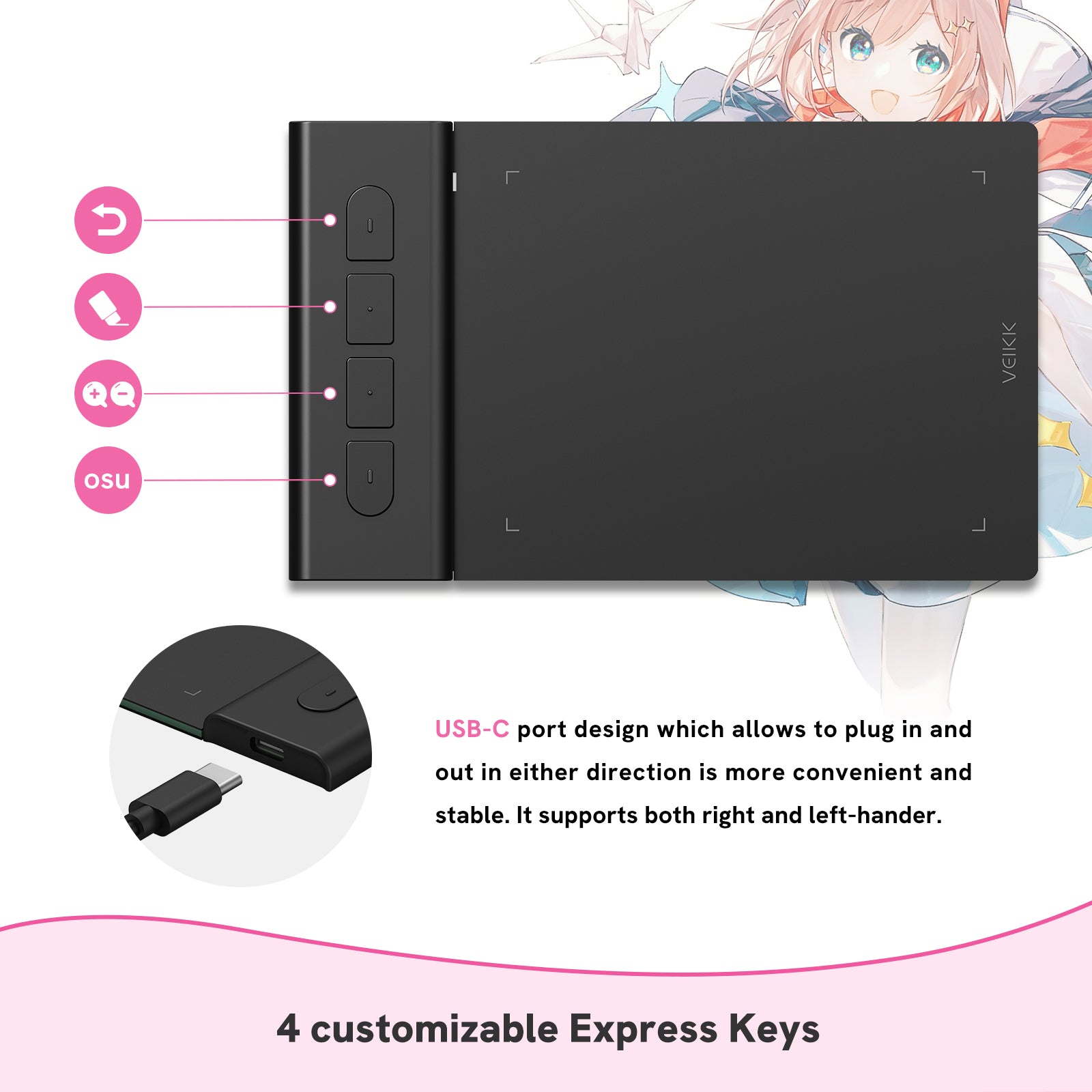
Personaliza cuatro teclas de acceso directo para acceder instantáneamente a tus comandos favoritos y, a continuación, cambia entre los modos para zurdos y diestros para una experiencia de dibujo cómoda e intuitiva.

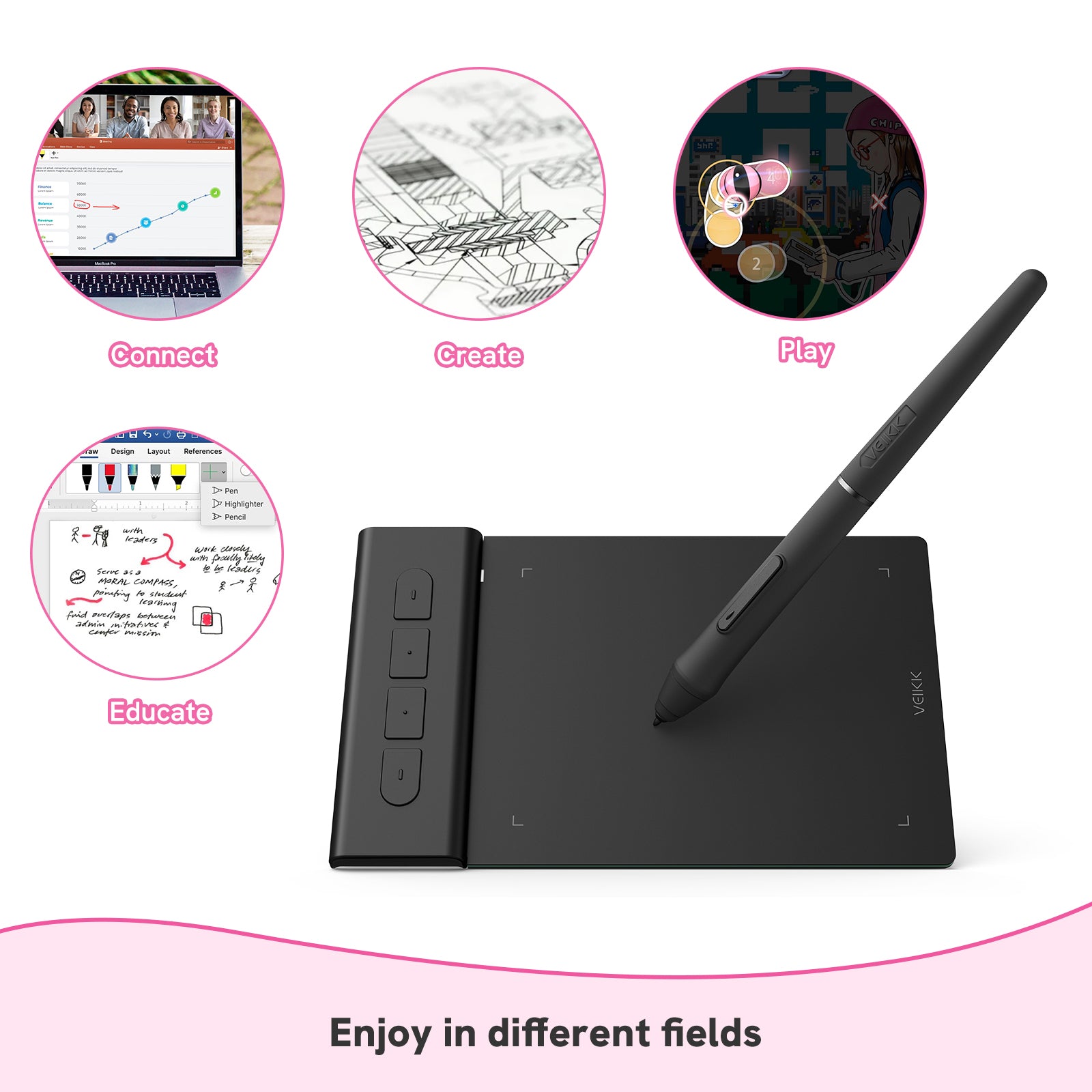
¿Qué puedes hacer con el VK430?

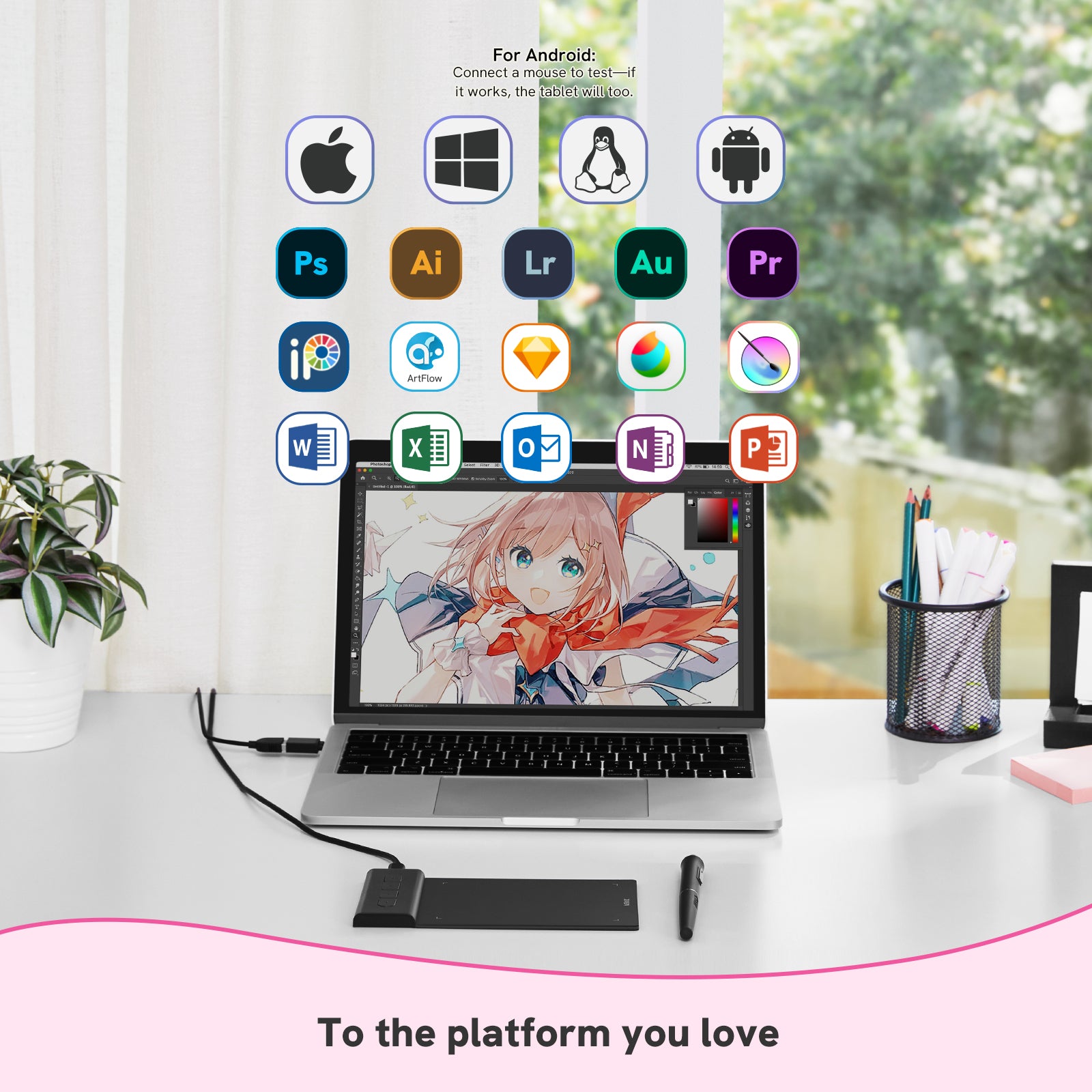
Funciona con tus dispositivos y aplicaciones favoritas.

Compatible con Windows, macOS, Linux, Android y aplicaciones populares para dibujar, aprender, trabajar y jugar, para que puedas empezar a usar las herramientas que ya utilizas.

¿Qué hay en la caja?

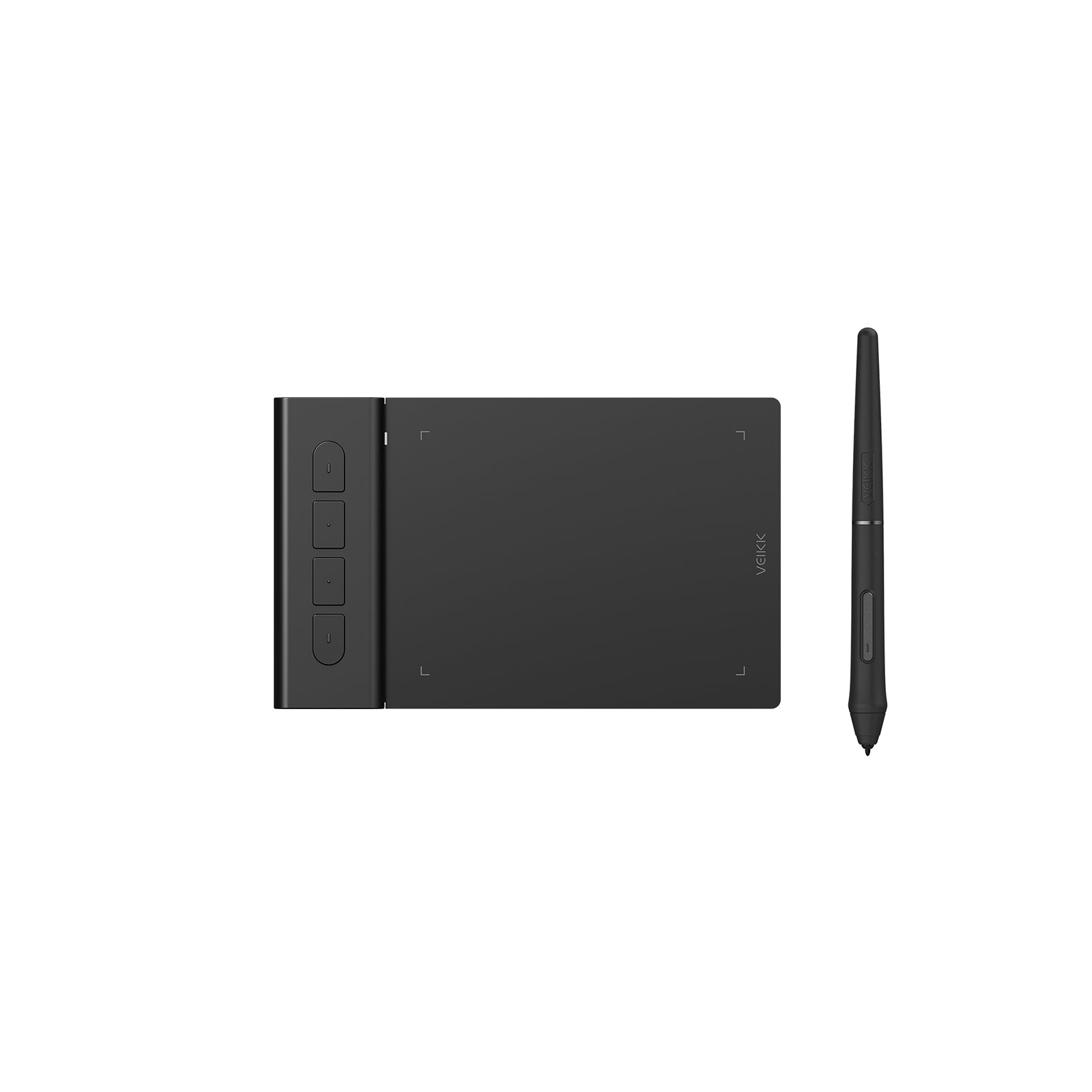
1 tableta gráfica VK430
8 puntas de repuesto para bolígrafo
1 cable USB-A a USB-C
1 lápiz óptico P05 sin batería
1 extractor de puntas
1 x Guía de inicio rápido
1 tarjeta de descarga de controladores

Especificaciones técnicas

Información básica

Modelo de producto: VK430
Área activa: 4*3 pulgadas
Color: Negro
Dimensiones: 160*98*8.5 mm
Peso neto del producto: 82.5 g

Funciones y controles

Presione las teclas: 4
Marcación rápida: 0

Rendimiento del bolígrafo

Sensibilidad a la presión: 16384 niveles
Resolución del lápiz: 5080 LPI
Velocidad de informe: 290 PPS
Altura de lectura: 10 mm

Interfaz y compatibilidad

Interfaz: USB-C
Compatibilidad con SO: Windows 7 o posterior, macOS 10.12 o posterior, Android 6.0 o posterior, Linux

  • 5 stars: 11 (46%)
  • 4 stars: 11 (46%)
  • 3 stars: 2 (8%)
  • 2 stars: 0 (0%)
  • 1 star: 0 (0%)
j
jefn

I think I've used about a month of it. Sometimes there is a bug where the device is not recognized by the VEIKK driver after booting the computer. But I'm using it well. Above all, it has the advantage of being cheaper than other products. Therefore, I give it 4 stars.

T
Tomas Novak
Creator Pop VK430 - 3 stars

It does the basic job, but I had some driver conflicts on my older laptop. After updating everything it became stable, just wish setup was easier.

A
Adrian Varga
Creator Pop VK430 - 5 stars

Good overall, just basic features.

G
Gabriel V.
Creator Pop VK430 - 4 stars

Es un producto muy útil para estudios o desempeño artístico. Gran precio para su calidad. VEIKK ofrece mucho y la recomiendo para artistas digitales en PC.

E
Estelle B.
Creator Pop VK430 - 4 stars

Para el precio, esta VEIKK es bastante buena si quieres empezar con el dibujo digital. Muy adaptable a la computadora y fácil de usar.

G
Genaro Delgado
Creator Pop VK430 - 5 stars

As a beginner, it took me a moment to get used to the active area, but after adjusting the VEIKK settings, it works like a charm! Great value for the price.

A
Alina Dimitrova
Creator Pop VK430 - 5 stars

Lightweight and easy to carry. Perfect for travel.

C
Cristina M.
Creator Pop VK430 - 5 stars

Funciona perfectamente en Linux y Krita. Solo tuve que hacer un ajuste de configuración y ahora la VEIKK VK640 es súper precisa. El movimiento es fluido y los 20 recambios son un gran plus.

S
Sofia Petrov
Creator Pop VK430 - 5 stars

Pen pressure is very sensitive. Drawing feels natural.

M
Milos Jovanovic
Creator Pop VK430 - 5 stars

Very satisfied with this purchase. I use it for online teaching and note-taking, and it works perfectly with Zoom and OneNote. No lag at all. The lightweight design is a big plus since I carry it daily. Shipping was fast too.

i
iSY
Creator Pop VK430 - 5 stars

I've never used a drawing tablet before but have pondered trying one. I have severe RA and miss having steadiness in my hands. My daughter suggested I try using a digital drawing tablet, so I decided to give this one a try. I've not had it long, but so far it is working well. It will likely take me a while to get used to it, but outside of art, I have mathematical and IT applications for it in mind. It will be nice to have digital sketches and written out equations that I don't have to scan in. So far, I am really happy. with it. It was really easy to setup as well and doesn't seem to interfere with any of my other programs.

V
Vital
Creator Pop VK430 - 4 stars

I bought this solely for being able to study and do notes on the go. Without having to carry my laptop. I hate how the cable sticks out the side.It's perfect for a quick solution without trying to break the bank. Also I hacked it to make it feel like paper when I'm drawing and writing

r
rchin
Creator Pop VK430 - 5 stars

I bought this tablet to switch from handwritten notes to Digital Note taking at a very cheap and affordable price as I am student. I have used it for a month and it has been a great experience.

C
CMALK
Creator Pop VK430 - 5 stars

This has been a summer of first for me. This is my first attempt at using a drawing tablet and I must admit, I like it. My grandchildren are all very artistic and they all have large, expensive drawing tablets. I design greeting cards and they suggested that I try a small graphic tablet and then if I liked it, I could move up to a larger more expensive one.
I must say that this tablet has been perfect for me. I don't really think I need anything more expensive. Downloading the drivers and getting set up was simple and fairly intuitive. I think my biggest challenge was learning to work within the small active area, but now after using the tablet almost daily for a month, I am comfortable with that.
I think the size of this table is what I like most. I have to get medical infusions, and this tablet is portable and small enough that I can use it with my phone during my treatments. It is also great for crafting retreats and classes. I appreciate that they added extra nibs!

j
jennifer
Creator Pop VK430 - 4 stars

It takes a little time getting used to using it but it works pretty good

S
Sumit
Creator Pop VK430 - 4 stars

This is my first drawing tablet and so there is a learning curve to it but so far I have been loving it. I feel like this will make my tasks efficient especially with photo editing tasks. I look forward to using this more. The buttons on the side are firm and the scroll wheel is really good. The tablet is responsive to the pen. However, I had some issues when using with double monitors but I think that will be resolved once I start using this often. So far so good.

C
CMC
Creator Pop VK430 - 4 stars

I got this to test out if I would like a drawing pad for my computer vs drawing on my iPad with an Apple pencil. I didn't want to spend a ton of money on a Wacom to find out it wasn't for me, so I started here. It's a decent option for a starter pad. Depending on the use you are going for, I can see it being all you would need. If you're going for just note-taking, this is perfect. If you want to get into the more fine-tuned graphic design/drawing side of things, this is just a basic starter.

k
krushidhar reddy
Creator Pop VK430 - 4 stars

Got this for the dial controller, which I wanted to use to edit photos in Capture One. Happy in that regard, but there is quite a bit more that can be done (being able to name shortcuts for instance). Haven't used the tablet for the usual purpose of drawing, so cant comment.

K
Kin
Creator Pop VK430 - 5 stars

I tried it out with two of the programs I use the most: Photoshop CS5 and Clip Studio Paint. I provided screenshots of sketches I did in both programs and I'm happy to say there were no issues with either one. No lag, no jitter! The pen was smooth and I'm in love with the pressure sensitivity.

If I had just one small complaint, is that I wish the cord could be located in a different place. The wire tends to bump up against my laptop when I'm setting things up but that's only a minor issue and I forget about it as soon as I start drawing.

If you're interested in trying out digital art for the first time or are looking for a replacement, this is an incredible and very affordable option!

E
Eois
Creator Pop VK430 - 3 stars

I'm not an artist by any means so much of this device's abilities are - I'm sure - lost on me. My goal was to practice writing after some surgeries - basically to relearn fine-motor movement.
To that end, it does the job nicely.
I contacted VEIKK re changing the tablet's orientation from landscape to portrait and they provided a new driver (haven't tried it yet).
In any case, a useful tool for relearning a skill.

C
Carson
Creator Pop VK430 - 4 stars

Overall this tablet is amazing for Osu. It's very light weight and it's pretty plug and play. Obviously you want to get the drivers but it worked even before I downloaded them. Really the only reason to get the drivers for me was the play space and put it on left handed mode (which I was very glad was included). The only reason I give this a 4 star instead of 5 stars is because of how sketchy the drivers seemed to be. Like a lot of people my anti virus went off when installing the drivers. I havn't had any problems after about a week but we'll see. I think the reason for them going off is because it needs to control your mouse and I don't think computers like that. But other that the driver installation, this is a great product

d
dia
Creator Pop VK430 - 5 stars

The tablet is very compact and lightweight, perfect for transportation and saving space. I find that I can easily carry this around and store it for its small size. I appreciate the extra pen nibs and a small pen case it includes. I’d definitely recommend it to anyone wanting an affordable tablet with the basic functions.
In terms of performance, for the most part it gets the job done. It’s pretty sensitive and I don’t experience lag at all, that being said the setting preference is easy to understand and has vast options on pressure sensitivity and click functions.

S
S.Kelly
Creator Pop VK430 - 4 stars

Got this so I could use it for whiteboarding on Zoom etc.

A
Ayden
Creator Pop VK430 - 4 stars

I like that the pen glides smooth and for a beginner it it nice. You dont need a glove to draw because it only works with the pen it came with. The only thing I don’t like about it is that the pad and the screen match up so if you go it the corner of the pad the cursor goes to the corner but other then that it is a really good product.

Preguntas frecuentes

¿Qué garantía incluye mi compra VEIKK.com ?

Las tabletas gráficas y pantallas con lápiz de VEIKK adquiridas en VEIKK.com incluyen una garantía exclusiva de 24 meses.

¿Qué ocurre si mi producto tiene un problema de calidad?

Primero le proporcionaremos piezas de repuesto gratuitas. para ayudar a resolver el problema. Si el problema persiste, le proporcionaremos un producto de reemplazo nuevo sin costo adicional.

¿Cuánto tiempo tardaré en recibir mi pedido y cómo puedo rastrearlo?

Los pedidos se procesan y envían normalmente en un plazo de 2 días hábiles. Los plazos de entrega estimados tras el envío son:

  • Estados Unidos, Canadá y México: 3–12 días hábiles
  • Europa y Reino Unido: 5–10 días hábiles
  • Corea del Sur, Australia y Nueva Zelanda: 4–8 días hábiles
  • Tailandia, Vietnam, Malasia y Filipinas: De 3 a 8 días hábiles
  • Otros destinos: 5–25 días hábiles

Los plazos de entrega son estimados y pueden variar según el destino y los trámites aduaneros. Una vez que se envíe su pedido, recibirá la información de seguimiento en la dirección de correo electrónico que proporcionó al realizar la compra.

¿Los gastos de envío y los impuestos están incluidos?

La mayoría de los destinos califican para el envío gratuito, con impuestos y aranceles incluidos en la mayoría de los casos. Para obtener más detalles sobre su destino, contáctenos en store@veikk.com.

¿Qué ocurre si necesito ayuda con mi producto?

Póngase en contacto con nuestro equipo de soporte en service@veikk.com for obtener ayuda con la configuración del producto, la instalación de controladores, el uso, la resolución de problemas y el soporte posventa.

Obtén un presupuesto personalizado

Contáctanos para obtener precios al por mayor, realizar pedidos a granel, explorar oportunidades de colaboración y conocer soluciones personalizadas.