




Studio VK2200Pro
Why Artists Choose VK2200Pro
- Create on a spacious 21.5" FHD canvas.
- Enjoy a natural, paper-like drawing experience.
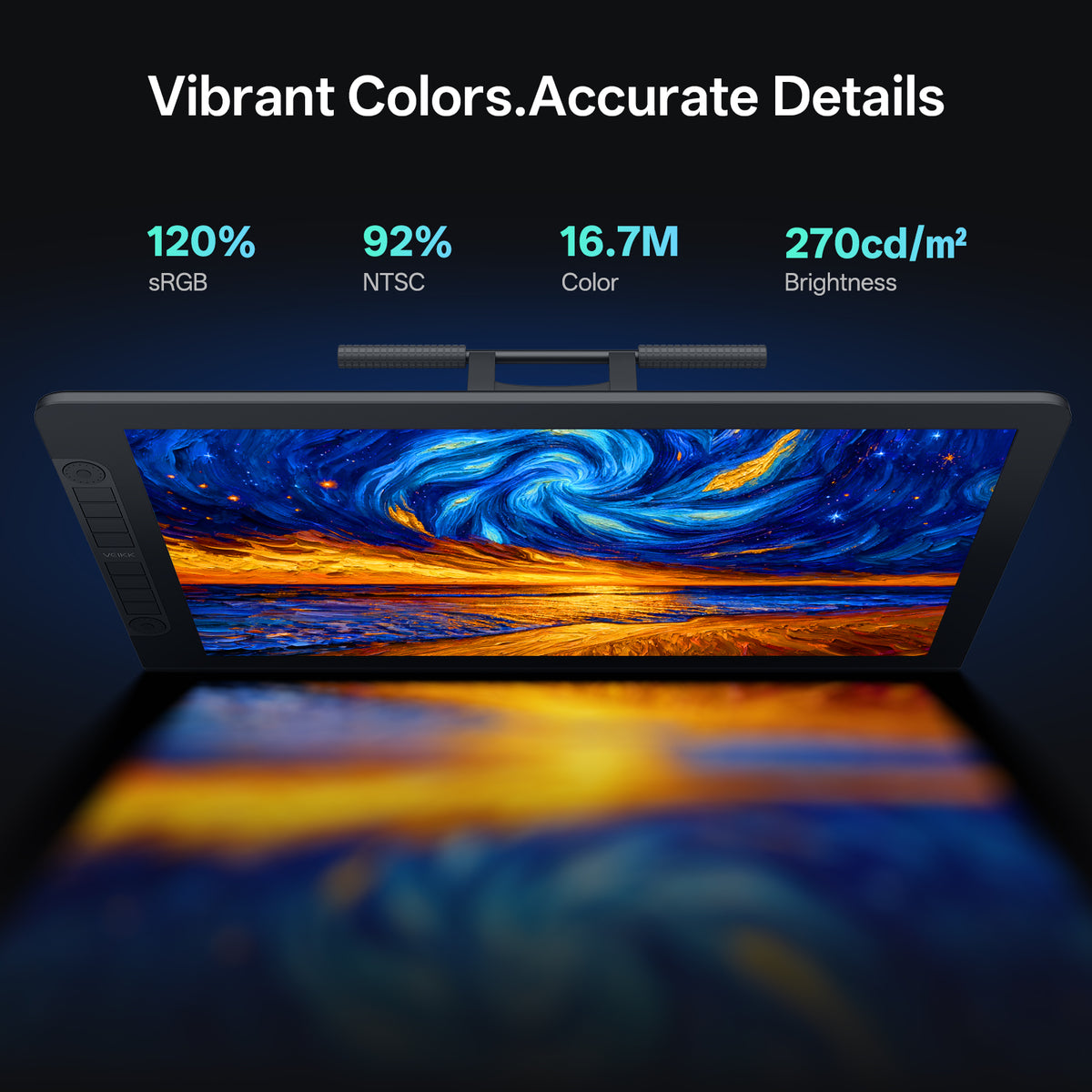
- Bring your artwork to life with 120% sRGB color.
- Work faster with 2 dials and 8 customizable shortcut keys.
- Draw precisely with dual battery-free 16K styluses.
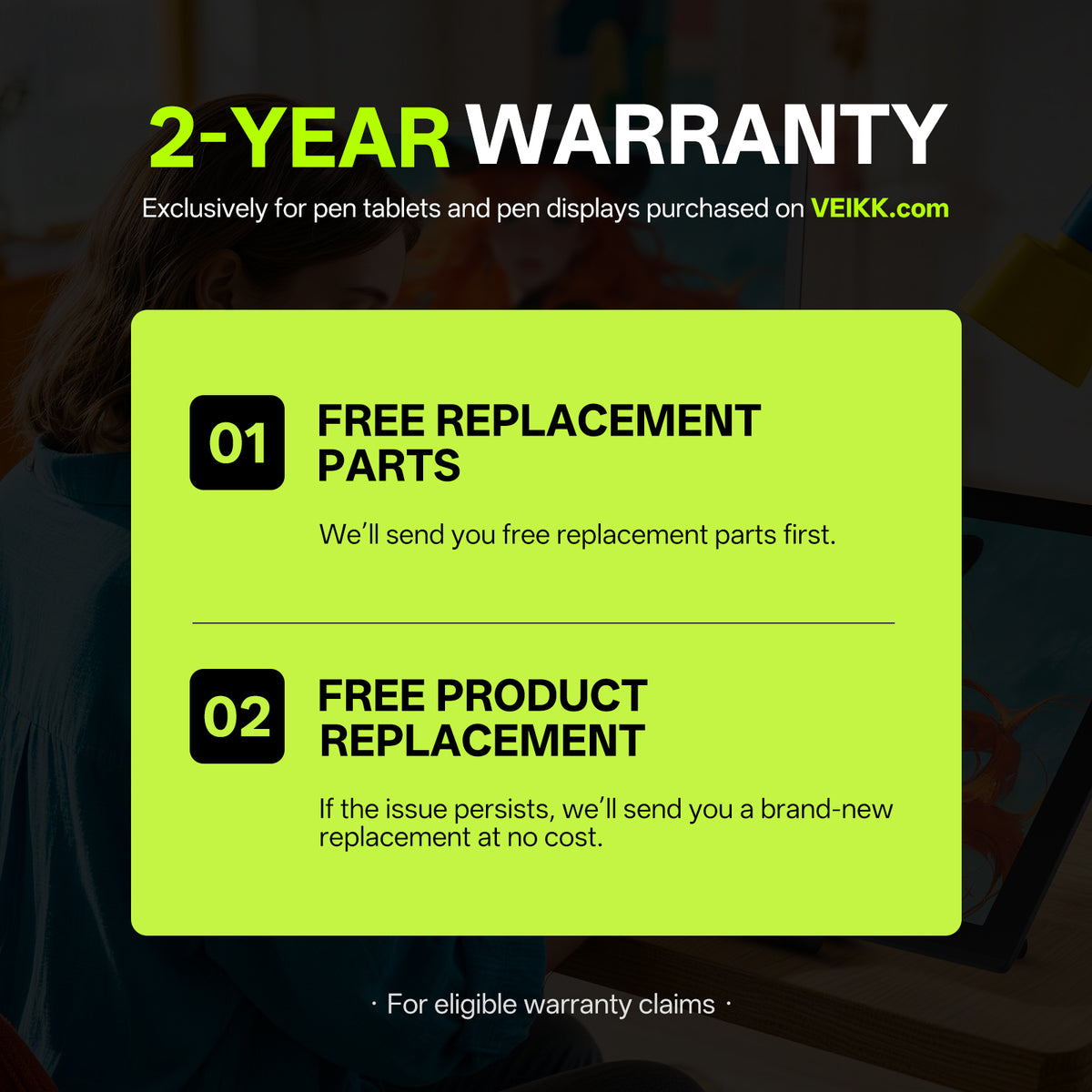
VEIKK.com Exclusive · 2-Year Product Warranty
Free Replacement Parts First. If the Issue Persists, We'll Replace Your Product for Free.
Official VEIKK After-Sales Support
Get Help Directly from Our Customer Service Team.
Pairs well with
2-Year Product Warranty(Only at veikk.com)
Free Shipping — No Extra Taxes or Customs Duties
Official VEIKK After-Sales Support
Lifetime Customer Support
Studio VK2200Pro
Have questions about our products, compatibility, or bulk orders? Feel free to contact us. Our team will get back to you within 24 hours on weekdays.
-
Shipping Information
Orders are typically processed within 1–2 business days. Delivery usually takes 3–20 business days. Shipping fees and delivery times may vary depending on your location.
-
Driver Download
You can download the latest driver directly from the Driver Download section.
If you need any assistance, please contact us at service@veikk.com. -
Bulk Order Inquiry
Wholesale pricing, customization, and business support. Please email partner@veikk.com
-
Customer Suppor
For technical assistance and after-sales support, contact us at service@veikk.com
For order status, shipping, or purchase inquiries, please email store@veikk.com

Designed for Efficient Creativity
VK2200Pro features two customizable Quick Dials and eight shortcut keys, giving you quick access to frequently used functions. Adjust brush size, zoom, canvas navigation, and more without interrupting your creative workflow.


A brilliant screen for your ideas
Studio VK2200Pro features a 21.5-inch 16:9 Full HD (1920 × 1080) display that delivers crisp visuals, vibrant colors, and sharp details, giving you the clarity and precision you need for drawing, designing, and editing.


A More Natural Drawing Experience
VK2200Pro combines advanced display technologies to bring your ideas closer to the screen. With reduced glare, a natural paper-like feel, and precise pen positioning, every detail is designed to make your creative process smoother, more intuitive, and more immersive.

Less Glare. More Focus.
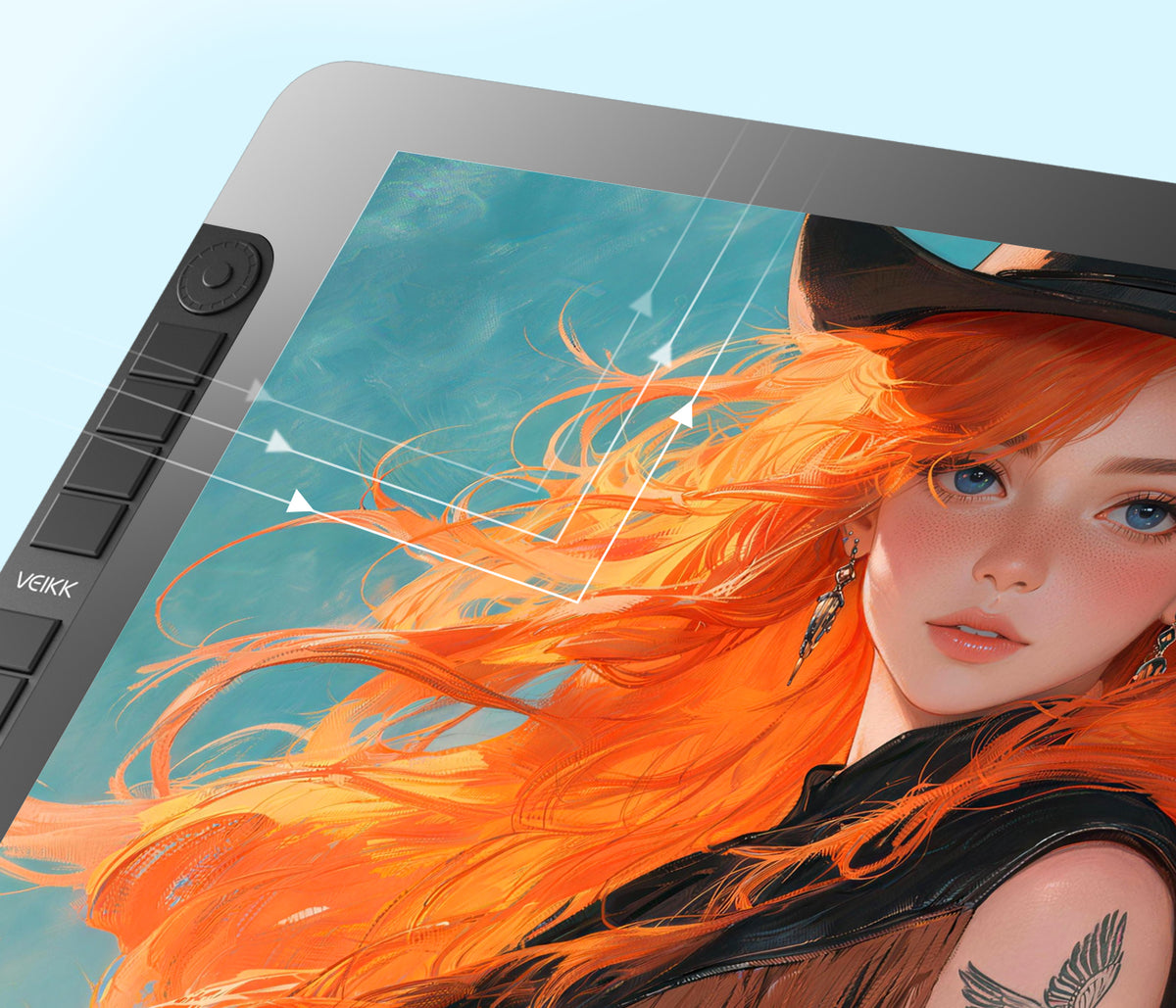
The AG Nano Etched Glass surface reduces distracting reflections and glare, keeping your screen clear and your ideas uninterrupted. Enjoy a comfortable viewing experience and focus on every detail of your creation.

Create with a Natural Pen-on-Screen Feel
The finely textured surface creates subtle resistance between the pen and screen, delivering a smoother, more controlled drawing feel that is closer to traditional paper.

Draw with Precision
The fully laminated display reduces the gap between the glass and LCD, minimizing parallax and bringing your pen strokes closer to the screen. Experience more accurate control and a more direct connection between your hand and artwork.
Two P05 Battery-Free Styluses
Experience uninterrupted creativity with two included P05 battery-free styluses. Powered by advanced EMR technology, they are always ready to go.
No batteries, no charging, and no pairing required. Simply grab your backup stylus and keep your ideas flowing.


Bring every stroke to life.
16384 Pressure Levels
Capture every subtle variation in pressure for smooth, precise line control.
Shade naturally. Create intuitively.
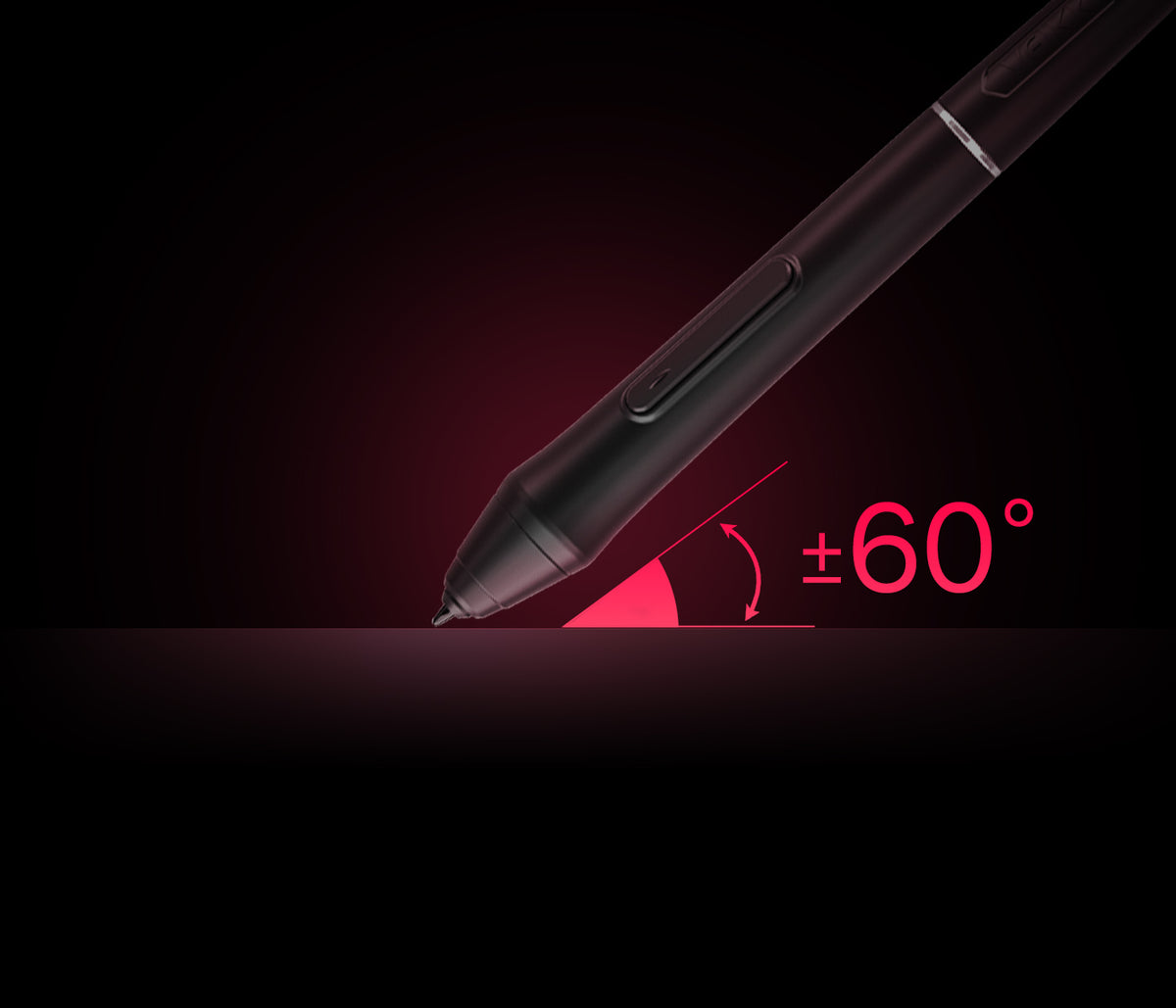
±60° Tilt Support
Create natural shading and expressive strokes with intuitive pen angles.

Your favorite tools, one click away.
Dual Shortcut Buttons
Customize the two shortcut buttons to instantly switch between tools, such as a brush and an eraser, helping you work faster with fewer interruptions.


One Display for Every Creative Journey
More than just a drawing display, VK2200Pro is designed to support your entire creative workflow. From illustration and graphic design to animation, 3D creation, online teaching, and remote collaboration, it helps creators work more efficiently and bring ideas to life with a spacious 21.5-inch display and precise pen control.

Use this text to share information about your brand with your customers. Describe a product, share announcements, or welcome customers to your store.

Use this text to share information about your brand with your customers. Describe a product, share announcements, or welcome customers to your store.

Use this text to share information about your brand with your customers. Describe a product, share announcements, or welcome customers to your store.

Use this text to share information about your brand with your customers. Describe a product, share announcements, or welcome customers to your store.

Use this text to share information about your brand with your customers. Describe a product, share announcements, or welcome customers to your store.

Use this text to share information about your brand with your customers. Describe a product, share announcements, or welcome customers to your store.


What's in the Box
1 x VK2200Pro Pen Display
2 x P05 Battery-free Styluses
2 x Pen Pockets
20 x Replacement Pen Nibs
1 x Pen Holder(Included 8× Nibs)
1× Nib Extractor
1 x Artist Glove
1 x Cleaning Cloth
1× Quick Start Guide
1 x Driver Download Card
1 x Power Cable
1 x Power Adapter
1 x USB-A to USB-C Cable
1 x HDMI Cable
1 x USB-C to USB-C Cable
Tech Specs
Basic Information
Display & Visual Performance
Color Performance
Functions & Controls
Pen Performance
Interface & Compatibility
FAQs
What Warranty Comes with My VEIKK.com Purchase?
VEIKK pen tablets and pen displays purchased from VEIKK.com come with an exclusive 24-month warranty.
What Happens If My Product Has a Quality Issue?
We'll first provide free replacement parts to help resolve the issue. If the issue persists, we'll provide a new replacement product at no additional cost.
How Long Will It Take to Receive My Order, and How Can I Track It?
Orders are normally processed and shipped within 2 business days. Estimated delivery times after shipment are:
- United States & Canada&Mexico: 3–12 business days
- Europe&UK: 5–10 business days
- South Korea, Australia & New Zealand: 4–8 business days
- Thailand, Vietnam, Malaysia & the Philippines: 3–8 business days
- Other destinations: 5–25 business days
Delivery times are estimates and may vary depending on your destination and customs clearance. Once your order ships, tracking information will be sent to your checkout email address.
What If I Need Help with My Product?
Contact our support team at service@veikk.com for help with product setup, driver installation, usage, troubleshooting, and after-sales support.
Can VK2200Pro be customized for different markets?
Yes. We support customized solutions such as packaging customization, product information adjustment, and OEM/ODM cooperation based on different market requirements.