Start Your Digital Art Journey Anywhere

Paper A2 Drawing Tablet

Start Your Digital Art Journey Anywhere

Simple USB-C Connection

Just plug and start. The USB-C connection makes it easy to connect your A2 drawing tablet to a computer or Android device, giving you a stable and responsive experience right away.

every line feels responsive and easy to control,

Smooth and Natural Drawing

The P10 battery-free stylus delivers a smooth and natural writing experience, just like using a real pen on paper.

With 16384 pressure levels, every line feels responsive and easy to control, perfect for drawing, writing, and daily practice.

Comfortable Drawing Space

The 7.5×5-inch active area offers a balanced space for drawing, writing, and daily practice that is simple, clear, and easy to get used to.

The slim 5mm body makes it lightweight and easy to carry, so you can create comfortably at home, in class, or anywhere you go.

Lightweight and Easy to Carry Anywhere

At just 200g, the A2 is designed for students and creators who need a portable drawing tablet they can take anywhere.

Its compact design fits easily on small desks or inside backpacks, making it perfect for learning, practicing, and creating on the go.

Quick Side Buttons for Effortless Control

The P10 stylus includes two side buttons that let you switch tools instantly, such as eraser or brush, with a single click.

It makes drawing and writing easier and faster, so you can stay focused on your ideas without interruptions.

Comfortable Grip for Long Hours of Use

The P10 stylus is designed with an ergonomic shape that fits naturally in your hand, making it comfortable for long drawing and writing sessions.

It helps reduce hand strain so you can enjoy creating, learning, or working for longer without discomfort.

 let you switch tools instantly, such as eraser or brush, with a single click

Natural Pencil-Like Shading

With 60° tilt support, you can create natural shading and smooth strokes just like using a traditional pencil.
Perfect for sketching, shading, and adding depth to your artwork with ease.

Keep Your Tablet Safe Wherever You Go

The included protective sleeve helps protect your tablet from dust, scratches, and daily wear.

Where You Can Use the A2

A2 is a compact and easy-to-use drawing tablet designed for beginners, students, and everyday users.

Beginner Drawing & Digital Art
Starting your digital drawing journey, making it easy to practice, explore, and build confidence step by step.

Android Drawing & Mobile Creativity
Create and capture ideas anytime, anywhere with flexible mobile support.

Learning & Online Classes
A simple and practical tool for studying, teaching, and participating in online or remote classes.

Work & Office Tasks
Helps you handle notes, documents, signing, and approvals more efficiently for everyday work tasks

It supports popular creative and productivity software like Photoshop, Illustrator, Clip Studio Paint, Krita, and more

Compatible with Your Favorite Devices and Apps

The A2 works with Windows, macOS, Android, and Linux, so you can easily connect it to most computers and mobile devices.

It supports popular creative and productivity software like Photoshop, Illustrator, Clip Studio Paint, Krita, and more, making it perfect for drawing, studying, and everyday tasks.

What’s in the Box

1 x A2 Tablet
1 x P10 Battery-free Stylus
28 x P09 Pen Nibs
1 x Nib Extractor
1× USB-C to USB-A Cable
1 x USB to USB-C Adapter
1× Pen Pocket
1× Driver Download Card
1 x Quick Start Guide

Tech Specs

Basic Information

Product Model: A2
Working Area: 7.5*5-inch
Color: Black
Dimension: 217*149*5mm
Product Net Weight: 200g

Functions & Controls

Press Keys: 0
Quick Dial: 0

Pen Performance

Pressure Sensitivity: 16384 Levels
Pen Resolution: 5080 LPI
Report Rate: 290PPS
Reading Height: 10mm
Tilt Recognition: 60°

Interface & Compatibility

Interface: USB-C
OS Support: Windows 7 or later, macOS 10.12 or later, Android 6.0 or later, Linux

  • 5 stars: 48 (81%)
  • 4 stars: 9 (15%)
  • 3 stars: 2 (3%)
  • 2 stars: 0 (0%)
  • 1 star: 0 (0%)
E
Evelyn
Paper A2 - 4 stars

Works well with my PC for digital art. Pressure levels feel smooth, and there’s barely any lag. The tablet is lightweight and easy to move around. I just wish the instructions were a bit clearer for new users.

P
Paige
Paper A2 - 4 stars

Nice size and pressure response, surface feels a bit slippery to me.

L
Lauren Z.
Paper A2 - 5 stars

The device works perfectly, and installation was incredibly simple. Its performance is outstanding! The price is also reasonable. I've already recommended this product to my friends—it is absolutely a fantastic product! ????

K
Karen
Paper A2 - 5 stars

Superb! My son enjoyed the VEIKK tablet. All is well, thank you!

C
Chloe
Paper A2 - 4 stars

Good drawing tablet for hobby use. It’s responsive, the pen is comfortable, and the setup is simple. I gave it 4 stars because the surface could feel a bit smoother, but it’s not a big issue for me.

T
Taco
Paper A2 - 4 stars

It works well and I haven't had problems so far, it's really useful for school notes.

S
Silas
Paper A2 - 5 stars

Gifted to my graphic designer friend, they rave about it daily.

H
Hugo
Paper A2 - 5 stars

Pressure sensitivity is so precise, even tiny details come out great.
This VEIKK tablet made digital art feel natural and enjoyable again.

S
Silva
Paper A2 - 5 stars

very Good

O
Oscar
Paper A2 - 5 stars

My son enjoyed the drawing pad. All is well!

M
Maya
Paper A2 - 4 stars

Great tablet, good pressure and portability, just wish the pen had more grip.

L
Lily
Paper A2 - 5 stars

I’ve been using this VEIKK computer graphics tablet for a few weeks now and I love it. The 5mm thin body is incredibly portable, so I can take it to cafes, classes, or trips without hassle. The 7.5x5 surface is spacious enough for detailed work, and the 16384 pressure levels make every stroke feel accurate and responsive. No glitches, no delays, and it feels durable even with daily use. Highly recommend for artists and hobbyists.
"

E
Elise
Paper A2 - 3 stars

This is a basic model; the 7x5 dimensions are just right for me, and since it comes with a cover, it is very convenient to carry around. However, I find the included pen to be a bit too thin, making it somewhat difficult to control while gripping.

B
Brett
Paper A2 - 5 stars

I enjoy it. Simple to use and install. Good cord length. Easy for various art programs, good color. Fits well on my desk. Sensitivity is adjustable in your program. No lag at all. Functions as intended.

K
Kai
Paper A2 - 5 stars

As a graphic designer, this veikk tablet has made my workflow so much easier. Highly recommend.

G
GINA
Paper A2 - 5 stars

I've been wanting a drawing pen tablet for years.I bought the A2 tablet.
I love this tablet. The pressure pen worked straight out of the box on PS, Paint.
The pen is very smooth and feels good in my hand. It responds to pressure very well. I have zero complaints with this tablet.
I'm running it on Windows 11.

I
Iris
Paper A2 - 5 stars

I’m really impressed with this VEIKK drawing tablet. The 16384 levels of pressure sensitivity make shading and line variation so smooth and natural, just like drawing with real pencils. At 7.5x5 inches it’s the perfect size—not too big, not too small—and being only 5mm thin means I can toss it in my bag and draw anywhere. Super responsive, easy to set up, and great for both sketching and finished art. Definitely worth it!

F
Fiona
Paper A2 - 5 stars

My go-to portable drawing tablet, love it!

D
Diana
Paper A2 - 5 stars

Excellent graphic tablet, worth every penny.

L
Lyra
Paper A2 - 5 stars

VEIKK tablet is super slim and lightweight, easy to slip into my bag for drawing on the go. Works perfectly with my Windows laptop, drawing feels super smooth and natural for all my art projects.

F
Felix Arts
Paper A2 - 5 stars

My partner got this for me and it’s quickly become my favorite art tool.

C
Clara
Paper A2 - 5 stars

Shading is smooth thanks to the high pressure levels.

B
Bonnie
Paper A2 - 5 stars

Sleek thin body, works perfectly with my laptop.

م
محمد
Paper A2 - 3 stars

لقد اشتريتُ هذا الجهاز لحضور الفصول الدراسية عبر الإنترنت، وقد وجدتُ أن جودته والمواد المصنوع منها ممتازة للغاية. إنه حقاً جهاز رائع؛ وإذا لم تكن حساسية الكتابة تشكل عائقاً بالنسبة لك، فإنني أوصي بشدة بهذا اللوح الرقمي للرسم.

T
Thomas
Paper A2 - 5 stars

Small, but perfect for my needs. I used to have a VEIKK connect, I think this is comparable in useable area, and seems to work about the same. I use it for graphic design as a hobby now.

F
Felix
Paper A2 - 5 stars

My sister borrowed it and immediately ordered one for herself!

S
Stella
Paper A2 - 4 stars

Absolutely love my VEIKK VK850—would buy it again in a heartbeat!

A
Adam
Paper A2 - 5 stars

Accurate and responsive, great for beginners & pros.

E
Echo
Paper A2 - 5 stars

My kid uses it for school art projects too, super user-friendly for beginners.

L
Logan
Paper A2 - 5 stars

Portable design lets me create anywhere I want.

A
Alessandro
Paper A2 - 5 stars

I am very impressed by this little table, I purchased the small tablet since I am just using it for casual things.Clean and sleek design, easy to understand instructions, they also have more information and instructions on their store page.

O
Owen
Paper A2 - 5 stars

No complaints, this computer graphics tablet is awesome.

S
Samuel
Paper A2 - 5 stars

Pen feels natural, great for detailed digital art.

G
Gabriel
Paper A2 - 5 stars

Perfect drawing surface size, very comfortable to use.

FAQs

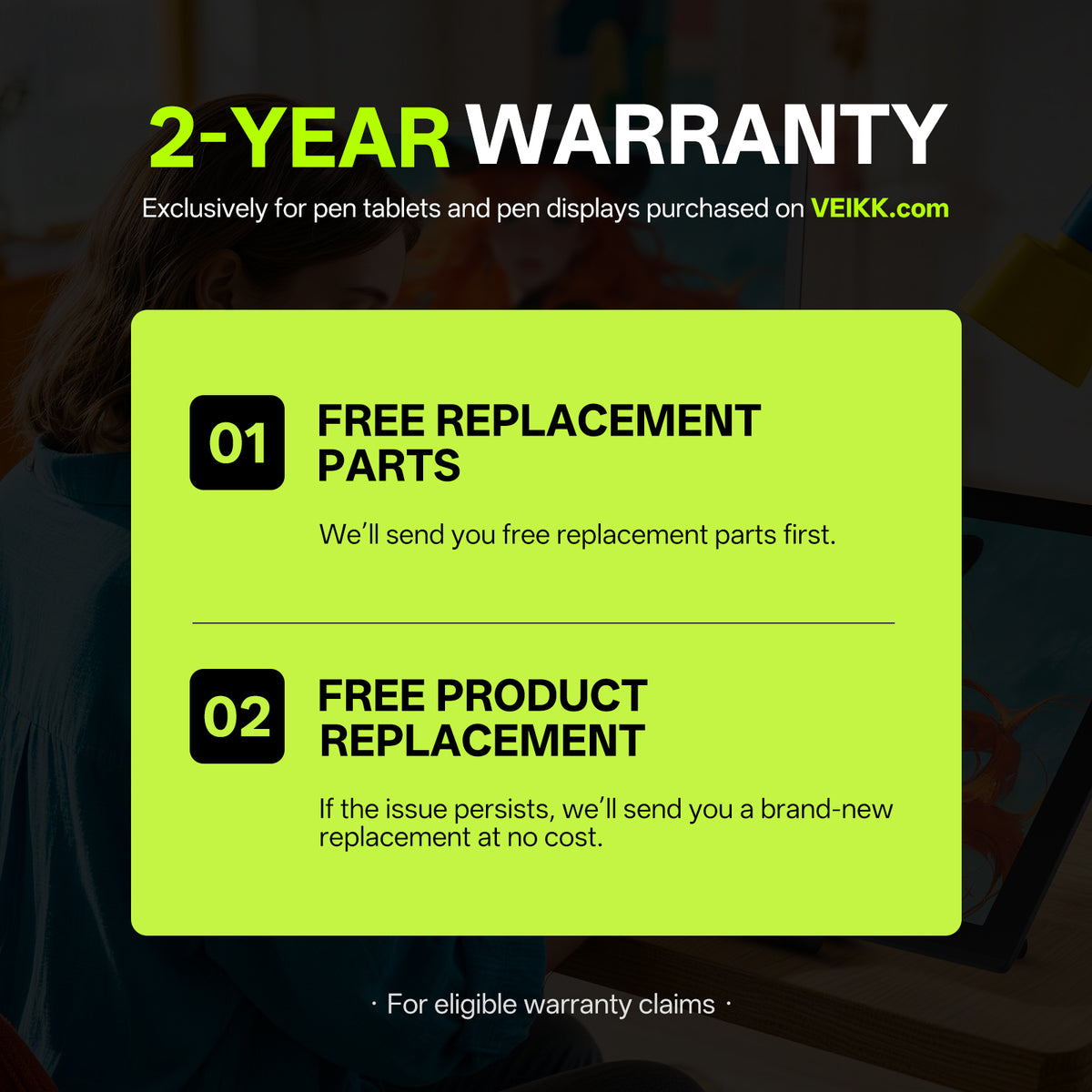
What Warranty Comes with My VEIKK.com Purchase?

VEIKK pen tablets and pen displays purchased from VEIKK.com come with an exclusive 24-month warranty.

What Happens If My Product Has a Quality Issue?

We'll first provide free replacement parts to help resolve the issue. If the issue persists, we'll provide a new replacement product at no additional cost.

How Long Will It Take to Receive My Order, and How Can I Track It?

Orders are normally processed and shipped within 2 business days. Estimated delivery times after shipment are:

  • United States & Canada&Mexico: 3–12 business days
  • Europe&UK: 5–10 business days
  • South Korea, Australia & New Zealand: 4–8 business days
  • Thailand, Vietnam, Malaysia & the Philippines: 3–8 business days
  • Other destinations: 5–25 business days

Delivery times are estimates and may vary depending on your destination and customs clearance. Once your order ships, tracking information will be sent to your checkout email address.

What If I Need Help with My Product?

Contact our support team at service@veikk.com for help with product setup, driver installation, usage, troubleshooting, and after-sales support.

Can A2 be customized for different markets? 

Yes. We support customized solutions such as packaging customization, product information adjustment, and OEM/ODM cooperation based on different market requirements.

Get A Tailored Quote 

Contact us for wholesale pricing, bulk orders, partnership opportunities, and customized solutions.