
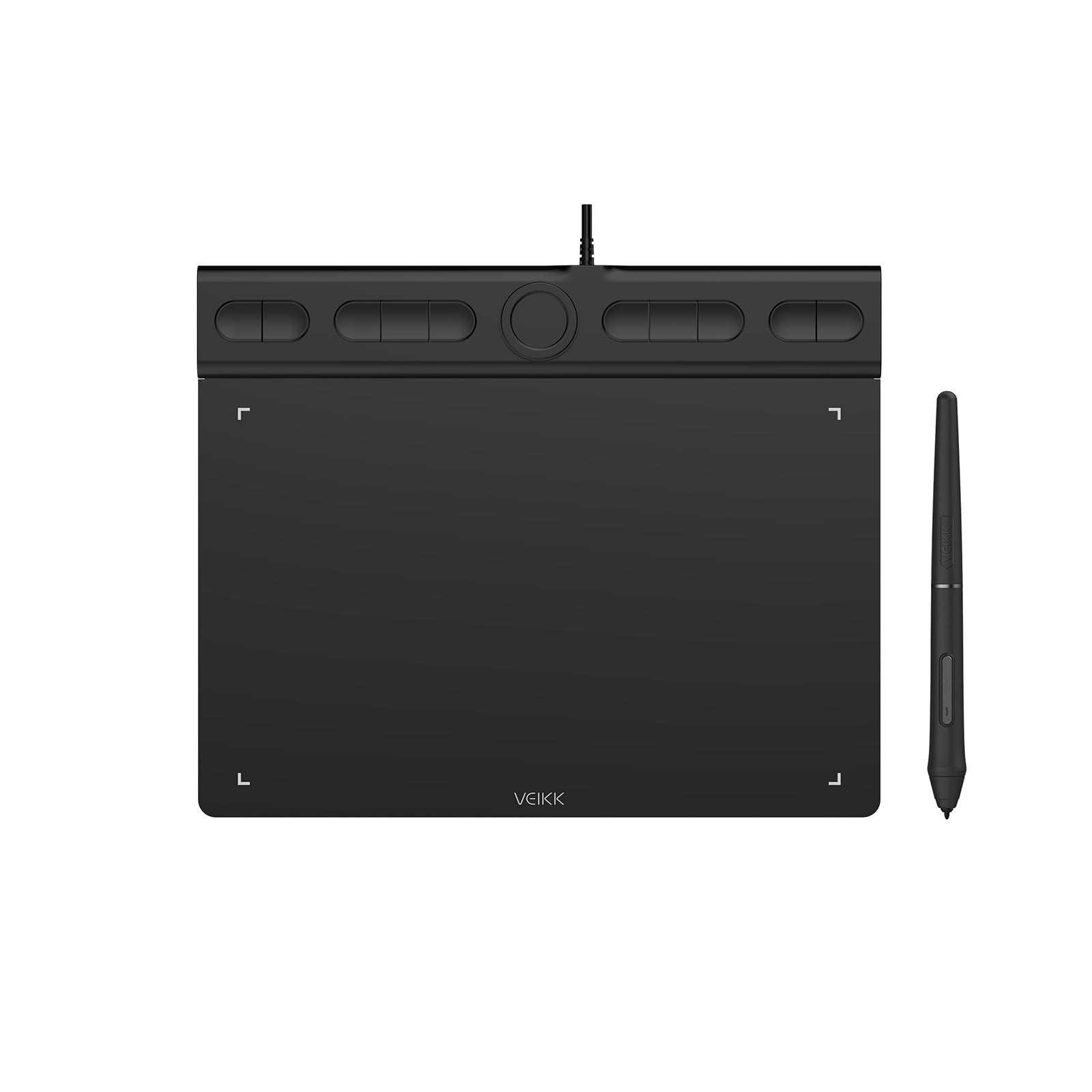
Creator VK850 Drawing Tablet

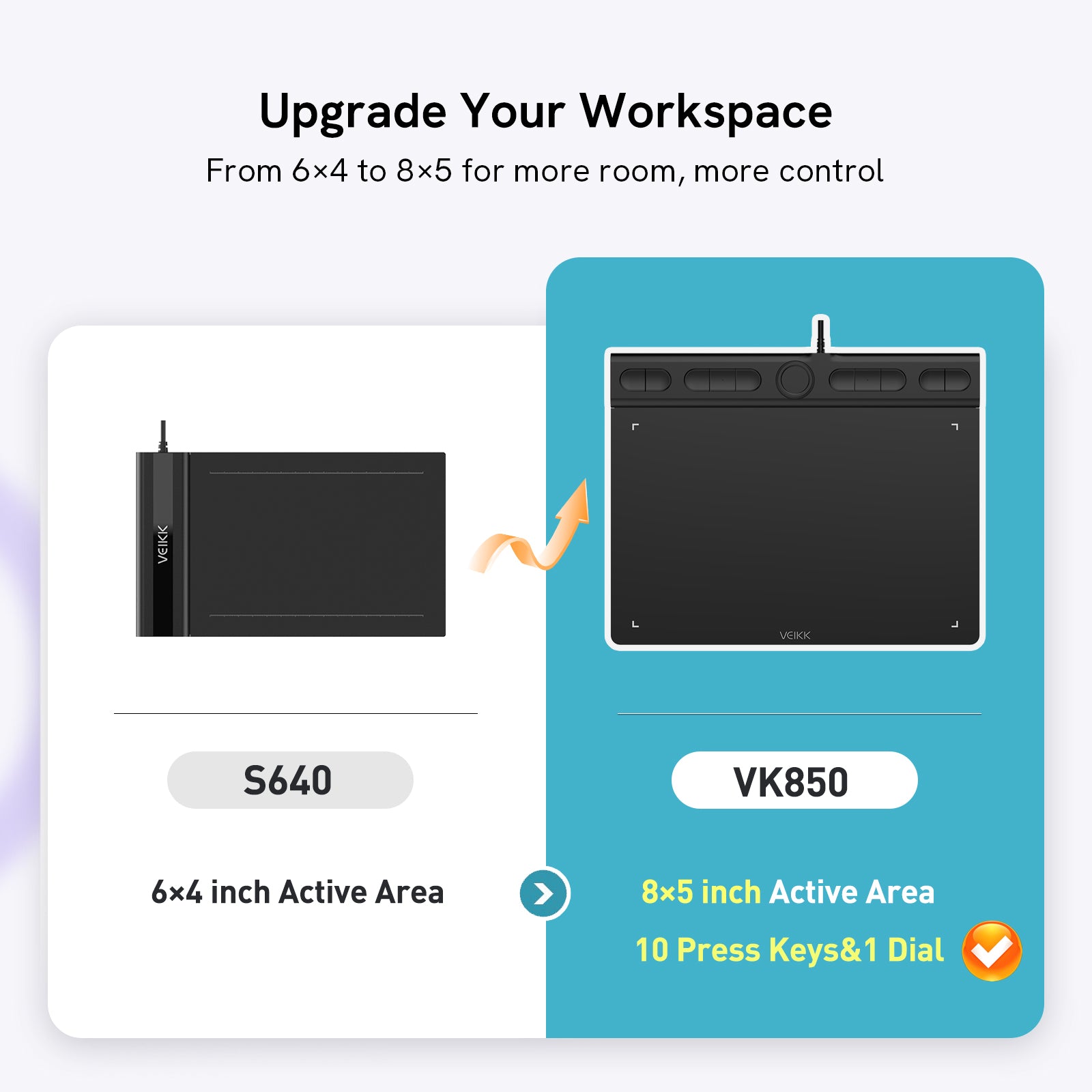
Beyond a 6×4-inch tablet. Into Pro Control.

VK850 10*6-inch active area, better control, and 10 customizable press keys to grow your creative skills

Ready to Move Beyond Entry-Level Tablets?

Get more space, better control, and customizable tools to grow your creative skills

More Room to Create, More Comfort to Grow

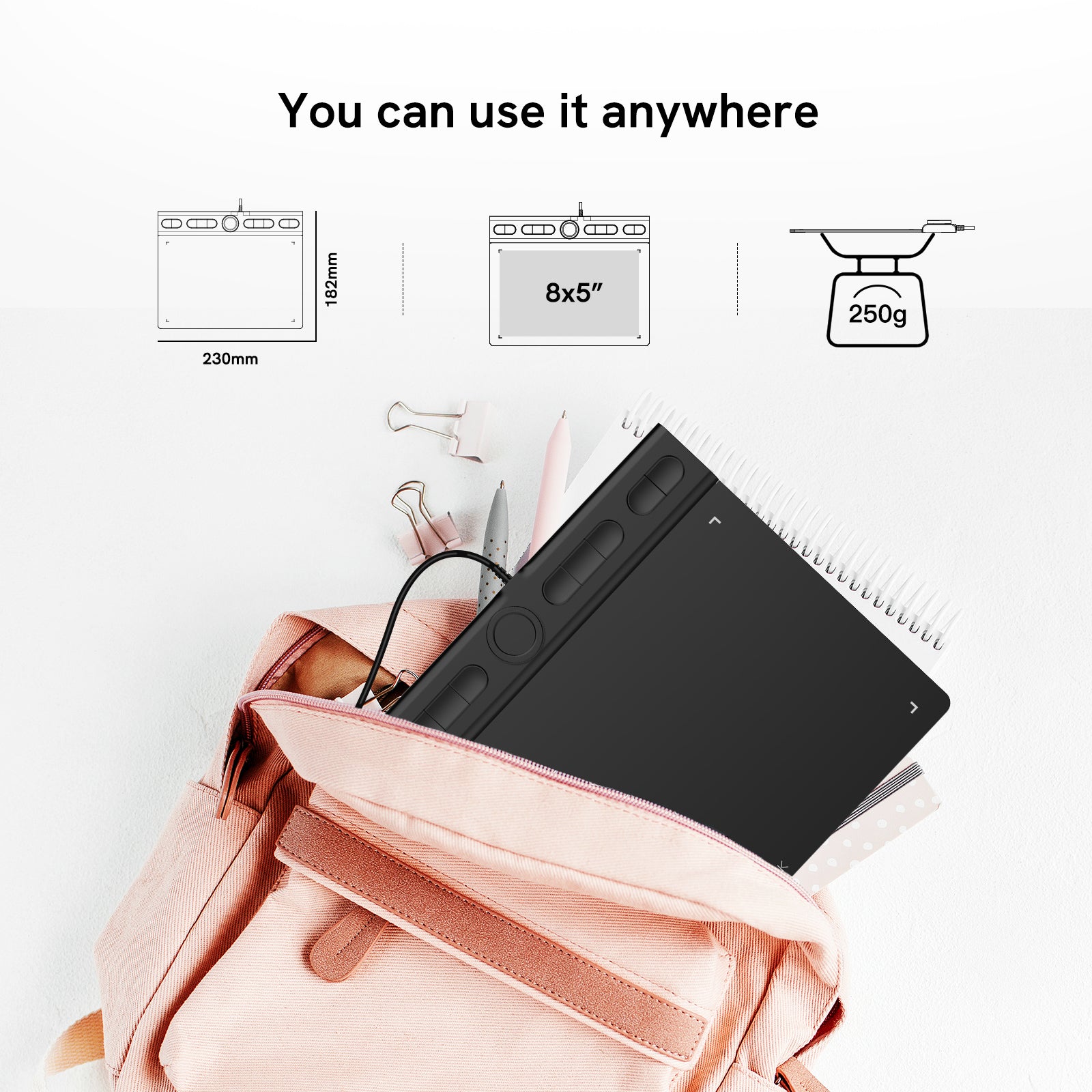
The 8×5 inch active area gives your hand more room to move, making drawing, sketching, and designing feel natural and unrestricted.
Its slim 230x182x13.8mm design stays portable, so you can create comfortably wherever you go.

Take Control of Your Workflow

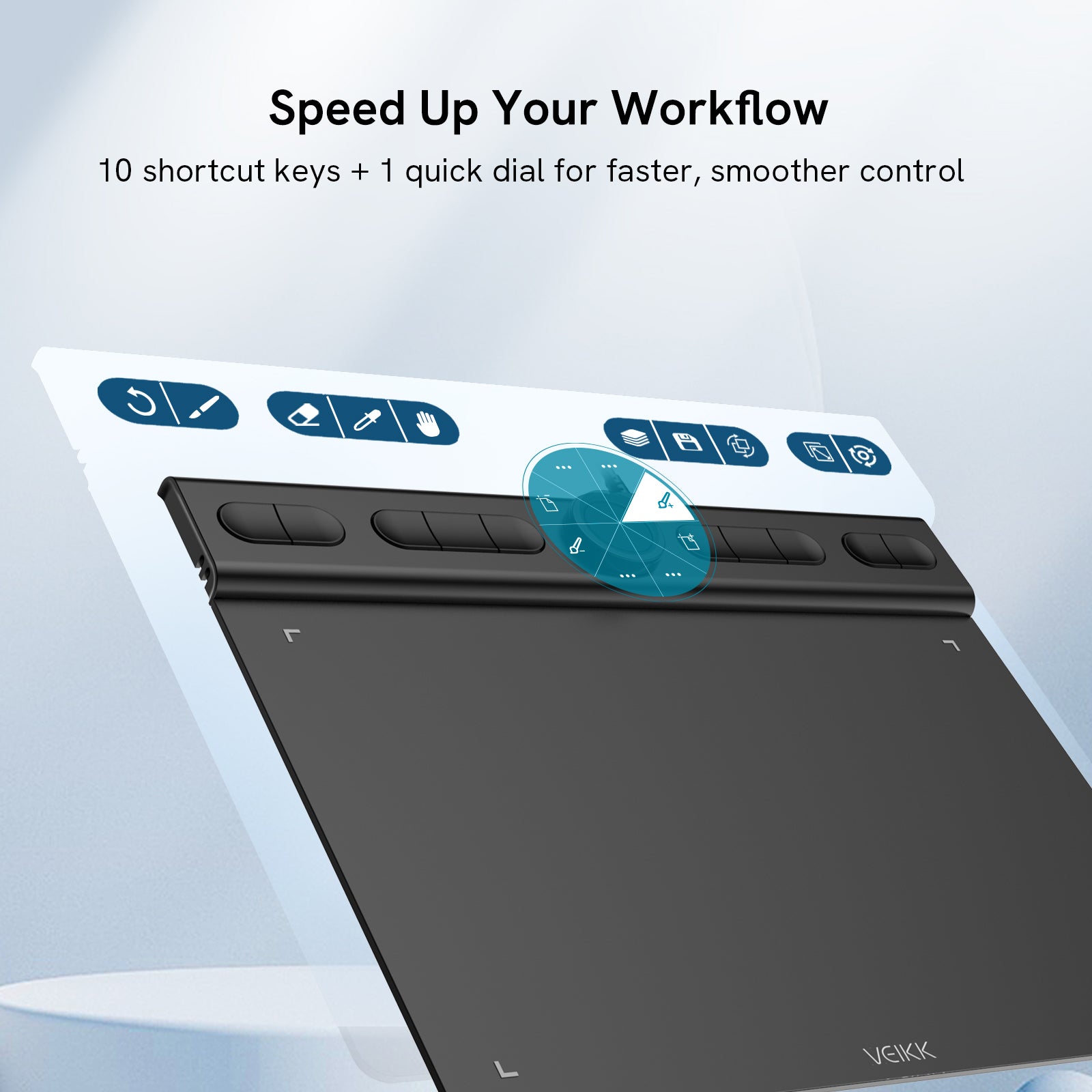
With 10 customizable shortcut keys and a dial, you can zoom, adjust brush size, and switch tools instantly.
Everything stays within reach, making VK850 perfect for creators moving beyond beginner tablets.

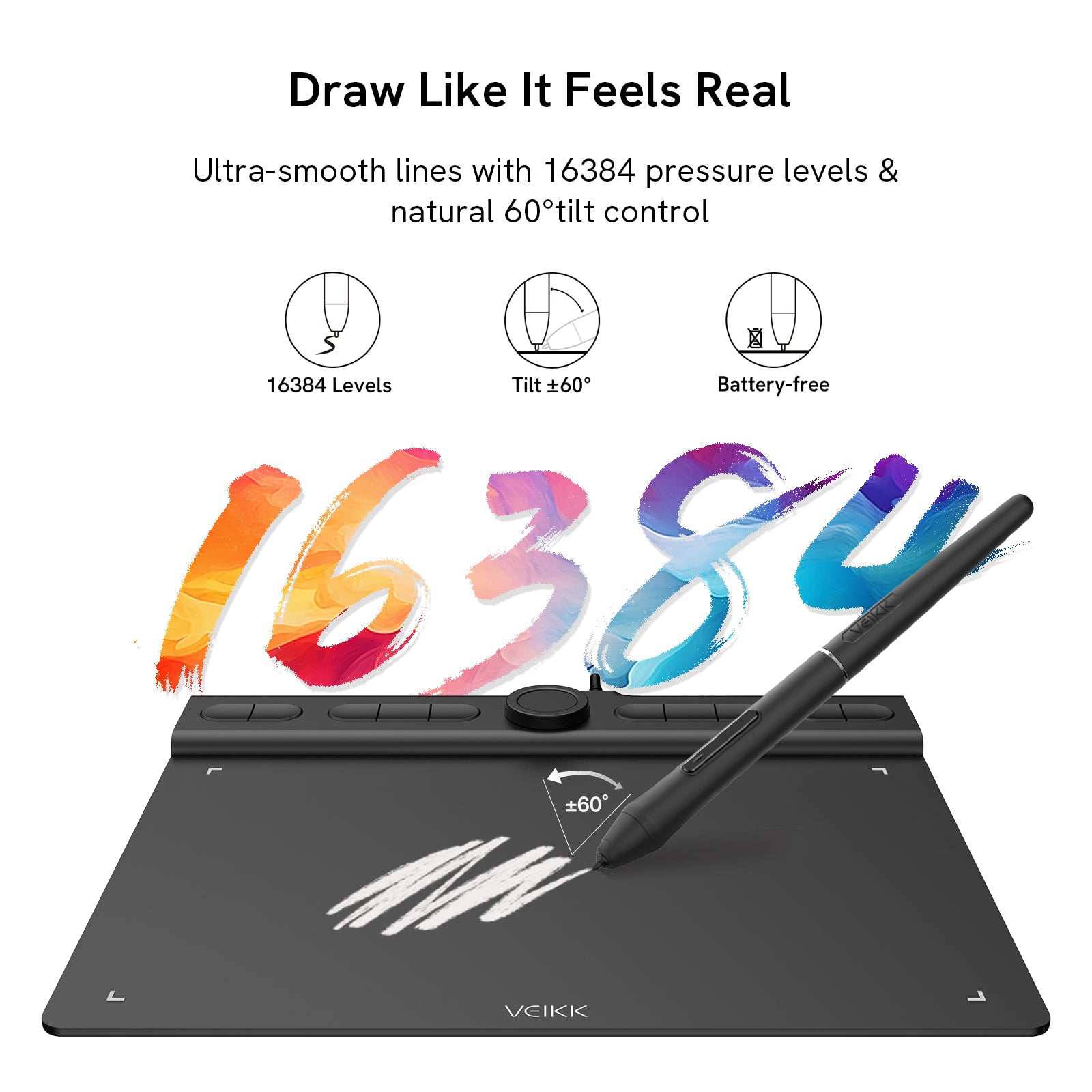
16384 levels of pressure sensitivity ensure smooth and precise lines for vk850 pen drawing tablet

Natural Pen Feel from the First Stroke

Feel every stroke respond naturally, from delicate light lines to bold marks, with 16384 levels of pressure sensitivity.
The battery-free pen keeps your workflow uninterrupted, so you can draw comfortably for hours.

290PPS report rate and 5080LPI pen resolution, Every stroke appears instantly and accurately thanks to a high report rate and resolution.
Your cursor follows your pen precisely, so you stay focused on creating without distraction.

Smooth Tracking, No Lag

Every stroke appears instantly and accurately thanks to a high report rate and resolution.
Your cursor follows your pen precisely, so you stay focused on creating without distraction.

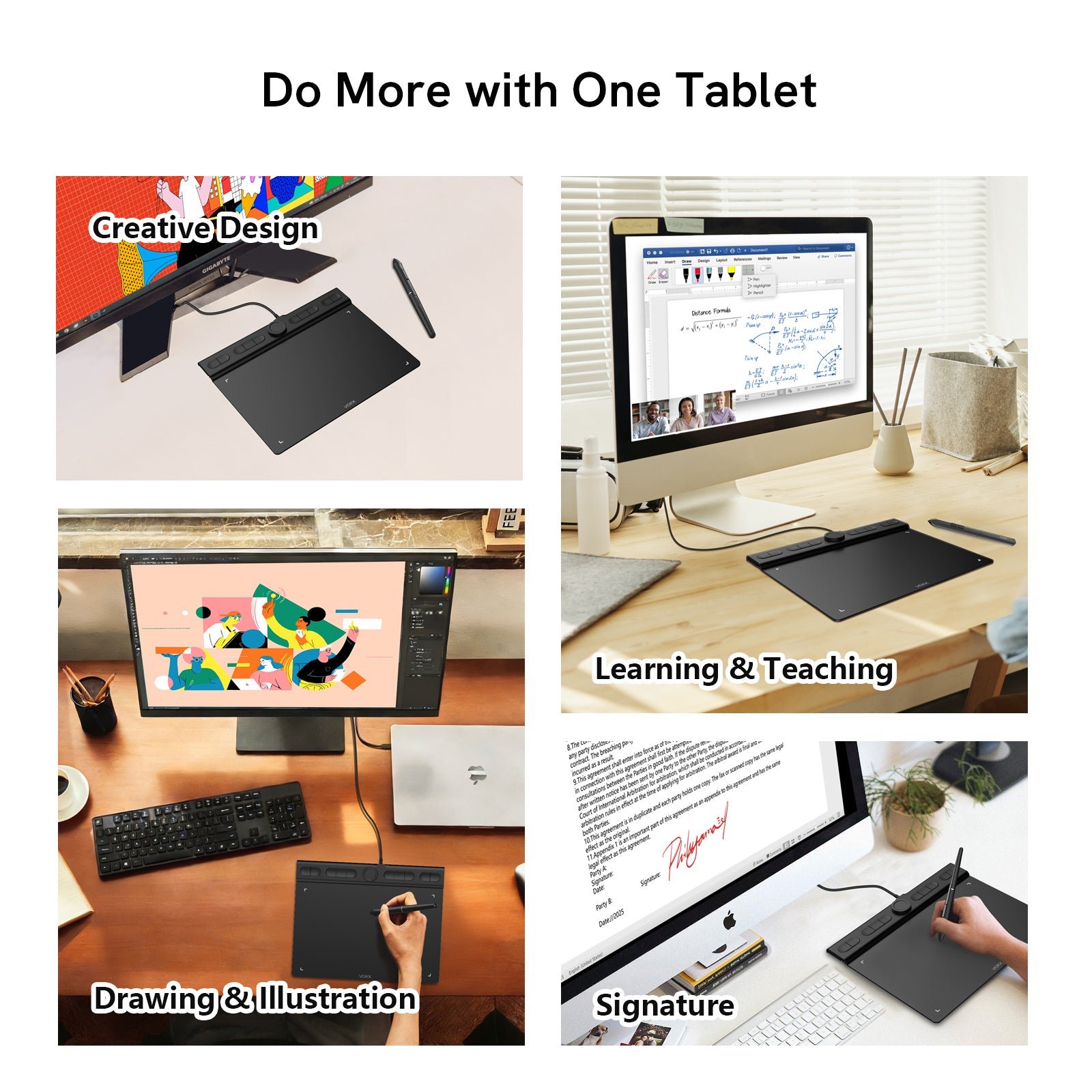
Do More with One Tablet

Creative Design

Create illustrations, layouts, and visual content with flexibility and accuracy for everyday creative and design work.

Drawing & Illustration

Start your creative journey with smooth, precise strokes that help you sketch, draw, and bring your ideas to life with confidence.

Learning & Teaching

Take notes, annotate materials, and explain ideas clearly in online classes, lessons, and educational activities.

Digital Signing

Review documents and sign files directly, no printing or scanning required.

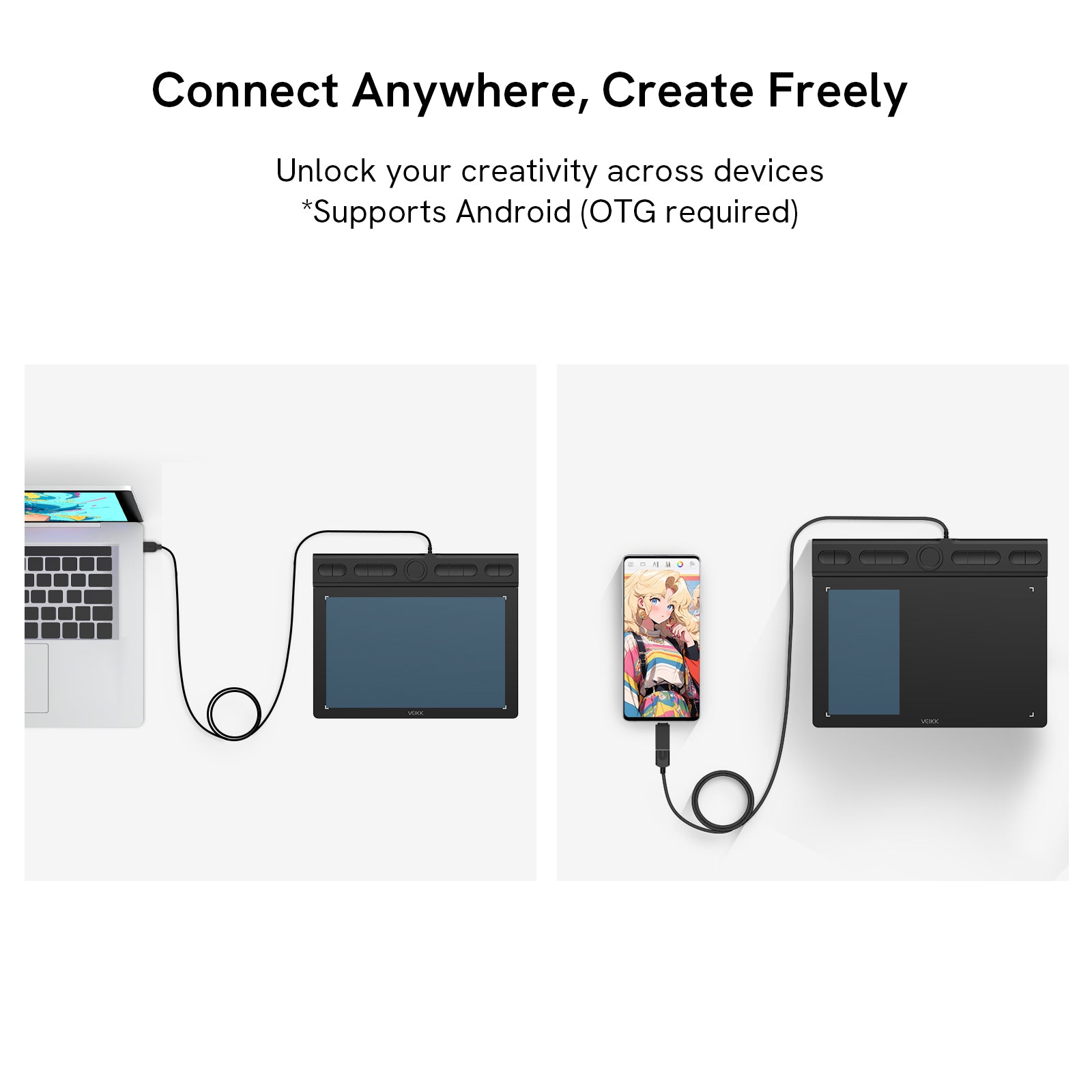
vk850 Plug and Play USB-C Connection, very easily to use

Plug & Play USB-C Connection

Get started instantly with a simple USB-C connection. No complicated setup, just plug in and create right away.

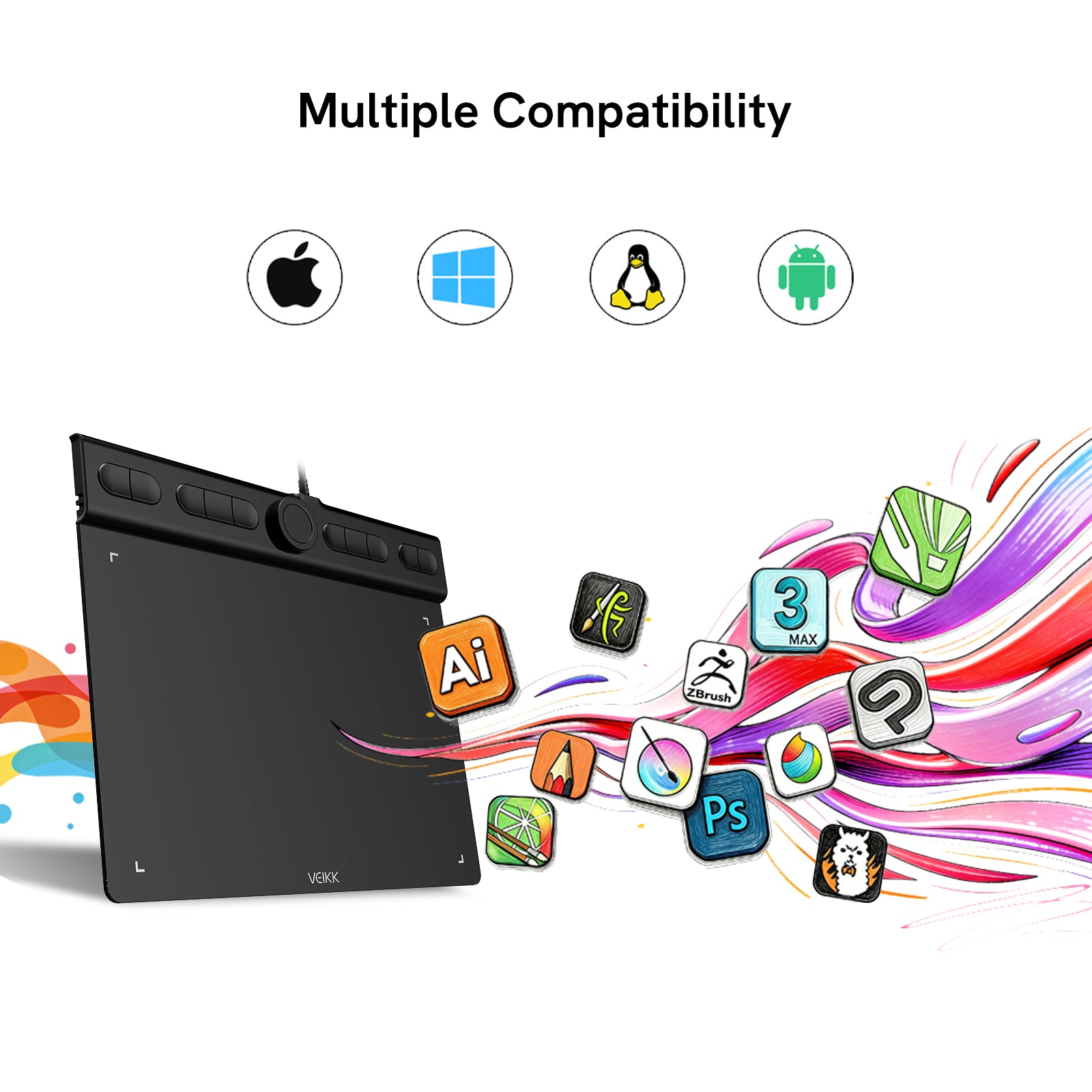
works with Windows, macOS, Android, and Linux

Wide System Compatibility

Seamlessly works with Windows 7.0 or later, macOS 10.12 or later, Android 6.0 or later, and Linux, giving you the flexibility to create across different devices.

compatible with tools like Photoshop, Illustrator, Clip Studio Paint, Krita, Medibang, OneNote, Google Meet, and Microsoft Office.

Supports Your Favorite Software

Fully compatible with tools like Photoshop, Illustrator, Clip Studio Paint, Krita, Medibang, OneNote, Google Meet, and Microsoft Office. It is perfect for drawing, design, learning, and everyday tasks.

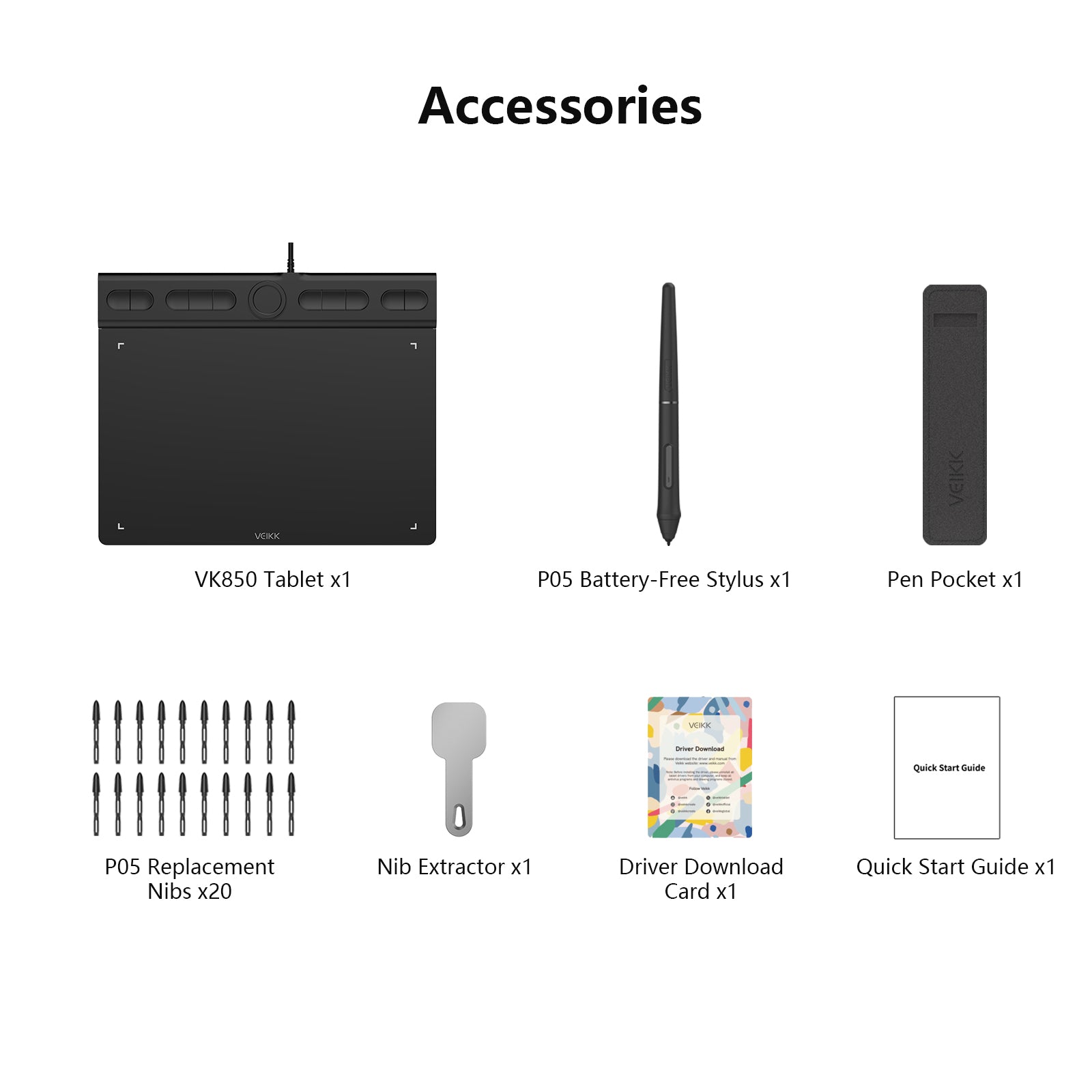
What’s in the Box

1 x VK850 Tablet
1 x P05 Battery-Free Stylus
20 x P05 Replacement Nibs
1 x Nib Extractor
1 x Pen Pocket
1 x Quick Start Guide
1 x Driver Download Card

Tech Specs

Basic Information

Product Model: VK850
Working Area: 8*5-inch
Color: Black
Dimension: 230x182x13.8mm
Product Net Weight: 250g

Functions & Controls

Press Keys: 10

Quick Dial: 1

Pen Performance

Pressure Sensitivity: 16384 Levels
Pen Resolution: 5080 LPI
Report Rate: 290PPS
Reading Height: 10mm
Tilt Recognition: 60°

Interface & Compatibility

Interface: Integrated USB Cable
OS Support: Windows 7 or later, macOS 10.12 or later, Android 6.0 or later, and Linux

FAQs

Is VK850 suitable for beginners?

Yes. VK850 is designed for beginners who want to improve their skills.
The larger drawing area and precise control make it easier to draw smoothly and progress faster.

Will it work with your computer or device?

VK850 is compatible with Windows, macOS, Android, and Linux.
It works with software like Photoshop, Illustrator, Clip Studio Paint, Krita, Medibang, OneNote, and more.

Is it easy to set up?

Yes. Just connect the tablet via USB-C, install the driver, and you’re ready to start.
Setup usually takes only a few minutes.

Does the pen need charging?

No. The pen is battery-free, so you can draw anytime without charging.
It’s lightweight and comfortable for long sessions.

How long does your order shipping take?

Standard shipping usually takes 5–20 business days.
Some regions may receive faster delivery from local warehouses.

Get A Custom Quote

Contact us for bulk orders, wholesale pricing, and customized solutions.