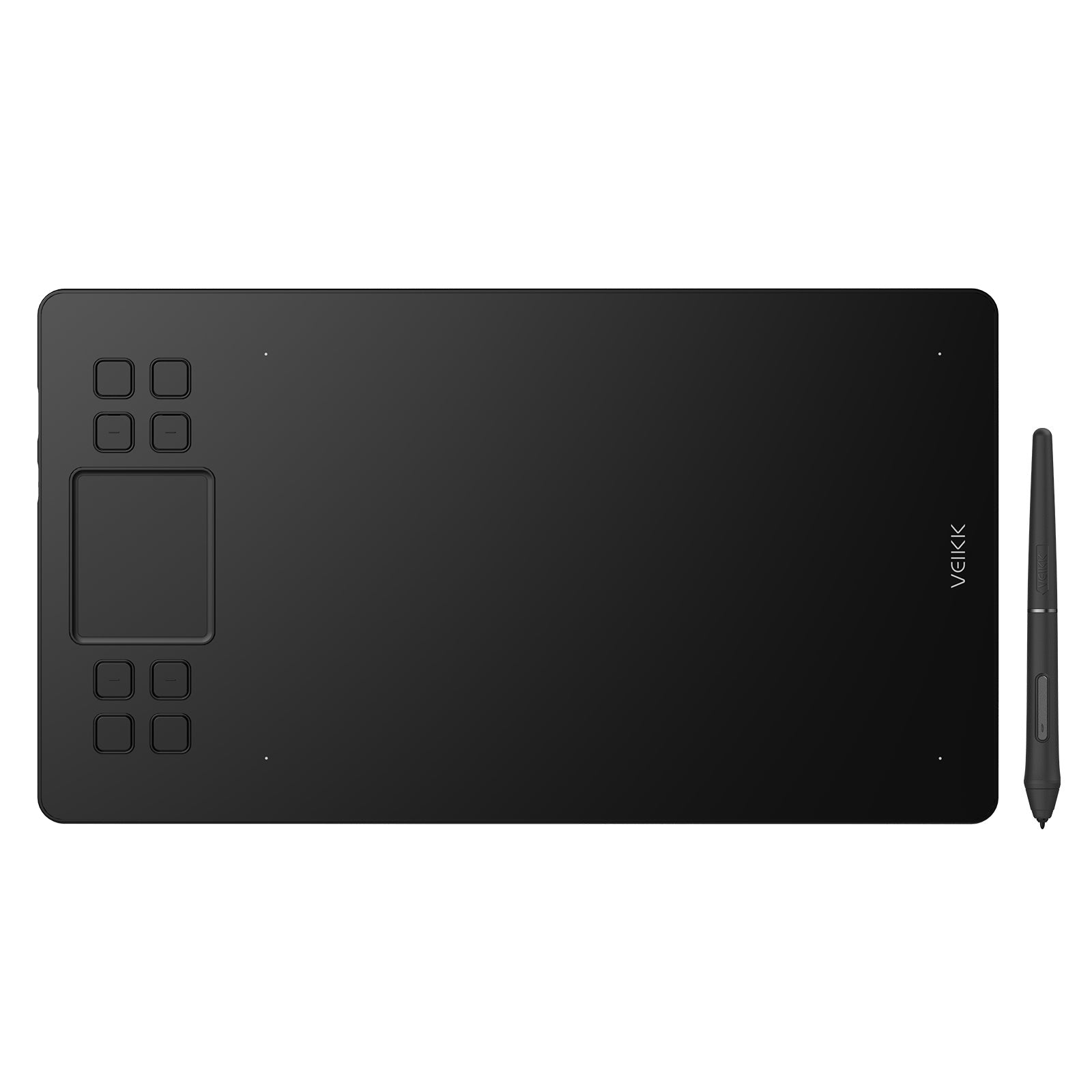
A50 Full Panel Drawing Tablet

The perfect combination of touch experience and physical buttons

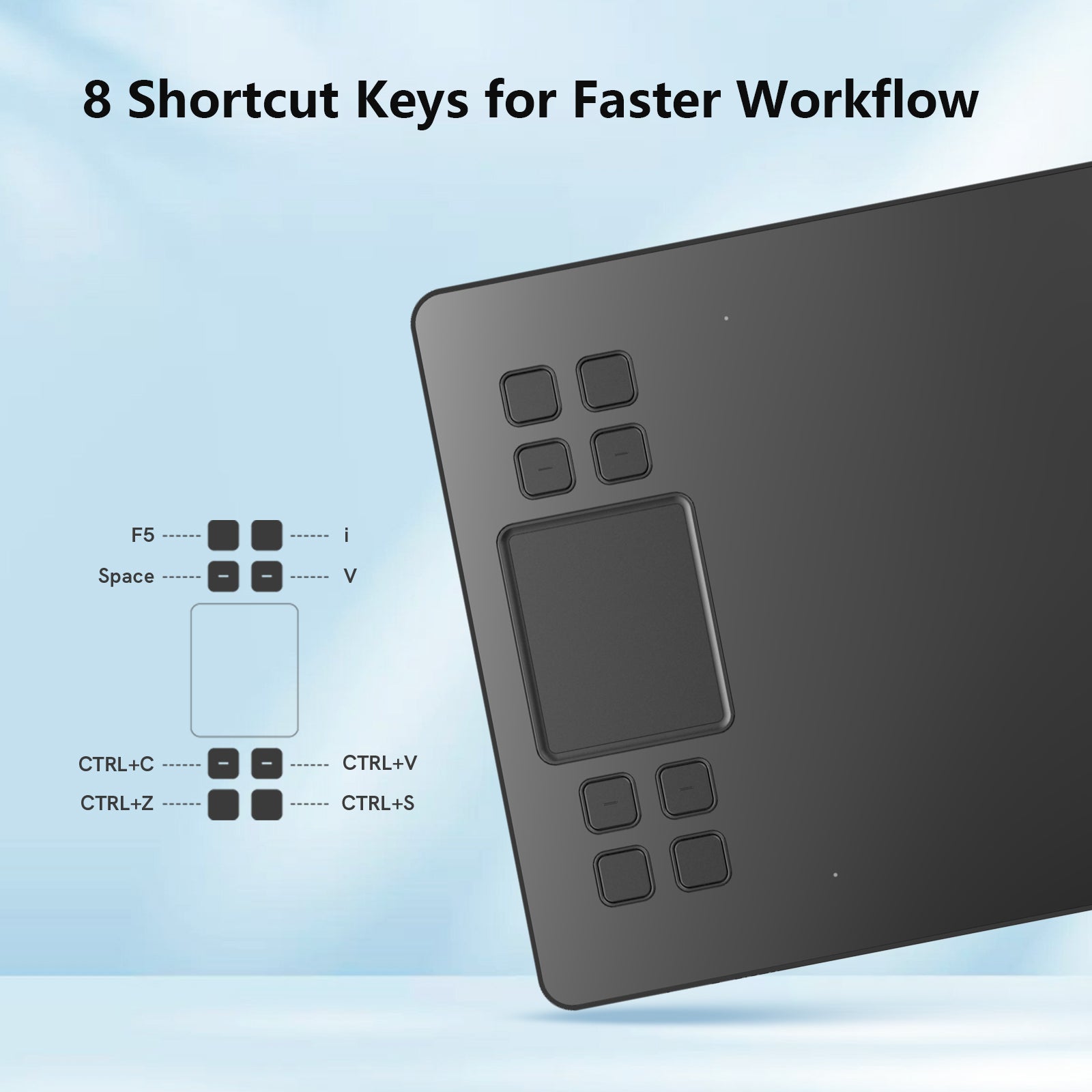
Built for a Smoother Workflow

Customize your shortcuts to match your creative habits, from brush control to quick undo on the Creator A50 drawing tablet.
Combined with the touch pad, you can navigate tools and layers effortlessly, keeping your workflow fast, fluid, and distraction-free for digital art, illustration, and design work.

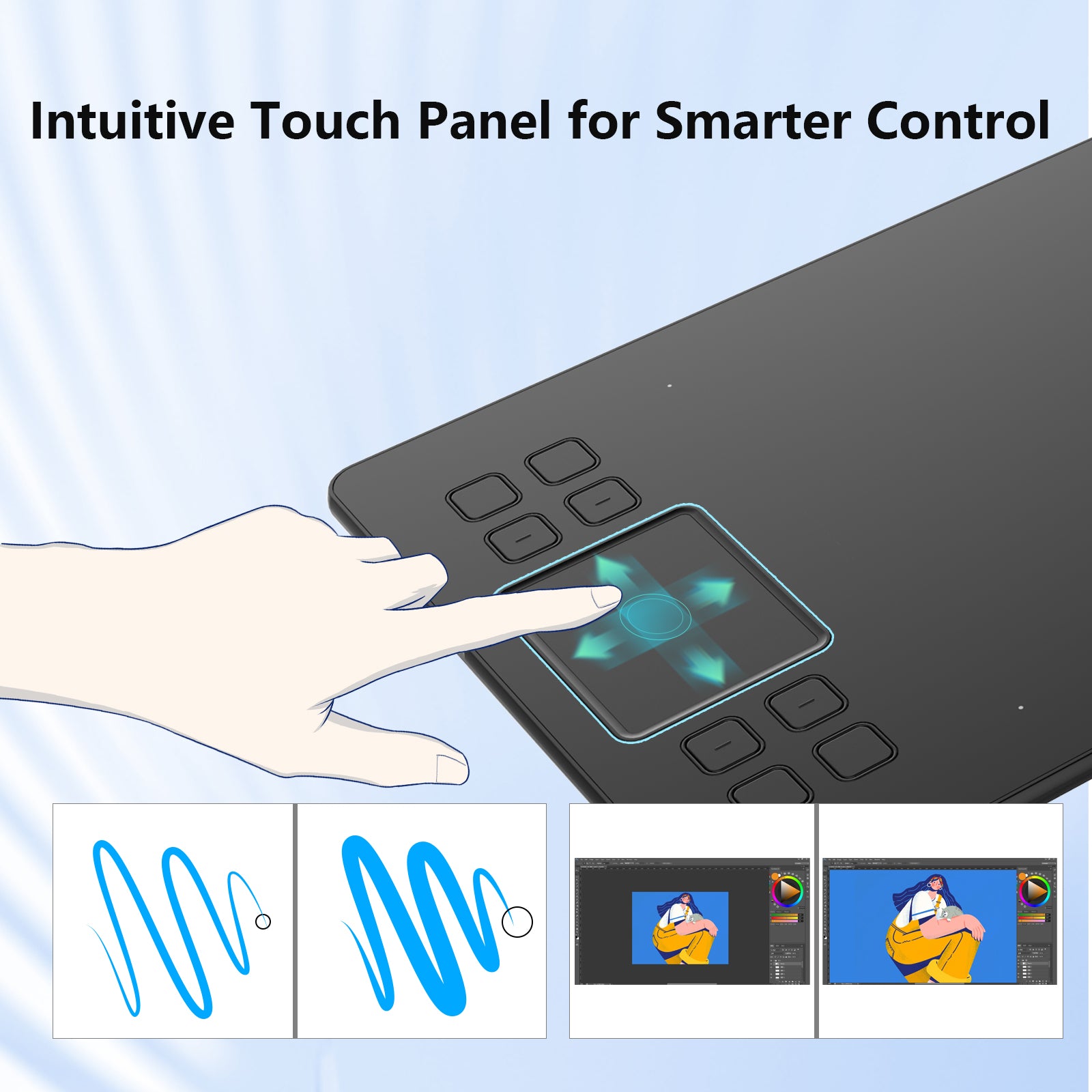
Smarter Control with Gesture Support

The Creator A50 pen tablet supports both single- and multi-finger gestures for quick and fluid control.
Fully customizable to match your habits, helping you streamline your workflow and stay focused on creating.

Use Touch Freely → Disable Anytime

Enjoy intuitive gesture control with the touch pad, and turn it off anytime when you prefer a stylus-only workflow.

Precision That Feels Natural

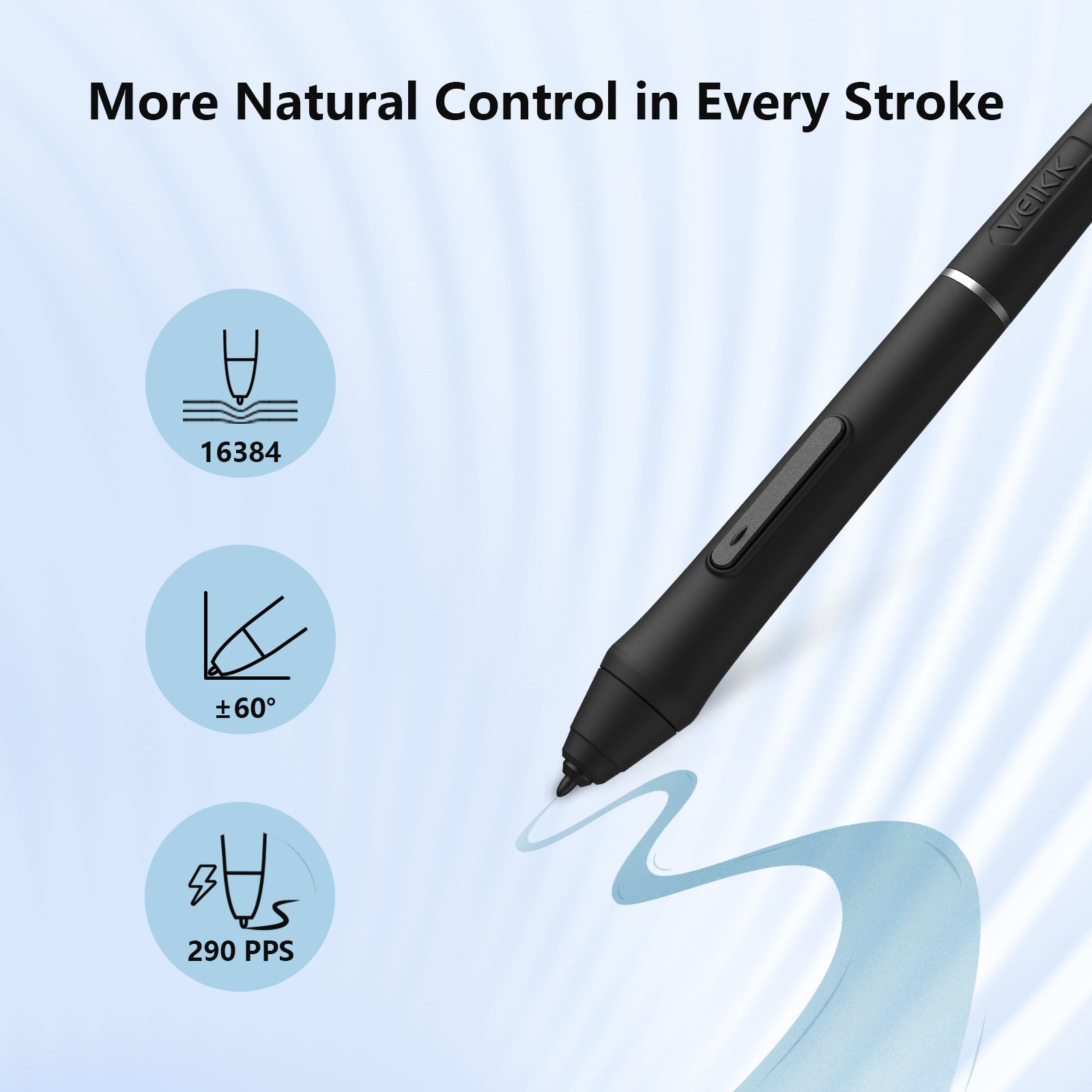
With the P05 battery-free stylus, you can create with accuracy and control, capturing every detail from light sketches to rich digital paintings.
With 16384 levels of pressure sensitivity, every stroke responds exactly to your hand, from the lightest touch to bold lines.
Tilt support up to 60° lets you shade naturally, just like using a real pencil or brush.

Always Ready. No Charging Needed.

Powered by EMR technology, the P05 battery-free pen lets you create without interruptions, so you can focus fully on your ideas instead of power levels.

With instant pen and eraser switching via side buttons, your workflow stays smooth and efficient, with no need to pause or reach for shortcuts.

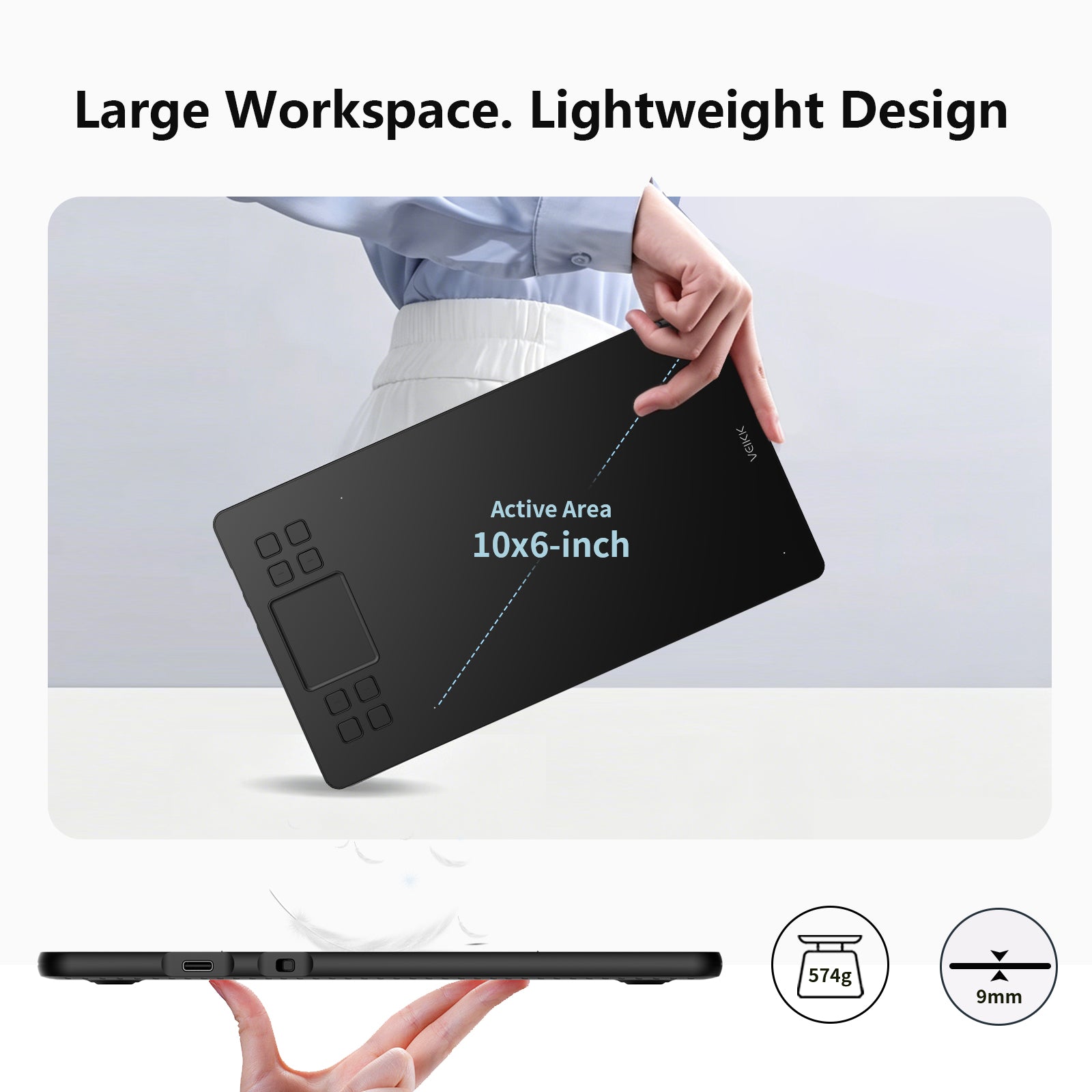
Big on Space. Light in Your Bag.

10×6 inch ultra-large working area makes more possibilities!

At just 9mm thin and 517g light, the Creator A50 pen tablet is built for creators on the move and is easy to carry, ready to create anytime.

Fast, Stable USB-C Connection

The A50 tablet features a modern USB-C port that ensures stable, efficient data transmission for a smooth creative experience.
Its reversible plug design lets you connect instantly without checking orientation, so you can just plug in and start creating.

Made for the Way You Create

Whether you're left-handed or right-handed, the A50 pen tablet adapts to your natural way of working.
With support for 0°, 90°, 180°, and 270° rotation, you can set up the orientation that feels most comfortable and keep your workflow smooth and personal.

Unlock Your Creative Workflow

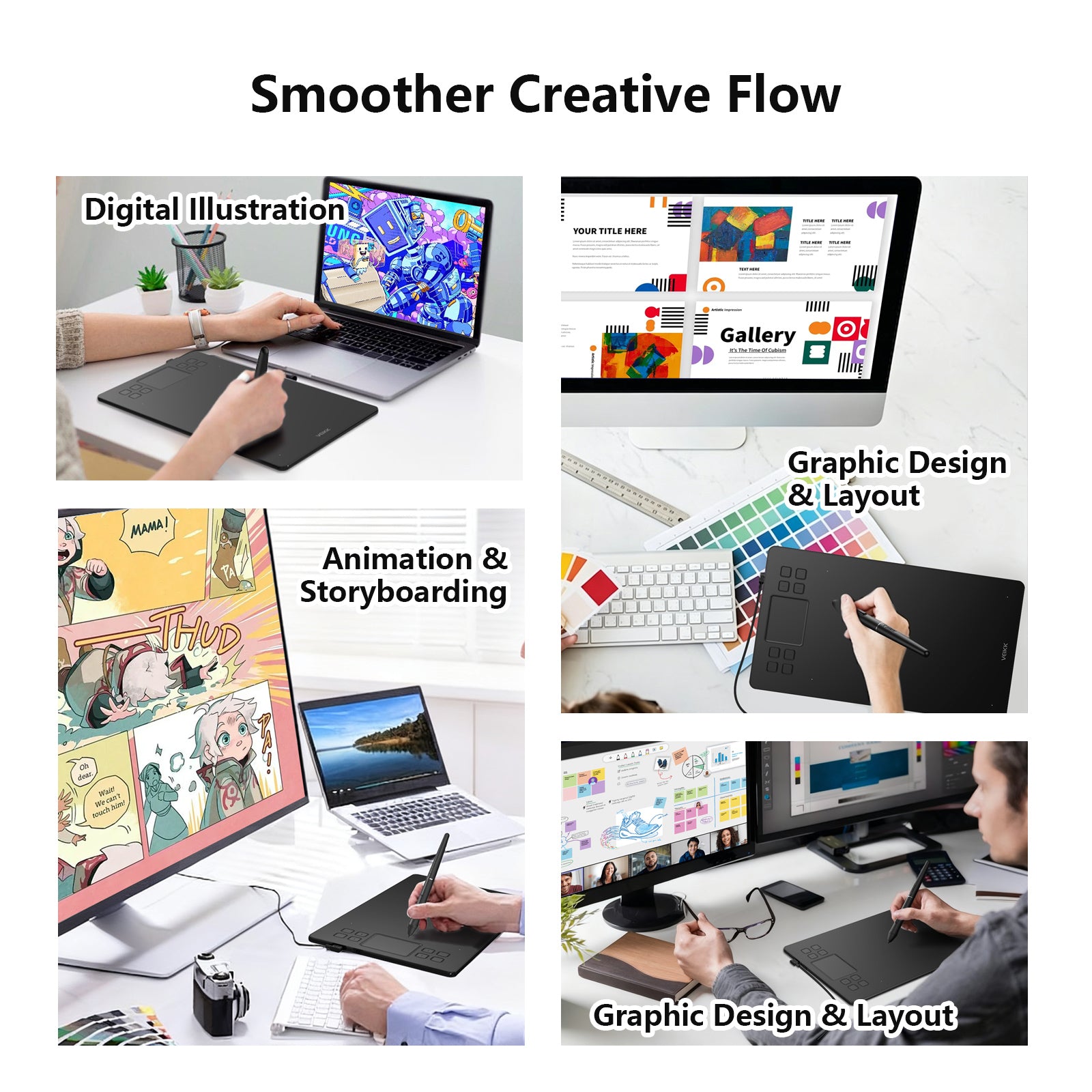
Digital Illustration
Bring ideas to life with precise pen control and smooth strokes for sketching, painting, and detailed artwork.

Animation & Storyboarding
Plan scenes and sketch frames easily to build clear story flow and expressive character movement.

Graphic Design & Layout
Create clean visuals for posters, branding, and layouts with accurate input and fast shortcut control.

Education & Work
Support study, teaching, note-taking, and e-signature with a natural pen experience for simple, efficient workflow.

Works With Your Devices

The Creator A50 pen tablet works smoothly with Windows 7 or later, macOS 10.12 or later, Android 6.0 or later, and Linux, so that you can create freely on your preferred device.

Works With Your Favorite Software

Creator A50 tablet supports industry-standard creative software such as Photoshop, SAI, CorelPainter, Illustrator, SketchBook Pro, Manga Studio, Krita, and more, keeping your workflow fully flexible and uninterrupted.

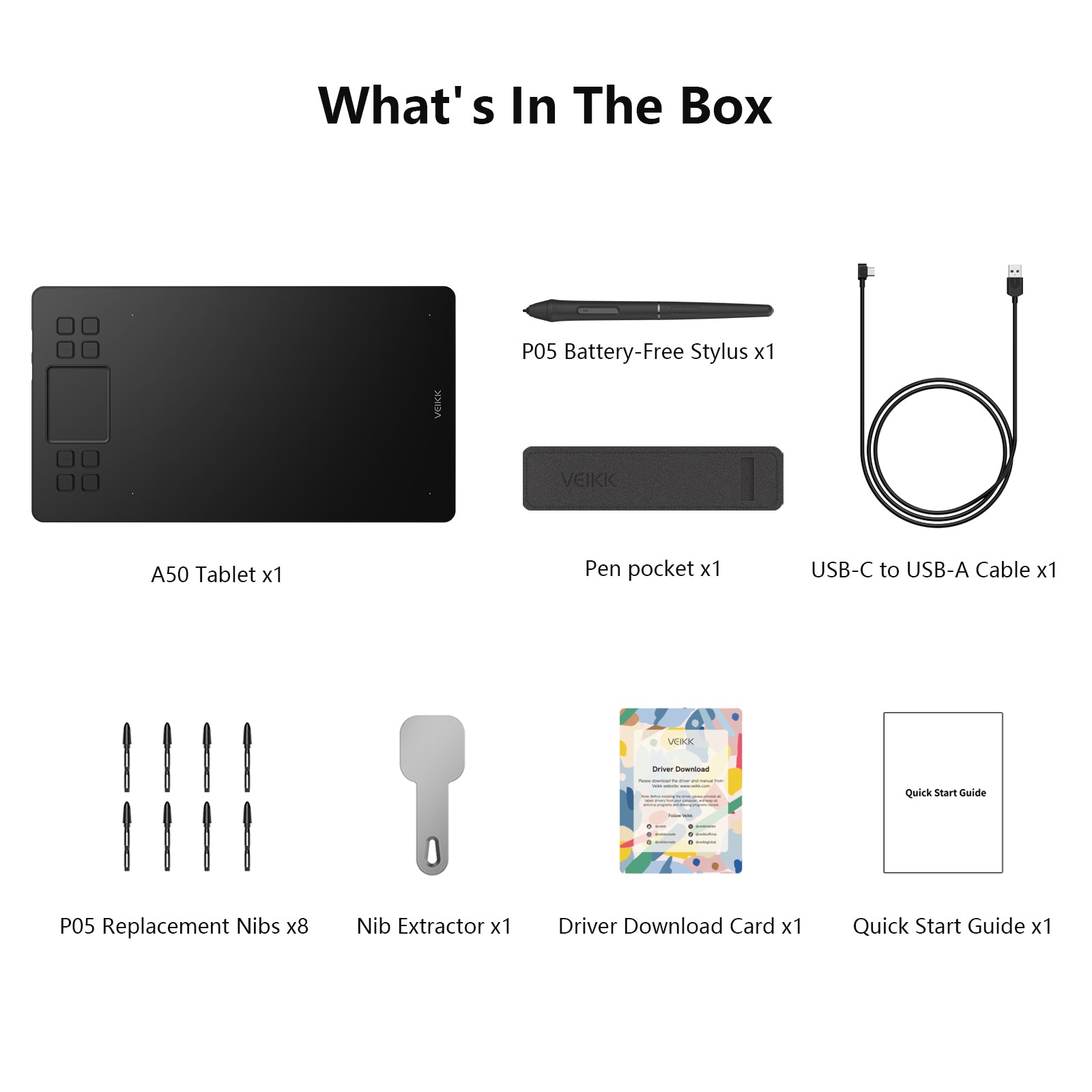
What’s in the Box

1×A50 Tablet
1×USB-C to USB-A Cable
1×P05 Battery-Free Stylus
8×Replacement Nibs
1×Nib Remover
1×Pen Pocket
1×Quick Start Guide
1 x Driver Download Card

Tech Specs

Basic Information

Product Model: A50
Working Area: 10*6-inch
Color: Black
Dimension: 358*200*9mm
Product Net Weight: 517g

Functions & Controls

Press Keys: 8
Touch Pad: 1

Pen Performance

Pressure Sensitivity: 16384 Levels
Pen Resolution: 5080 LPI
Report Rate: 290PPS
Reading Height: 10mm
Tilt Recognition: 60°

Interface & Compatibility

Interface: USB-C
OS Support: Windows 7 or later, macOS 10.12 or later, Android 6.0 or later, Linux

FAQs

Is the Creator A50 good for beginners?

Yes, the Creator A50 pen tablet is designed for you, whether you are just starting out or building your creative skills. The natural pen feel and simple setup make it easy for you to start drawing and creating digital art from day one.

Can you use the A50 for professional creative work?

Yes, you can use the A50 for illustration, animation, and graphic design. With 16384 levels of pressure sensitivity and tilt support, it gives you precise control for both detailed work and expressive sketching.

Will the A50 work with your computer and software?

Yes, the A50 is compatible with Windows, macOS, Android, and Linux. You can use it with popular creative software like Photoshop, Illustrator, Krita, SAI, CorelPainter, and more.

Is the A50 convenient for daily use and work?

Yes, you can customize shortcut keys to match your workflow and speed up tasks like zooming, undo, and brush control. Its lightweight design also makes it easy for you to carry and create anywhere.

How to get bulk pricing or become a distributor?

You can enjoy bulk pricing based on your order quantity. We also support customization options such as branding and packaging.

For wholesale, OEM/ODM, or partnership inquiries, contact us at partner@veikk.com
or submit your request via Get A Custom Quote.

Get A Custom Quote

Contact us for bulk orders, wholesale pricing, and customized solutions.