
Creator VK1060
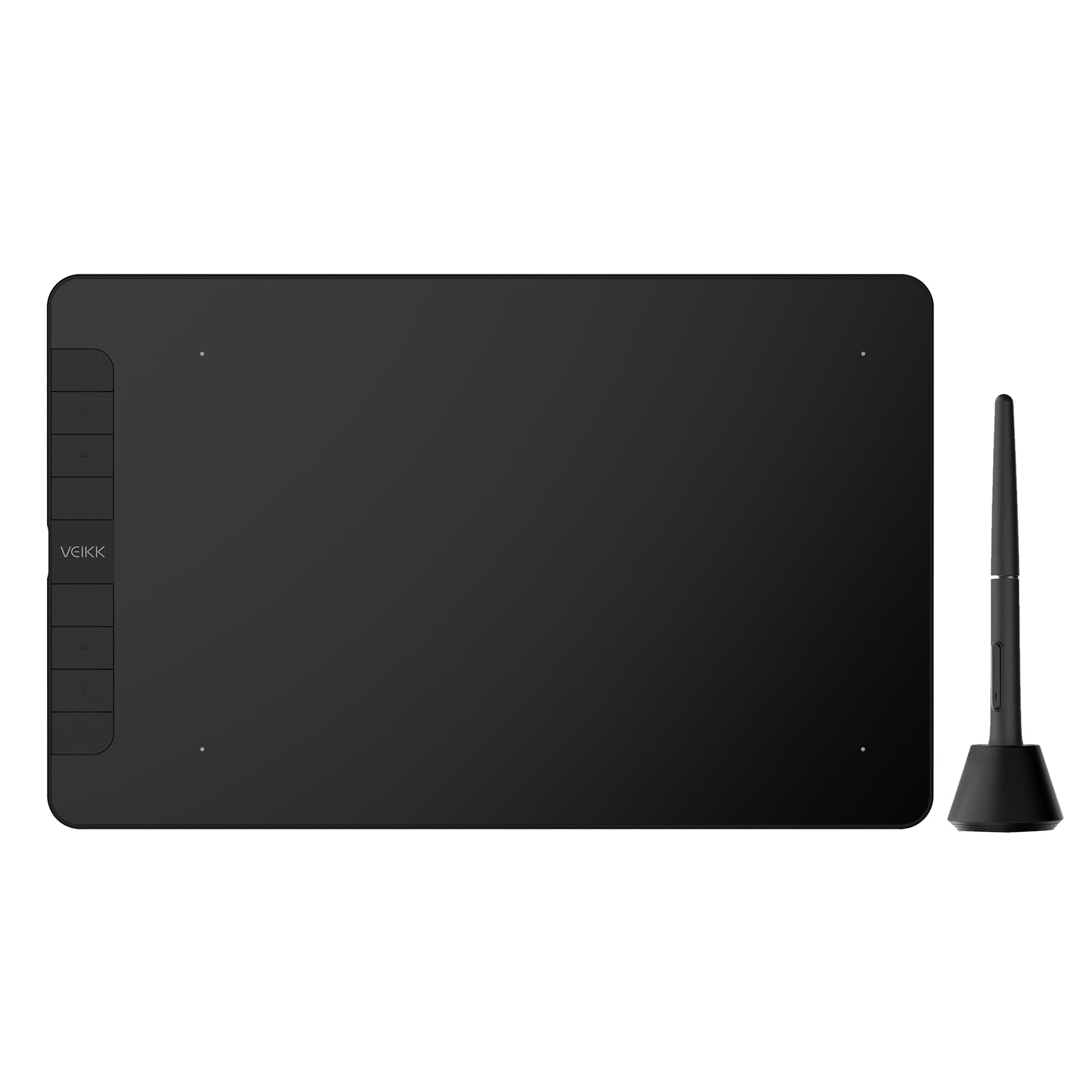
Enjoy a smooth, natural photo editing or drawing experience through the 10x6 inch matte surface workspace. You can easily edit photos and sketches with 16384 levels of pressure sensitivity battery-free pen and 8 customizable shortcut keys.
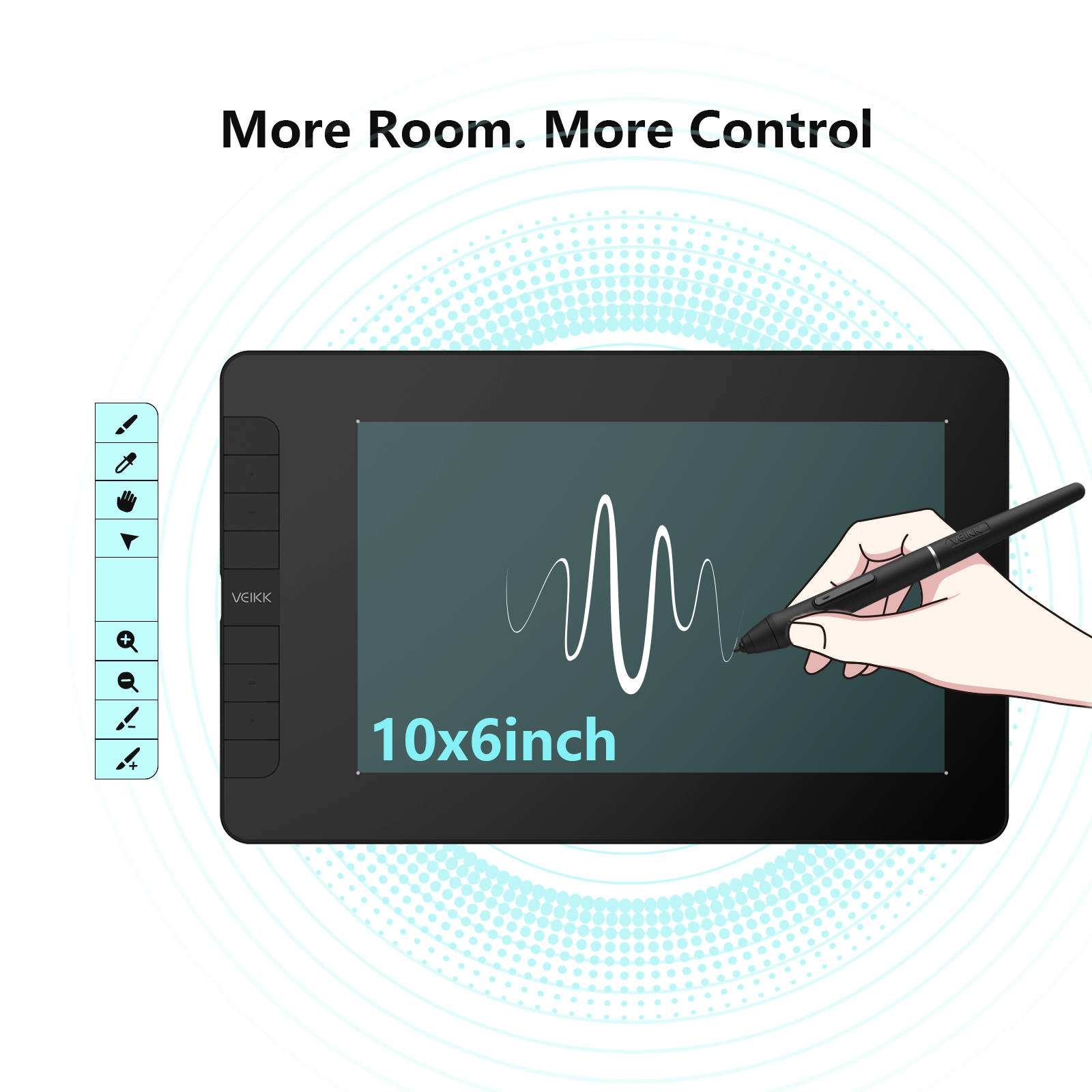
Super Efficient: 8 customized shortcut keys. With its blind spot reduction design, you can find the position of your shortcut keys efficiently. You can program for your favorite keyboard shortcuts, like zoom in/out, brush size +/-, undo, etc., which can improve efficiency and create a highly ergonomic and convenient work platform. You can keep keyboard use to a minimum while working.
Big Size, Big Experience: Features a 10x6-inch large active drawing area with a papery texture surface, provides smooth and natural photo editng or drawing experience for your digital artwork creation. The USB-C port allows plug in and out with either direction, which is more convenient and stable.
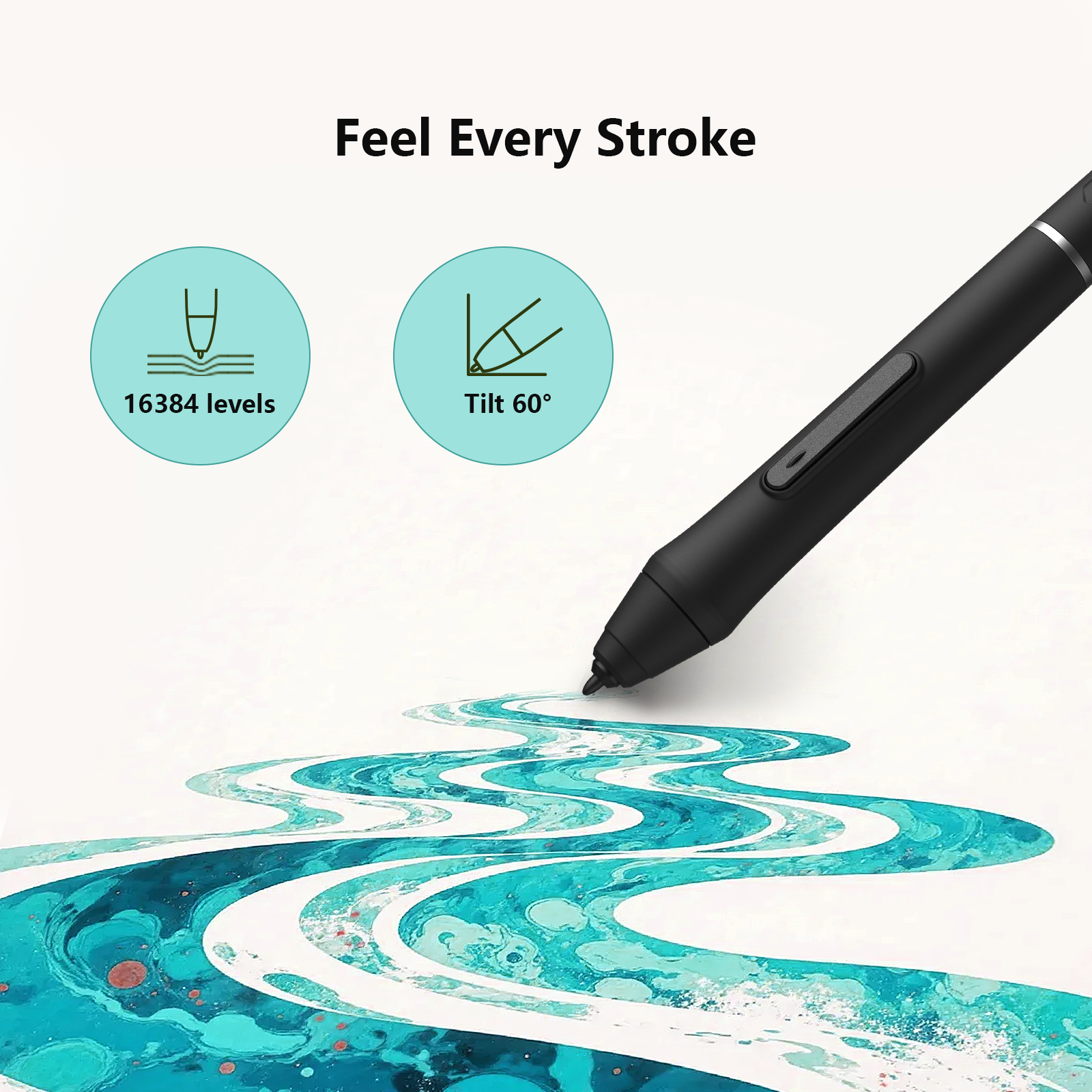
Natural and Precise: The drawing tablet features 16384 levels of pressure sensitivity pen, which makes the lines transition from thin to thick will be fluid and precisely under your control. ±60° Tilt makes a digital stylus draw as natural as a real pencil. It is suitable for sketching, shading as well as creating stylized paintings. The battery-free pen does not need to charge or replace the battery. Create fluently at any time and no need to worry about whether the battery will run out.
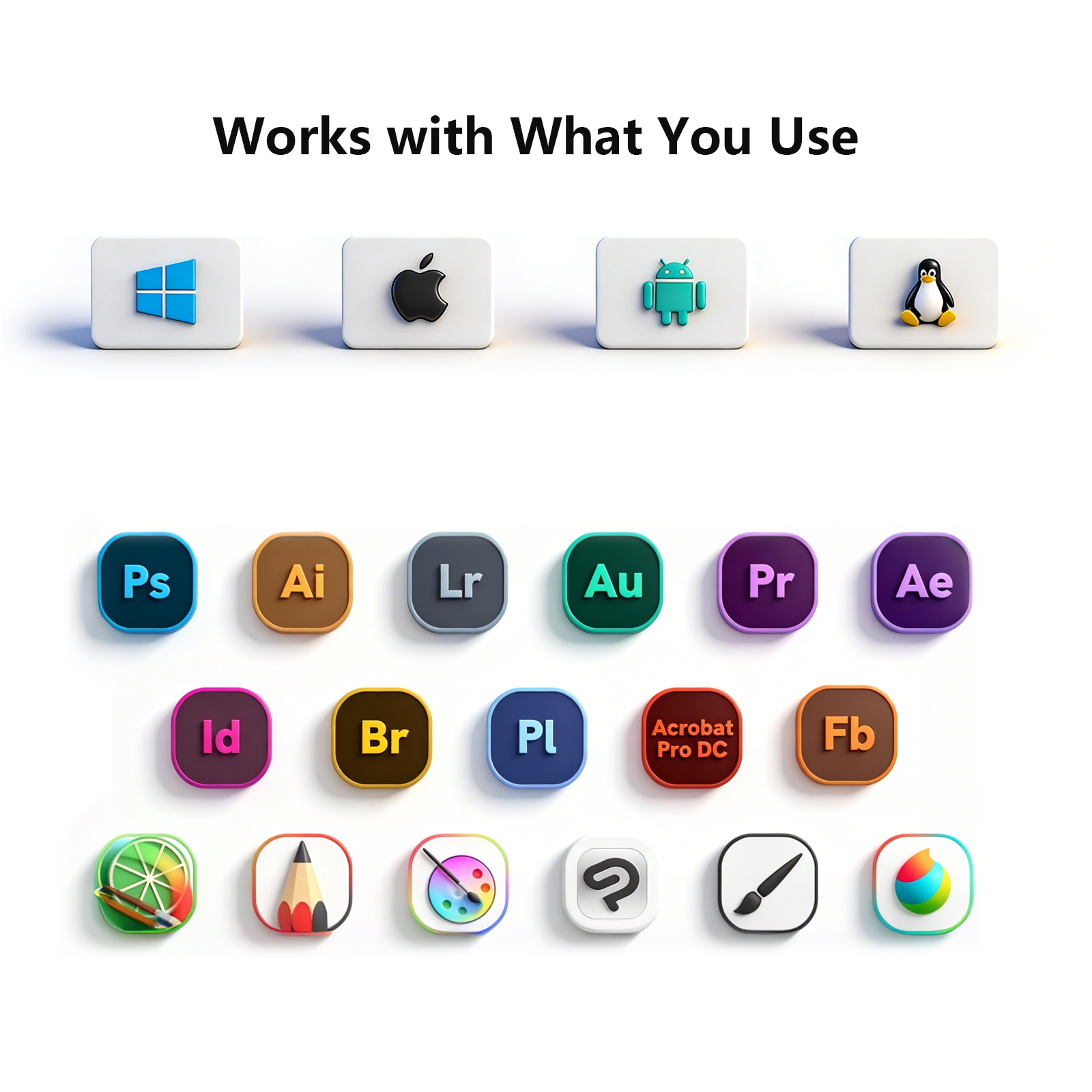
To the platform your love: Compatible with Windows 7 or later, macOS 10.12 or later, Linux, and Android 6.0 or later phone (Check Android FAQs first to see if your phone supported) with the OTG connector. You can use it on most creating programs, such as Photoshop, Krita, Illustrator, SAI, SketchBook Pro, Fire Alpaca, Open Canvas, Manga Studio, ibisPaint, Medibang and so on.
Write, Draw, Clip, Sign: Designed for drawing, painting, designing, sketching, E-signatures, gameplay etc. It is also an ideal tool for Online Teaching & Learning and Web conferences & Live broadcasts.
Pairs well with
In stock! Ships within 1-2 business days.
Lifetime Technical Support
One-Year Warranty
Secure Payment
Creator VK1060
Have questions about our products, compatibility, or bulk orders? Feel free to contact us. Our team will get back to you within 24 hours on weekdays.
-
Shipping Information
Orders are typically processed within 1–2 business days. Delivery usually takes 3–20 business days. Shipping fees and delivery times may vary depending on your location.
-
Driver Download
You can download the latest driver directly from the Driver Download section.
If you need any assistance, please contact us at service@veikk.com. -
Bulk Order Inquiry
Wholesale pricing, customization, and business support. Please email partner@veikk.com
-
Customer Suppor
For technical assistance and after-sales support, contact us at service@veikk.com
For order status, shipping, or purchase inquiries, please email store@veikk.com
Creator VK1060


Natural and Precise

Big Size, Big Experience

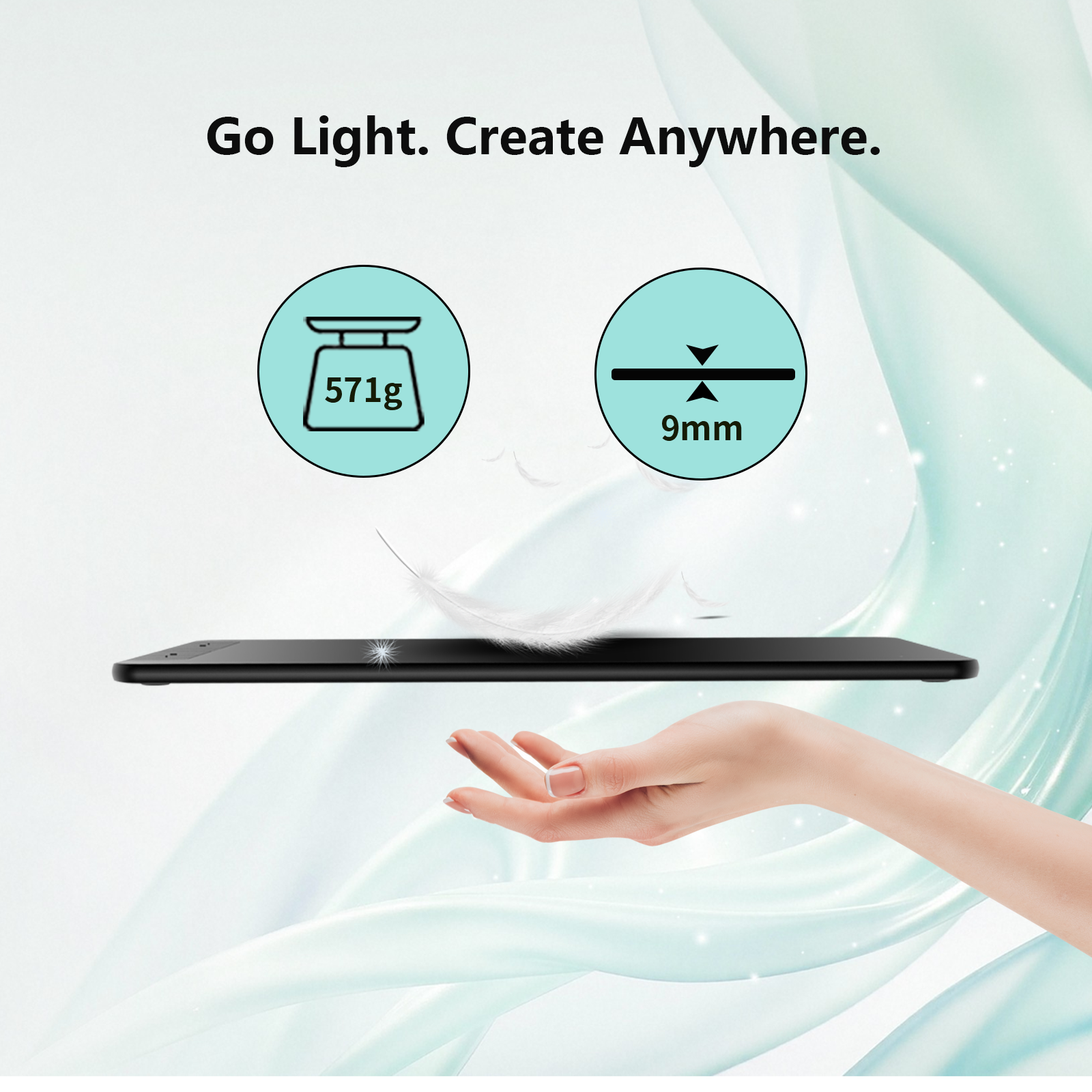
Slim and Lightweight Design

Super Efficient

Continuous, Hassle-Free Drawing
Write, Draw, Clip, Sign


Stay Prepared and Organized

Flexible and Compatible

System Compatibility

Creative Software Support
