
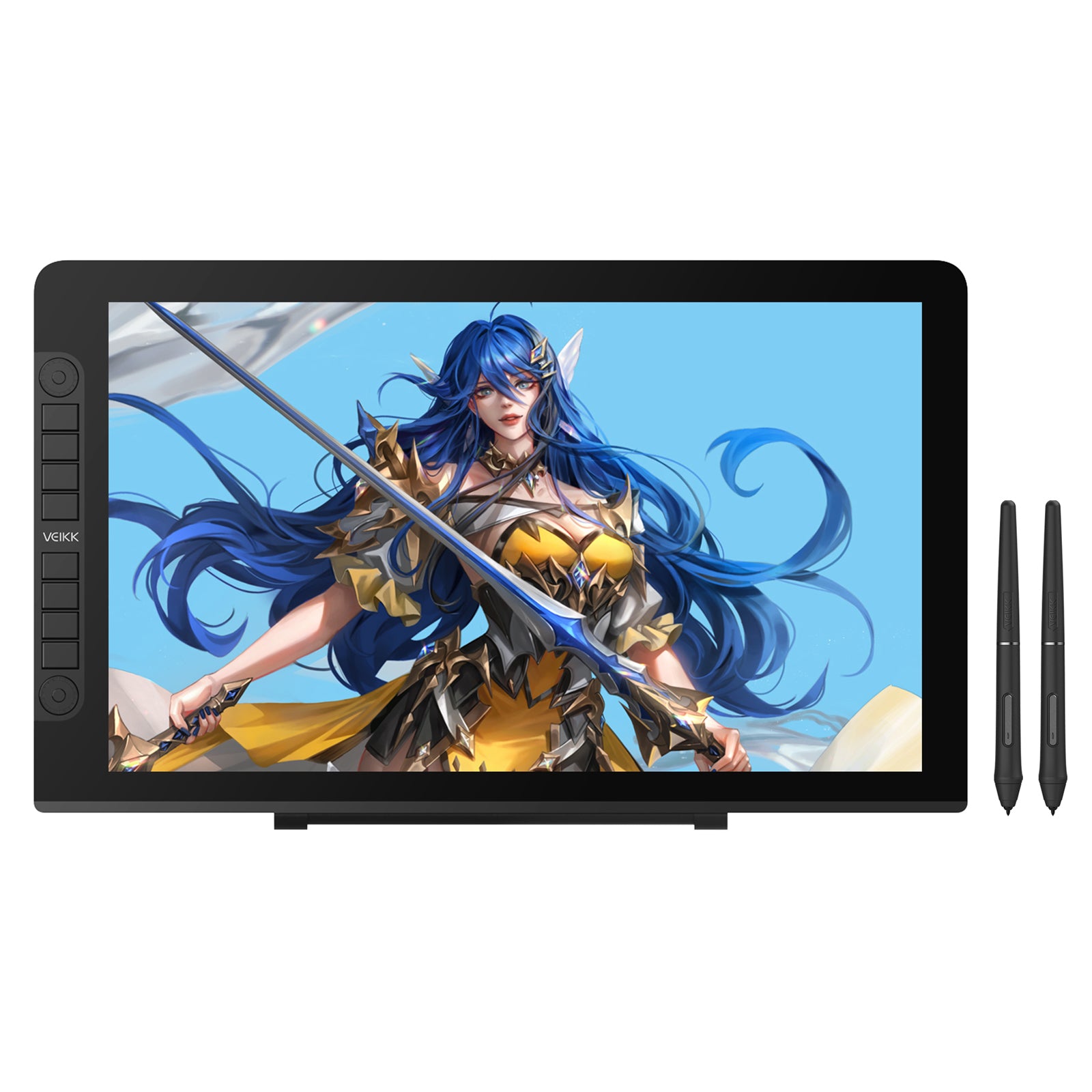
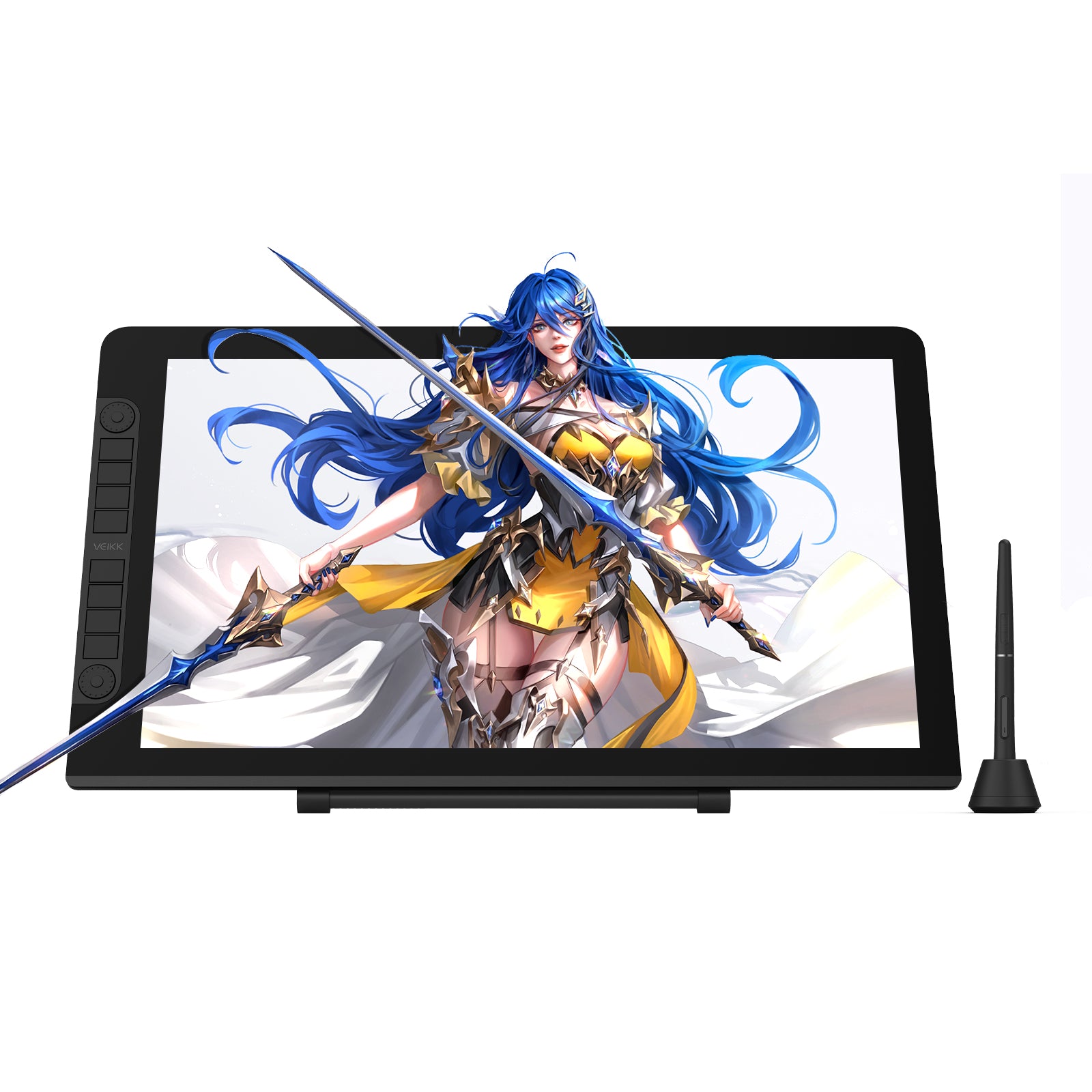
Studio VK2200 Pro
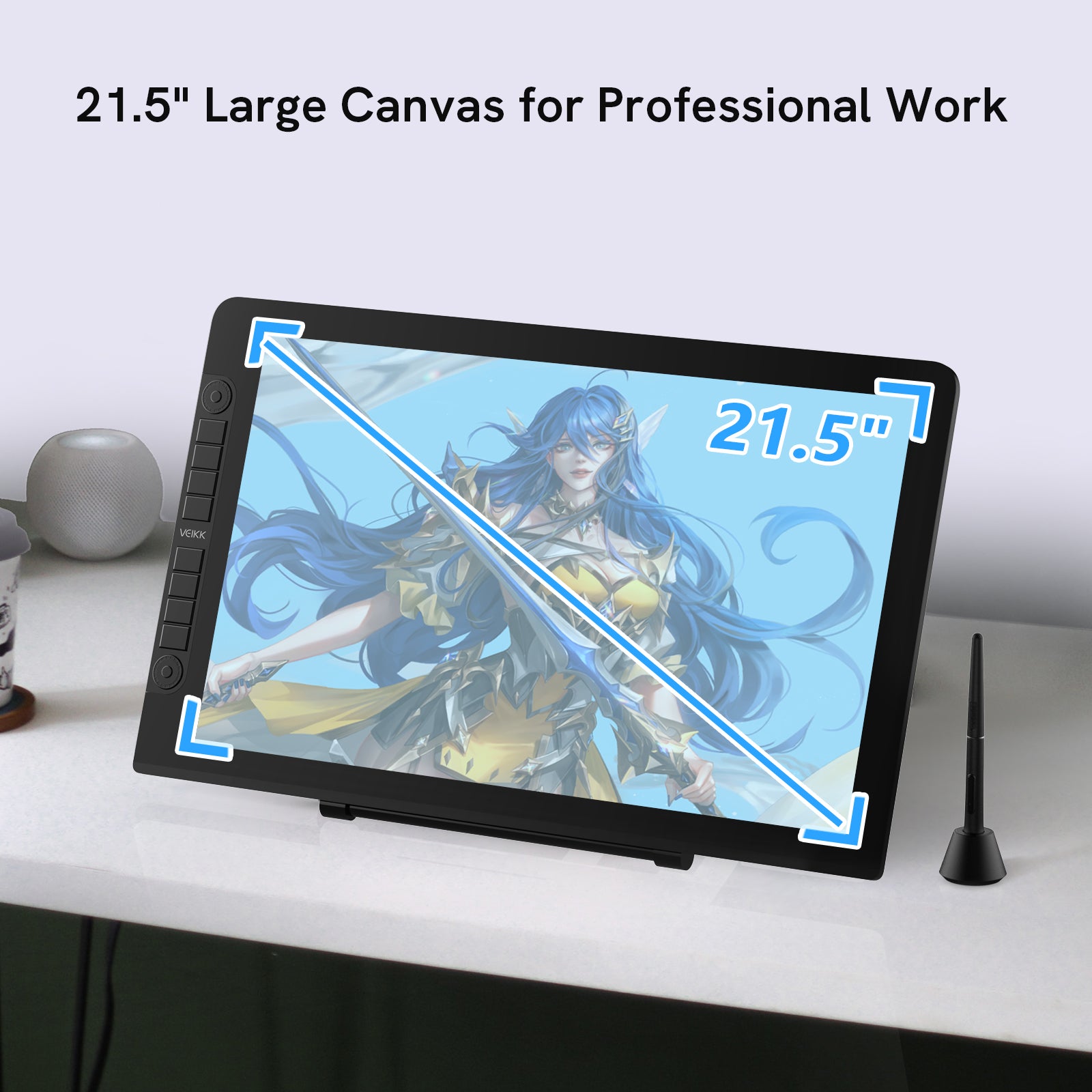
Level up your digital work space and art skills on a 21.5-inch, 1920x1080 FHD IPS screen. 2 quick dials and 8 silent shortcuts fully meet your productivity needs; the dual-head USB-C design allows connection to other devices without an adapter.
Feast the hands on slim design: First seen on display, it combines the shortcuts and the screen without any extra gap. Unlike typical pen displays, it looks more elegant and memorable and thinner to 18mm.
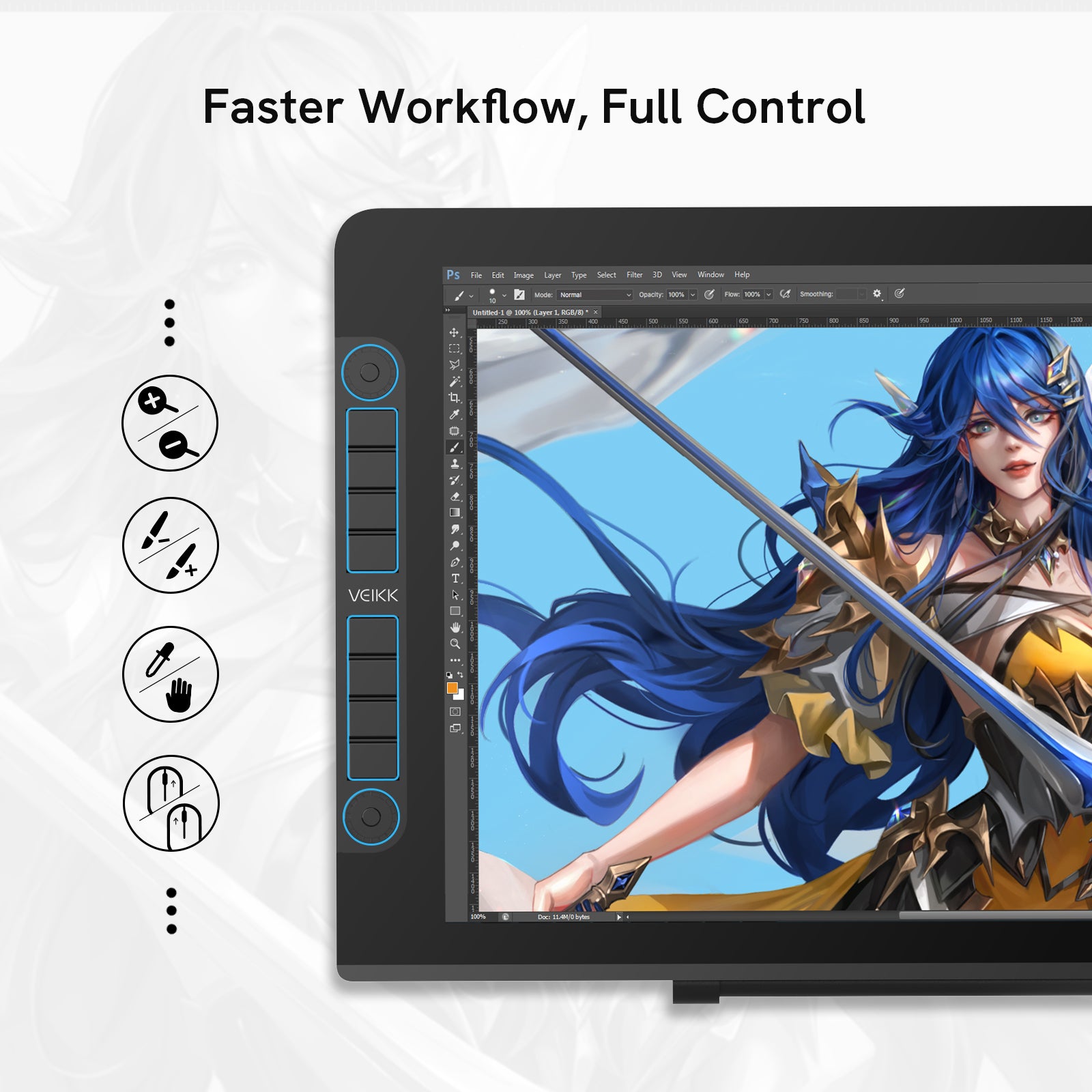
Designed for the creative process: Comes with 2 Quick Dials and 8 Silent Shortcut Keys which allow keeping creativity flowing. You can set functions in the driver like zoom in/out, brush+/- and undo etc. on two Quick Dials to process 8 customized functions. Or you can just choose using one of them to meet your personal needs.
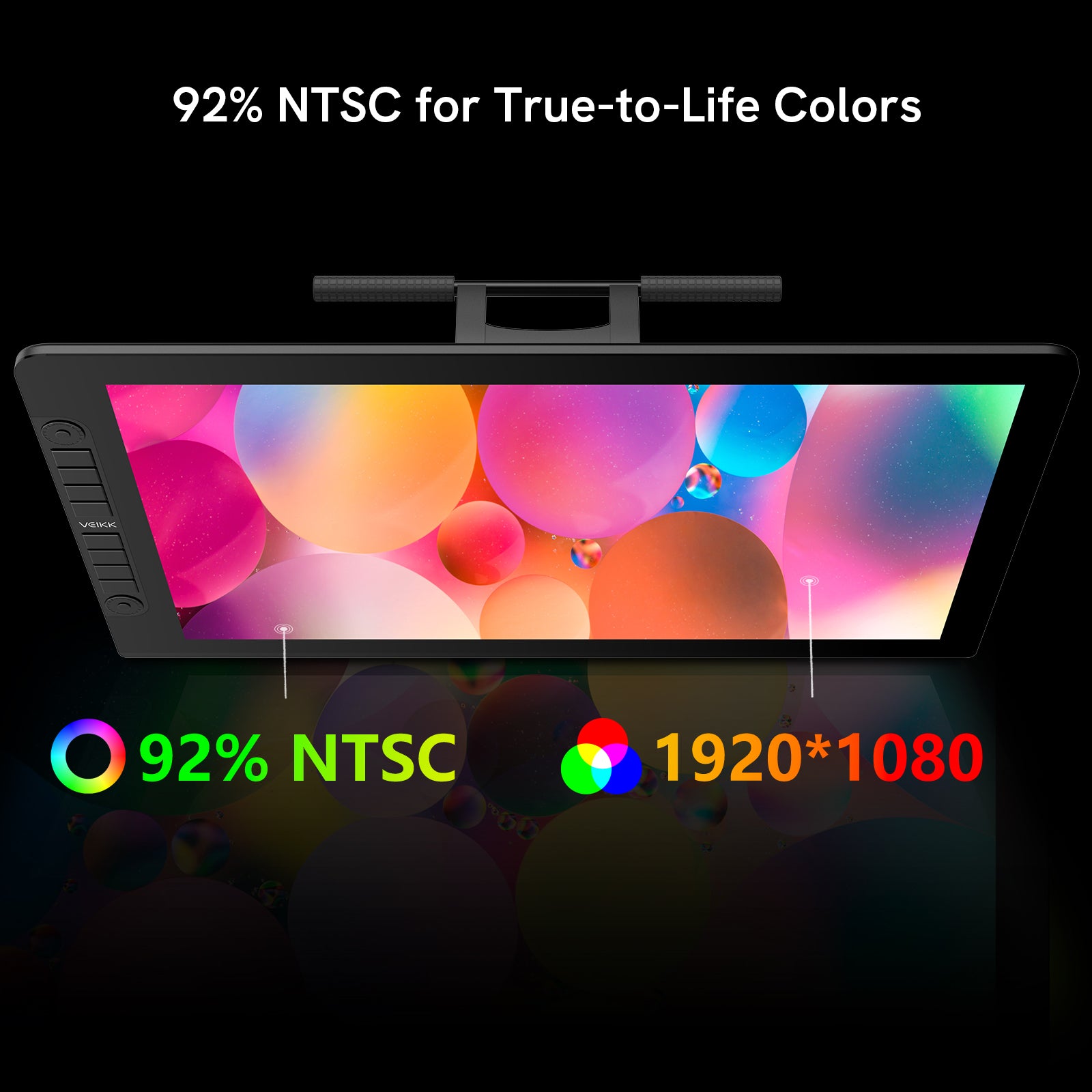
Full Laminated and High Resolution: Experience vibrant colors with 16.7 million colors, 92% NTSC/120%sRGB on the VK2200 Pro Pen Display, and work as long as you'd like with the battery-free pen.
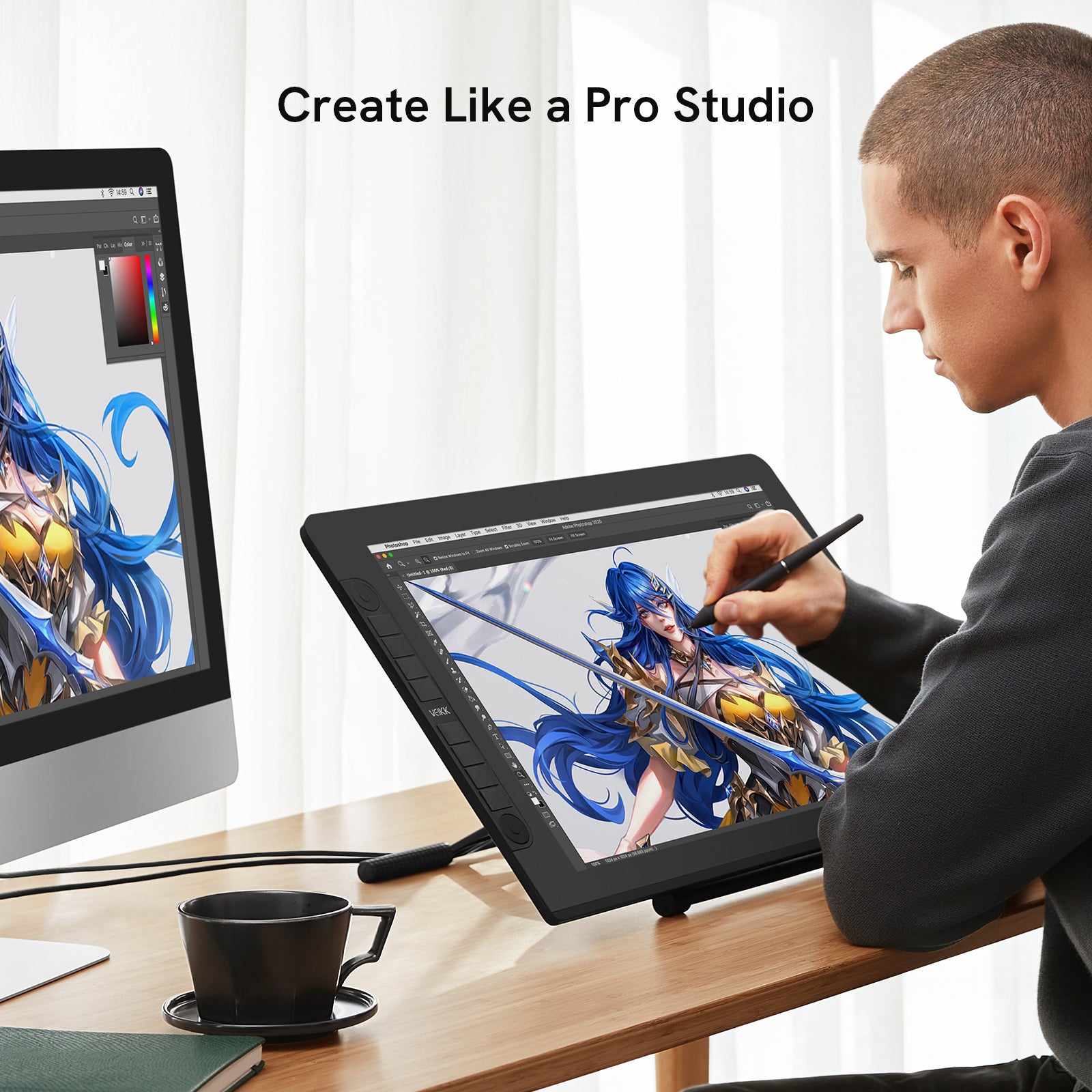
Widely Used: It’s compatible with Windows 7 and above, macOS 10.12 and above, and Linux. You can use it on creative program like Adobe Photoshop, paint tool sai, illustrator, Corel draw, Corel painter, sketchbook, manga studio, clip studio paint, and more.
Pairs well with
In stock! Ships within 1-2 business days.
Lifetime Technical Support
One-Year Warranty
Secure Payment
Studio VK2200 Pro
Have questions about our products, compatibility, or bulk orders? Feel free to contact us. Our team will get back to you within 24 hours on weekdays.
-
Shipping Information
Orders are typically processed within 1–2 business days. Delivery usually takes 3–20 business days. Shipping fees and delivery times may vary depending on your location.
-
Driver Download
You can download the latest driver directly from the Driver Download section.
If you need any assistance, please contact us at service@veikk.com. -
Bulk Order Inquiry
Wholesale pricing, customization, and business support. Please email partner@veikk.com
-
Customer Suppor
For technical assistance and after-sales support, contact us at service@veikk.com
For order status, shipping, or purchase inquiries, please email store@veikk.com

Studio VK2200Pro Drawing Tablet with Screen
8 customized shortcut keys, and two dials, limitless possibilities

Keep creativity flowing with shortcuts
The VK2200Pro features two customizable Quick Dials and eight SilentPress shortcut keys, allowing you to keep your creativity flowing.
You can assign functions such as zoom in and out, brush size adjustment, and undo through the driver.
With two Quick Dials, you can access up to eight customized functions at the same time. This streamlined control helps improve efficiency and keeps you fully engaged in your creative workflow.

Spark your ideas efficiently
Click the middle button on the dial can switch to different functions instantly, for example, switch brush+/- to canvas +/-.

Release your creativity
The VK2200Pro display features eight fully customizable silentpress shortcut keys, allowing you to assign functions based on your personal workflow, such as zoom in and out, undo and redo, brush size adjustment, canvas rotation, hand tool navigation, and quick access to tools like the eraser or color picker.
By placing essential commands at your fingertips, it streamlines repetitive actions, improves efficiency, and keeps your creative process smooth and uninterrupted.

Less Noise, More Focus
No more annoying click noise. Veikk's exclusive SilentPress technology reduces 90% of click sounds, creating a better, quieter environment for you and those around you.

A brilliant screen for your ideas
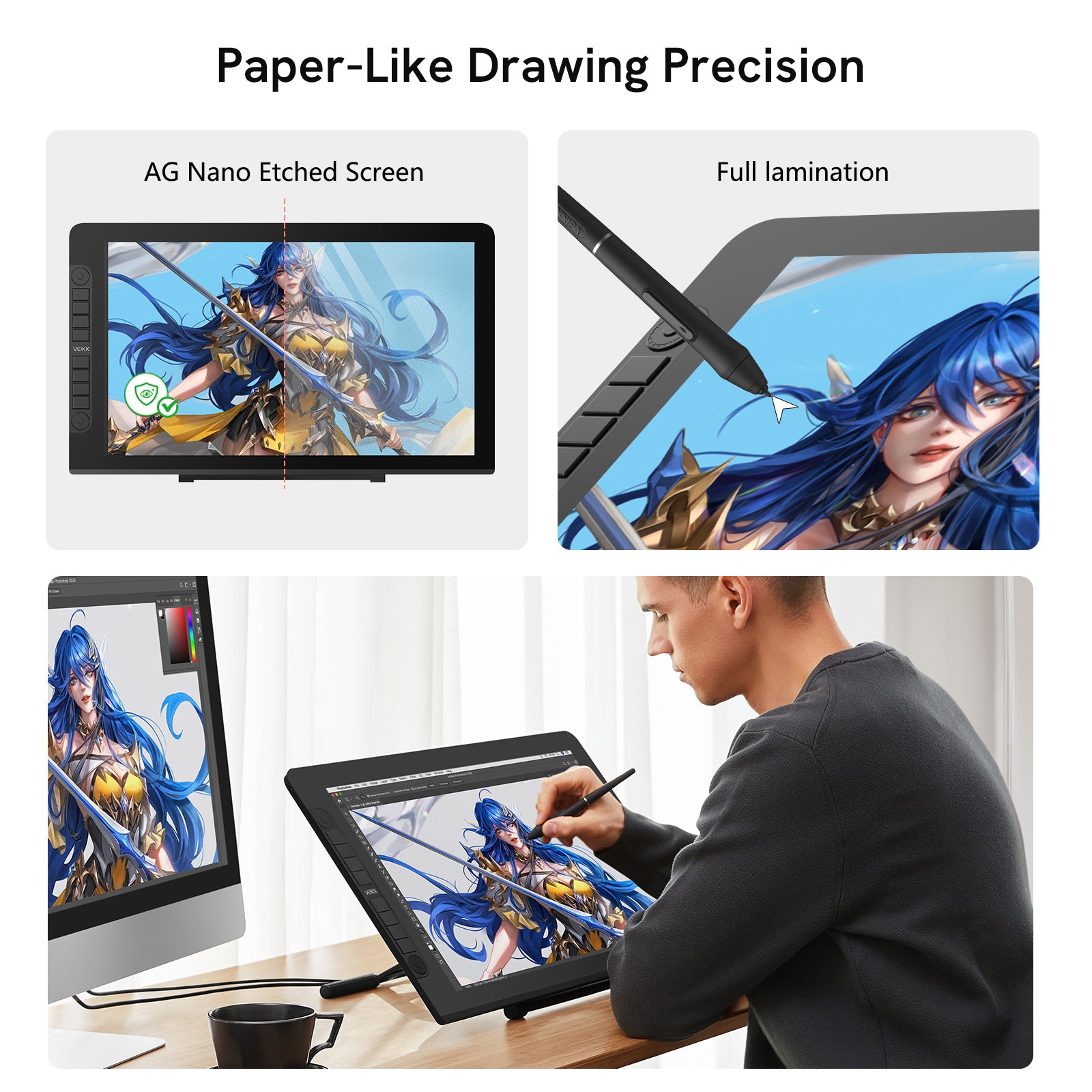
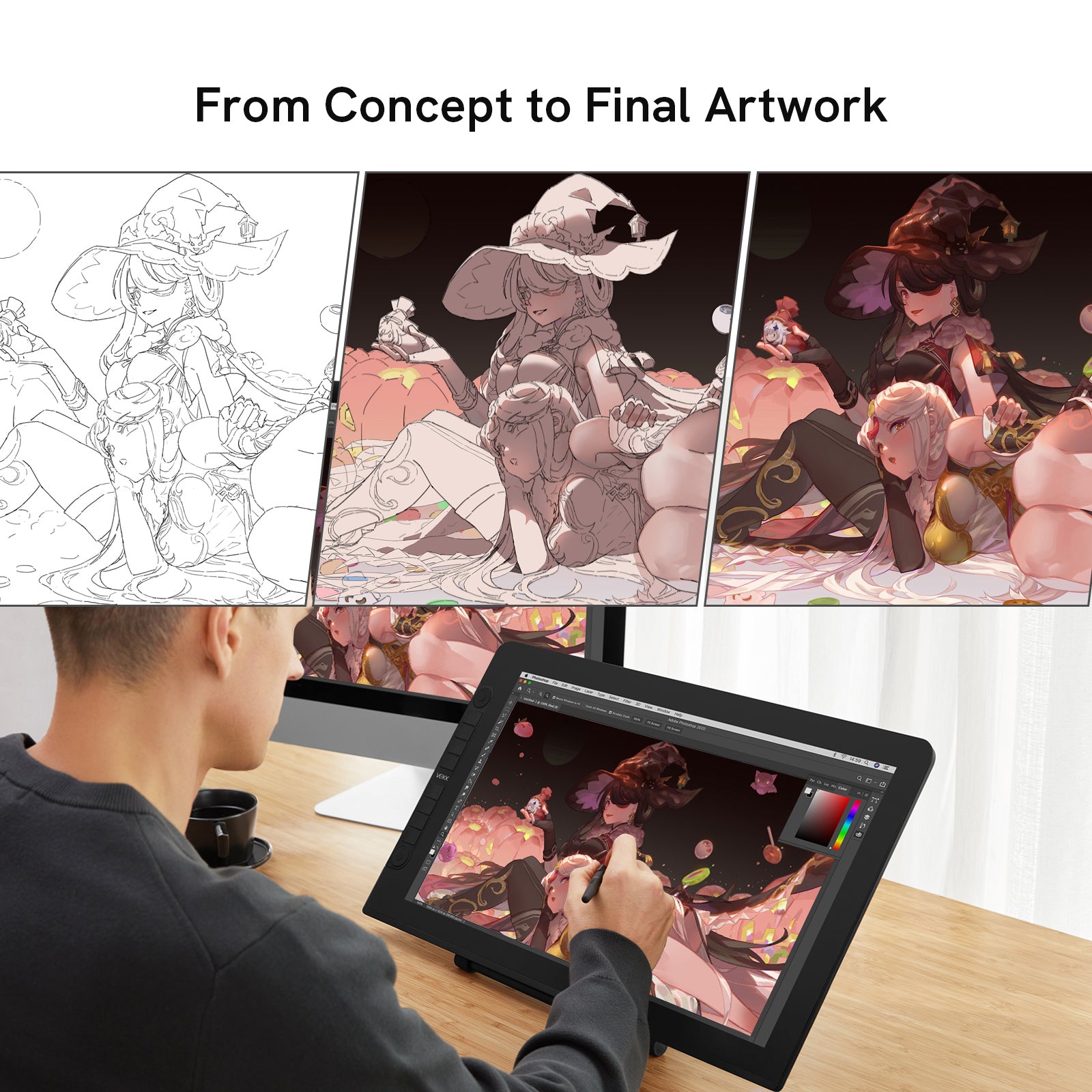
Studio VK2200Pro drawing tablet with screen, featuring a 21.5-inch 1920x1080 IPS full laminated display, lets you visualize ideas as you paint, edit, and design.
Then watch those ideas leap off the screen with 16.7 million pixels, 120sRGB/92% NTSC of true-to-life color and clarity.

Feast the hands on slim and elegant design
Every detail is precisely crafted for a seamless integration between the display and the screen, eliminating any visible gap.
Featuring an AG Nano-etched glass surface, it effectively reduces glare and reflections, delivering a more natural paper-like drawing experience with improved comfort for long creative sessions.
Compared with traditional pen displays, it offers a cleaner, more elegant design that enhances both aesthetics and user experience.

Express yourself naturally with battery-free Pen
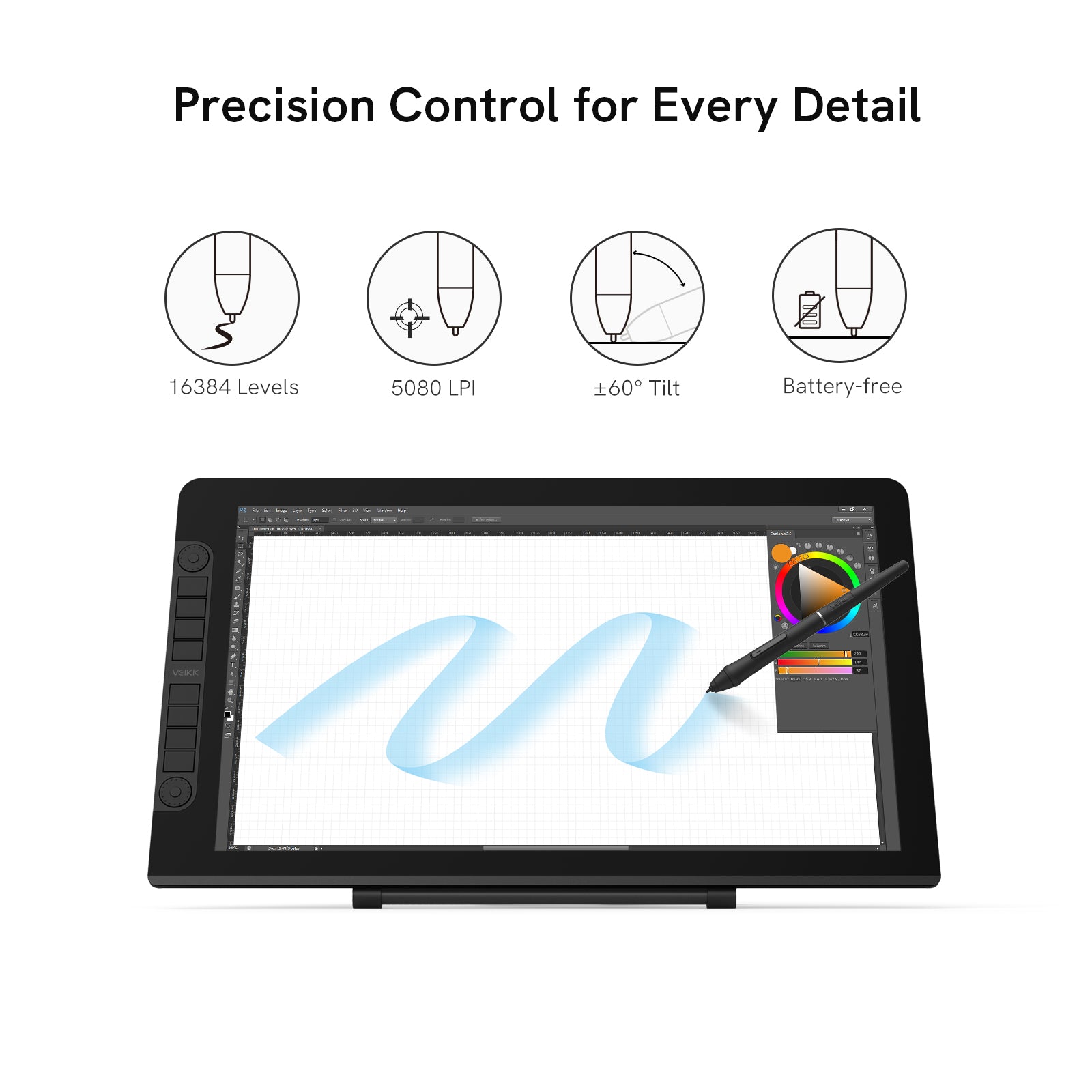
P05 battery-free pen, with 16384 levels of pressure sensitivity,60 tilt, and 290PPS high report rate, experience drawing and taking handwritten notes with the same feeling you get with a pen on paper—exceptional accuracy and smoothness.

Create at your best angle
You can adjust the VK2200Pro display to different angles as you like. It looks and feels great from every angle, helping you stay comfortable and focused in any creative workspace.

Multiple Cables, All for Convenience
VK2200Pro supports two connection methods: a single USB-C to USB-C cable connection, or a dual-cable setup using HDMI and USB-C for display and data transmission.
*Power is supplied separately via the included power adapter.
Create More, Do More
Whether you are drawing, designing, or working and studying, the VK2200Pro adapts to every creative and productive need with ease.
Digital Drawing & Illustration
Smooth and responsive pen performance for sketching, line art, and digital painting. Draw naturally with precision.
Graphic Design & Photo Editing
Accurate colors and clear details for design, retouching, and layout work. Create professional visuals with confidence.
Animation, 3D & Motion Creation
Fluid response for animation, 3D modeling, and motion design. Handle complex creative work with smooth control.
Work & Study
Note-taking, document annotation, online teaching, and digital signatures. Work and learn more efficiently every day.


To the platform you love
Studio VK2200Pro pen display is compatible with Windows 7 or later, macOS 10.12 or later, and Linux.
Easily switch, post your artwork, and express yourself on social media.
Unlocks different value
Studio VK2200Pro pen display is compatible with most of the creative apps you need on the job, fly through tasks, and be fully productive.

What's in the Box
1 x VK2200Pro Display
1 x USB-C to USB-C Cable
1 x USB Cable
1 x HDMI cable
1 x Power cable
1 x Power Adapter
2 x P05 Pens
2 x Pen Pockets
1 x Pen holder (8 x Pen nibs)
20 x Pen nibs
1× Nib Extractor
1 x Driver Download Card
1× Quick Start Guide